



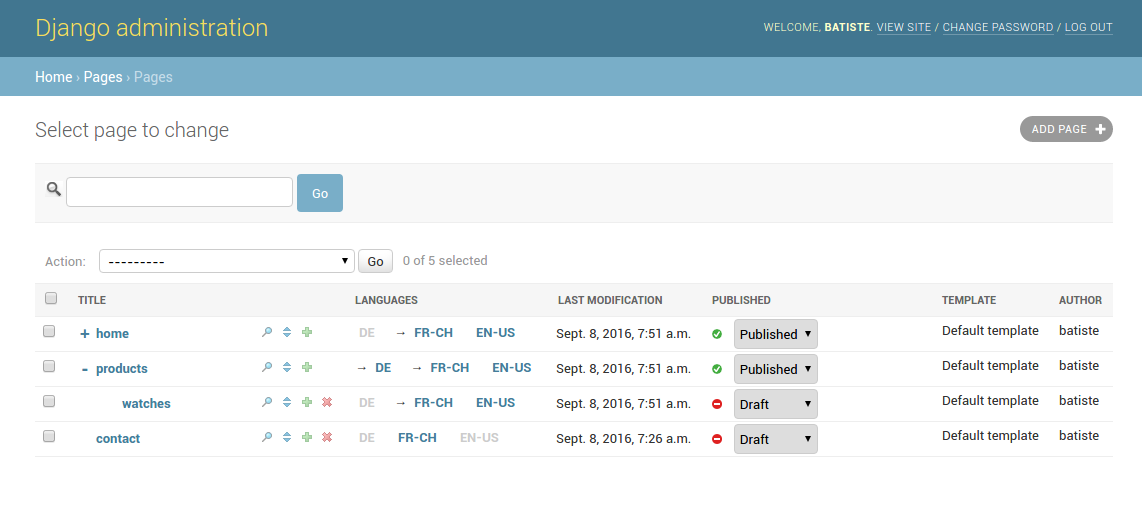
This Django CMS enables you to create and administrate hierarchical pages in a simple and powerful way.
For a quick demo.
$ pip3 install "django-page-cms[full]"; gerbi --create mywebsiteOr with docker
docker compose up webTo create a super user account
docker compose run web python example/manage.py createsuperuserTo create a demo website
docker compose run web python example/manage.py pages_demoTo run tests with docker
docker compose run run-testMore informations
Django page CMS is based around a placeholders concept. Placeholder is a special template tag that you use in your page templates. Every time you add a placeholder in your template such field dynamically appears in the page admin interface.
Each page can have a different template with different placeholders.
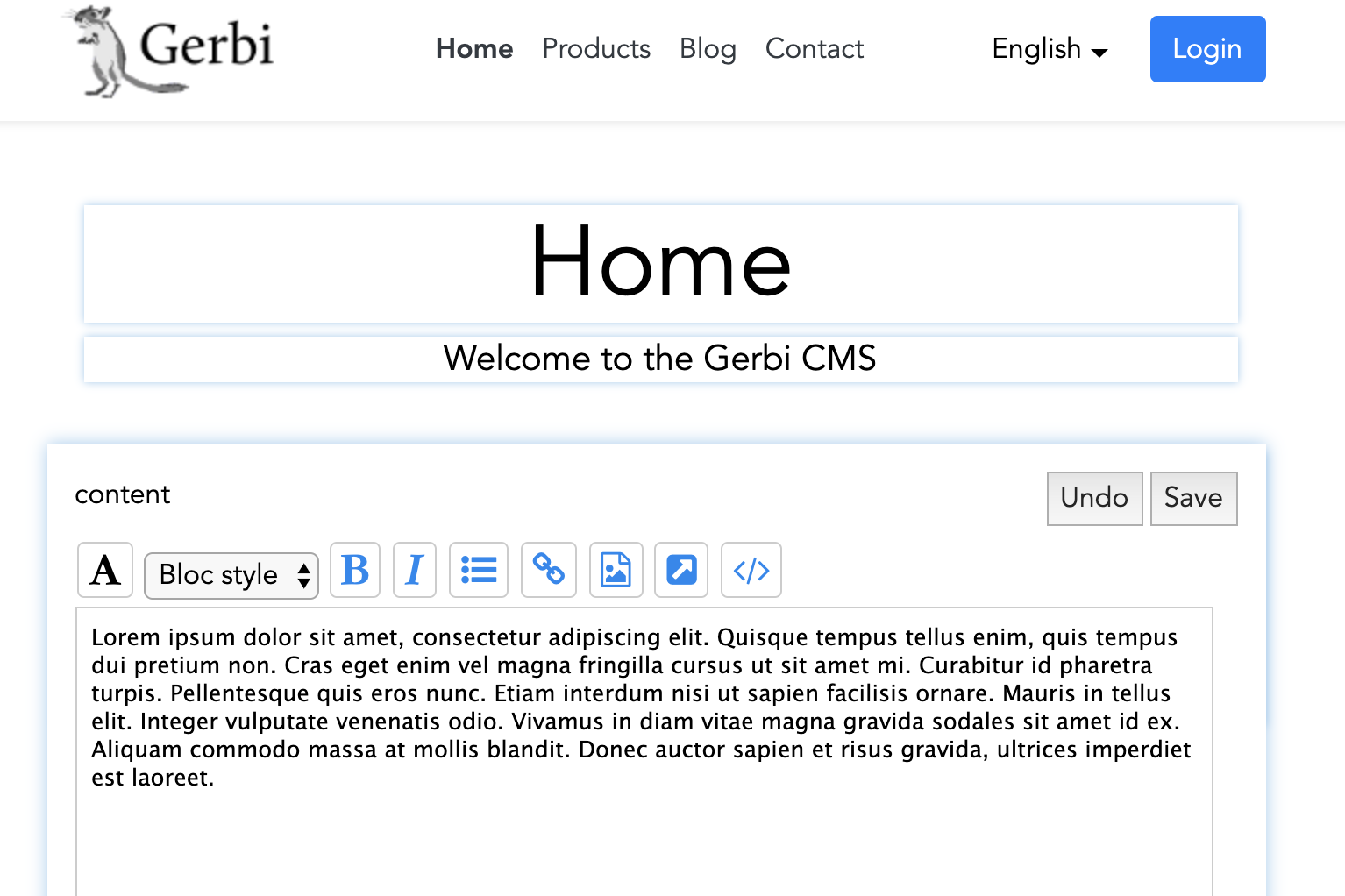
Those placeholder can also be edited inline
1 maintainer

Metadata
1 maintainer
Release files for django-page-cms 2.0.13
For a detailed explanation of source distributions (sdists) and built distributions (wheels), please see the package formats documentation.
Source distribution (sdist)
| File | Size | Uploaded | |
|---|---|---|---|
| django-page-cms-2.0.13.tar.gz | 1.3 MB | Details |
Release files / django-page-cms-2.0.13.tar.gz
| Download URL | django-page-cms-2.0.13.tar.gz |
|---|---|
| Size | 1.3 MB |
| Tags | Source |
|
SHA-256 checksum How to use checksums |
b8bf8e7b23b3fc163ebce289b883d943ee80b4bc613fc497fb772acb6f9e75a6
|
|
BLAKE2b-256 checksum How to use checksums |
5d016224f9688aa2688cdbf45a0737d125d15f40a2ae4d785f48f4caf8b6bebe
|
| Upload date | |
|
Uploaded using Trusted Publishing? What is trusted publishing? |
No |
| Uploaded via |
twine/6.1.0 CPython/3.11.12
|














