

django-postbox
Catch outgoing Django mail and read it in an inbox per recipient.
For local development, review apps and staging: read password resets, invites and receipts
the way your users will, with HTML, text, headers and attachments. No SMTP server needed.
Documentation · Getting started · Capture and forward · Permissions · Themes · PyPI
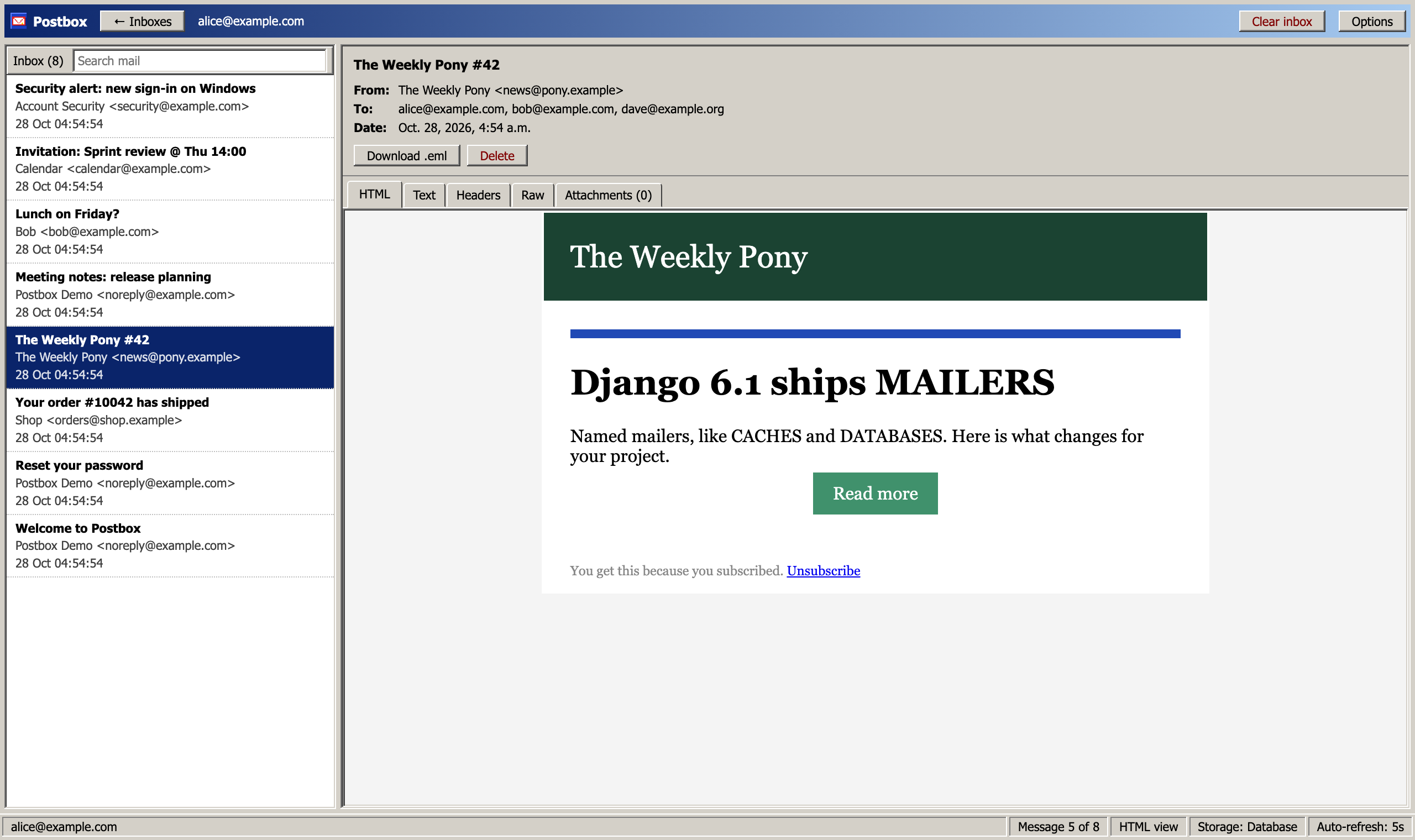
Your project sends mail: password resets, invites, order confirmations. While you build them, you want to see them the way your users will, without anything leaving your laptop or test server.
Postbox is a Django email backend that catches every mail and gives each recipient their own inbox. Open /dev/inbox/, click alice@example.com, and read exactly what Alice got: HTML, plain text, headers and attachments.
- An inbox per person. To, Cc and Bcc each get their own copy.
- Live. New mail shows up within five seconds, without reloading.
- Safe. Mail HTML is sandboxed, and only staff can open the inbox by default.
- Fits your setup. Pass mail on to the console or SMTP, and keep it in the database, memory or a cache.
- Four themes, no build step, no CDN.
Works with Python 3.11 to 3.14 and Django 5.2, 6.0 and 6.1.
Quick start
The short version of the Getting started tutorial.
1. Install
pip install django-postbox
2. Add the app and send your mail through Postbox
On Django 6.1+, with named mailers:
# settings.py

INSTALLED_APPS = [
    # ...
    "django_postbox",
]

MAILERS = {
    "default": {
        "BACKEND": "django_postbox.backends.EmailBackend",
        # Optional: also print every mail in the terminal
        "OPTIONS": {"forward_to": "console"},
    },
    "console": {
        "BACKEND": "django.core.mail.backends.console.EmailBackend",
    },
}
On Django 5.2 and 6.0, replace MAILERS with:
# settings.py

EMAIL_BACKEND = "django_postbox.backends.EmailBackend"

# Optional: also print every mail in the terminal
POSTBOX_FORWARD_BACKEND = "django.core.mail.backends.console.EmailBackend"
3. Add the inbox to your URLs
# urls.py

from django.conf import settings
from django.urls import include, path

urlpatterns = [
    # ...
]

if settings.DEBUG:
    urlpatterns += [path("dev/inbox/", include("django_postbox.urls"))]
4. Migrate and create a staff user
python manage.py migrate
python manage.py createsuperuser
5. Send a mail
python manage.py shell
>>> from django.core.mail import send_mail
>>> send_mail("Hello", "Hi Alice", "me@example.com", ["alice@example.com"])
1
6. Open the inbox
python manage.py runserver
Go to http://127.0.0.1:8000/dev/inbox/, log in, and Alice's inbox is waiting for you.
Themes
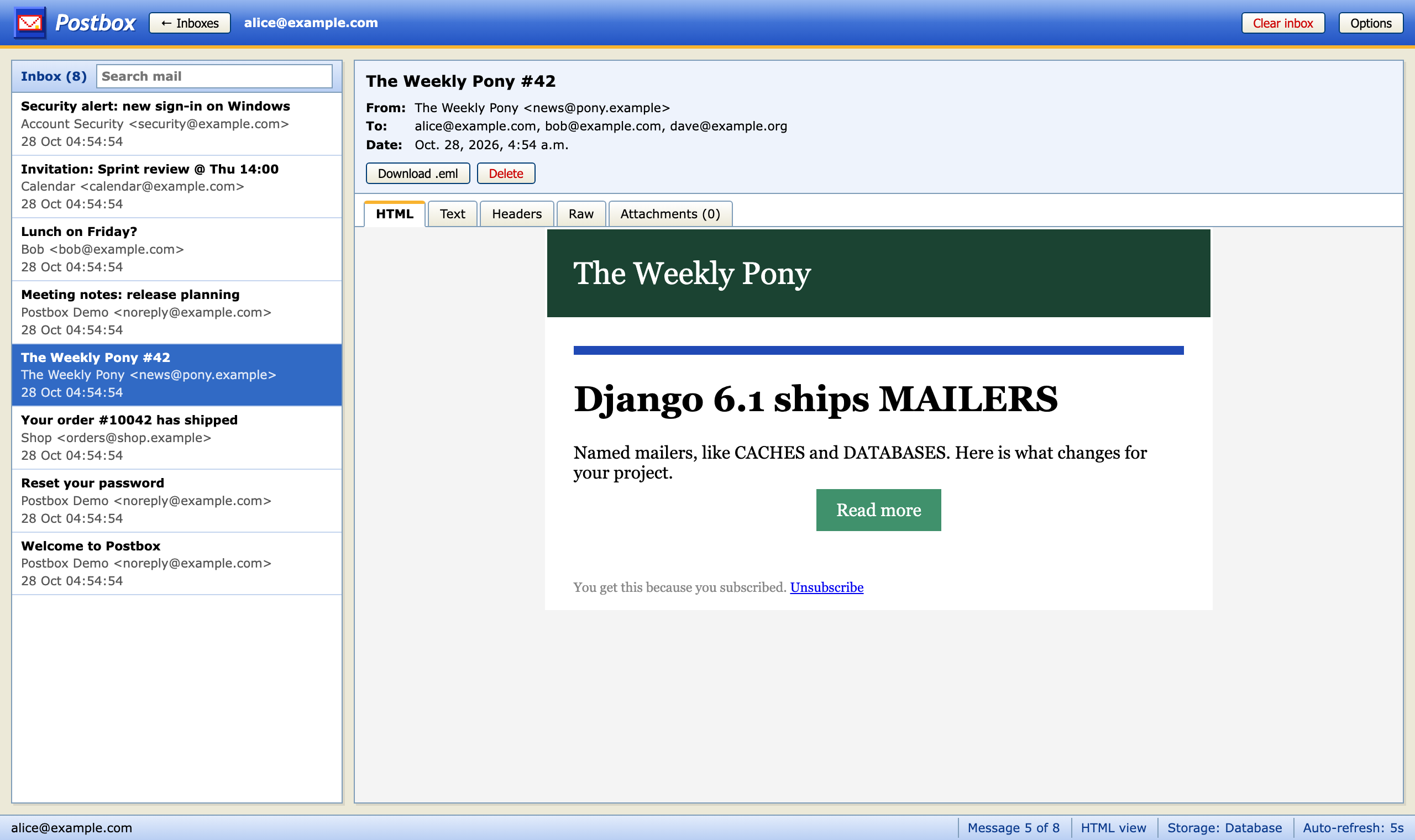
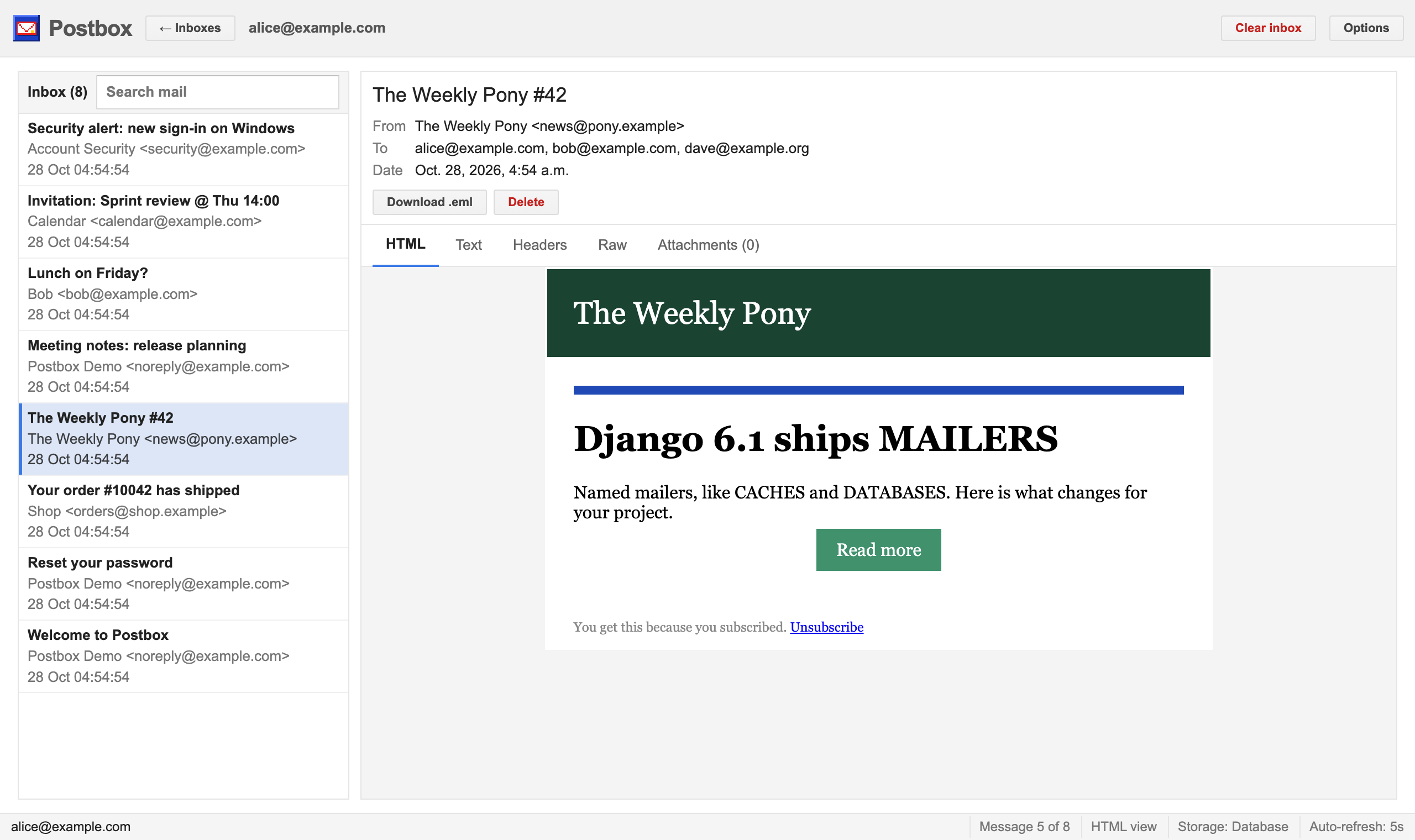
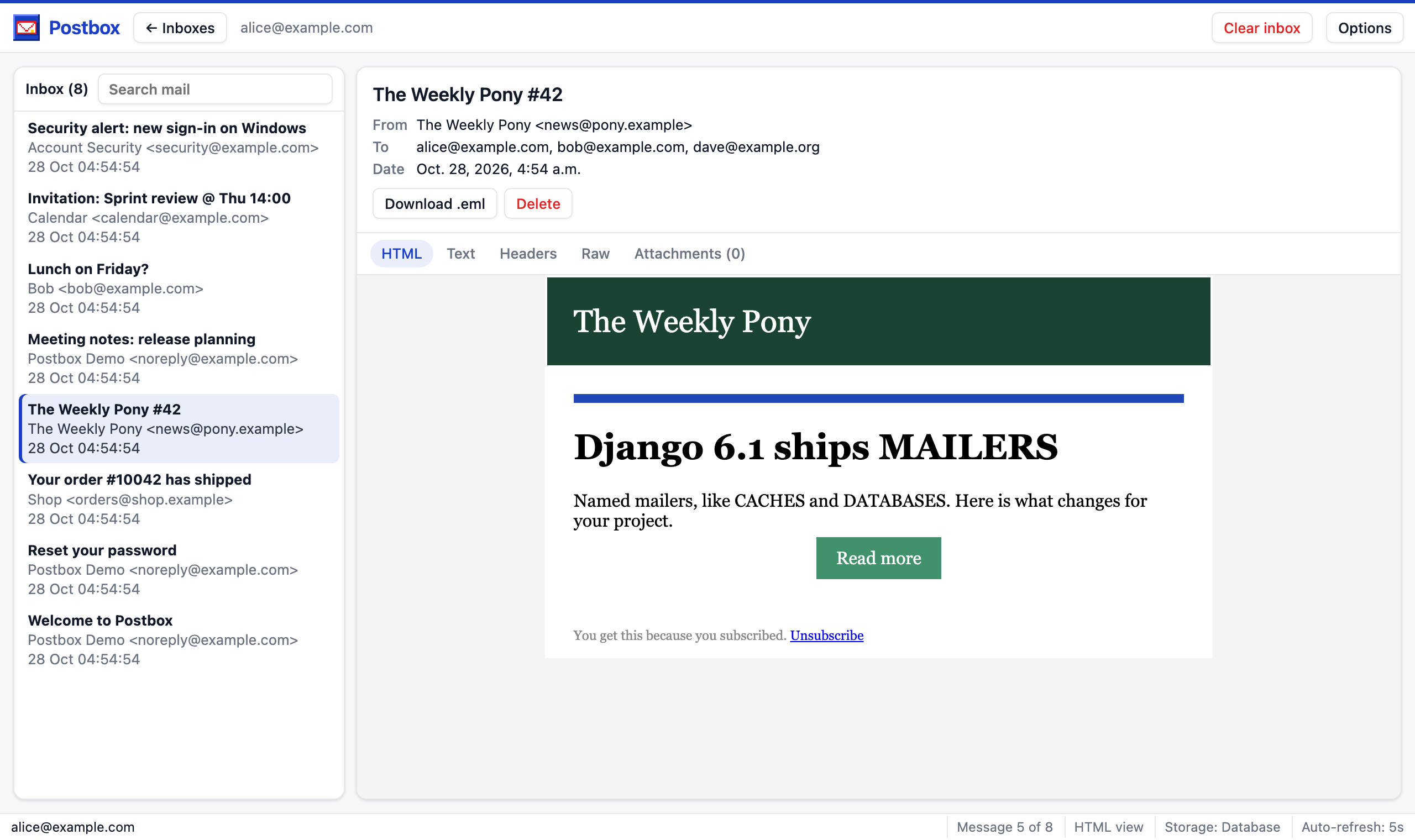
Pick a default with POSTBOX_THEME, and everyone can choose their own under Options in the inbox. You can also write your own theme in one CSS file.
mail2003 (default) |
mail2000 |
|---|---|
 |
|
mail2010 |
modern |
 |
 |
Documentation
The documentation walks you through everything beyond the quick start:
- Capture and forward: print mail to the terminal, deliver for real and keep a copy, keep your own domain out of the inbox
- Who can read the inbox: staff, a QA group, or everyone while debugging
- Where mail is kept: database, memory or a shared cache
- Themes: the four looks and writing your own
- How it works: how mail is stored and shown safely
- Settings: every setting and when to change it
Development
See Working on Postbox for the full guide.
uv sync
make migrate           # the test project in tests/project
uv run python manage.py createsuperuser
make mail              # send demo mail to ten random people
make rs                # http://127.0.0.1:8000/dev/inbox/

make lint              # ruff, ty and pytest
uv run tox             # every Python and Django version
make docs-serve        # the docs, reloading as you edit
make screenshots       # rebuild docs/img in every theme
make htmx              # update the bundled htmx
1 maintainer

Metadata
1 maintainer
Release files for django-postbox 0.1.1
For a detailed explanation of source distributions (sdists) and built distributions (wheels), please see the package formats documentation.
Source distribution (sdist)
| File | Size | Uploaded | Provenance | |
|---|---|---|---|---|
| django_postbox-0.1.1.tar.gz | 41.5 kB | With provenance | Details |
Built distribution (wheel)
| File | Interpreter | ABI | Platform | Reset |
|---|---|---|---|---|
| django_postbox-0.1.1-py3-none-any.whl | Python 3 | none | any | Details |
Total release size: 91.5 kB
Release files / django_postbox-0.1.1.tar.gz
| Download URL | django_postbox-0.1.1.tar.gz |
|---|---|
| Size | 41.5 kB |
| Tags | Source |
|
SHA-256 checksum How to use checksums |
85ac487e5b581801e070ea23e6d9fe74798781f1bcb994a801f7427c40b35df0
|
|
BLAKE2b-256 checksum How to use checksums |
0ae7f88f0e1030dae589ca54bed85ee1e0b699a68b8109a74c697e4db71b762a
|
| Upload date | |
|
Uploaded using Trusted Publishing? What is trusted publishing? |
Yes |
| Uploaded via |
twine/7.0.0 CPython/3.13.16
|
Provenance
Provenance describes where a file came from. On PyPI, provenance is shared via attestations, which provide a verifiable record of the build or publishing details. View details, limitations and caveats.


PyPI Publish Attestation
PyPI verified that this artifact, at this checksum, originated from the publisher listed below.
Signed by GitHub Actions, verified by PyPI on Oct 27, 2026.
Transparency logRelease files / django_postbox-0.1.1-py3-none-any.whl
| Download URL | django_postbox-0.1.1-py3-none-any.whl |
|---|---|
| Size | 50.0 kB |
| Tags | Python 3 |
|
SHA-256 checksum How to use checksums |
08aae87c4a115ce0e12c3b29b822d60d4fd841460c380e5c843e283818dcb737
|
|
BLAKE2b-256 checksum How to use checksums |
90f8a97f0104e863fa72ab70d55ed222d92740c2c63fdb6778beb71e1e3950e9
|
| Upload date | |
|
Uploaded using Trusted Publishing? What is trusted publishing? |
Yes |
| Uploaded via |
twine/7.0.0 CPython/3.13.16
|
Provenance
Provenance describes where a file came from. On PyPI, provenance is shared via attestations, which provide a verifiable record of the build or publishing details. View details, limitations and caveats.
PyPI Publish Attestation
PyPI verified that this artifact, at this checksum, originated from the publisher listed below.
Signed by GitHub Actions, verified by PyPI on Oct 27, 2026.
Transparency logSecurity for django-postbox 0.1.1
Provenance
Provenance describes where a file came from. On PyPI, provenance is shared via attestations, which provide a verifiable record of the build or publishing details. View details, limitations and caveats.
Full provenance
All 2 files in this release have been uploaded with provenance metadata.
Attestation for django_postbox-0.1.1.tar.gz
PyPI Publish Attestation
PyPI verified that this artifact, at this checksum, originated from the publisher listed below.
Signed by GitHub Actions, verified by PyPI on Oct 27, 2026.
Transparency logA note on package security
PyPI is a repository for distributing packages, not a service for auditing them. While third-party security researchers and our staff do their best to detect and remove malicious packages, PyPI cannot guarantee the quality, security or suitability of any given package.
To learn more about protecting yourself from malicious actors, visit our package security documentation.














