
django-quill-editor

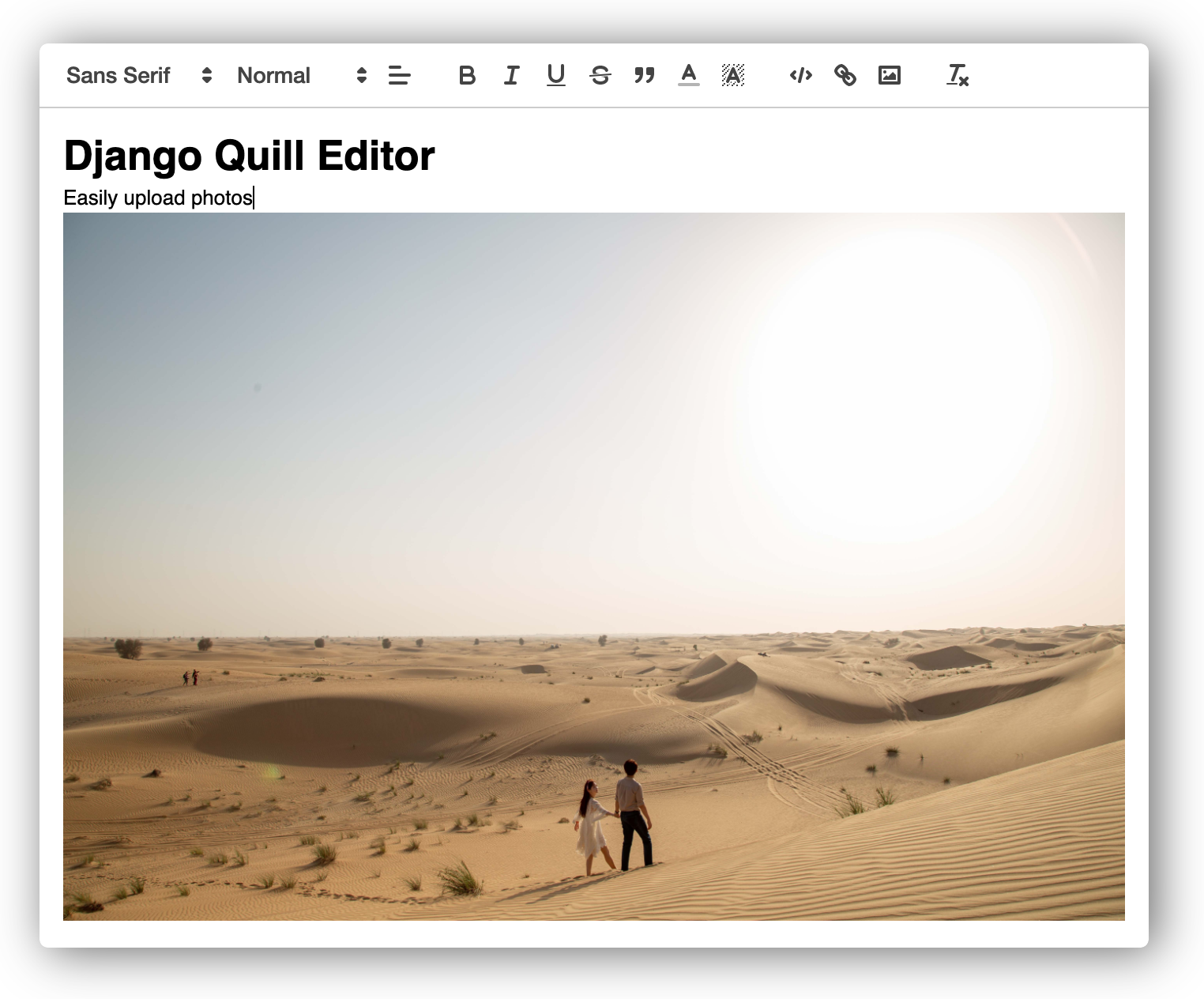
django-quill-editor makes Quill.js easy to use on Django Forms and admin sites
- No configuration required for static files!
- The entire code for inserting WYSIWYG editor is less than 30 lines
- It can be used in both admin and Django views
Setup
-
Install
django-quill-editorto your Python environmentpip install django-quill-editor
-
Add
django_quilltoINSTALLED_APPSinsettings.py# settings.py INSTALLED_APPS = [ 'django.contrib.admin', ... 'django_quill', ]
Run Sample project
# Clone repo, move to sample project
git clone https://github.com/LeeHanYeong/django-quill-editor
cd django-quill-editor/sample

# Create virtualenv (I used pyenv, but you can use other methods)
pyenv virtualenv 3.7.5 django-quill
pyenv local django-quill

# Install Python packages
pip install -r requirements.txt
python manage.py runserver
Usage
Add QuillField to the Model class you want to use
# models.py
from django.db import models
from django_quill.fields import QuillField

class QuillPost(models.Model):
    content = QuillField()
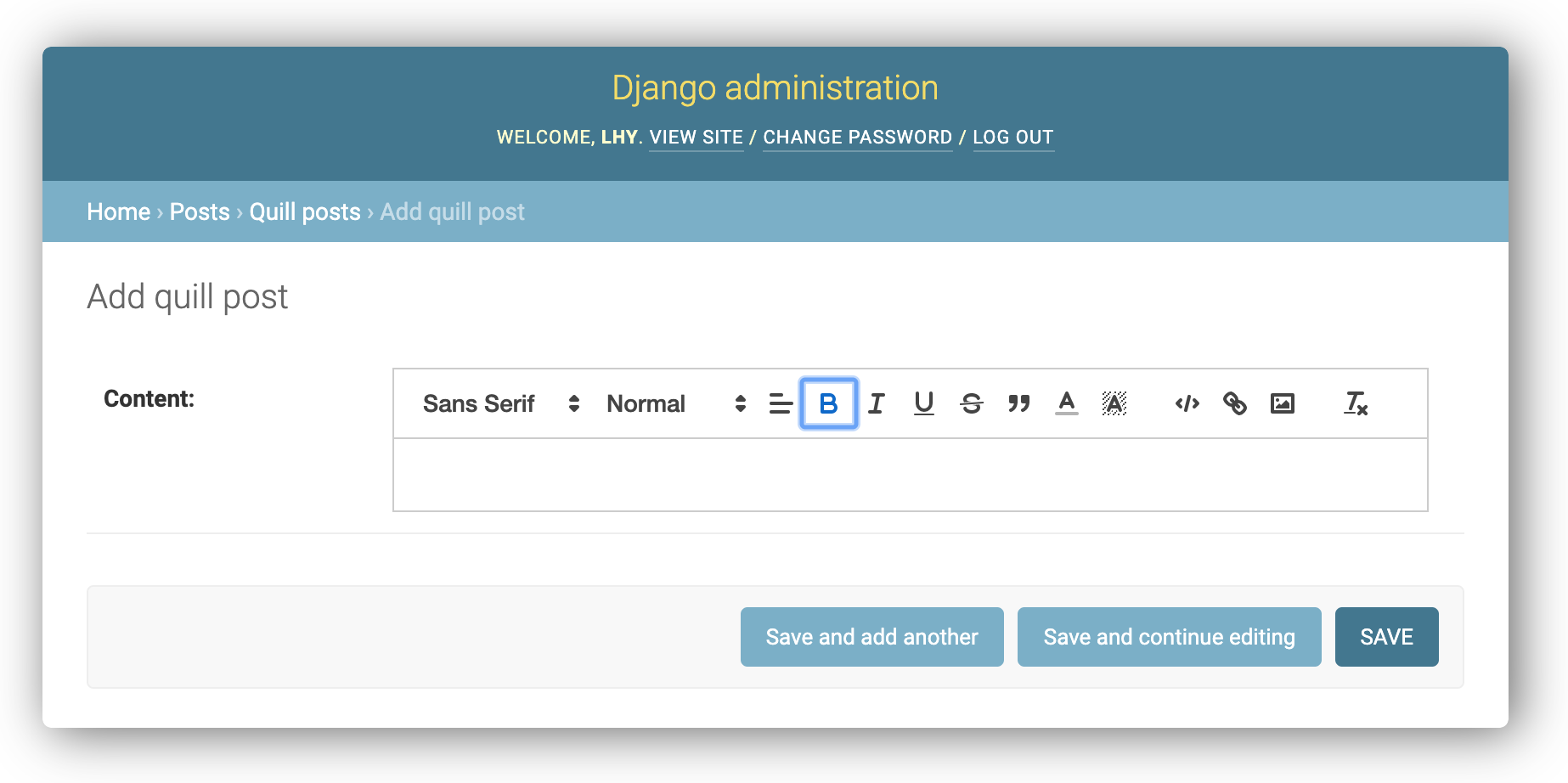
1. Django admin
Just register the Model in admin.py of the app.
from django.contrib import admin
from .models import QuillPost

@admin.register(QuillPost)
class QuillPostAdmin(admin.ModelAdmin):
    pass
2. Form
-
Add
QuillFormFieldto the Form class you want to use -
There are two ways to add CSS and JS files to a template.
-
If there is a Form with QuillField added, add
{{ form.media }}to the<head>tag.<head> {{ form.media }} </head>
-
Or, import CSS and JS files directly using
{% include %}template tags.<head> <!-- django-quill-editor Media --> {% include 'django_quill/media.html' %} </head>
-
# forms.py
from django import forms
from django_quill.forms import QuillFormField

class QuillFieldForm(forms.Form):
    content = QuillFormField()
# views.py
from django.shortcuts import render
from .forms import QuillFieldForm

def form(request):
    return render(request, 'form.html', {'form': QuillFieldForm()})
<!-- Template -->
<form action="" method="POST">{% csrf_token %}
    {{ form.content }}
</form>
3. ModelForm
Just define and use ModelForm of Model class
# forms.py
from django import forms
from .models import QuillPost

class QuillPostForm(forms.ModelForm):
    class Meta:
        model = QuillPost
        fields = (
            'content',
        )
# views.py
from django.shortcuts import render
from .forms import QuillPostForm

def model_form(request):
    return render(request, 'model_form.html', {'form': QuillPostForm()})
<!-- Template -->
<form action="" method="POST">{% csrf_token %}
    {{ form.content }}
</form>
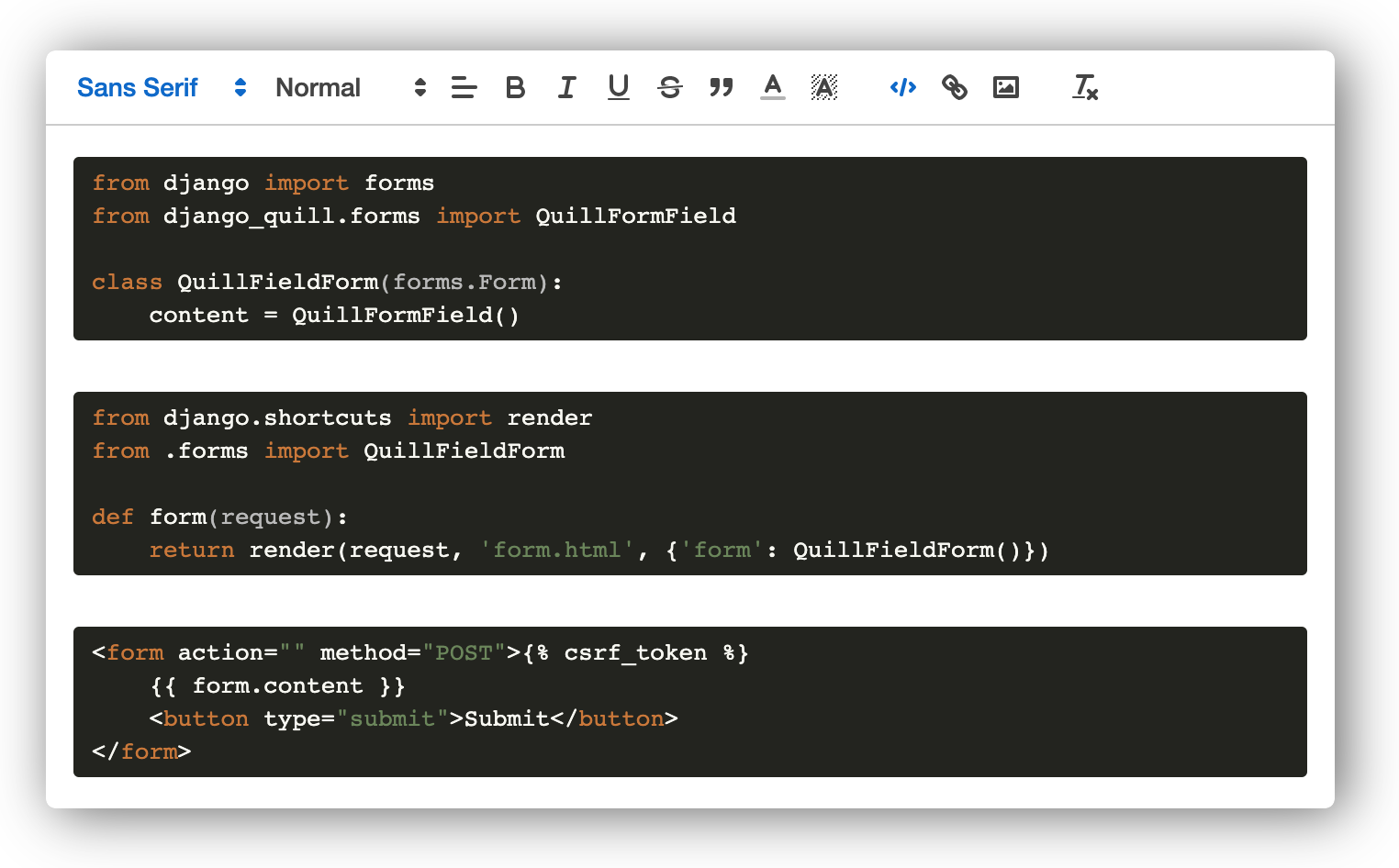
Form, ModelForm's Output:
Contributing
As an open source project, we welcome contributions. The code lives on GitHub
1 maintainer

Metadata
1 maintainer
Release files for django-quill-editor 0.1.8
For a detailed explanation of source distributions (sdists) and built distributions (wheels), please see the package formats documentation.
Source distribution (sdist)
| File | Size | Uploaded | Provenance | |
|---|---|---|---|---|
| django-quill-editor-0.1.8.tar.gz | 6.6 kB | Without provenance | Details |
Built distribution (wheel)
| File | Interpreter | ABI | Platform | Reset |
|---|---|---|---|---|
| django_quill_editor-0.1.8-py3-none-any.whl | Python 3 | none | any | Details |
Total release size: 15.7 kB
Release files / django-quill-editor-0.1.8.tar.gz
| Download URL | django-quill-editor-0.1.8.tar.gz |
|---|---|
| Size | 6.6 kB |
| Tags | Source |
|
SHA-256 checksum How to use checksums |
eb82e0fb2989a36611215c6503988ff143b0ab3dc74c8ab24e012b72885ba19d
|
|
BLAKE2b-256 checksum How to use checksums |
287657e56f92ebfd7ac3f563f1c8c997fb4724c77fcf042f2aee394603e06686
|
| Upload date | |
|
Uploaded using Trusted Publishing? What is trusted publishing? |
No |
| Uploaded via |
twine/3.1.1 pkginfo/1.5.0.1 requests/2.23.0 setuptools/41.2.0 requests-toolbelt/0.9.1 tqdm/4.46.1 CPython/3.7.5
|
Release files / django_quill_editor-0.1.8-py3-none-any.whl
| Download URL | django_quill_editor-0.1.8-py3-none-any.whl |
|---|---|
| Size | 9.1 kB |
| Tags | Python 3 |
|
SHA-256 checksum How to use checksums |
13acd6bf1e41dedf180c7b572b15cf082a3bcf02a377480b2237a70d6d71c796
|
|
BLAKE2b-256 checksum How to use checksums |
74adcd0f910101c65de97930fe9974ad82a08033d062ffcdde74462b1cc42b5c
|
| Upload date | |
|
Uploaded using Trusted Publishing? What is trusted publishing? |
No |
| Uploaded via |
twine/3.1.1 pkginfo/1.5.0.1 requests/2.23.0 setuptools/41.2.0 requests-toolbelt/0.9.1 tqdm/4.46.1 CPython/3.7.5
|
Security for django-quill-editor 0.1.8
Provenance
Provenance describes where a file came from. On PyPI, provenance is shared via attestations, which provide a verifiable record of the build or publishing details. View details, limitations and caveats.
No provenance found
None of the files in this release were uploaded with provenance metadata.
A note on package security
PyPI is a repository for distributing packages, not a service for auditing them. While third-party security researchers and our staff do their best to detect and remove malicious packages, PyPI cannot guarantee the quality, security or suitability of any given package.
To learn more about protecting yourself from malicious actors, visit our package security documentation.














