
A calendaring app for OpenTreeMap.

Project description
Django Scheduler


A calendar app for Django, forked from llazzaro/django-scheduler.
My use case is to add a calendar/schedule system to OpenTreeMap, which passes in extra kwargs to api_occurrences() in schedule/views.py.
Information
Installation
pip install django-scheduler-otm
Edit your settings.py
Add to INSTALLED_APPS:
'schedule',
Add to TEMPLATE_CONTEXT_PROCESSORS:
"django.template.context_processors.request"
Static assets
Django Scheduler relies on jQuery and Bootstrap to provide its user interface. If you don't need help with adding these to your Django project, you can skip the next step where we will show you how to add them to your Django project.
npm install -g bower
pip install django-bower
edit your settings.py
add to INSTALLED_APPS:
'djangobower',
Add staticfinder to STATICFILES_FINDERS:
'djangobower.finders.BowerFinder',
Specify the path to the components root (you need to use an absolute path):
BOWER_COMPONENTS_ROOT = '/PROJECT_ROOT/components/'
Add the following Bower dependencies for scheduler:
BOWER_INSTALLED_APPS = (
    'jquery',
    'jquery-ui',
    'bootstrap'
)
Last step, install bower dependencies with:
./manage.py bower install
Remember to execute "python manage.py collectstatic"
Features
- one-time and recurring events
- calendar exceptions (occurrences changed or cancelled)
- occurrences accessible through Event API and Period API
- relations of events to generic objects
- ready to use, nice user interface
- view day, week, month, three months and year
Configuration
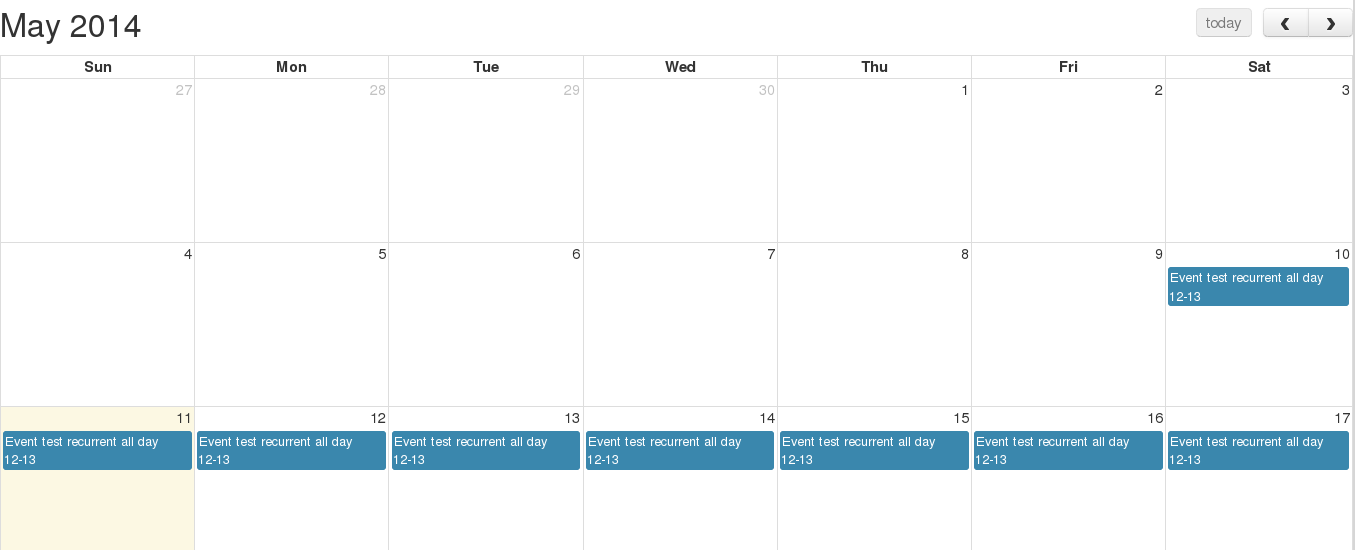
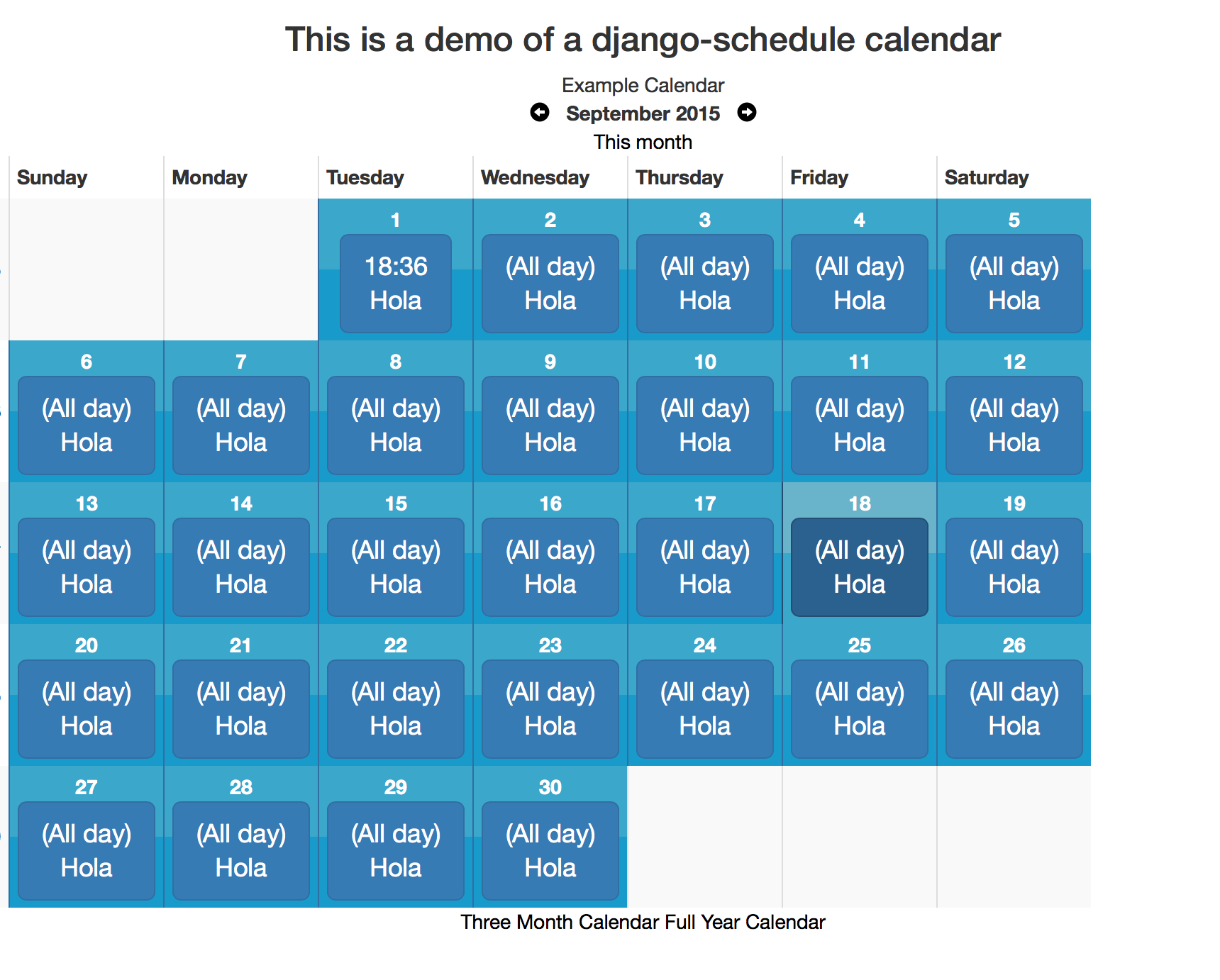
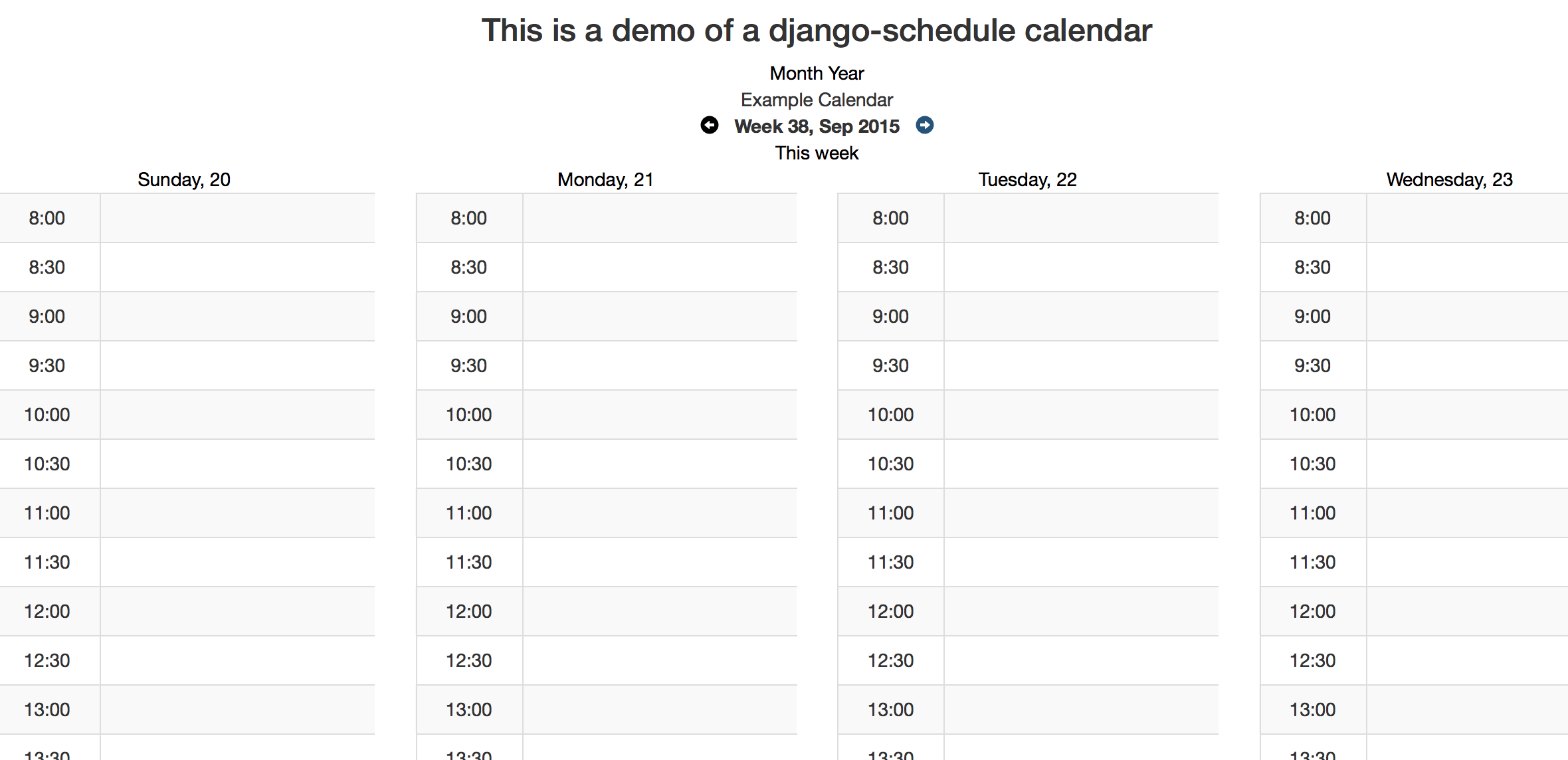
Full Calendar examples
Metrics

Optional Settings
FIRST_DAY_OF_WEEK
This setting determines which day of the week your calendar begins on if your locale doesn't already set it. Default is 0, which is Sunday.
OCCURRENCE_CANCEL_REDIRECT
This setting controls the behavior of Views.get_next_url. If set, all calendar modifications will redirect here (unless there is a next set in the request.)
SHOW_CANCELLED_OCCURRENCES
This setting controls the behavior of Period.classify_occurrence. If True, then occurrences that have been cancelled will be displayed with a css class of canceled, otherwise they won't appear at all.
Defaults to False
CHECK_EVENT_PERM_FUNC
This setting controls the callable used to determine if a user has permission to edit an event or occurrence. The callable must take the object (event) and the user and return a boolean.
Default:
    check_edit_permission(ob, user):
        return user.is_authenticated
If ob is None, then the function is checking for permission to add new events
CHECK_CALENDAR_PERM_FUNC
This setting controls the callable used to determine if a user has permission to add, update or delete an events in specific calendar. The callable must take the object (calendar) and the user and return a boolean.
Default:
    check_edit_permission(ob, user):
        return user.is_authenticated
GET_EVENTS_FUNC
This setting controls the callable that gets all events for calendar display. The callable must take the request and the calendar and return a QuerySet of events. Modifying this setting allows you to pull events from multiple calendars or to filter events based on permissions
Default:
    get_events(request, calendar):
        return calendar.event_set.all()
SCHEDULER_PREVNEXT_LIMIT_SECONDS
This settings allows to set the upper and lower limit in calendars navigation. Value is in seconds.
Default (two years): 62208000
Contributing
Tests
To run tests on all supported versions of Django and Python, use tox:
$ tox
Release history Release notifications | RSS feed


Download files
Download the file for your platform. If you're not sure which to choose, learn more about installing packages.
Source Distribution
Built Distribution
Filter files by name, interpreter, ABI, and platform.
If you're not sure about the file name format, learn more about wheel file names.
Copy a direct link to the current filters
File details
Details for the file django_scheduler_otm-0.0.11.tar.gz.
File metadata
- Download URL: django_scheduler_otm-0.0.11.tar.gz
- Upload date:
- Size: 88.1 kB
- Tags: Source
- Uploaded using Trusted Publishing? No
- Uploaded via: twine/6.2.0 CPython/3.9.6
File hashes
| Algorithm | Hash digest | |
|---|---|---|
| SHA256 |
47d8cda123a73cc82a36ad7c943cbc28eb57ff049131ecc78d0f8619321c27b7
|
|
| MD5 |
8bd7f5727a170625146465c7857b674d
|
|
| BLAKE2b-256 |
1b3290a73eb59d3435048de4f623a0c49c62e81d79d2a8461a334f9f2b4b5363
|
File details
Details for the file django_scheduler_otm-0.0.11-py3-none-any.whl.
File metadata
- Download URL: django_scheduler_otm-0.0.11-py3-none-any.whl
- Upload date:
- Size: 114.8 kB
- Tags: Python 3
- Uploaded using Trusted Publishing? No
- Uploaded via: twine/6.2.0 CPython/3.9.6
File hashes
| Algorithm | Hash digest | |
|---|---|---|
| SHA256 |
018d044834a18a0dc5a9ddb7703baef0f77a775b5f9eded71332c9057919a612
|
|
| MD5 |
2e8edc7e33f8ccf805384645af06815f
|
|
| BLAKE2b-256 |
d1266ceffa683d7149f5bc405620691a96ff290c4c7aa6c090e6db79e674d428
|






