
SkynetAccessibility Video Subtitle — Django
Publish Captioned Video Content with AI-Powered Subtitles
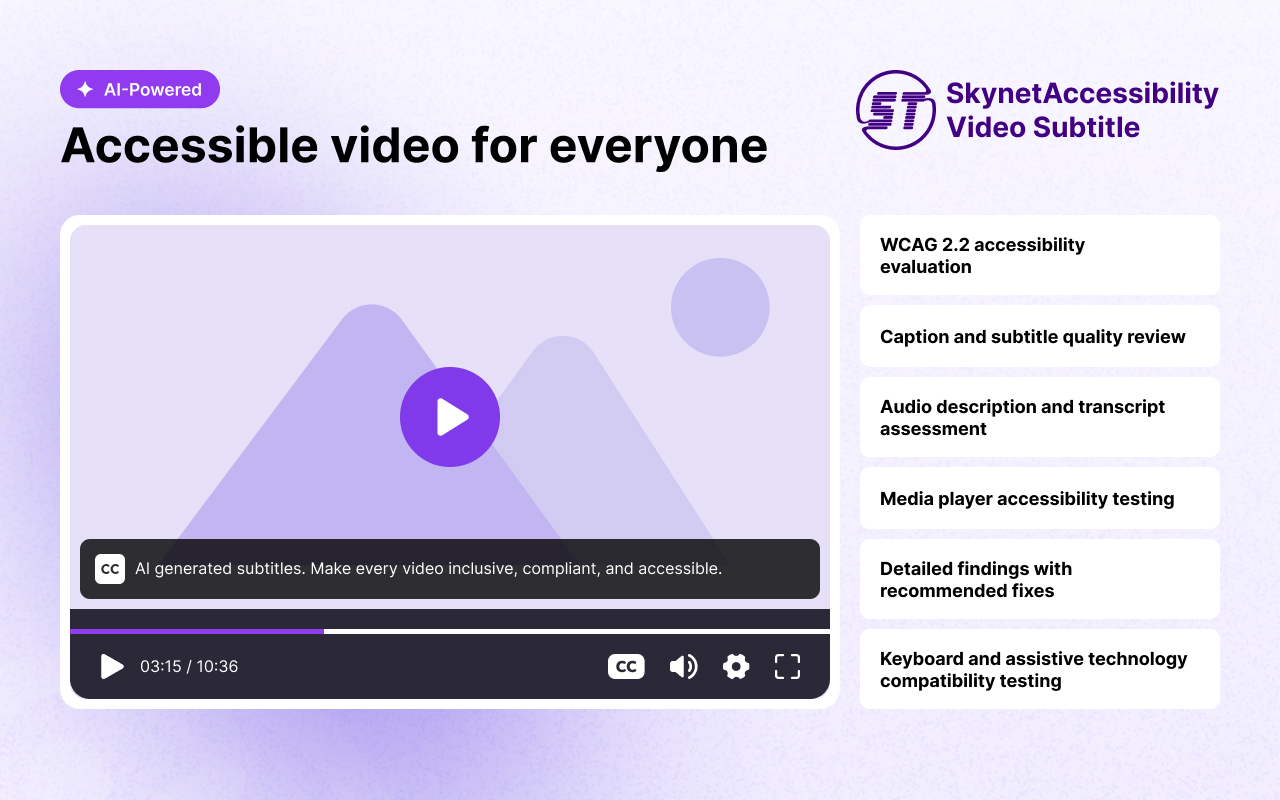
SkynetAccessibility Video Subtitle is an AI-powered video accessibility plugin that automatically generates synchronized subtitles for website videos using advanced speech recognition. This package is the Django integration — an installable app that adds the registration flow, analytics dashboard, and front-end widget injection to any Django project.
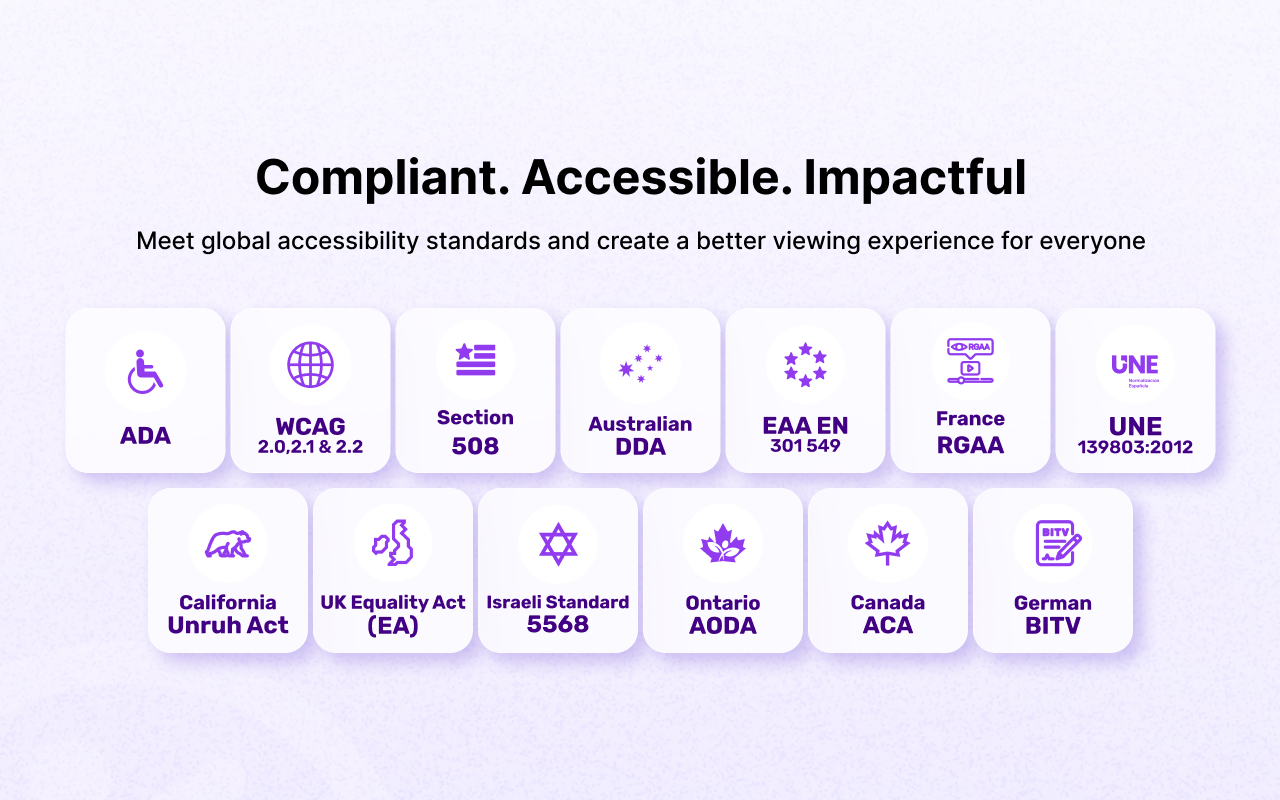
Improve the accessibility of website videos by automatically generating synchronized subtitles using AI-powered speech recognition, without manually creating captions. Supports accessibility initiatives aligned with WCAG 2.1, 2.2, ADA, Section 508, and EAA EN 301 549, where applicable.
Features
- Quick subtitle processing
- Compatible with YouTube, Vimeo, and self-hosted video platforms
- Built-in analytics dashboard (usage, remaining quota, per-language breakdown, video library) at
/video-subtitle/ - Automatic front-end widget script injection — no manual
<script>tag editing required - One-time domain registration handled for you, visible in the browser's Network tab
- Simple installation and configuration
- Support for existing and newly published videos
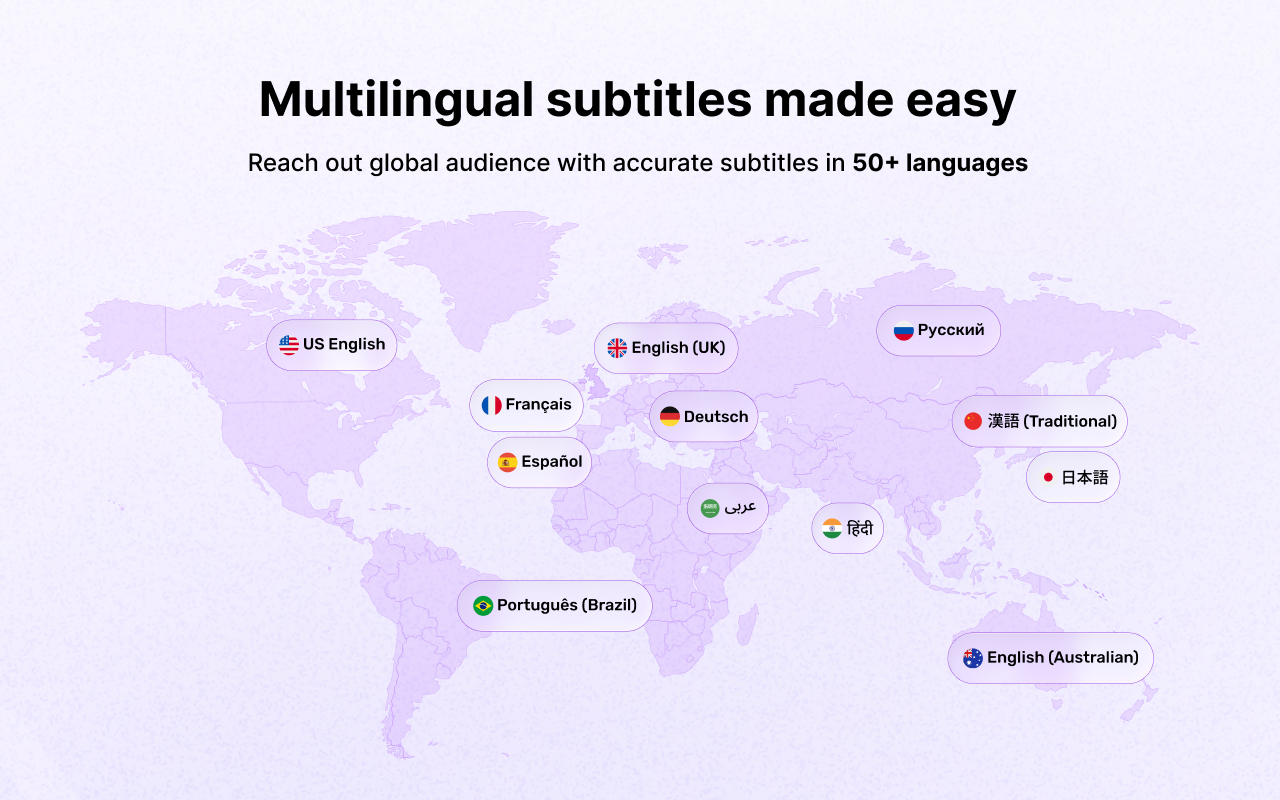
- Supporting over 50+ multi-languages
- Unlimited video subtitle processing throughout the selected plan
Ideal For
Blog videos, news videos, tutorials, landing page videos, announcements, interviews, webinars, and embedded media on any Django-powered site.
Pricing and Plans
| Total Video Playback Time | Price / Month |
|---|---|
| Up to 10 Minutes | $25.00 |
| Up to 25 Minutes | $39.00 |
| Up to 100 Minutes | $99.00 |
| Up to 200 Minutes | $139.00 |
Note: Unlimited number of video subtitle processing is available within the selected plan's total playback time. Manage or upgrade your plan any time from the analytics dashboard.
Installation
pip install django-skynetaccessibility-videosubtitle
Setup
1. Add the app and middleware
In settings.py:
INSTALLED_APPS = [
    ...,
    "skynet_video_subtitle",
]

MIDDLEWARE = [
    ...,
    "skynet_video_subtitle.middleware.VideoSubtitleWidgetInjectionMiddleware",
]
The middleware automatically inserts the subtitle widget script into every front-end HTML page — no manual template edits needed.
2. Mount the URLs
In your project's root urls.py:
from django.urls import include, path

urlpatterns = [
    ...,
    path("video-subtitle/", include("skynet_video_subtitle.urls")),
]
3. Run migrations and collect static files
python manage.py migrate skynet_video_subtitle
python manage.py collectstatic
4. Run the development server
python manage.py runserver
Add the Script (optional / manual setup)
If you'd rather not use the middleware — for example, on a project that mixes Django with a separately-served front end — you can add the widget script manually instead. Place it in the header or footer of your site's HTML:
<script>
  setTimeout(() => {
    let aioa_script_tag = document.createElement("script");
    aioa_script_tag.src = "https://www.skynettechnologies.com/accessibility/js/video-subtitle/video-subtitle-widget.js";
    aioa_script_tag.id = "aioa-adavs";
    aioa_script_tag.defer = "true";
    document.getElementsByTagName("body")[0].appendChild(aioa_script_tag);
  }, 3000);
</script>
If you do this, remove VideoSubtitleWidgetInjectionMiddleware from MIDDLEWARE to avoid the script being inserted twice.
CORS Policy Configuration
To avoid CORS policy issues, ensure the following URLs are allowed in your website. These URLs should be added to your CORS configuration or trusted domains list.
| Domain | Description | Usage |
|---|---|---|
https://*.skynettechnologies.com |
Skynet Technologies (Global Domain) | API access and resources |
https://*.skynettechnologies.us |
Skynet Technologies (US Domain) | API access and resources |
Instructions
- Update your server's CORS configuration to include these URLs.
- Ensure wildcard subdomains (*) are supported where necessary.
- Verify the application functionality by testing requests to these domains.
- If issues persist, consult the documentation for CORS configuration guidance.
Screenshots
Support Options
Submit a Support Request Please visit our support page and fill out the form. Our team will get back to you as soon as possible.
Send Us an Email Alternatively, you can send an email to our support team: hello@skynettechnologies.com
Accessibility Partnership Opportunities
Accessibility Agency Partnership
Partner with us as an agency to provide comprehensive ADA, EAA, WCAG accessibility solutions to clients. Get access to exclusive resources, training, and support to implement and manage accessibility features effectively.
Accessibility Affiliate Partnership
Sign up for our affiliate program and earn commissions by promoting our accessibility plugin. Share our widget with your network and help businesses improve their website accessibility while generating revenue.
For more details, explore Accessibility Partnership Opportunities Page.
Credits
This addon is developed and maintained by website accessibility company - Skynet Technologies USA LLC
Current Maintainers
1 maintainer

Metadata
1 maintainer
Release files for django-skynetaccessibility-videosubtitle 1.1.0
For a detailed explanation of source distributions (sdists) and built distributions (wheels), please see the package formats documentation.
Source distribution (sdist)
| File | Size | Uploaded | |
|---|---|---|---|
| django_skynetaccessibility_videosubtitle-1.1.0.tar.gz | 44.1 kB | Details |
Built distribution (wheel)
| File | Interpreter | ABI | Platform | Reset |
|---|---|---|---|---|
| django_skynetaccessibility_videosubtitle-1.1.0-py3-none-any.whl | Python 3 | none | any | Details |
Total release size: 92.6 kB
Release files / django_skynetaccessibility_videosubtitle-1.1.0.tar.gz
| Download URL | django_skynetaccessibility_videosubtitle-1.1.0.tar.gz |
|---|---|
| Size | 44.1 kB |
| Tags | Source |
|
SHA-256 checksum How to use checksums |
bfef0b662d5df47311fd15523b1db4a2568d9e534286dbc1fc79bcad06c00b15
|
|
BLAKE2b-256 checksum How to use checksums |
a95dc0f28091640ac79341c1f893d084f8b57506b853a00ba28e1177ec9e16e9
|
| Upload date | |
|
Uploaded using Trusted Publishing? What is trusted publishing? |
No |
| Uploaded via |
twine/6.2.0 CPython/3.13.12
|
Release files / django_skynetaccessibility_videosubtitle-1.1.0-py3-none-any.whl
| Download URL | django_skynetaccessibility_videosubtitle-1.1.0-py3-none-any.whl |
|---|---|
| Size | 48.5 kB |
| Tags | Python 3 |
|
SHA-256 checksum How to use checksums |
3f1890e1a05288000c4a2f3766db4e5fe0deff5d2ddbea3a9079c70ca3e0d575
|
|
BLAKE2b-256 checksum How to use checksums |
c049bdbebbe2649158bf88d07fd3ef09ef6cf1b4dd2130c9141fcbf3fea1e7bc
|
| Upload date | |
|
Uploaded using Trusted Publishing? What is trusted publishing? |
No |
| Uploaded via |
twine/6.2.0 CPython/3.13.12
|














