
Terminal interface for Deep Agents - interactive AI agent with file operations, shell access, and sub-agent capabilities.

Project description
🧠🤖 Deep Agents CLI




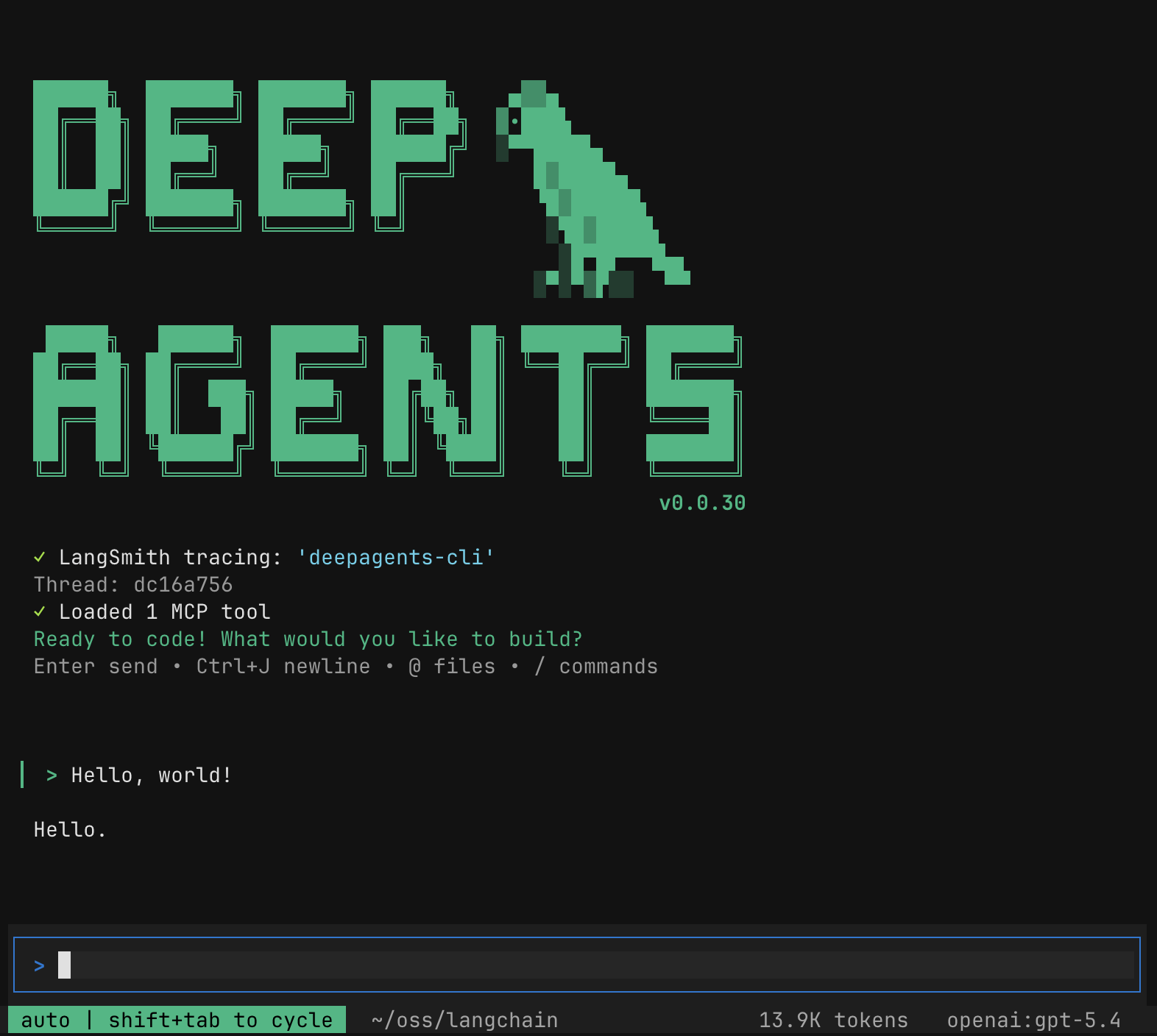
Quick Install
curl -LsSf https://raw.githubusercontent.com/langchain-ai/deepagents/main/libs/cli/scripts/install.sh | bash
# With model provider extras (OpenAI is included by default)
DEEPAGENTS_EXTRAS="anthropic,groq" curl -LsSf https://raw.githubusercontent.com/langchain-ai/deepagents/main/libs/cli/scripts/install.sh | bash
Or install directly with uv:
# Install with chosen model providers (OpenAI is included by default)
uv tool install 'deepagents-cli[anthropic,groq]'
Run the CLI:
deepagents
🤔 What is this?
The fastest way to start using Deep Agents. deepagents-cli is a pre-built coding agent in your terminal — similar to Claude Code or Cursor — powered by any LLM that supports tool calling. One install command and you're up and running, no code required.
What the CLI adds on top of the SDK:
- Interactive TUI — rich terminal interface with streaming responses
- Conversation resume — pick up where you left off across sessions
- Web search — ground responses in live information
- Remote sandboxes — run code in isolated environments (Modal, Runloop, Daytona, & more)
- Persistent memory — agent remembers context across conversations
- Custom skills — extend the agent with your own slash commands
- Headless mode — run non-interactively for scripting and CI
- Human-in-the-loop — approve or reject tool calls before execution
📖 Resources
- CLI Documentation
- Changelog
- Source code
- Deep Agents SDK — underlying agent harness
📕 Releases & Versioning
See our Releases and Versioning policies.
💁 Contributing
As an open-source project in a rapidly developing field, we are extremely open to contributions, whether it be in the form of a new feature, improved infrastructure, or better documentation.
For detailed information on how to contribute, see the Contributing Guide.
🤝 Acknowledgements
This project was primarily inspired by Claude Code, and initially was largely an attempt to see what made Claude Code general purpose, and make it even more so.


Download files
Download the file for your platform. If you're not sure which to choose, learn more about installing packages.
Source Distribution
Built Distribution
Filter files by name, interpreter, ABI, and platform.
If you're not sure about the file name format, learn more about wheel file names.
Copy a direct link to the current filters
File details
Details for the file docagents-0.1.2.tar.gz.
File metadata
- Download URL: docagents-0.1.2.tar.gz
- Upload date:
- Size: 6.2 MB
- Tags: Source
- Uploaded using Trusted Publishing? No
- Uploaded via: uv/0.5.2
File hashes
| Algorithm | Hash digest | |
|---|---|---|
| SHA256 |
2106776c3976df53a6cf616f89a7e8043504323e6206693fa0a61e3e9495d0b7
|
|
| MD5 |
72da35f1ddde836ebef5ef36d07501d5
|
|
| BLAKE2b-256 |
eadaefca12fe5de646954774419ca20c651eb1db9be71d5c8b1ef4cd44e93c7c
|
File details
Details for the file docagents-0.1.2-py3-none-any.whl.
File metadata
- Download URL: docagents-0.1.2-py3-none-any.whl
- Upload date:
- Size: 943.4 kB
- Tags: Python 3
- Uploaded using Trusted Publishing? No
- Uploaded via: uv/0.5.2
File hashes
| Algorithm | Hash digest | |
|---|---|---|
| SHA256 |
6e1abcb0b4afc3c4a0986ec7b1a2cb2811b54a85514eb8b1535c682026b6715d
|
|
| MD5 |
8dec43d50ddd068741485649198581be
|
|
| BLAKE2b-256 |
b9a2bc1a3935b1c87861bda0625b98c7d335f9f47f379a026b93f9682447549b
|






