
A docker MCP server

Project description
🐳 docker-mcp



A powerful Model Context Protocol (MCP) server for Docker operations, enabling seamless container and compose stack management through Claude AI.
✨ Features
- 🚀 Container creation and instantiation
- 📦 Docker Compose stack deployment
- 🔍 Container logs retrieval
- 📊 Container listing and status monitoring
- 🧹 Automatic cleanup of temporary files
- ♻️ Automatic image pulling
🎬 Demos
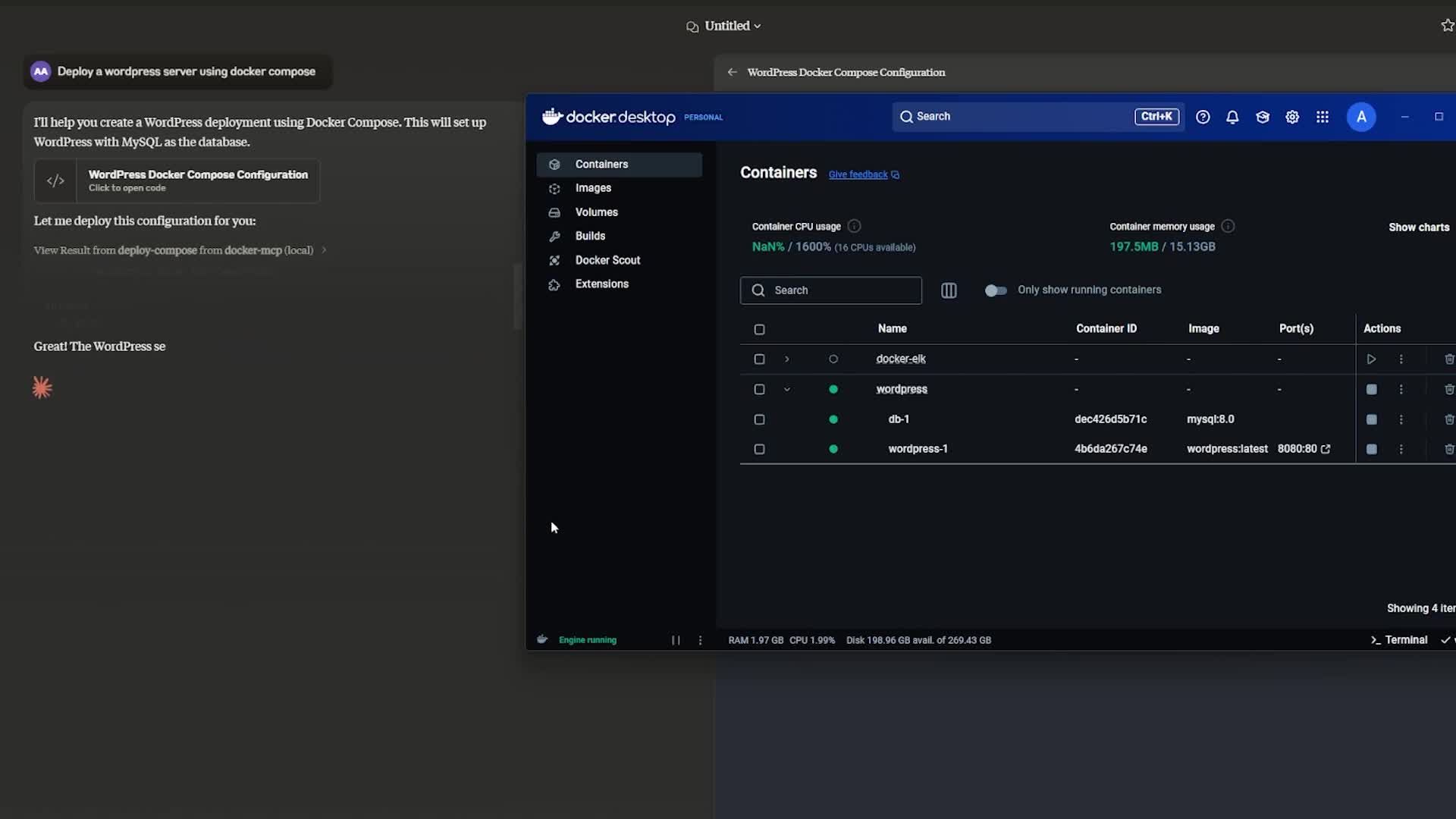
Deploying a Docker Compose Stack
Analyzing Container Logs
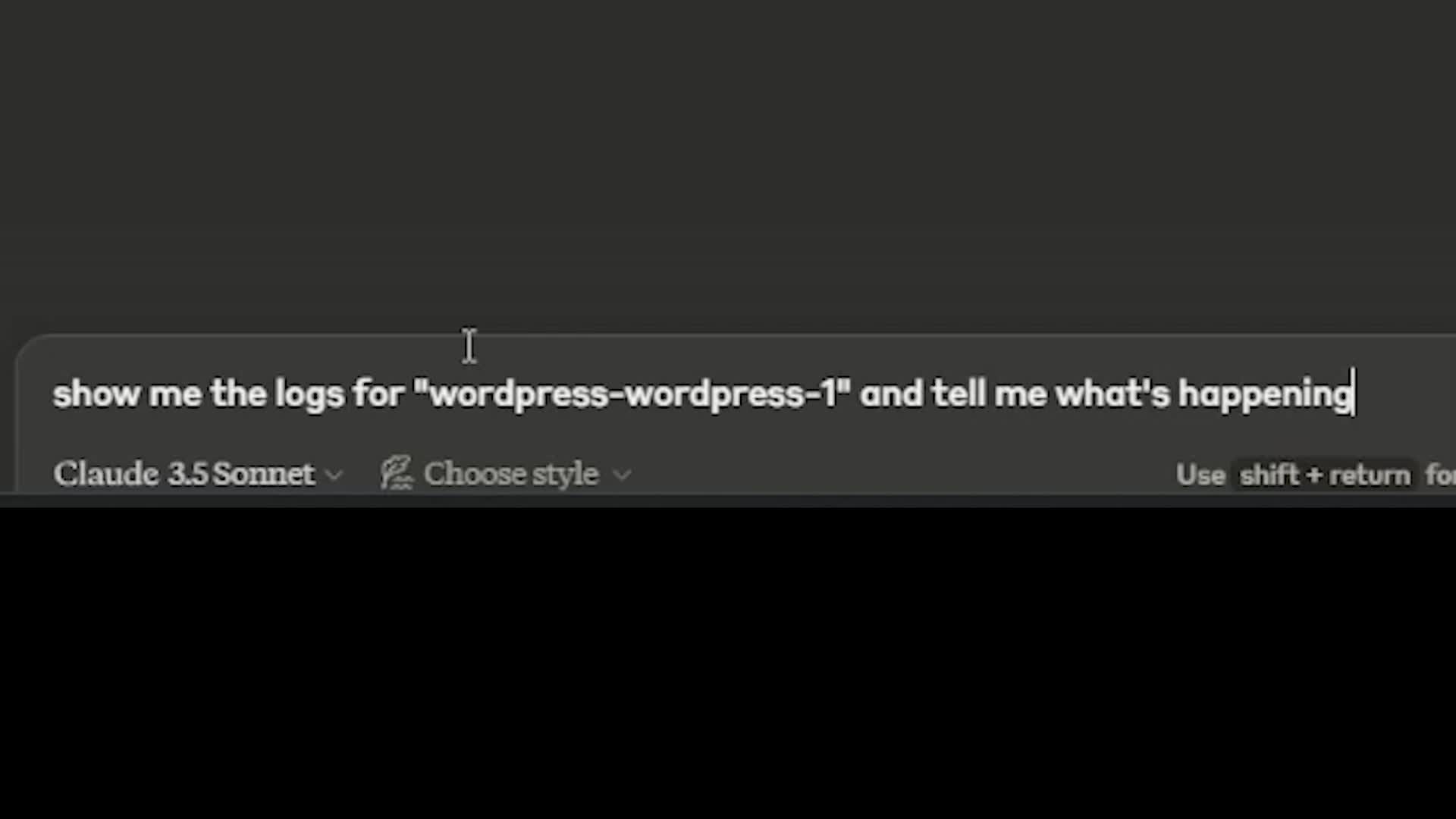
📝 Click on the images above to watch the demos
🚀 Quickstart
Prerequisites
- Python 3.12+
- Docker Desktop or Docker Engine
- Claude Desktop
Installation
Claude Desktop Configuration
Add the server configuration to your Claude Desktop config file:
MacOS: ~/Library/Application\ Support/Claude/claude_desktop_config.json
Windows: %APPDATA%/Claude/claude_desktop_config.json
💻 Development Configuration
{
  "mcpServers": {
    "docker-mcp": {
      "command": "uv",
      "args": [
        "--directory",
        "<path-to-docker-mcp>",
        "run",
        "docker-mcp"
      ]
    }
  }
}
🚀 Production Configuration
{
  "mcpServers": {
    "docker-mcp": {
      "command": "uvx",
      "args": [
        "docker-mcp"
      ]
    }
  }
}
🛠️ Development
Local Setup
- Clone the repository:
git clone https://github.com/QuantGeekDev/docker-mcp.git
cd docker-mcp
- Create and activate a virtual environment:
python -m venv venv
source venv/bin/activate  # On Windows: venv\Scripts\activate
- Install dependencies:
uv sync
Building and Publishing
- Sync dependencies and update lockfile:
uv sync
- Build package distributions:
uv build
This creates source and wheel distributions in the dist/ directory.
- Publish to PyPI:
uv publish
PyPI Credentials
Set your credentials via:
- Token:
--tokenorUV_PUBLISH_TOKEN - Username/Password:
--username/UV_PUBLISH_USERNAME--password/UV_PUBLISH_PASSWORD
🔍 Debugging
Launch the MCP Inspector for debugging:
npx @modelcontextprotocol/inspector uv --directory <path-to-docker-mcp> run docker-mcp
The Inspector will provide a URL to access the debugging interface.
📝 Available Tools
The server provides the following tools:
create-container
Creates a standalone Docker container
{
    "image": "image-name",
    "name": "container-name",
    "ports": {"80": "80"},
    "environment": {"ENV_VAR": "value"}
}
deploy-compose
Deploys a Docker Compose stack
{
    "project_name": "example-stack",
    "compose_yaml": "version: '3.8'\nservices:\n  service1:\n    image: image1:latest\n    ports:\n      - '8080:80'"
}
get-logs
Retrieves logs from a specific container
{
    "container_name": "my-container"
}
list-containers
Lists all Docker containers
{}
🚧 Current Limitations
- No built-in environment variable support for containers
- No volume management
- No network management
- No container health checks
- No container restart policies
- No container resource limits
🤝 Contributing
- Fork the repository from docker-mcp
- Create your feature branch
- Commit your changes
- Push to the branch
- Open a Pull Request
📜 License
This project is licensed under the MIT License - see the LICENSE file for details.
✨ Authors
- Alex Andru - Initial work | Core contributor - @QuantGeekDev
- Ali Sadykov - Initial work | Core contributor - @md-archive
Made with ❤️ for the Claude community
Release history Release notifications | RSS feed


Download files
Download the file for your platform. If you're not sure which to choose, learn more about installing packages.
Source Distribution
Built Distribution
Filter files by name, interpreter, ABI, and platform.
If you're not sure about the file name format, learn more about wheel file names.
Copy a direct link to the current filters
File details
Details for the file docker_mcp-0.1.0.tar.gz.
File metadata
- Download URL: docker_mcp-0.1.0.tar.gz
- Upload date:
- Size: 18.6 kB
- Tags: Source
- Uploaded using Trusted Publishing? No
- Uploaded via: uv/0.5.5
File hashes
| Algorithm | Hash digest | |
|---|---|---|
| SHA256 |
8468a95e5e31c611c82687d16cae3587af687e0a31a644cb9829e1618095a358
|
|
| MD5 |
c95d9c4cf401dad95320e22b4ef7cd35
|
|
| BLAKE2b-256 |
4509786ef4726b5aa7fdc7b89d6576d391729959065cc0b5d239f4558fa8a639
|
File details
Details for the file docker_mcp-0.1.0-py3-none-any.whl.
File metadata
- Download URL: docker_mcp-0.1.0-py3-none-any.whl
- Upload date:
- Size: 10.4 kB
- Tags: Python 3
- Uploaded using Trusted Publishing? No
- Uploaded via: uv/0.5.5
File hashes
| Algorithm | Hash digest | |
|---|---|---|
| SHA256 |
e26efacf974974f3404a5ba41a82dc068583d97ad32f7131de22624ef4afc88e
|
|
| MD5 |
9d7198cf3099cac5859ccb04bf09b3b9
|
|
| BLAKE2b-256 |
55aa357b262a45eed475b0ae41bd9ce7bebe218ee5a36986400f63ae5866cc49
|






