
Python applications to Docker, automatically.

Project description
Dockerpyze (dpy)
Previously named poetry-dockerize-plugin
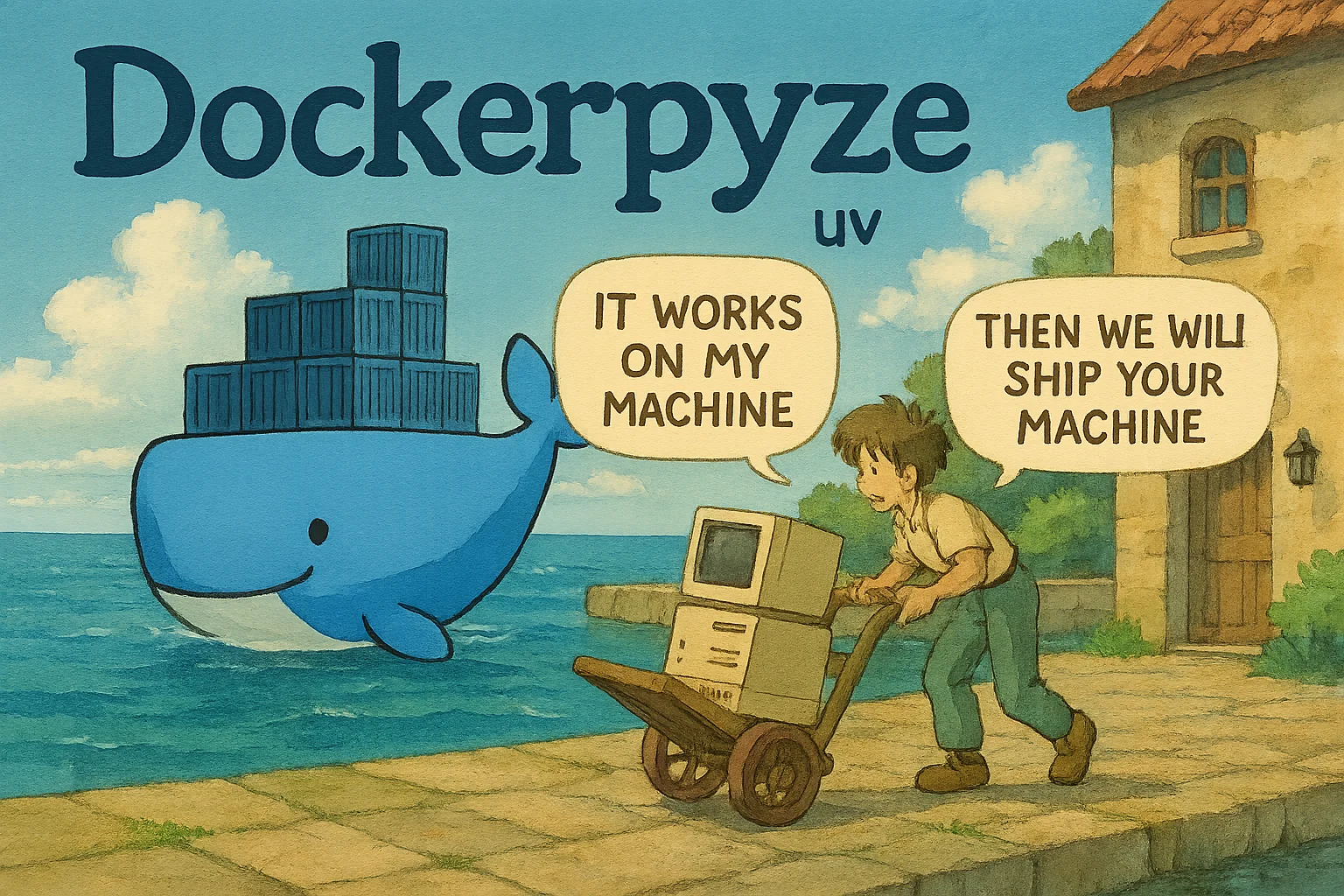



Key features:
- Automatically generate a docker image from your
uv/poetryapplication. - PEP-621 compliant.
- 100% configurable. You can configure the image by adding a section in the
pyproject.tomlconfiguration file.
Quickstart
uv
- Install it as a dev dependency:
uv add dockerpyze --dev
- Configure entrypoint in
pyproject.toml:
[tool.dpy]
entrypoint = "uv run <your-script>"
- Now straight to the point:
uv run dockerpyze
>No .dockerignore found, using a good default one 😉
>Building image: dockerpyze:latest 🔨
Successfully built images: ✅  (0.3s)
  - dockerpyze:latest
- Tell your friends about this library 😉
poetry
- Move your project to
uv... well if you can't do it, you can still usepoetry. - Install the freaking plugin:
poetry self add dockerpyze@latest
- Configure entrypoint in
pyproject.toml:
[tool.dpy]
entrypoint = "poetry run <your-script>"
- Now straight to the point:
poetry dockerpyze
>No .dockerignore found, using a good default one 😉
>Building image: dockerpyze:latest 🔨
Successfully built images: ✅  (0.3s)
  - dockerpyze:latest
- Tell your friends about this library 😉 (and then switch to
uv)
Configure entrypoint
It's recommended to configure the entrypoint for the docker image:
[tool.dpy]
packages = ["myapp"]
entrypoint = ["python", "myapp/main.py"]
Configuration via pyproject.toml
To customize some options, you can add a [tool.dpy] section in your pyproject.toml file. For example to change the image name:
[tool.dpy]
name = "myself/myproject-app"
Configuration via environment variables
You can also pass any option via environment variable by prefixing the key with DPY_. For example, to set the entrypoint you can use the DPY_ENTRYPOINT environment variable:
export DPY_ENTRYPOINT="python -m myapp"
uv run dockerpyze
or use a .env file which will be loaded by the plugin:
echo "DPY_ENTRYPOINT=python -m myapp" > .env
poetry dockerpyze
For dicts such as env and labels, you can set multiple values by adding multiple variables:
export DPY_ENV_MY_VAR="my_value"
export DPY_ENV_MY_OTHER_VAR="my_other_value"
export DPY_LABELS_MY_LABEL="label1"
poetry dockerpyze
Usage in GitHub Actions
You just need to run the quickstart command in your GitHub Actions workflow:
name: Build and publish latest

on:
  push:
    branches: main

jobs:
  login:
    runs-on: ubuntu-latest
    steps:
        - name: Check out the repo
          uses: actions/checkout@v3

        - name: "Setup: Python 3.11"
          uses: actions/setup-python@v4

        - name: Install uv
          run: python -m pip install uv

        - name: Build and package
          run: |
            uv sync
            uv run ruff
            uv run pytest
            uv run dockerpyze

        - name: Login to Docker Hub
          uses: docker/login-action@v3
          with:
            username: ${{ secrets.DOCKERHUB_USERNAME }}
            password: ${{ secrets.DOCKERHUB_TOKEN }}

        - name: Push to Docker Hub
          run: docker push my-app:latest
Configuration API Reference
This examples shows a complete configuration of the docker image:
[tool.dpy]
name = "alternative-image-name"
packages = ["myapp"]
python = "3.12"
base-image = "python:3.12-slim"
tags = ["latest-dev"]
entrypoint = ["python", "-m", "whatever"]
ports = [5000]
env = {"MY_APP_ENV" = "dev"}
labels = {"MY_APP_LABEL" = "dev"}
apt-packages = ["curl"]
extra-run-instructions = ["RUN curl https://huggingface.co/transformers/"]

# Only for build docker layer
build-apt-packages = ["gcc"]
extra-build-instructions = ["RUN poetry config http-basic.foo <username> <password>"]
build-poetry-install-args = ["-E", "all", "--no-root"]
namecustomizes the docker image name.packagesdeclares the packages to be included in the docker image. If you they are declared in[project.scripts]or in[tool.poetry.scripts], they will be automatically added to the list.pythonpython version to use. If not specified, will try to be extracted fromtool.poetry.dependencies.python. Default is3.11base-imagecustomizes the base image. If not defined, the default base image ispython:<python-version>-slim-bookworm.tagsdeclares a list of tags for the image.entrypointcustomizes the entrypoint of the image. If not provided, the default entrypoint is retrieved from thepackagesconfiguration.portsexposes portsenvdeclares environment variables inside the docker image.labelsappend labels to the docker image. Default labels are added following the opencontainers specification.apt-packagesinstalls apt packages inside the docker image.extra-run-instructionsadds extra instructions to the docker run (after poetry install). Any modification to the filesystem will be kept after the poetry install.
For the build step:
build-apt-packagesinstalls apt packages inside the build docker container.extra-build-instructionsadds extra instructions to the docker build (before poetry install). Any modification to the filesystem will be lost after the poetry install. If you need to add files to the image, use theextra-run-instructions.build-poetry-install-argsadds additional arguments to thepoetry installcommand in the build step.
Command line options
All command line options provided by the dockerpyze may be accessed by typing:
uv run dockerpyze --help
poetry dockerpyze --help
Troubleshooting
To troubleshoot the plugin, you can use the --debug flag to get more information about the execution.
poetry dockerpyze --debug
The build is broken and --debug is completely useless? I get it.
You can generate the Dockerfile and manually build it to have more control over the problem.
uv run dockerpyze --generate
docker build Dockerfile .
It's totally fine to use the
--generateflag to generate the initialDockerfileand then customize it. I don't mind.
License
This project is licensed under the terms of the MIT license.
Issues or want to contribute?
- Open an issue
- (optional) Open a pull request and I'll merge it, maybe.


Download files
Download the file for your platform. If you're not sure which to choose, learn more about installing packages.
Source Distribution
Built Distribution
Filter files by name, interpreter, ABI, and platform.
If you're not sure about the file name format, learn more about wheel file names.
Copy a direct link to the current filters
File details
Details for the file dockerpyze-2.0.3.tar.gz.
File metadata
- Download URL: dockerpyze-2.0.3.tar.gz
- Upload date:
- Size: 15.4 kB
- Tags: Source
- Uploaded using Trusted Publishing? No
- Uploaded via: twine/6.1.0 CPython/3.12.9
File hashes
| Algorithm | Hash digest | |
|---|---|---|
| SHA256 |
d4b691843d23cefedeecd569d9ed507fb30be22d940b95e3424db9915f47c78a
|
|
| MD5 |
fef6c82b750e06de71a50b58fba4ef1a
|
|
| BLAKE2b-256 |
4007655c708135f92e6cd53566b43dea62160bb2593abcd6cf2998afaae4d132
|
File details
Details for the file dockerpyze-2.0.3-py3-none-any.whl.
File metadata
- Download URL: dockerpyze-2.0.3-py3-none-any.whl
- Upload date:
- Size: 11.3 kB
- Tags: Python 3
- Uploaded using Trusted Publishing? No
- Uploaded via: twine/6.1.0 CPython/3.12.9
File hashes
| Algorithm | Hash digest | |
|---|---|---|
| SHA256 |
30a220c8680b3f62fb1b10e4e75e920f517eef73a343fc9607ec68560535bbf4
|
|
| MD5 |
8c4883a93a2c665299e614e4ea0765d3
|
|
| BLAKE2b-256 |
afb5e803deedfc1818f985b98118aaf324a4dc15de6a191fc105a988bf468587
|






