
DoData python library 0.7.2
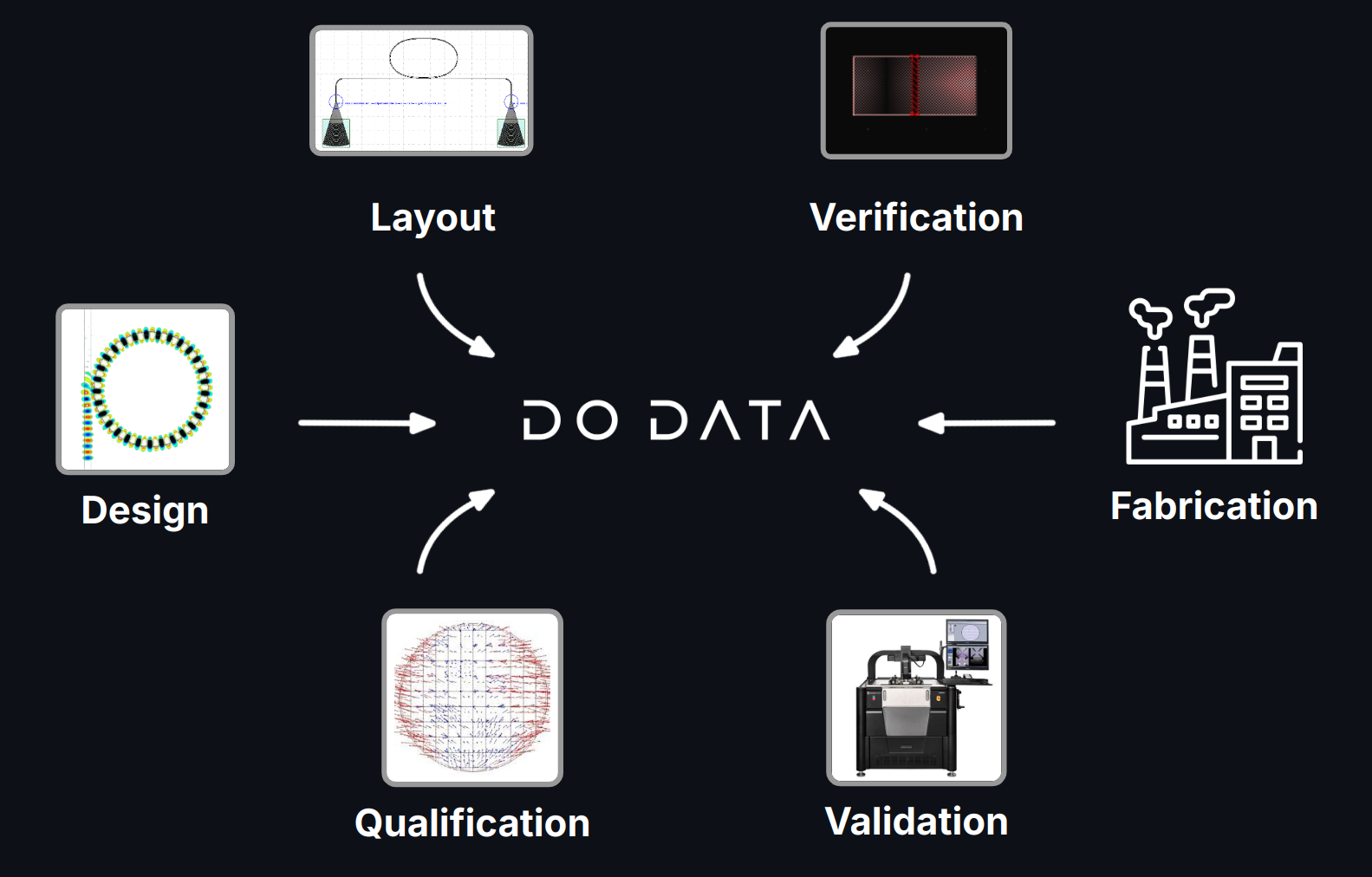
In chip design, handling various data types efficiently is crucial:
- Simulations
- Layouts
- Verification results (DRC, LVS, etc.)
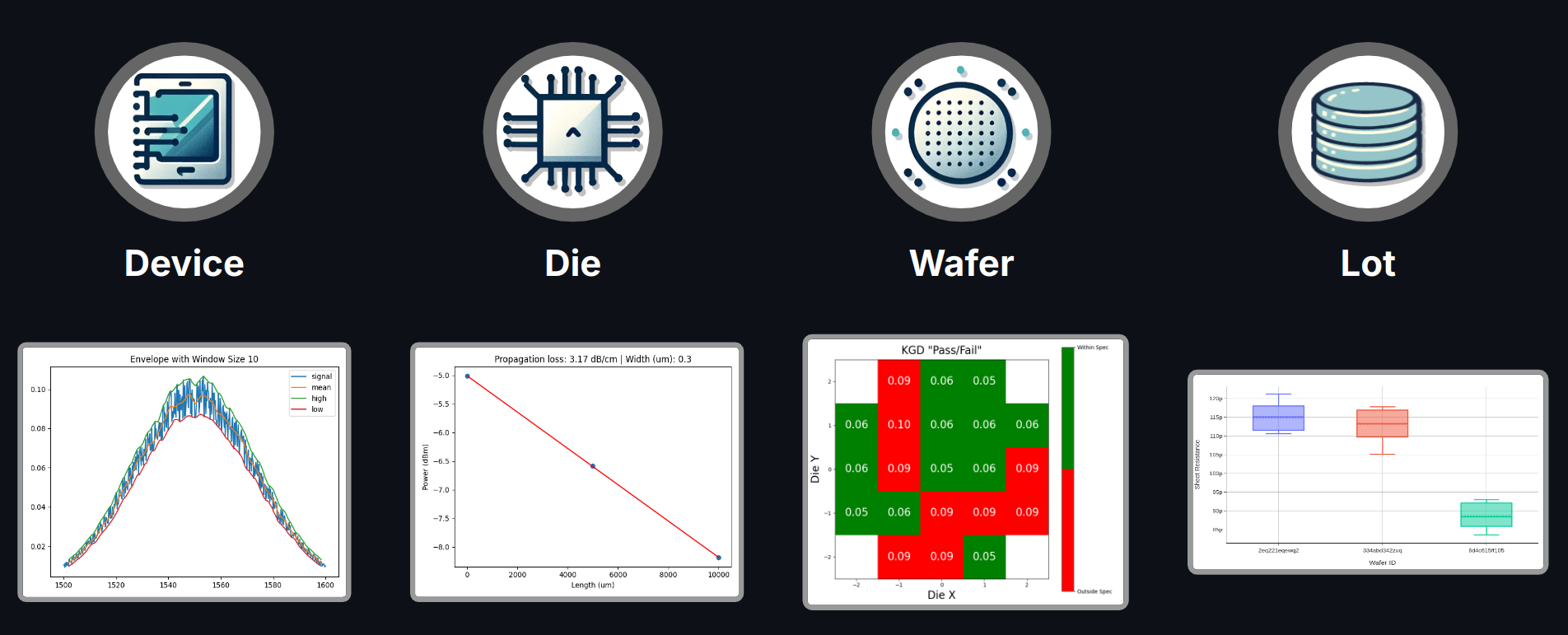
- Measurements
- Yield and qualification data
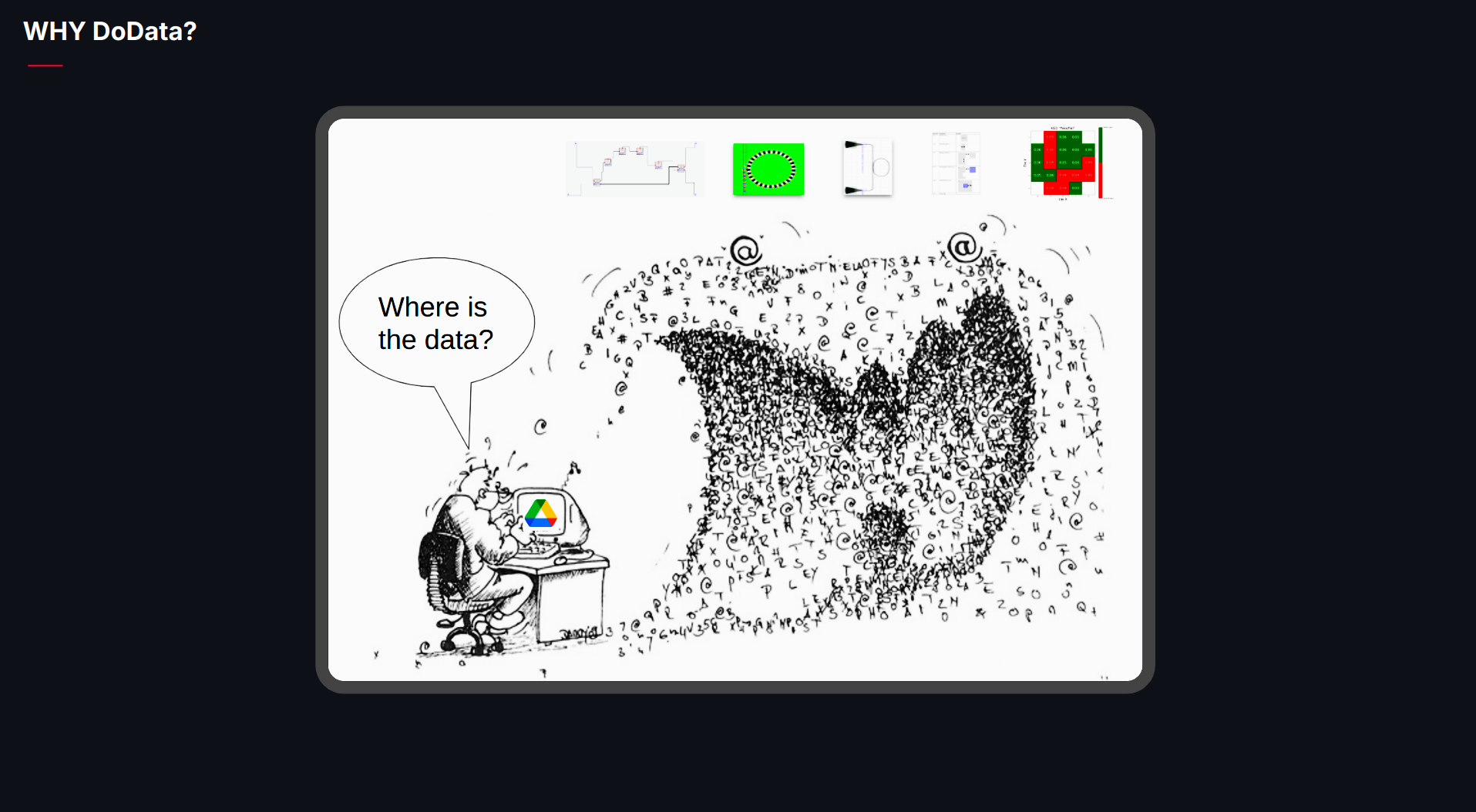
DoData provides a cutting-edge data storage solution designed specifically for the complexities of chip design. Our platform seamlessly integrates into your existing workflow, offering a scalable, efficient, and organized way to store, manage, and analyze all your critical data.
By using DoData, you can enhance efficiency, improve collaboration, and streamline your design process.
⚠ Notice: This tool requires an active GDSFactory+ subscription. To learn more, visit GDSFactory.com.
Installation
We only support Python 3.11 or 3.12, and recommend VSCode IDE and UV. You can install UV on a terminal with the following commands:
# On macOS and Linux.
curl -LsSf https://astral.sh/uv/install.sh | sh
# On Windows.
powershell -ExecutionPolicy ByPass -c "irm https://astral.sh/uv/install.ps1 | iex"
Then you can install dodata with:
uv pip install "dodata[demos]" --upgrade
Setup
Ensure you create a .env file in your working directory with the following contents:
dodata_url = 'https://your.dodata.url.here'
dodata_user = 'dodata_user'
dodata_password = 'dodata_web_password'
dodata_db = 'your.dodata.database.url.here'
dodata_db_user = "db_username_here"
dodata_db_password = "db_password_here"
dodata_db_name = "dodata"
data_db_port = 5432
debug = False
The .env file should be in the same directory where you run the notebooks or in a parent directory.
Run notebooks
To run the notebooks, you can use either VSCode or JupyterLab:
- VSCode: Ensure you select the same Conda Python interpreter where the packages were installed.
- JupyterLab: Launch JupyterLab by running jupyter-lab from the same terminal used for the installation.
Run the notebooks in the following order:
1_generate_layout: Generates the GDS layout and a CSV device manifest, including device coordinates, settings, and analysis.2_generate_measurement_data: Generates CSV measurement data.3_upload_measurements: Uploads wafer definitions, measurement data and trigger analysis.4_download_data: Downloads analysis using specific queries.5_delete: Deletes data as needed.
1 maintainer

Metadata
1 maintainer
Release files for dodata 0.7.2
For a detailed explanation of source distributions (sdists) and built distributions (wheels), please see the package formats documentation.
Source distribution (sdist)
| File | Size | Uploaded | |
|---|---|---|---|
| dodata-0.7.2.tar.gz | 507.9 kB | Details |
Built distribution (wheel)
| File | Interpreter | ABI | Platform | Reset |
|---|---|---|---|---|
| dodata-0.7.2-py3-none-any.whl | Python 3 | none | any | Details |
Total release size: 619.2 kB
Release files / dodata-0.7.2.tar.gz
| Download URL | dodata-0.7.2.tar.gz |
|---|---|
| Size | 507.9 kB |
| Tags | Source |
|
SHA-256 checksum How to use checksums |
851e2512c157d60a487830d7d346723b81974b8fe10ea75e7fdee740932c4b37
|
|
BLAKE2b-256 checksum How to use checksums |
55330f6f664e849e9ce851dcc291d45082a183bb3cc66d0a5b06fbf2caca8cc5
|
| Upload date | |
|
Uploaded using Trusted Publishing? What is trusted publishing? |
No |
| Uploaded via |
twine/6.1.0 CPython/3.11.11
|
Release files / dodata-0.7.2-py3-none-any.whl
| Download URL | dodata-0.7.2-py3-none-any.whl |
|---|---|
| Size | 111.3 kB |
| Tags | Python 3 |
|
SHA-256 checksum How to use checksums |
176dfb72aff23e6c7e031ec3a78050459fe070288edd8c65e3409dab42e7c04c
|
|
BLAKE2b-256 checksum How to use checksums |
8cd5ced0b126aef94ef939f96c44d12cc976e0c62c4324a6e7dc7775fcb833e0
|
| Upload date | |
|
Uploaded using Trusted Publishing? What is trusted publishing? |
No |
| Uploaded via |
twine/6.1.0 CPython/3.11.11
|














