
DoData python library 0.7.2
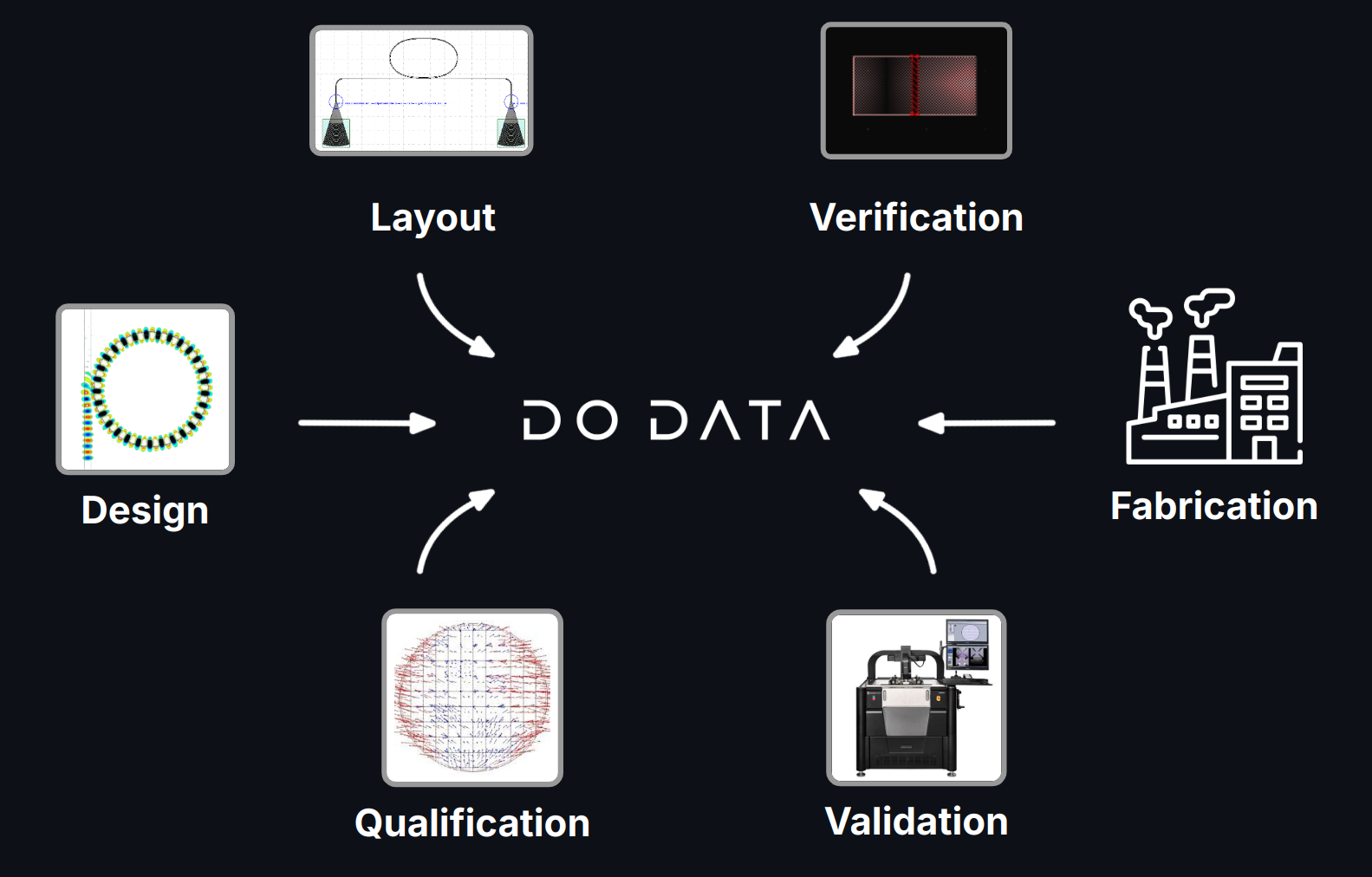
In chip design, handling various data types efficiently is crucial:
- Simulations
- Layouts
- Verification results (DRC, LVS, etc.)
- Measurements
- Yield and qualification data
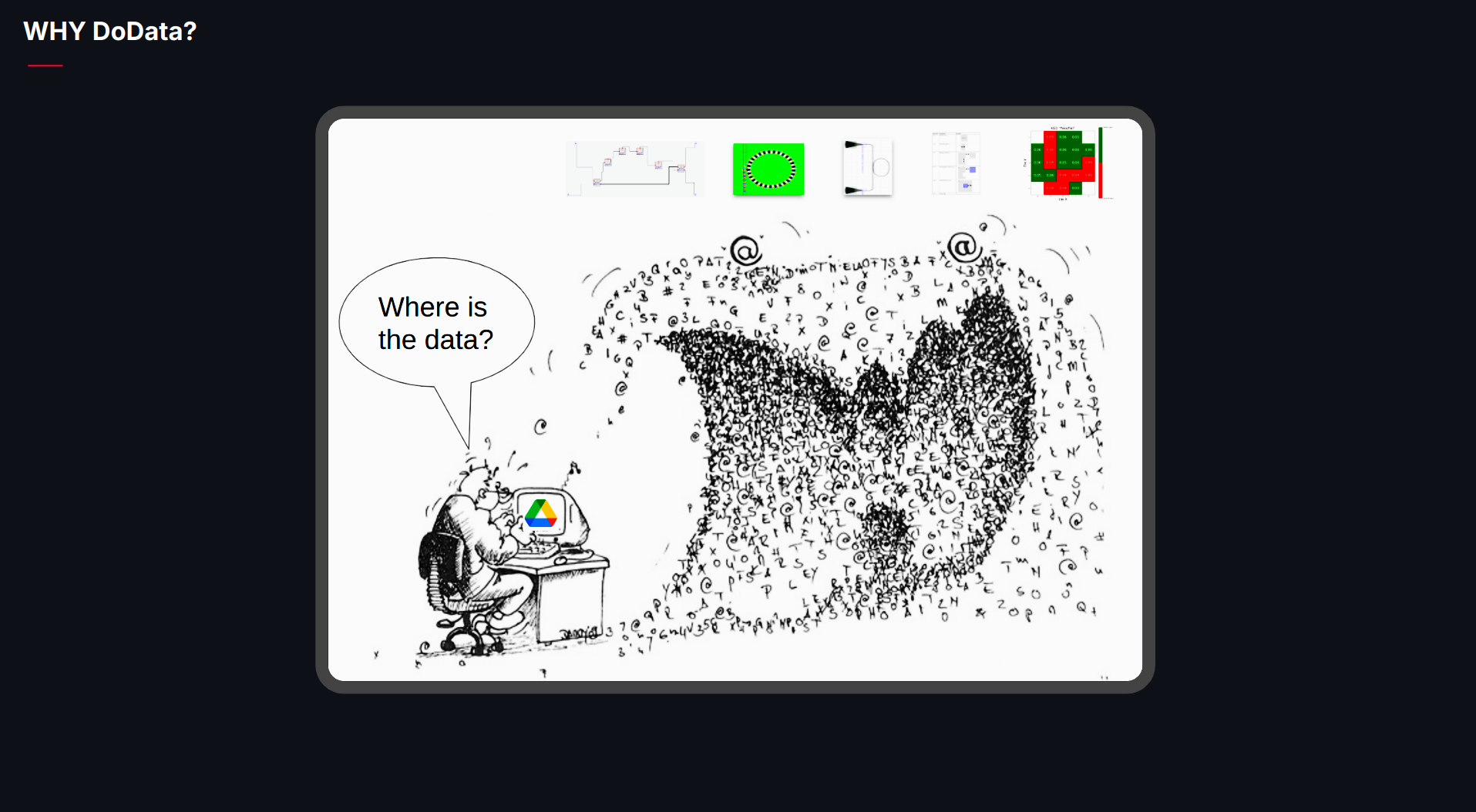
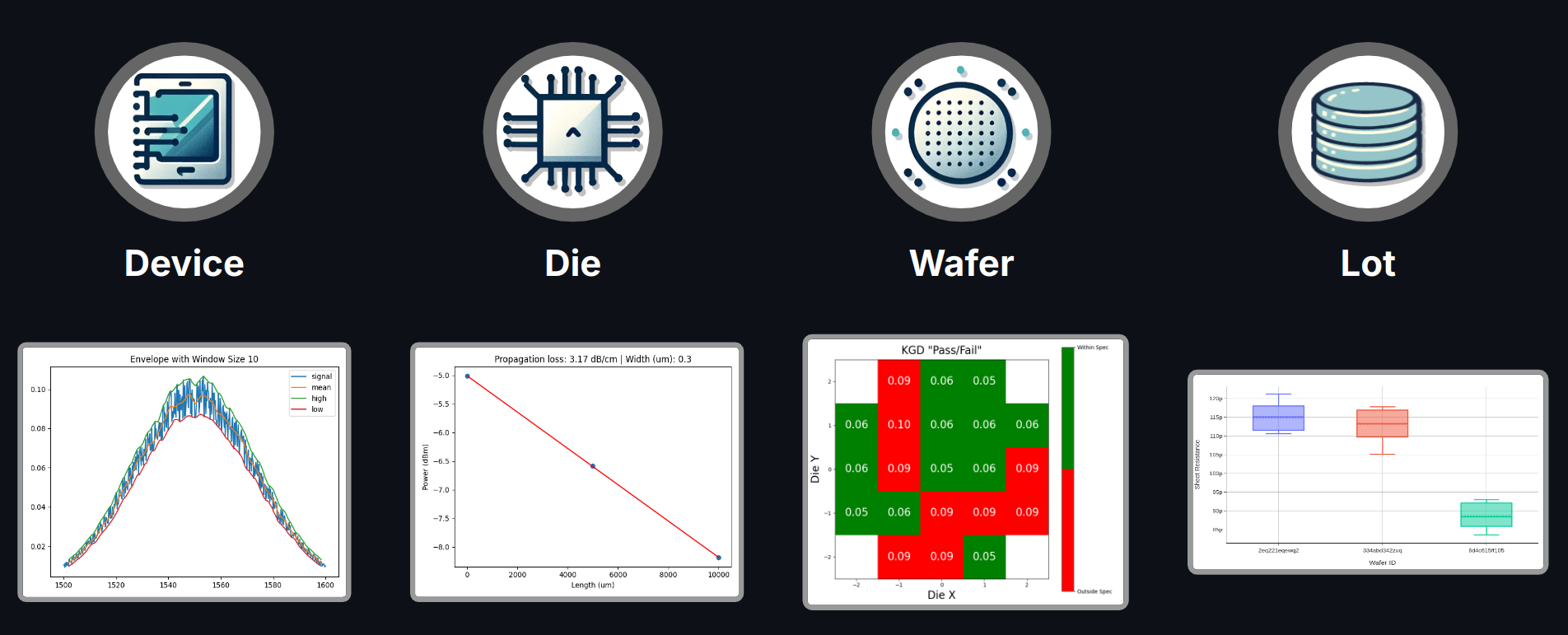
DoData provides a cutting-edge data storage solution designed specifically for the complexities of chip design. Our platform seamlessly integrates into your existing workflow, offering a scalable, efficient, and organized way to store, manage, and analyze all your critical data.
By using DoData, you can enhance efficiency, improve collaboration, and streamline your design process.
⚠ Notice: This tool requires an active GDSFactory+ subscription. To learn more, visit GDSFactory.com.
Installation
We only support Python 3.11 or 3.12, and recommend VSCode IDE and UV. You can install UV on a terminal with the following commands:
# On macOS and Linux.
curl -LsSf https://astral.sh/uv/install.sh | sh
# On Windows.
powershell -ExecutionPolicy ByPass -c "irm https://astral.sh/uv/install.ps1 | iex"
Then you can install dodata with:
uv pip install "dodata[demos]" --upgrade
Setup
Ensure you create a .env file in your working directory with the following contents:
dodata_url = 'https://your.dodata.url.here'
dodata_user = 'dodata_user'
dodata_password = 'dodata_web_password'
dodata_db = 'your.dodata.database.url.here'
dodata_db_user = "db_username_here"
dodata_db_password = "db_password_here"
dodata_db_name = "dodata"
data_db_port = 5432
debug = False
The .env file should be in the same directory where you run the notebooks or in a parent directory.
Run notebooks
To run the notebooks, you can use either VSCode or JupyterLab:
- VSCode: Ensure you select the same Conda Python interpreter where the packages were installed.
- JupyterLab: Launch JupyterLab by running jupyter-lab from the same terminal used for the installation.
Run the notebooks in the following order:
1_generate_layout: Generates the GDS layout and a CSV device manifest, including device coordinates, settings, and analysis.2_generate_measurement_data: Generates CSV measurement data.3_upload_measurements: Uploads wafer definitions, measurement data and trigger analysis.4_download_data: Downloads analysis using specific queries.5_delete: Deletes data as needed.
1 maintainer

Download files
Download the file for your platform. If you're not sure which to choose, learn more about installing packages.
Source Distribution
Built Distribution
Filter files by name, interpreter, ABI, and platform.
If you're not sure about the file name format, learn more about wheel file names.
Copy a direct link to the current filters
File details
Details for the file dodata-0.7.2.tar.gz.
File metadata
- Download URL: dodata-0.7.2.tar.gz
- Upload date:
- Size: 507.9 kB
- Tags: Source
- Uploaded using Trusted Publishing? No
- Uploaded via:
twine/6.1.0 CPython/3.11.11
File hashes
| Algorithm | Hash digest | |
|---|---|---|
| SHA256 |
851e2512c157d60a487830d7d346723b81974b8fe10ea75e7fdee740932c4b37
|
|
| MD5 |
710a338e878edced9210d0be5742bd79
|
|
| BLAKE2b-256 |
55330f6f664e849e9ce851dcc291d45082a183bb3cc66d0a5b06fbf2caca8cc5
|
File details
Details for the file dodata-0.7.2-py3-none-any.whl.
File metadata
- Download URL: dodata-0.7.2-py3-none-any.whl
- Upload date:
- Size: 111.3 kB
- Tags: Python 3
- Uploaded using Trusted Publishing? No
- Uploaded via:
twine/6.1.0 CPython/3.11.11
File hashes
| Algorithm | Hash digest | |
|---|---|---|
| SHA256 |
176dfb72aff23e6c7e031ec3a78050459fe070288edd8c65e3409dab42e7c04c
|
|
| MD5 |
de7c52b673b9bcbcfc00c14c070bb767
|
|
| BLAKE2b-256 |
8cd5ced0b126aef94ef939f96c44d12cc976e0c62c4324a6e7dc7775fcb833e0
|







