

Build amazing ideas, piece by piece.






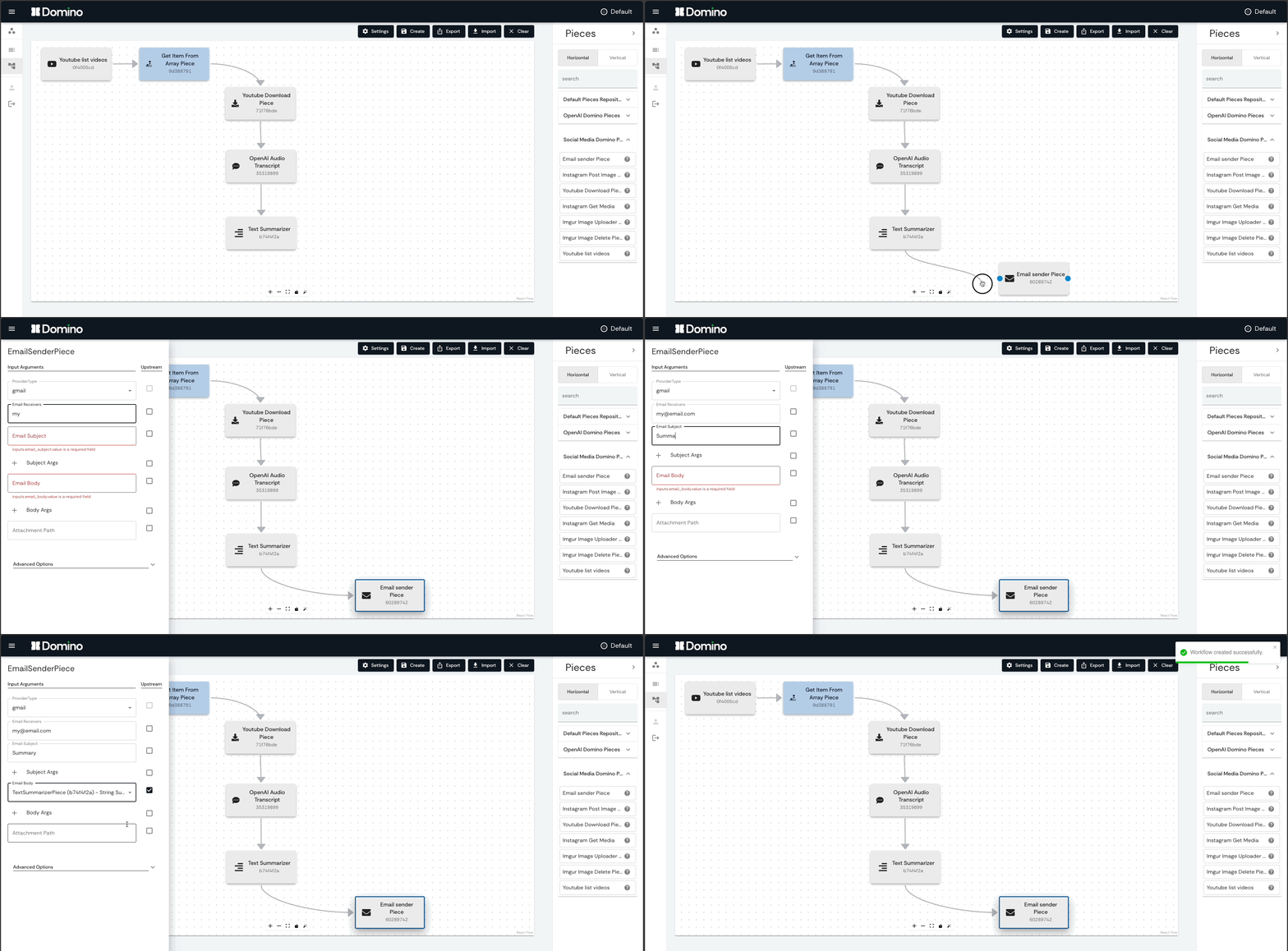
Table of contents
About
Domino is an open source workflow management platform, with:
- :desktop_computer: an intuitive Graphical User Interface that facilitates creating, editing and monitoring any type of Workflow, from data processing to machine learning
- :package: a standard way of writing and publishing functional Pieces, which follows good practices for data modeling, documentation and distribution
- :gear: a REST API that controls a running Apache Airflow instance
Creating Workflows in the GUI is as simple as dragging and dropping Pieces to the canvas, and connecting them. The user can schedule the Workflow to run periodically, at a specific date/time, or trigger it manually. The monitoring page shows the status of each Workflow Piece in real time, including the logs and results of each run.
Pieces are functional units that can be reused in multiple Workflows. Pieces can execute anything that can be written in Python, and can be easily distributed and installed directly from Github repositories to be used in Domino Workflows.
Every Domino Workflow corresponds to an Apache Airflow DAG, and each Piece corresponds to an Airflow task. Domino controls an Airflow instance, which is responsible for executing, scheduling and monitoring the Workflows (DAGs).
You can think of Domino as Airflow with superpowers:
- :desktop_computer: create highly complex Workflows with simple point-and-click and drag-and-drop operations, in an user-friendly GUI
- :package: make use of Pieces developed by other people, share and reuse your own Pieces
- :busts_in_silhouette: collaborate in groups to edit and monitor Workflows
- :chart_with_upwards_trend: experience a cleaner and more intuitive GUI for viewing Workflows results, including logs and richer reports with images and tables
- :minidisc: shared storage for tasks in the same workflow
- :arrows_counterclockwise: use gitSync to sync DAGs from files stored in a Git repository
- :wheel_of_dharma: scalable, Kubernetes-native platform
- :battery: powered by Apache Airflow for top-tier workflows scheduling and monitoring
Quick start
Check out the quick start guide in the documentation.
The Domino Python package can be installed via pip. We reccommend you install Domino in a separate Python environment.
pip install domino-py[cli]
You can then use Domino command line interface to easily run the Domino platform locally (requires Docker Compose V2). Go to a new, empty directory and run the following command:
domino platform run-compose
After all processes started successfully, navigate to localhost:3000 to access the Domino frontend service.
Obs.: the first time you run the platform, it may take a few minutes to download the Docker images.
Running the Domino platform locally with Docker compose is useful for development and testing purposes. For production environments, we recommend you deploy Domino and Airflow to a Kubernetes cluster. For other deployment modes, check out the instructions in the documentation.
GUI
The Domino frontend service is a React application that provides the GUI for easily creating, editing and monitoring Workflows. Check out the GUI documentation for more details.
Access authentication
Sign up and login to use the Domino platform.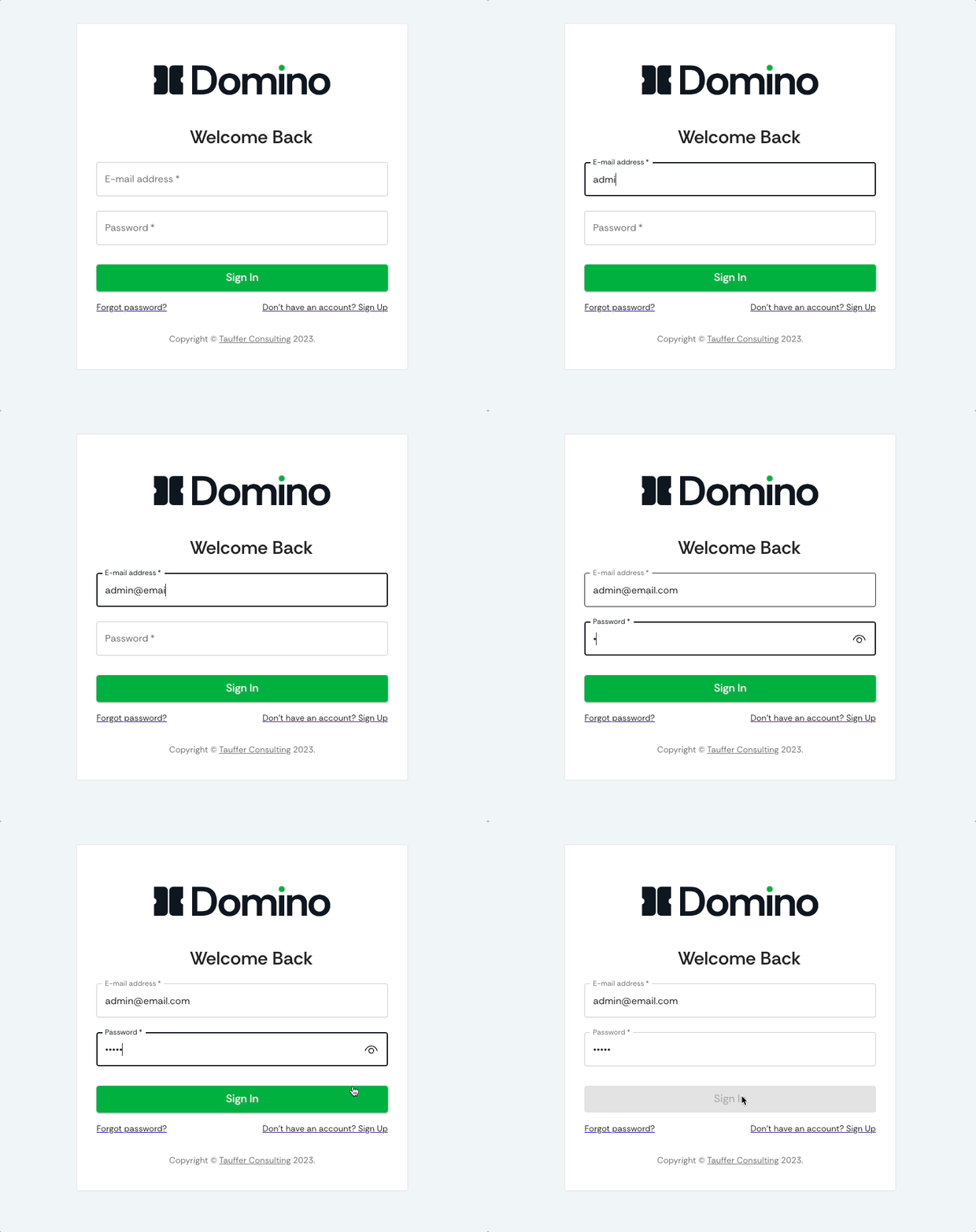
Select or Create Workspaces
Select an existing or create a new Workspace.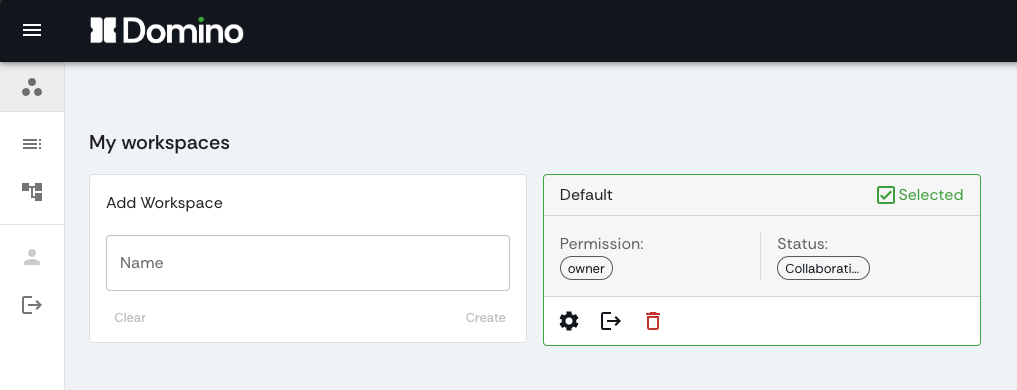
Install Pieces repositories
Install bundles of Pieces to your Domino Workspaces direclty from Github repositories, and use them in your Workflows.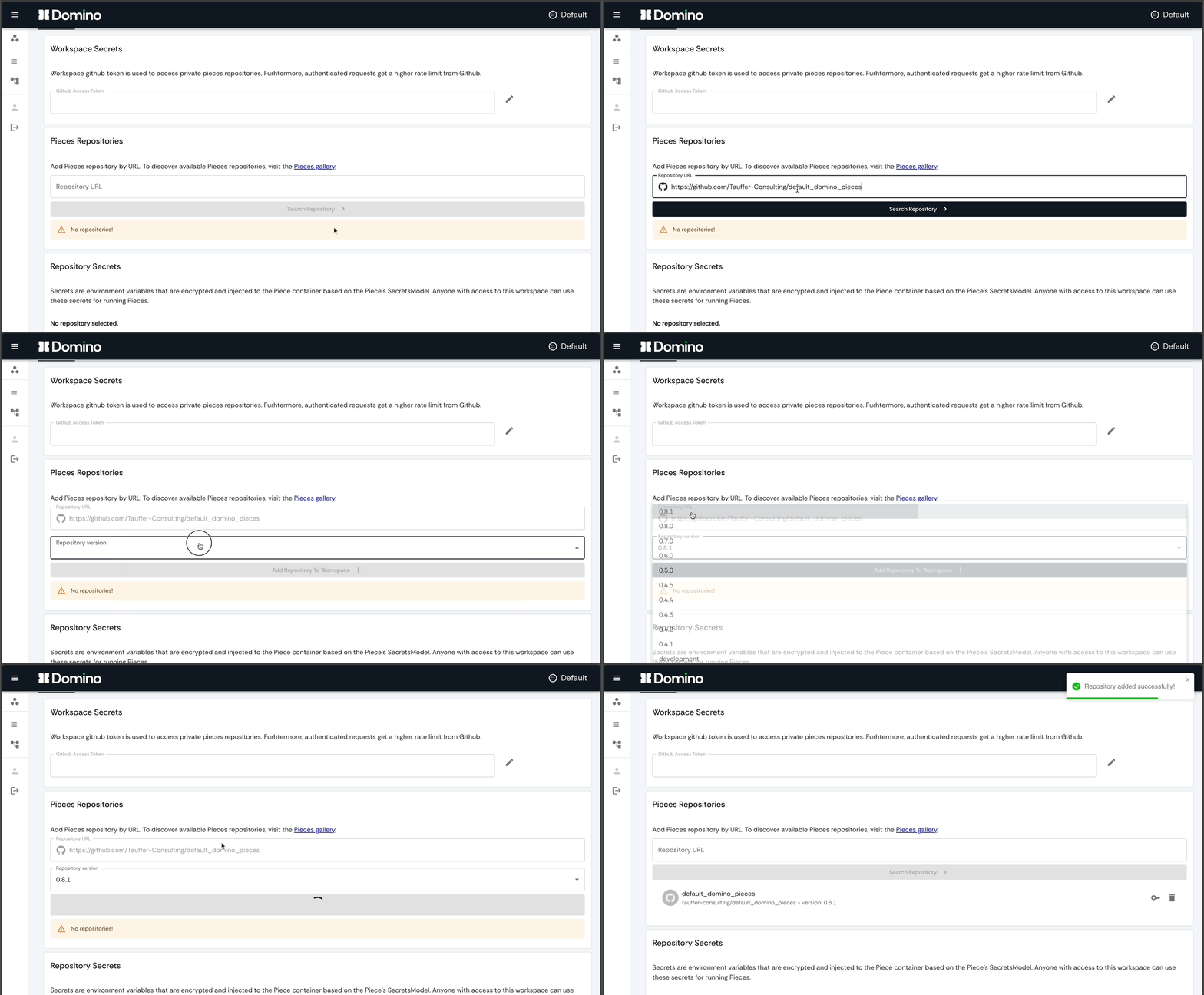
Create Workflows
Create Workflows by dragging and dropping Pieces to the canvas, and connecting them.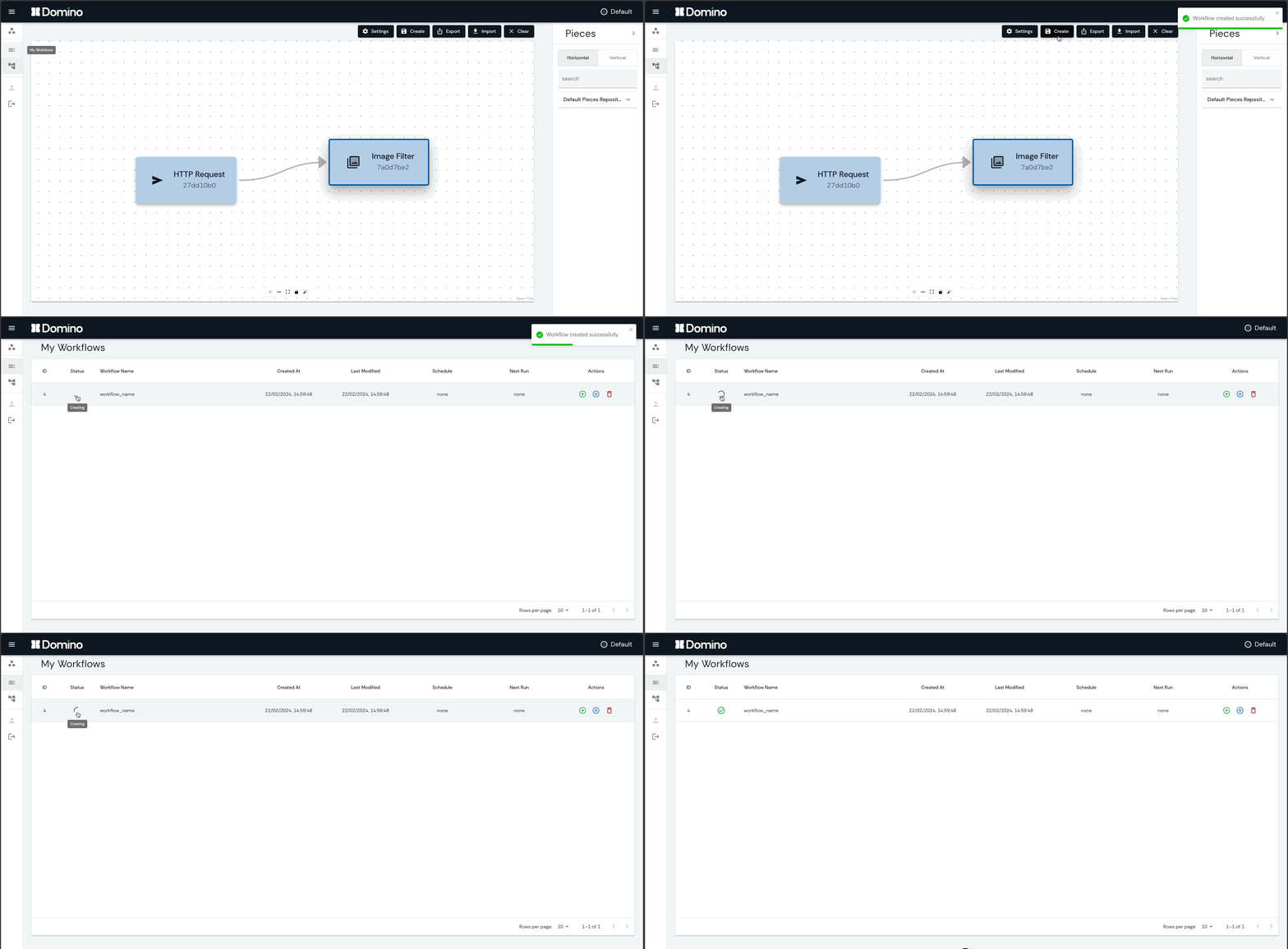
Edit Pieces
Edit Pieces by changing their input. Outputs from upstream Pieces are automatically available as inputs for downstream Pieces. Pieces can pass forward any type of data, from simple strings to heavy files, all automatically handled by Domino shared storage system.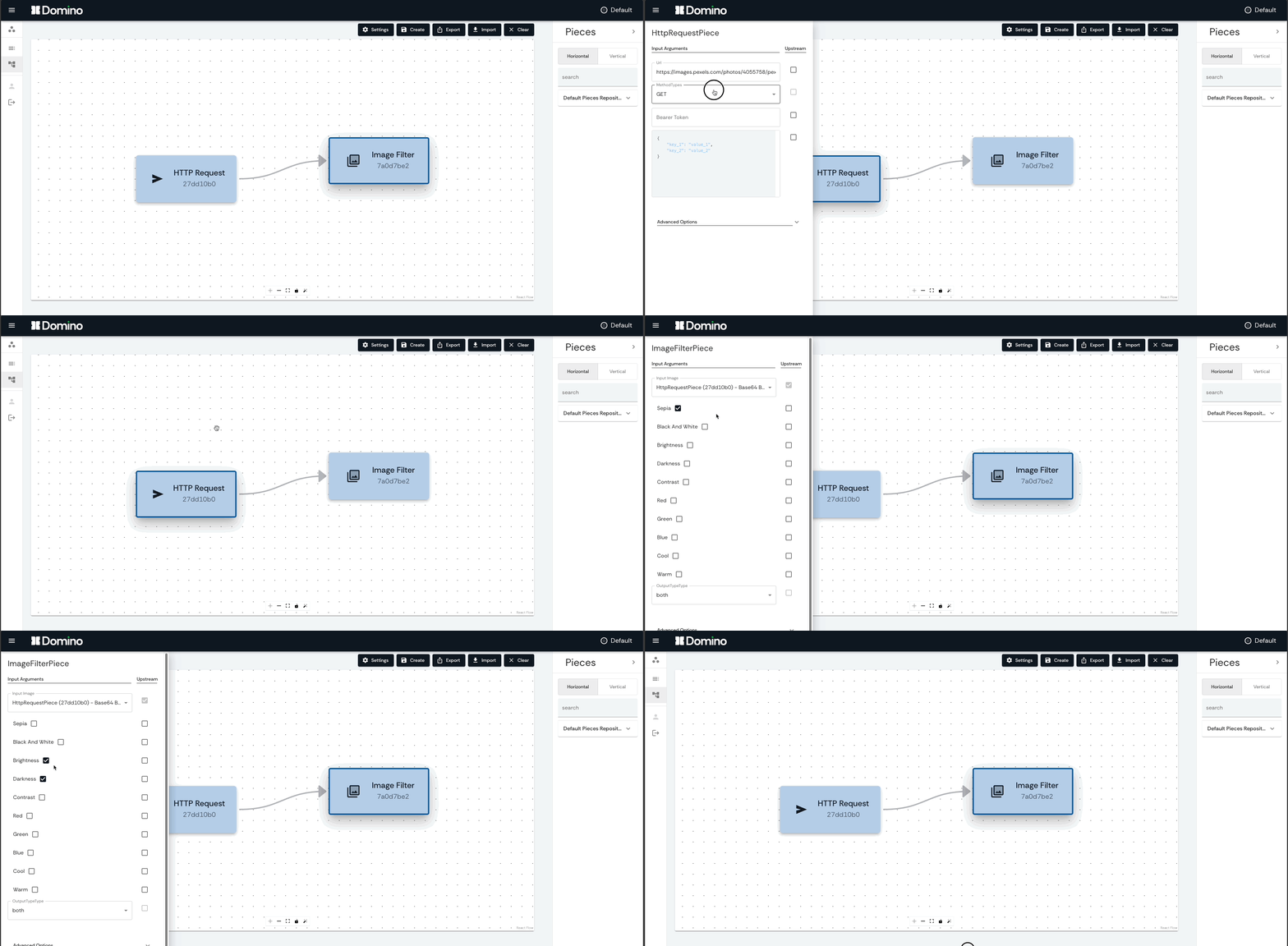
Configure Workflows
Configure and schedule Workflows to run periodically, at a specific date/time, or trigger them manually.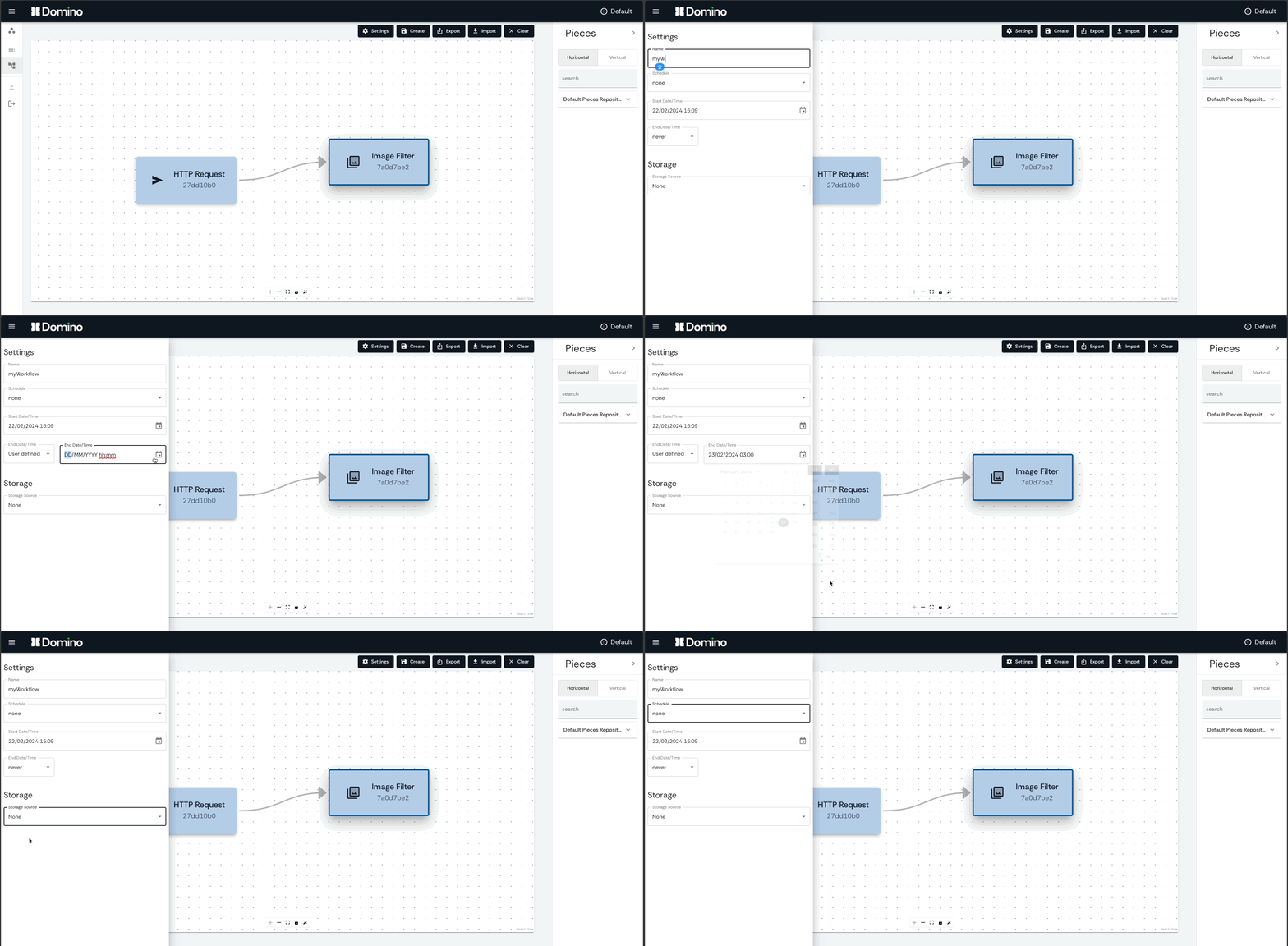
Monitor Workflows
Monitor Workflows in real time, including the status of each Piece, the logs and results of each run.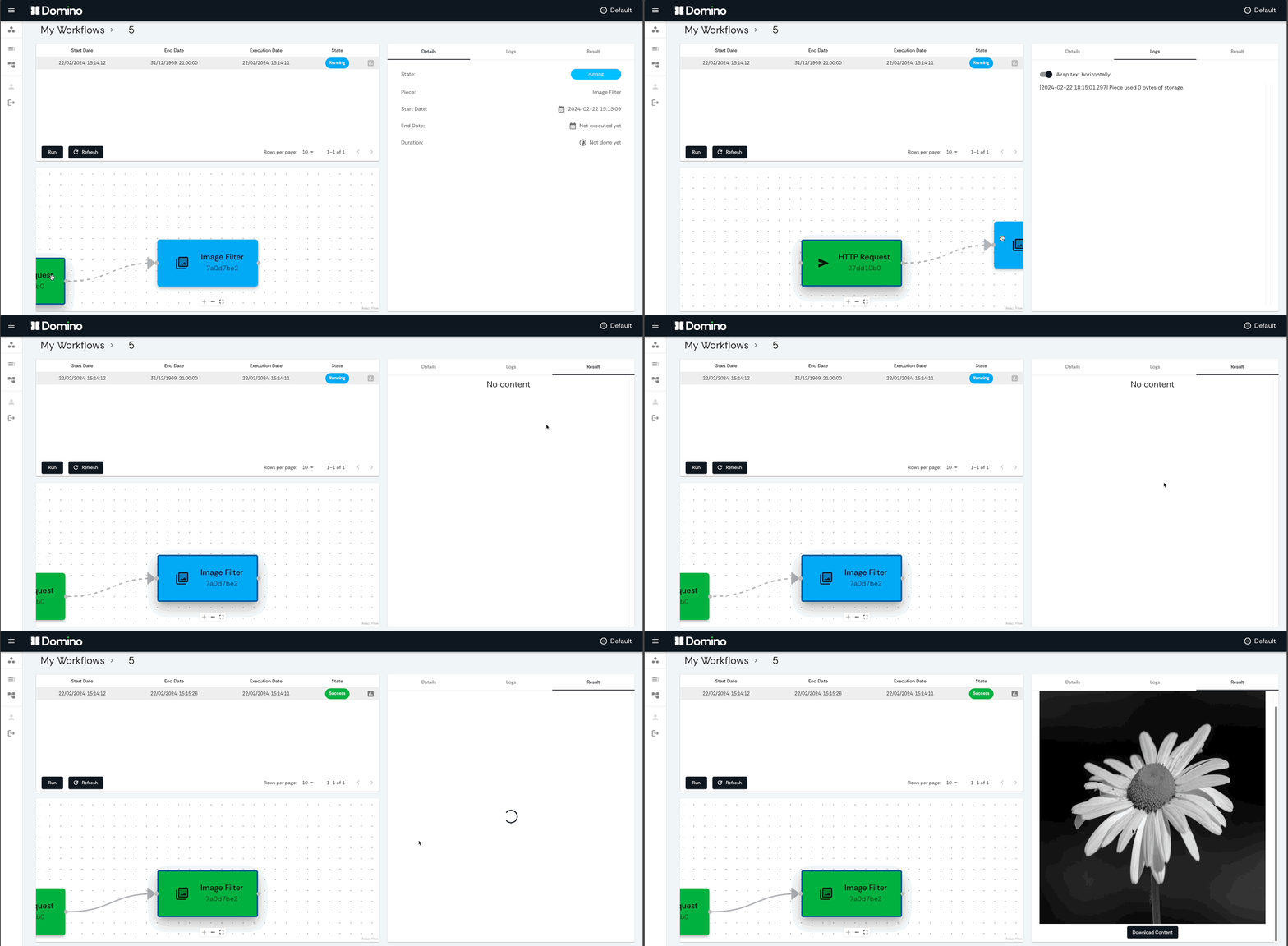
Pieces

Pieces are the secret sauce of Domino, they are functional units that can be distributed and reused in multiple Workflows. Domino Pieces are special because they:
- :snake: can execute anything written in Python, heavy-weight (e.g. Machine Learning) as well as light-weight (e.g. sending emails) tasks
- :traffic_light: have well defined data models for inputs, outputs and secrets
- :package: run in self-contained and isolated execution environments (Docker containers)
- :gear: are immutable, guaranteeing reproducibility of your workflows
- :octocat: are organized in git repositories, for easy packaging, distribution and installation
- :bookmark_tabs: are properly versioned, tested and documented
- :zap: are plug-and-play and versatile, can be easily incorporated in any workflow
It is very easy to create and share your own Pieces:
- write your Python function as a Piece
- define the data types, dependencies, metadata and tests
- publish in a git repository (public or private)
The Pieces repository template provides the basic structure, example files and automatic actions for a seamless Pieces creation experience.
Read more in the Pieces documentation.
REST
The Backend service is a REST API that controls a running Apache Airflow instance. It is responsible for:
- executing operations requested by the frontend service
- interacting with the Airflow instance, including triggering, creating, editing and deleting Workflows (DAGs)
- interacting with the Domino Database
The REST service is written in Python, using the FastAPI framework. Read more about it in the REST documentation.
Credits
Domino is developed and maintained by Tauffer Consulting.
2 maintainers


Metadata
2 maintainers
Release files for domino-py 0.9.4
For a detailed explanation of source distributions (sdists) and built distributions (wheels), please see the package formats documentation.
Source distribution (sdist)
| File | Size | Uploaded | Provenance | Actions |
|---|---|---|---|---|
| domino_py-0.9.4.tar.gz | 74.8 kB | Without provenance | Details for domino_py-0.9.4.tar.gz |
Built distribution (wheel)
| File | Interpreter | ABI | Platform | Actions Reset |
|---|---|---|---|---|
| domino_py-0.9.4-py3-none-any.whl | Python 3 | none | any | Details for domino_py-0.9.4-py3-none-any.whl |
Total release size: 163.9 kB
Release files / domino_py-0.9.4.tar.gz
| Download URL | domino_py-0.9.4.tar.gz |
|---|---|
| Size | 74.8 kB |
| Tags | Source |
|
SHA-256 checksum How to use checksums |
bb07bdbdf9334547ec7044e1c0fc6fb9fccfb84862ce6d782307a60b31f8486b
|
|
BLAKE2b-256 checksum How to use checksums |
11ac58541fb8d0d1189dd0d80e9ca5c60a36a5f638dbc1dd807fd574d012d410
|
| Upload date | |
|
Uploaded using Trusted Publishing? What is trusted publishing? |
No |
| Uploaded via |
twine/5.1.0 CPython/3.8.18
|
Release files / domino_py-0.9.4-py3-none-any.whl
| Download URL | domino_py-0.9.4-py3-none-any.whl |
|---|---|
| Size | 89.1 kB |
| Tags | Python 3 |
|
SHA-256 checksum How to use checksums |
0a3ecee7677e86361241188a9ef815f25e50c6d9fda91c2764e1095ec5cb3506
|
|
BLAKE2b-256 checksum How to use checksums |
213a93235f25989382e07d201fd294a3e666c9d7048302459cf300be55cefc00
|
| Upload date | |
|
Uploaded using Trusted Publishing? What is trusted publishing? |
No |
| Uploaded via |
twine/5.1.0 CPython/3.8.18
|
Security for domino-py 0.9.4
Provenance
Provenance describes where a file came from. On PyPI, provenance is shared via attestations, which provide a verifiable record of the build or publishing details. View details, limitations and caveats.
No provenance found
None of the files in this release were uploaded with provenance metadata.
A note on package security
PyPI is a repository for distributing packages, not a service for auditing them. While third-party security researchers and our staff do their best to detect and remove malicious packages, PyPI cannot guarantee the quality, security or suitability of any given package.
To learn more about protecting yourself from malicious actors, visit our package security documentation.














