

Great things come in tiny packages. A bare minimum extension library for creating tree dot plots, strip plots or dot charts w/ matplotlib or seaborn in Python
- Designed to work with
matplotlibandseabornin Python - Fully customizable
installation
pip install dotplotlib
usage
dotplotlib can be used to generate dot charts with minimal code. Here are some examples:
Example 1: Simple Dot Chart
.dotchart returns x and y lists that can be inputted straight into matplotlib or seaborn scatterplots.
from dotplotlib import dotchart
import matplotlib.pyplot as plt

data = {'size': [1, 2, 2, 3, 3, 3, 4]}

# Generate dot chart data
x, y = dotchart(data['size'])

# Plot
plt.scatter(x, y)
plt.show()
Example 2: Dot Chart with Color Mapping
Pass the data you would like to color by to the color_by= argument.
Returns an extra list c that should be passed into the c= parameter if using matplotlib or hue= if using seaborn.
from dotplotlib import dotchart
import matplotlib.pyplot as plt

data = {'size': [1, 2, 2, 3, 3, 3, 4], 'rating': [3, 2, 5, 4, 3, 6, 4]}

# Generate dot chart data with color mapping
x, y, c = dotchart(data['size'], color_by=data['rating'])

# Plot with color mapping
plt.scatter(x, y, c=c, cmap='viridis')
plt.colorbar()
plt.xlabel('Size')
plt.ylabel('Number')
plt.title('Mushroom Size Count Colored by Rating')
plt.show()
Example 3: Using make_dotchart to plot in one step
Instead of just giving you x, y lists to make the plot yourself, make_dotplot() actually generates the plot.
from dotplotlib import make_dotchart

df = {'size': [1, 2, 2, 3, 3, 3, 4], 'rating': [3, 2, 5, 4, 3, 6, 7]}

# Create a dot chart with optional arguments (only the first one is mandatory)
make_dotchart(df['size'],
                  color_by=df['rating'], # list to color by
                  reverse=False, # inverts the color mapping
                  theme='gnuplot2', # scroll down to see all themes
                  colorbar=True,
                  xlabel='Sizes',
                  ylabel='Size Count',
                  title='Mushroom Sizes Colored by Rating',
                  dot_size=40):
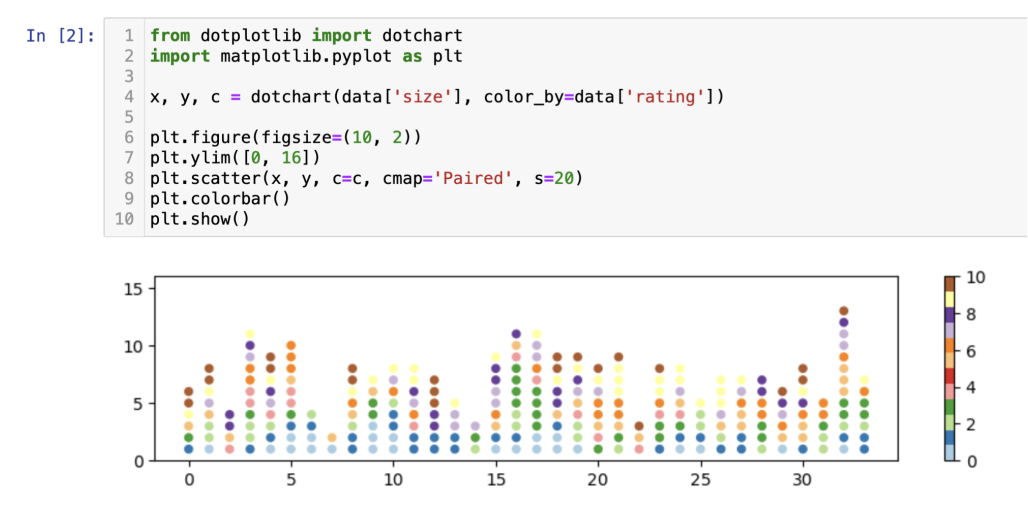
Example 4: Plotting in a Jupyter Notebook
If plotting inline, use the default .dotchart() to obtain x and y lists, and then adjust as necessary with one of the following:
plt.figure(figsize=(12,6))  # or
plt.figure().set_figwidth(12) # or
plt.figure().set_figheight(12)
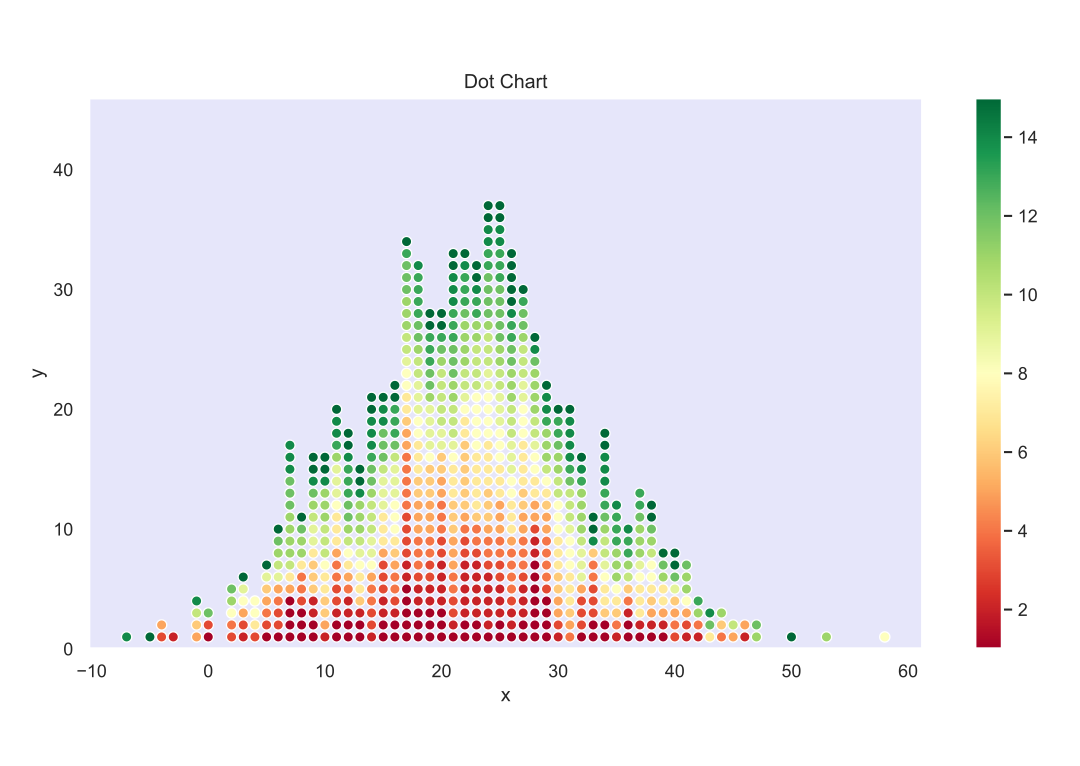
preset themes
custom:lavender
cmap
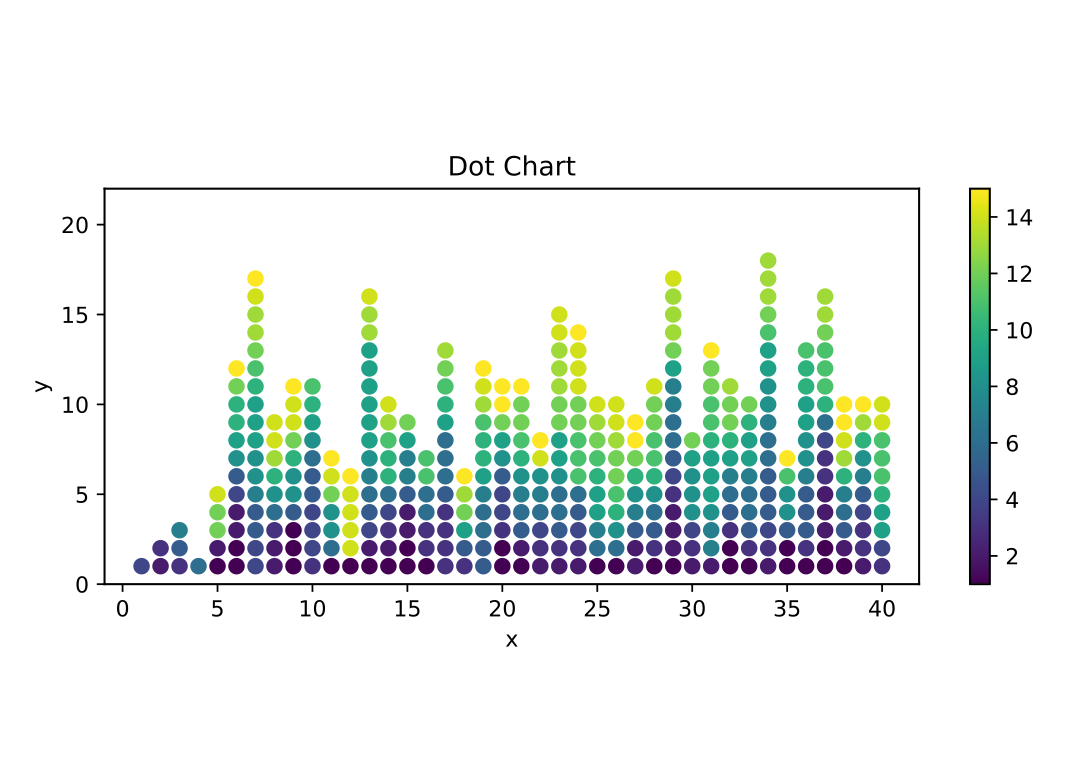
Any cmap value supported by matplotlib (see here) will work when passed into theme='viridis'.
viridis:
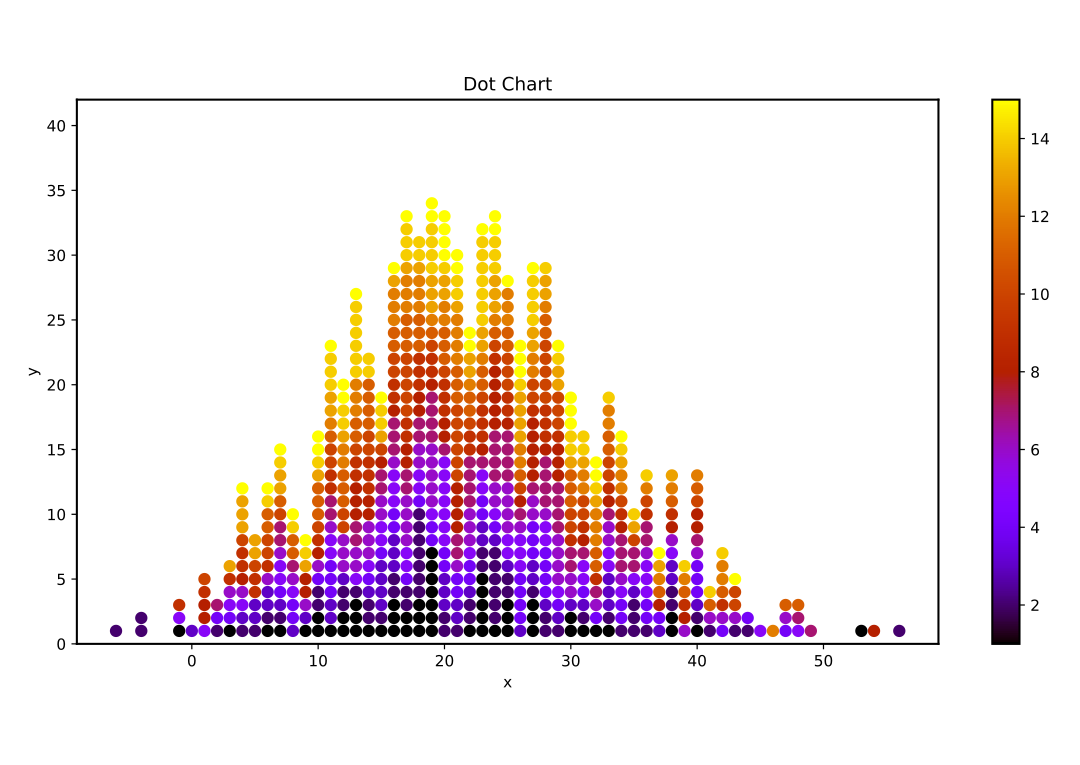
gnuplot:
gallery:
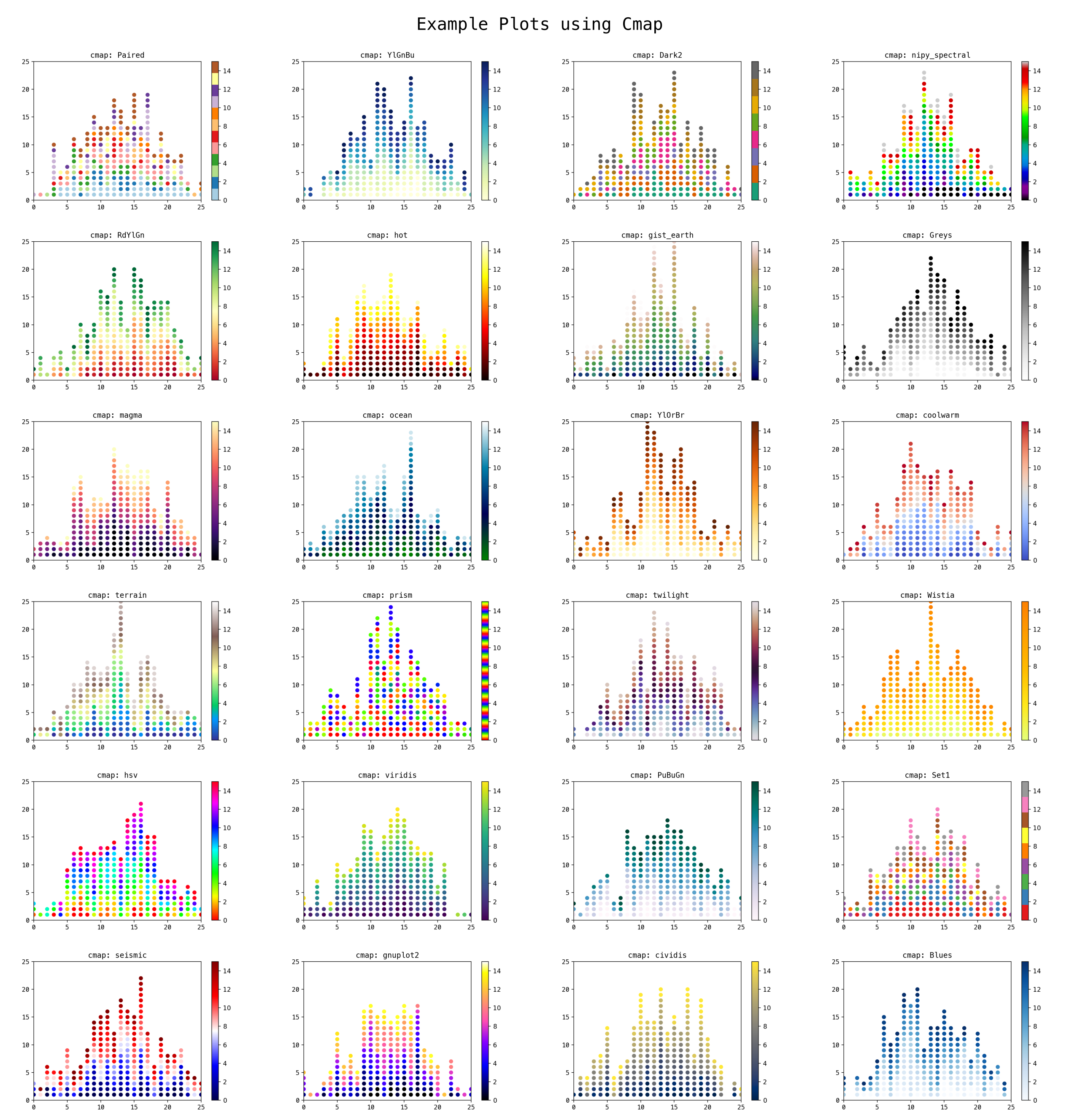
features
- generate strip plots/dot charts by exploiting
matplotlib/seabornscatterplots - supports any cmap color profile
- the data can be automatically sorted for better visualization, especially when using color mapping.
- accepts both list and pandas.Series as input data.
- set custom labels, titles, and dot sizes for your charts.
- works with Jupyter Notebook
attribution
- pjarzabek
- m3
- ddlegal
1 maintainer

Metadata
1 maintainer
Release files for dotplotlib 1.1.8
For a detailed explanation of source distributions (sdists) and built distributions (wheels), please see the package formats documentation.
Source distribution (sdist)
| File | Size | Uploaded | |
|---|---|---|---|
| dotplotlib-1.1.8.tar.gz | 5.9 kB | Details |
Built distribution (wheel)
| File | Interpreter | ABI | Platform | Reset |
|---|---|---|---|---|
| dotplotlib-1.1.8-py3-none-any.whl | Python 3 | none | any | Details |
Total release size: 12.2 kB
Release files / dotplotlib-1.1.8.tar.gz
| Download URL | dotplotlib-1.1.8.tar.gz |
|---|---|
| Size | 5.9 kB |
| Tags | Source |
|
SHA-256 checksum How to use checksums |
b37bbf43b6014852ceab32fef42c7b2536c5376e7b601bc14e302798d3d6a0eb
|
|
BLAKE2b-256 checksum How to use checksums |
3d6028201baae294627afb4f422cfc07bfd0dc9642c994f09ee811a1df694d1d
|
| Upload date | |
|
Uploaded using Trusted Publishing? What is trusted publishing? |
No |
| Uploaded via |
twine/4.0.2 CPython/3.11.5
|
Release files / dotplotlib-1.1.8-py3-none-any.whl
| Download URL | dotplotlib-1.1.8-py3-none-any.whl |
|---|---|
| Size | 6.2 kB |
| Tags | Python 3 |
|
SHA-256 checksum How to use checksums |
2899abca826258672694bb069e1533c0aa636809baefef565eb4991f4bed8483
|
|
BLAKE2b-256 checksum How to use checksums |
d9b2ff506f0127d43147c49a726c0177195b02dbac8fd1ca1b3d57fdf3e4fc40
|
| Upload date | |
|
Uploaded using Trusted Publishing? What is trusted publishing? |
No |
| Uploaded via |
twine/4.0.2 CPython/3.11.5
|














