
Drawscape Factorio

Project description
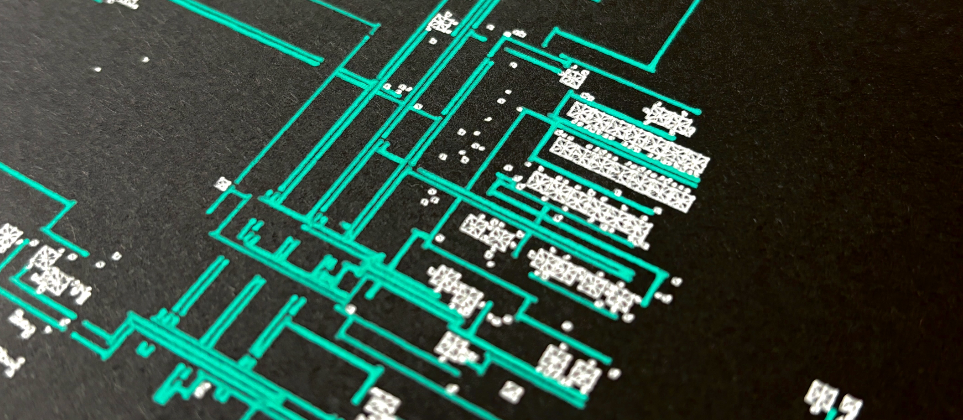
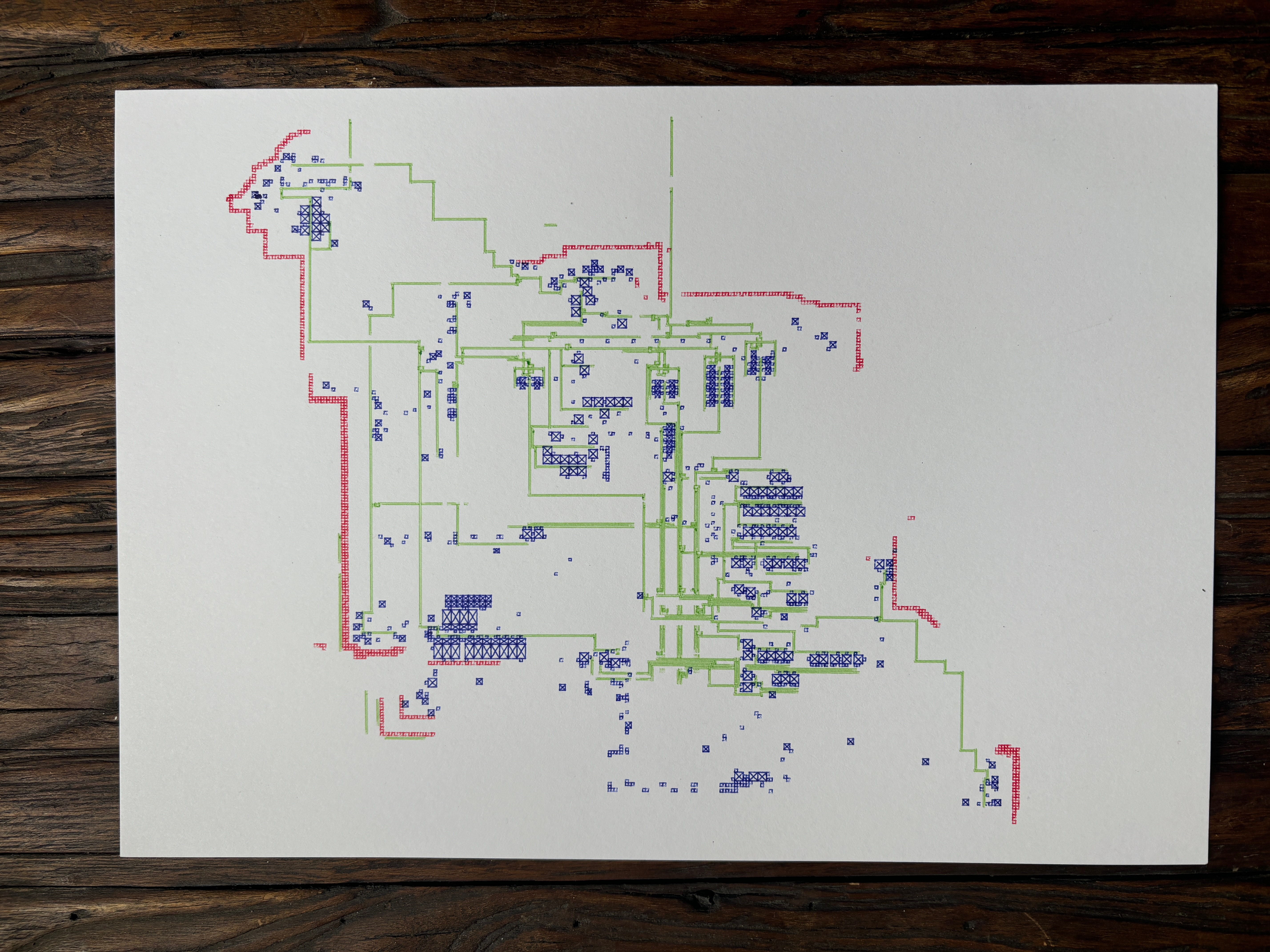
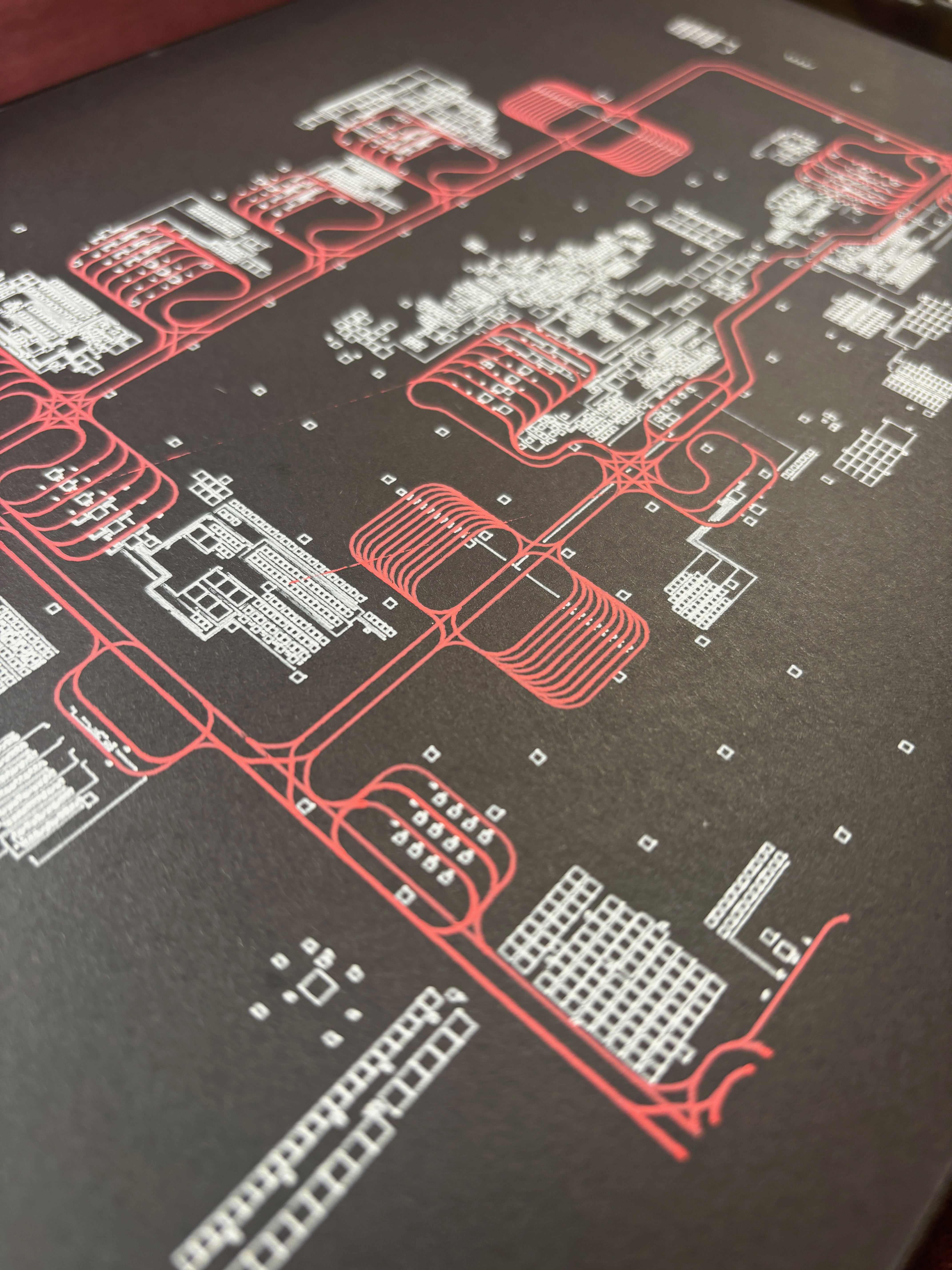
Drawing a Factorio Base with a Pen Plotter
CLI written in Python to create SVG images from Factorio base data that you can then draw on a pen plotter.
Demos
Installation
pip3 install drawscape-factorio
- Requires python 3.8+
- I'm using with python 3.12 in development and production
CLI Usage
drawscape-factorio create --json exported-entities.json
Additional Params
--theme [default]
--color [main, black, blueprint, matrix, easter]
--debug-grid (helpful for theme development)
Code Usage
Include the modules
from drawscape_factorio import create as createFactorio
from drawscape_factorio import importFUE5
You are responsible for parsing the input file and then saving the output as an SVG file.
# Load the JSON file coming from the FUE5 MOD
with open('/path/to/exported-entities.json, 'r') as file:
    json_data = json.load(file)

# Parse the JSON data
data = importFUE5(json_data)

## Basic
result = create(data)

# Basic With Settings
result = create(data, {
    'theme_name': 'default',
    'color_scheme': 'black',
    'show_layers': ['assets', 'belts', 'walls', 'rails', 'electrical', 'spaceship'],
    'colors': { 'bg': '#000000', 'assets': '#ffffff' }
})

# Save the SVG file
with open(output_file_name, 'w') as f:
    f.write(result['svg_string'])
Exporting Map Data (exported-entities.json)
Currently using a Factorio MOD called FUE5-Exporter to export all entites on a map in JSON format.
https://github.com/FUE5BASE/FUE5-Exporter
- Install the MOD via the Factorio GUI. Search for
FUE5 - Use MOD to "select" area of the map you want to export. Try to "frame" your seletion to only export the area you want to render.
- Find the
exported-entities.jsonfile inside your Factorio Application Data:
- Mac (
~/Library/Application Support/factorio/script-output) - Windows (
%APPDATA%/Factorio/script-output)
- Copy/Paste they JSON file somewhere else so you can work with it. It will get overwritten if you leave it there.
Themes
The drawscape-factorio CLI supports different themes for rendering the Factorio base. Each theme is a Python class that extends the ParentTheme class. The ParentTheme class provides the basic structure and functionality for rendering the base, while the child themes (e.g., DefaultTheme) define the specific colors and styles for each entity in the base.
A child theme can extend and of the render_ function to create new shapes and designs.
Theme Requirements:
- Must define a THEME_NAME, THEME_SLUG, and THEME_VERSION
- Must define a COLOR_SCHEMES dictionary with a 'main' key
Easiest way to get started it to clone the default_theme.py and start making your edits.
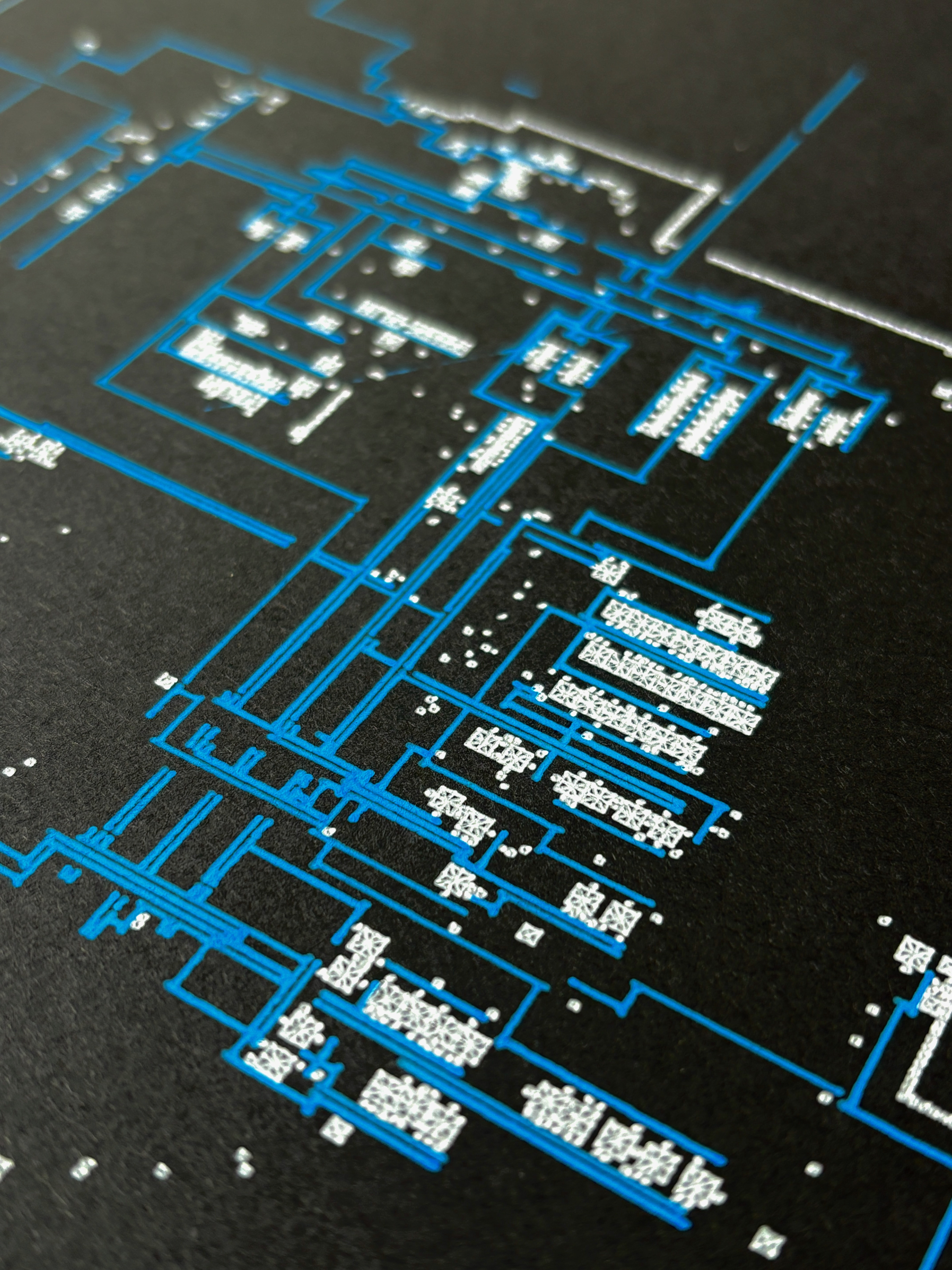
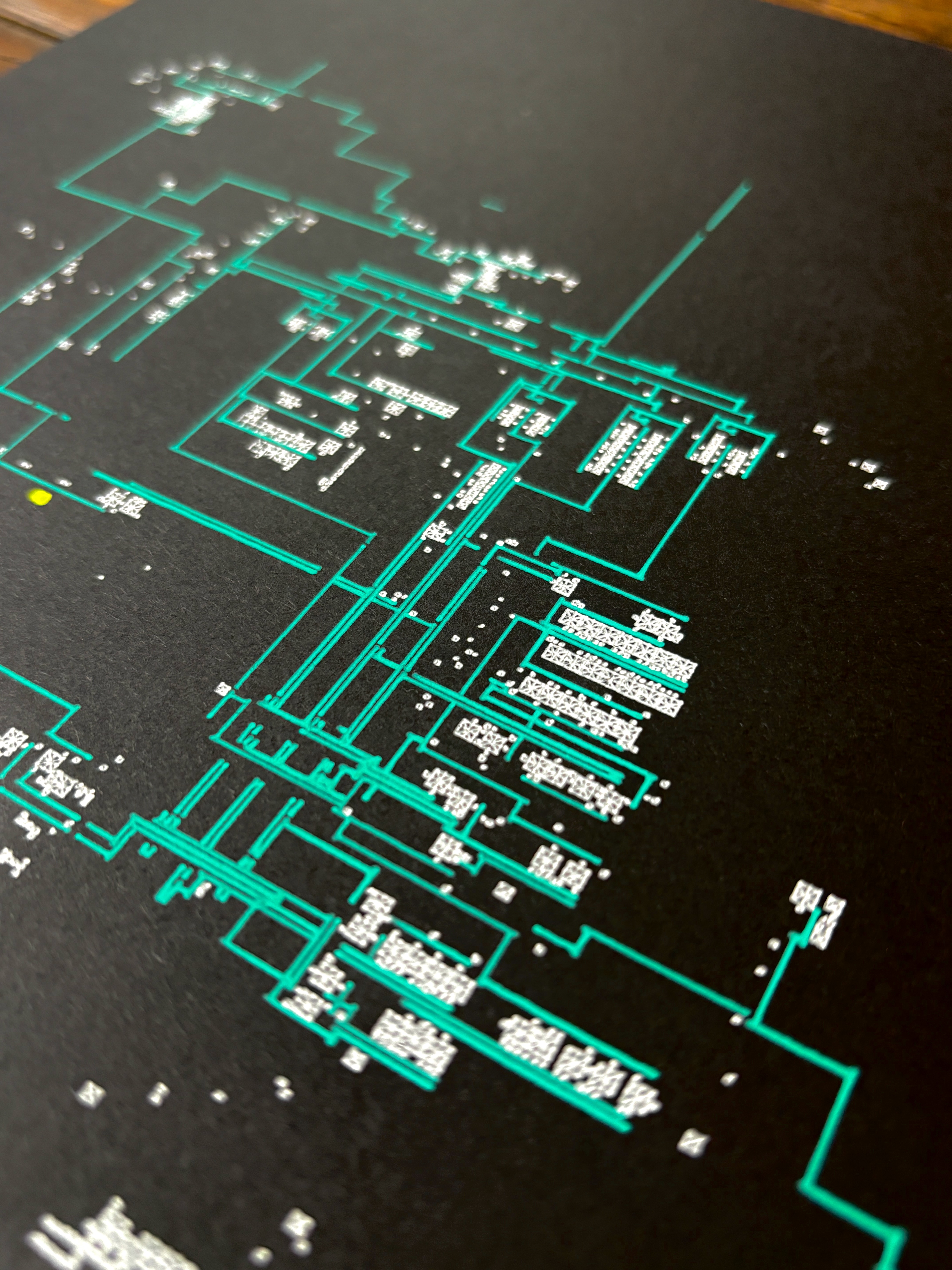
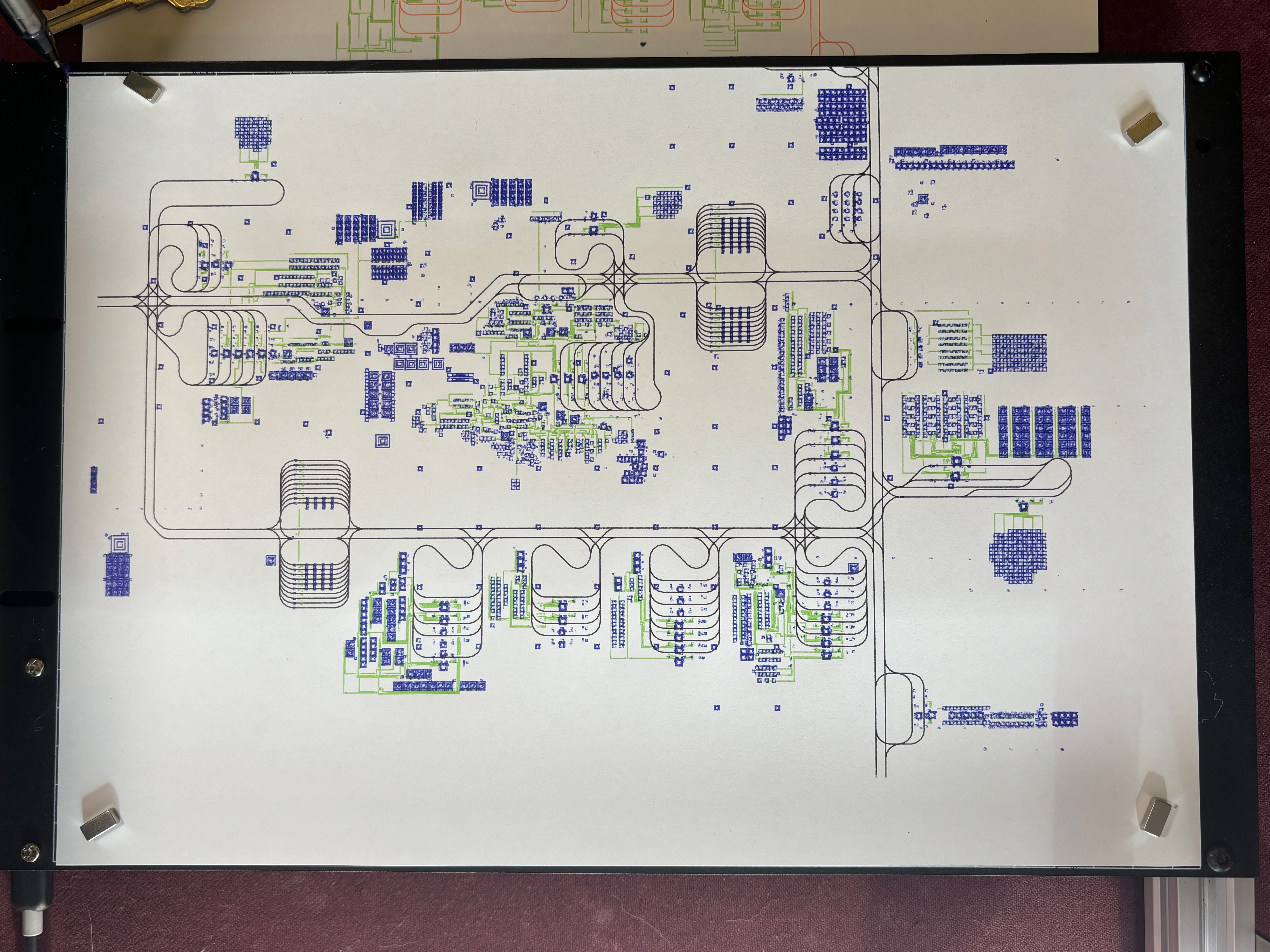
Examples
 |
 |
|
|

|
|
Development
conda env update --file environment.yml --prune
conda activate drawscape_factorio
Install for live local dev
pip3 install -e .
Distribution Cheat Sheet
PyPi API saved in ~/.pypirc for auto-authentication
python setup.py clean --all
rm -rf dist/*
python setup.py sdist bdist_wheel
twine upload dist/*
Release history Release notifications | RSS feed


Download files
Download the file for your platform. If you're not sure which to choose, learn more about installing packages.
Source Distribution
Built Distribution
Filter files by name, interpreter, ABI, and platform.
If you're not sure about the file name format, learn more about wheel file names.
Copy a direct link to the current filters
File details
Details for the file drawscape_factorio-0.15.22.tar.gz.
File metadata
- Download URL: drawscape_factorio-0.15.22.tar.gz
- Upload date:
- Size: 15.9 kB
- Tags: Source
- Uploaded using Trusted Publishing? No
- Uploaded via: twine/5.1.1 CPython/3.12.5
File hashes
| Algorithm | Hash digest | |
|---|---|---|
| SHA256 |
ef8d617cc0b85c29c45456942556fee2b65373832902ce857bb336d92059c212
|
|
| MD5 |
24977b82e0a3d689975ab12ed3c2ab6a
|
|
| BLAKE2b-256 |
ddd72945e31418ee63bb9c9a030cd7be4c941b8bc434971d90e213c4b434fc08
|
File details
Details for the file drawscape_factorio-0.15.22-py3-none-any.whl.
File metadata
- Download URL: drawscape_factorio-0.15.22-py3-none-any.whl
- Upload date:
- Size: 17.0 kB
- Tags: Python 3
- Uploaded using Trusted Publishing? No
- Uploaded via: twine/5.1.1 CPython/3.12.5
File hashes
| Algorithm | Hash digest | |
|---|---|---|
| SHA256 |
fbb592da221380ca57de31e91e80dab577cbf735e8fd8041baa9a119f0419c1b
|
|
| MD5 |
8c5232a80dee3d10935957983e81c394
|
|
| BLAKE2b-256 |
b4b2793bb956ff733bcd902e8f3b82860e14622b54af25a8809347874378a2d9
|






