
The utilities pack for data science and analytics tasks.

Project description
<< Data Science Utilities (DSX)>>
The dsx package contains a collection of wrapper functions to simplify common operations in data analytics tasks. The core module ds_utils (data science utilities) is designed to work with DataFrame in Pandas to simplify common tasks.
The package can be can be used in the following setup:
- Jupyter Notebook
- Jupyter Lab
- PyCharm's Python Console
- iPython Console
- Python Script
Intallation
- Installation using Pip:
pip install dsx
Documentation
Full Documentation Site: Documentation
1. Core Module: "ds_utils"
The core module is "ds_utils". The module contains a list of functions that can accomplish common data analytics tasks with less codes. Basically, these functions are wrappers for commonly-used methods in Pandas, particularly methods of DataFrame object.
Some of the key features of the DataFrame utility functions are as following:
- Generate metadata of columns in a DataFrame
- Number & percentage of missing values
- Number & percentage of unique values
- Data Type
- Generate accumulated percentage of values in a column
- Quick Rename of a single column
- Reorder columns of a DataFrame
- Standardize column names into iPython-friendly names
- Retrieve column name(s) by a partial keyword
- Expand concatenated string in a column into child table
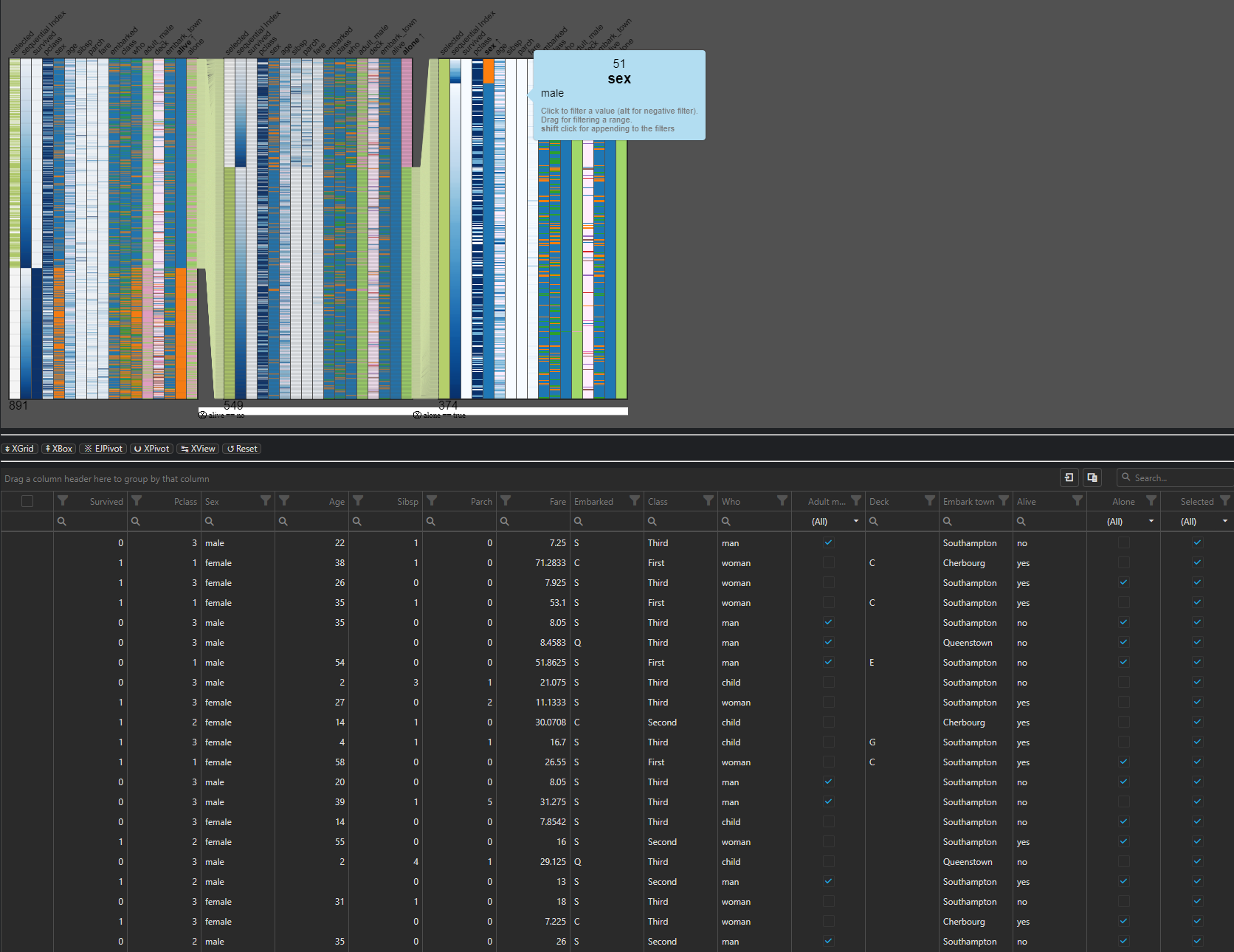
- Visualize DataFrame object
- DataGrid Viewer
- Pivot Table Viewer
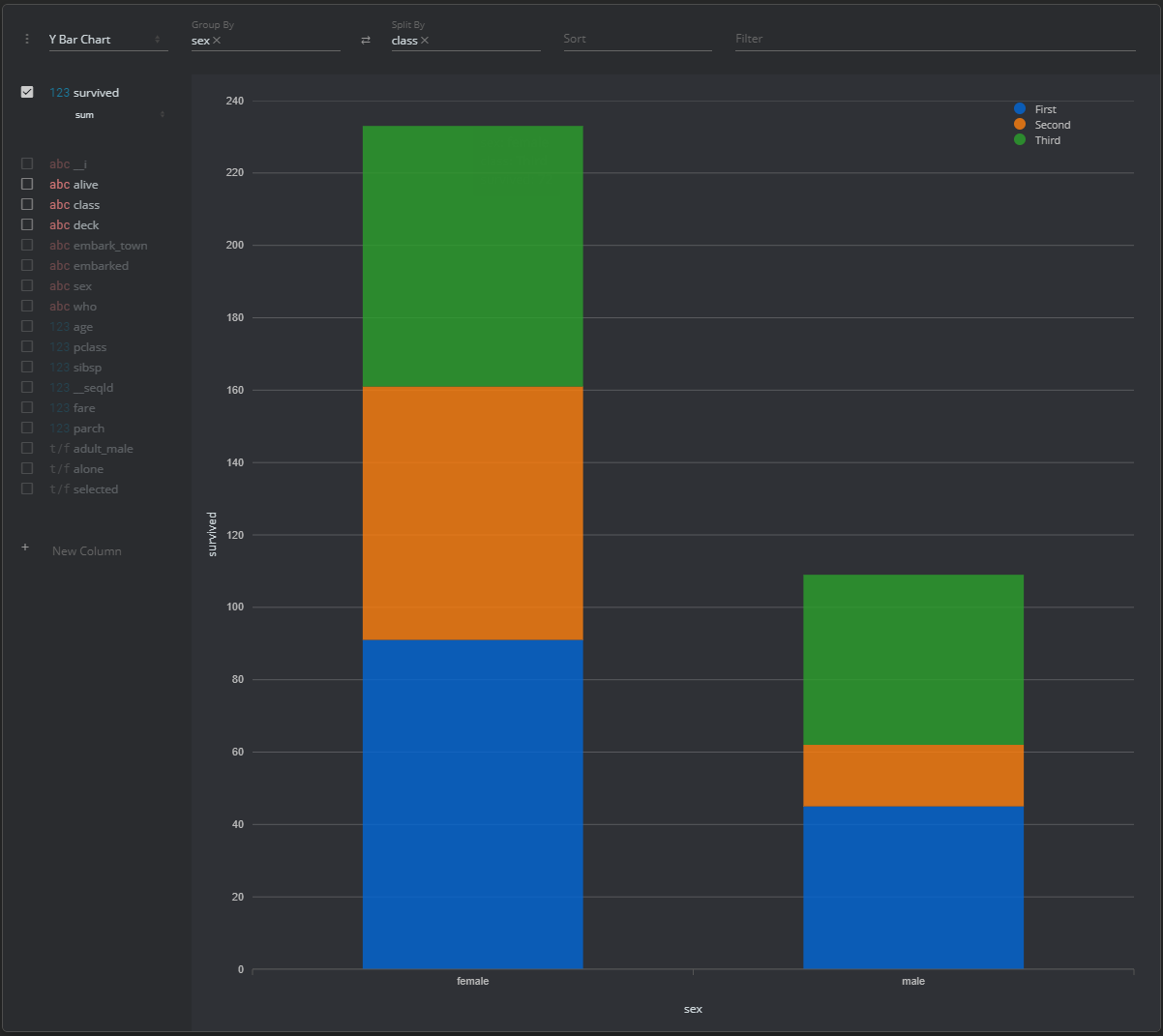
- Quick Analyzer (Pivot table and visualizations)
1.1 Usage
Below is example codes for importing the module:
from dsx.ds_utils import *
There are 2 categories of methods in dsx's classes, which are to be called in different ways:
- Methods: Dynamic functions of the class's instance
- Invoke through the extended domain ('ds') of the native DataFrame object
    df = pd.read_excel(os.path.join(os.getcwd(), "data.xlsx"))
    df.ds.isnull("Column_Name")
- Static functions Static functions from the class's object
- Invoke as a static function of pd_utils class
    df = pd.read_excel(os.path.join(os.getcwd(), "data.xlsx"))
    dsx.isnull(df, "Column_Name")
2. Data Science Workflow "ds_workflow" (Active Development / Work-In-Progress)
The "ml_utils" module contains the methods for simplifying common tasks in a data science workflow. The methods are built on top of the functions in the core module "pd_utils".
Some of the key features of the module are as the following:
- Get the column name of the features that are categorical
- Get the column name of the features that are numerical
- Create or merge the dummy variables created from categorical features with option to use k-1 dummification
- Data Exploration
- Generate barplot and accumulated percentage report for all the categorical features
- Generate distribution plot for all the numerical features
- Generate heatmap of the the correlation matrix
- Preprocessing
- Create a dataframe with all standardized features merged with other features
- Generate features list
- Model Assessment
- Generate Recall-Precision-Threshold Curve
- Generate truepositive_falsepositive Curve
2.1 Usage
The methods in the module are only callable as the extended domain 'ml' in the native Pandas DataFrame object.
Calling a method in "ml_workflow":
    df = pd.read_excel(os.path.join(os.getcwd(), "data.xlsx"))

    cols_categorical = df.ml.get_features_categorical()
Release history Release notifications | RSS feed


Download files
Download the file for your platform. If you're not sure which to choose, learn more about installing packages.
Source Distribution
Built Distribution
Filter files by name, interpreter, ABI, and platform.
If you're not sure about the file name format, learn more about wheel file names.
Copy a direct link to the current filters
File details
Details for the file dsx-0.9.10.dev0.tar.gz.
File metadata
- Download URL: dsx-0.9.10.dev0.tar.gz
- Upload date:
- Size: 29.2 kB
- Tags: Source
- Uploaded using Trusted Publishing? No
- Uploaded via: twine/4.0.1 CPython/3.9.12
File hashes
| Algorithm | Hash digest | |
|---|---|---|
| SHA256 |
75c51b2997416cbc9859af437ddbefe96134481754fd41e06016e09e31f37e33
|
|
| MD5 |
005ab221ccf50b2ace4bf41613e8a1e7
|
|
| BLAKE2b-256 |
302a99c827d22ee57ac538ef28cb52294113d3caf6b74a987528bb94da9b22fe
|
File details
Details for the file dsx-0.9.10.dev0-py3-none-any.whl.
File metadata
- Download URL: dsx-0.9.10.dev0-py3-none-any.whl
- Upload date:
- Size: 28.4 kB
- Tags: Python 3
- Uploaded using Trusted Publishing? No
- Uploaded via: twine/4.0.1 CPython/3.9.12
File hashes
| Algorithm | Hash digest | |
|---|---|---|
| SHA256 |
35291eb5e0ccff4d761c72feeb9f3e8eb861cad64a428e18f67c2efc308ec600
|
|
| MD5 |
3bff6df054af83789753273b17412847
|
|
| BLAKE2b-256 |
fa87b6d6573f2fbff377befbad63f099e62506428a08d9c6b86f1ba26056e765
|






