
DX-CAD
Parametric CAD on the OpenCASCADE kernel (Python, OCP, PySide6), with an open-source SDK; free until 15 November 2026, then a 30-day trial.
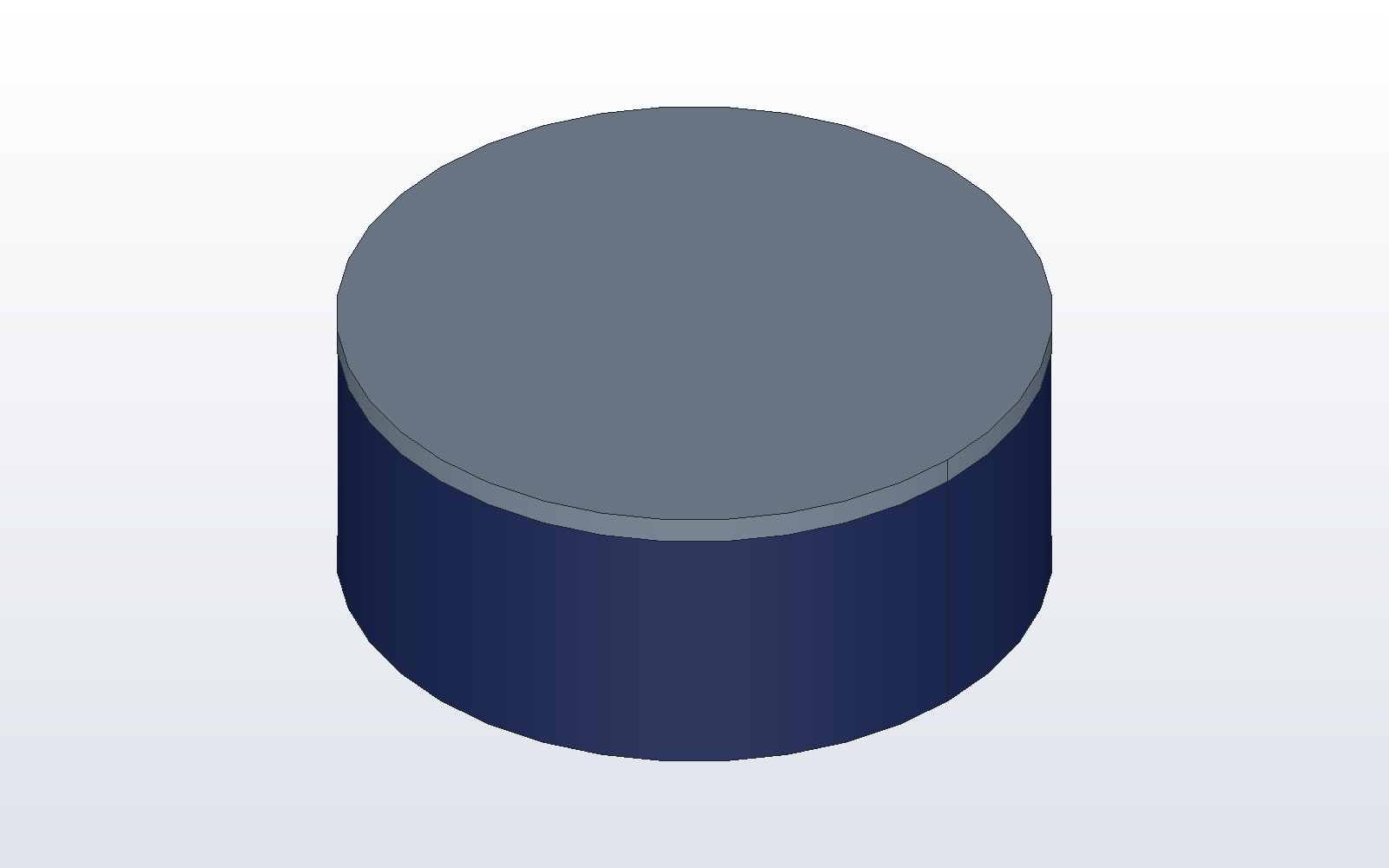 |
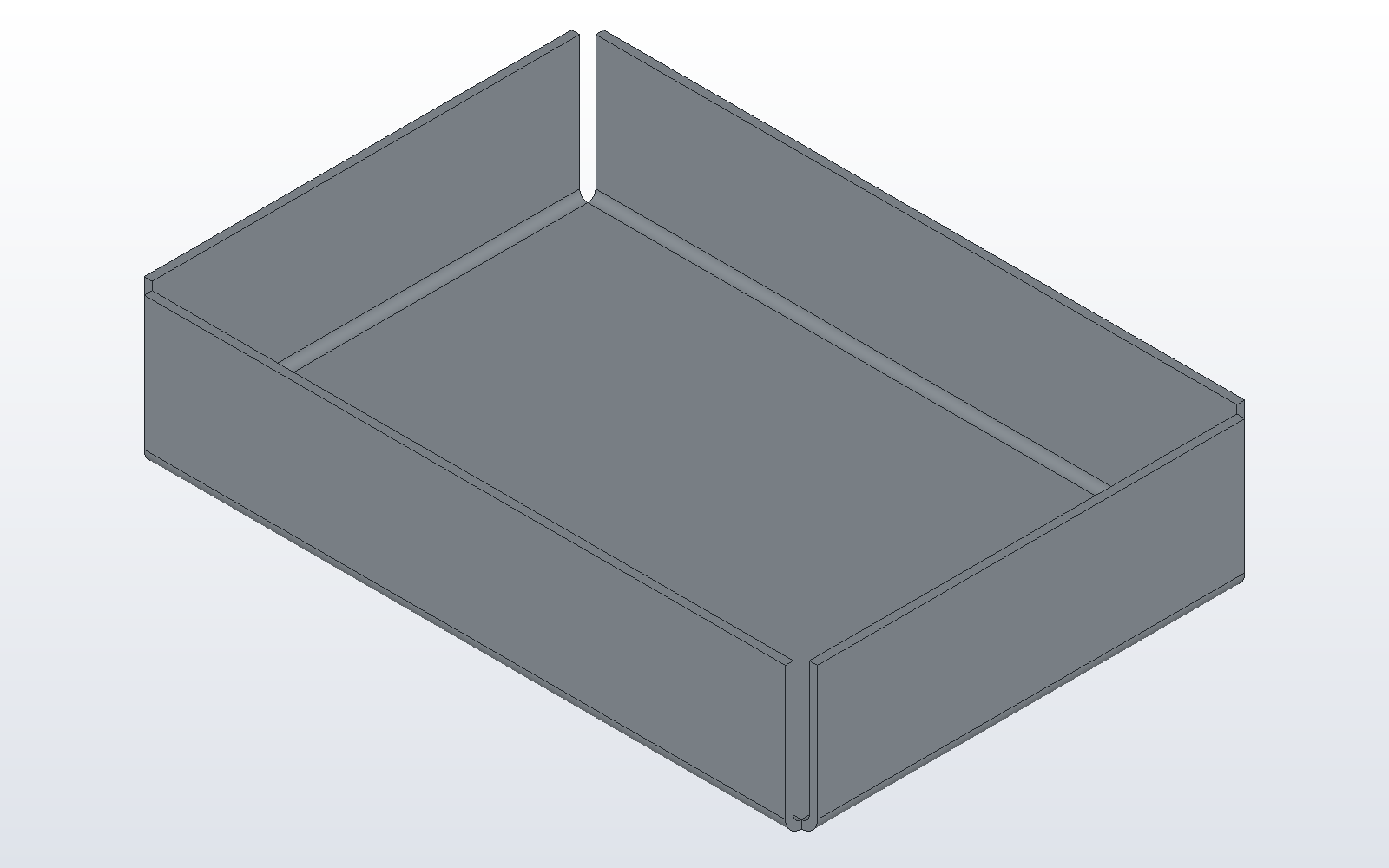 |
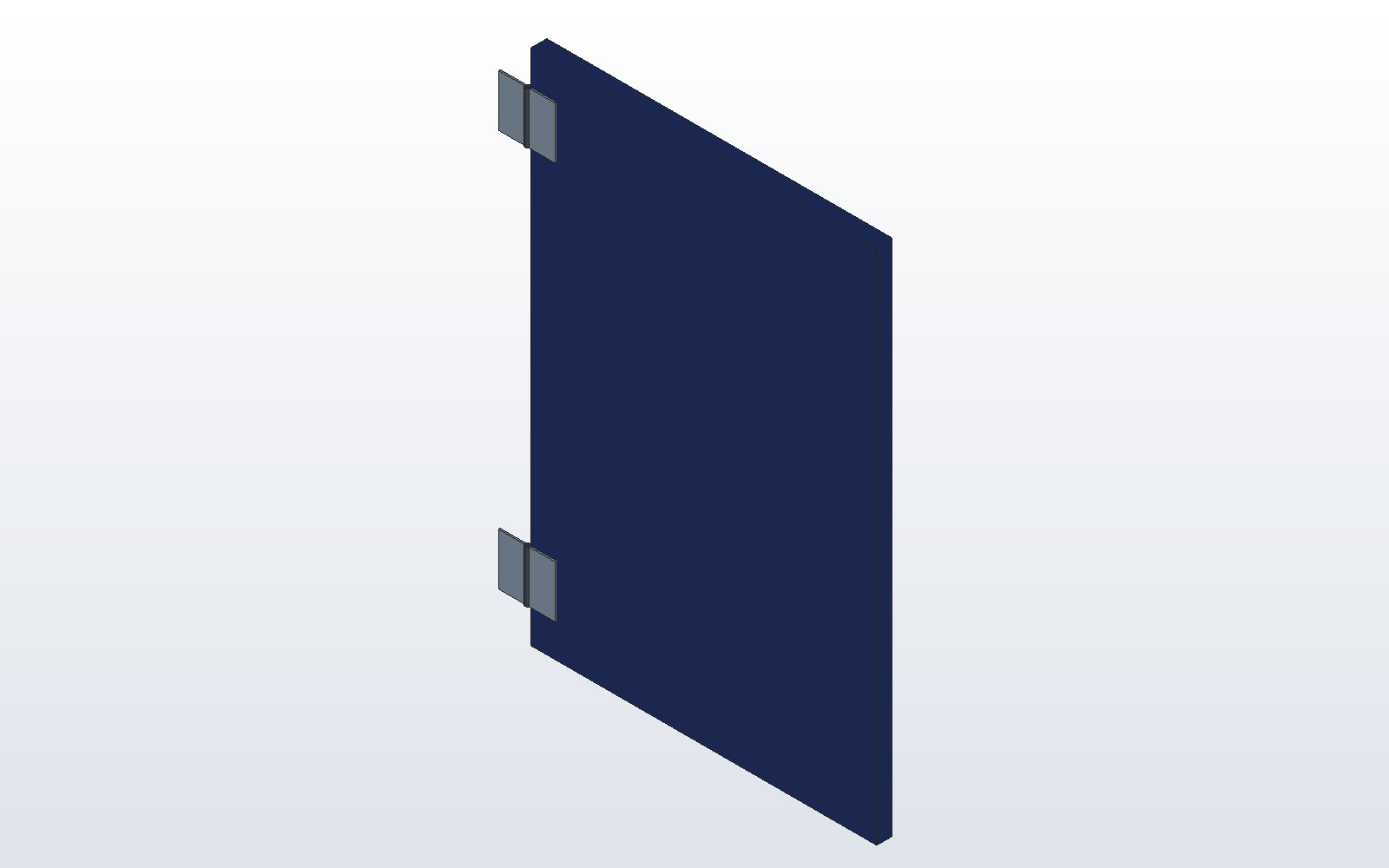 |
|---|---|---|
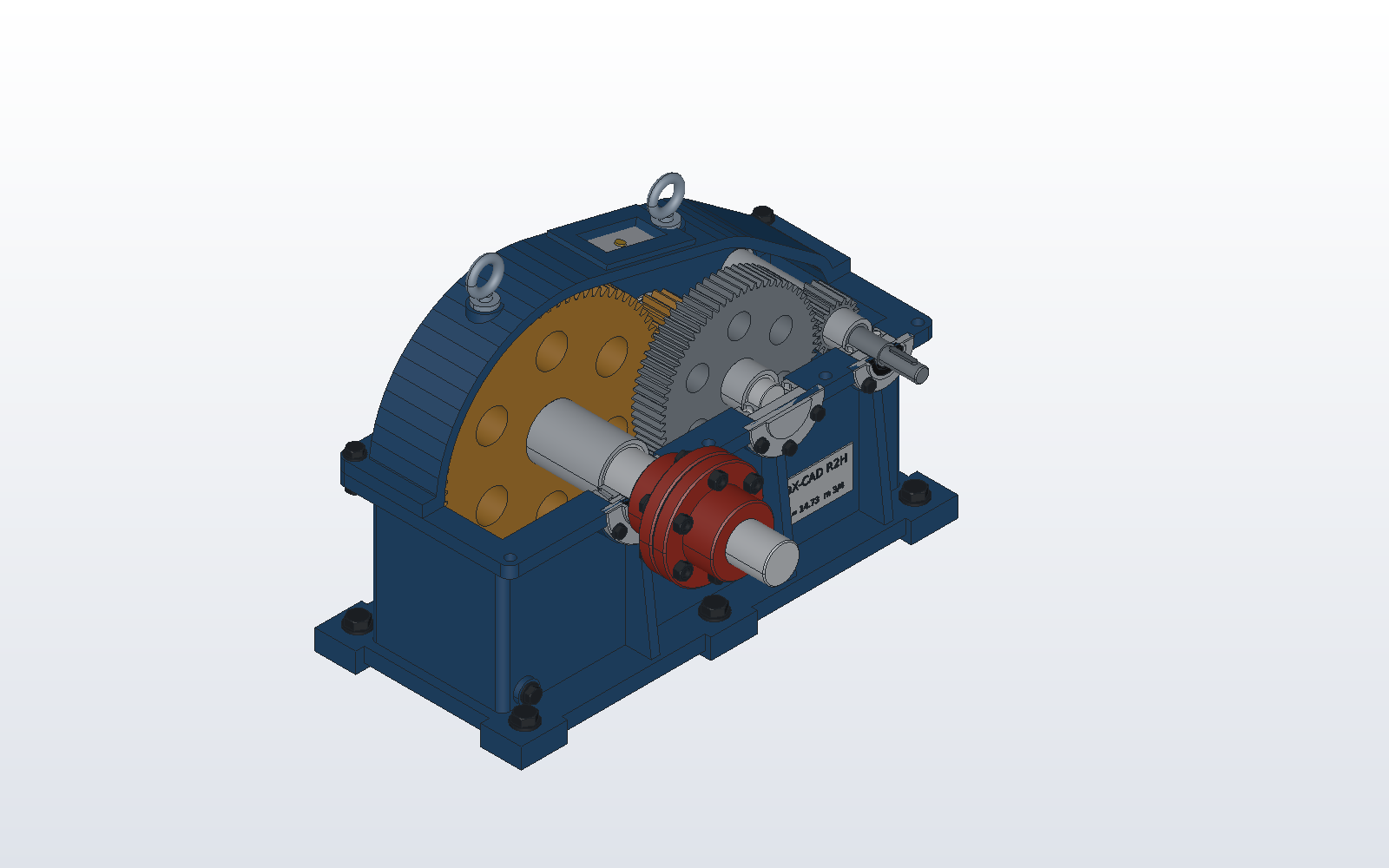 |
 |
 |
Quick start
pip install dxcad
dxcad gui
dxcad examples
The first installs DX-CAD with its OpenCASCADE kernel and Qt. The second
opens the window, on a start page of example parts. The third lists those
examples; dxcad examples tray copies one out as a model.py to change and
run. Install has the rest, and
docs/install.md the Windows, macOS and Linux builds.
Then take the tutorials: your first part, sheet metal in 10 minutes, assemblies with mates, drawing a part, and DX-CAD with Claude Desktop. Every page of the docs site starts at docs/index.md.
What v0.1 does
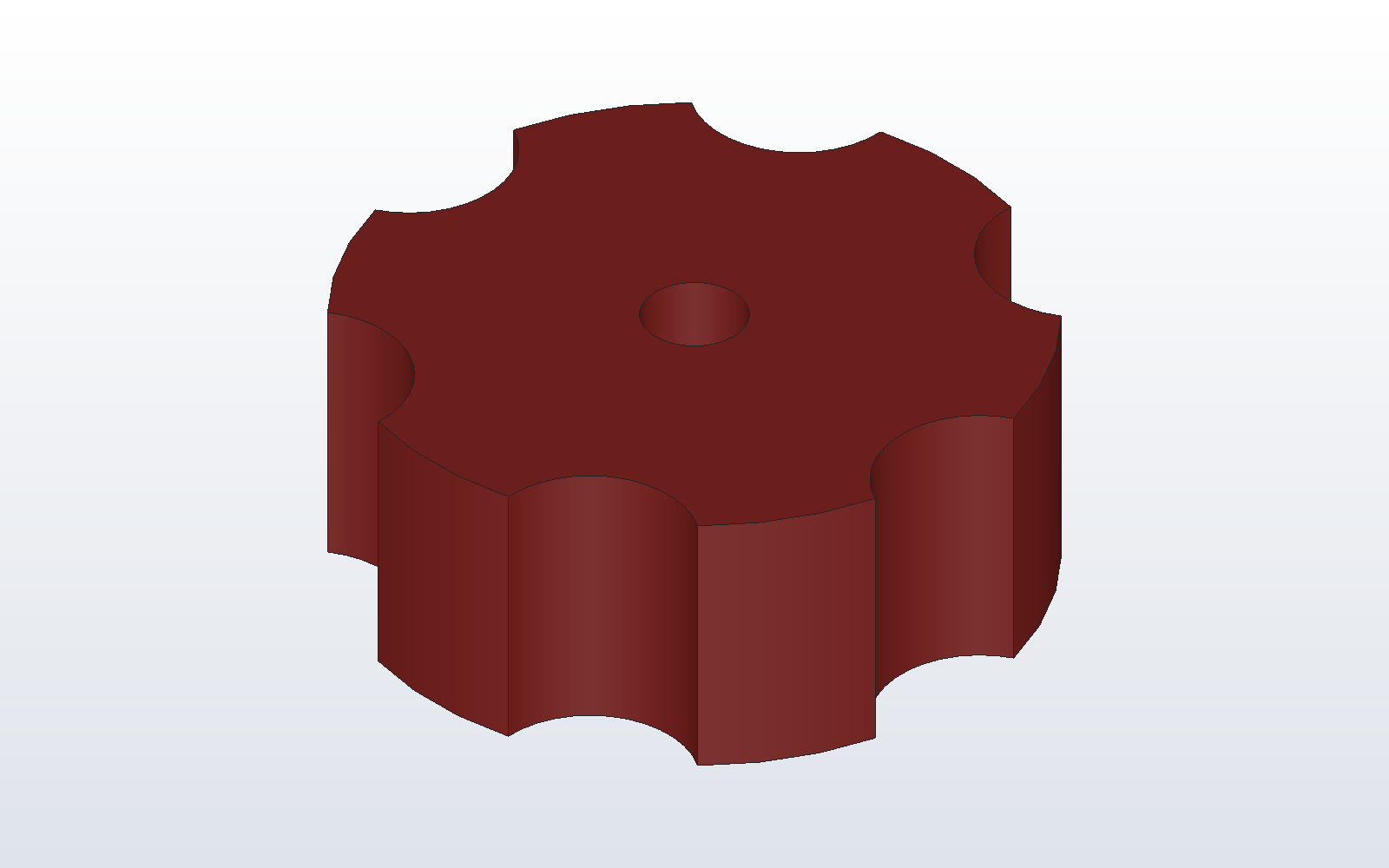
- Parts as Python. Every part is a model.py: boxes, cylinders, sketches extruded and revolved, booleans, fillets, chamfers, holes, patterns, lofts, sweeps and 3D text. The window writes each action into the model.
- A window to work in. Tabs, recent files, part colours, a sketcher with constraints, and four display modes on OpenCASCADE's own viewer.
- Assemblies. Parts placed by numbers or by mates, part files and
sub-assemblies with
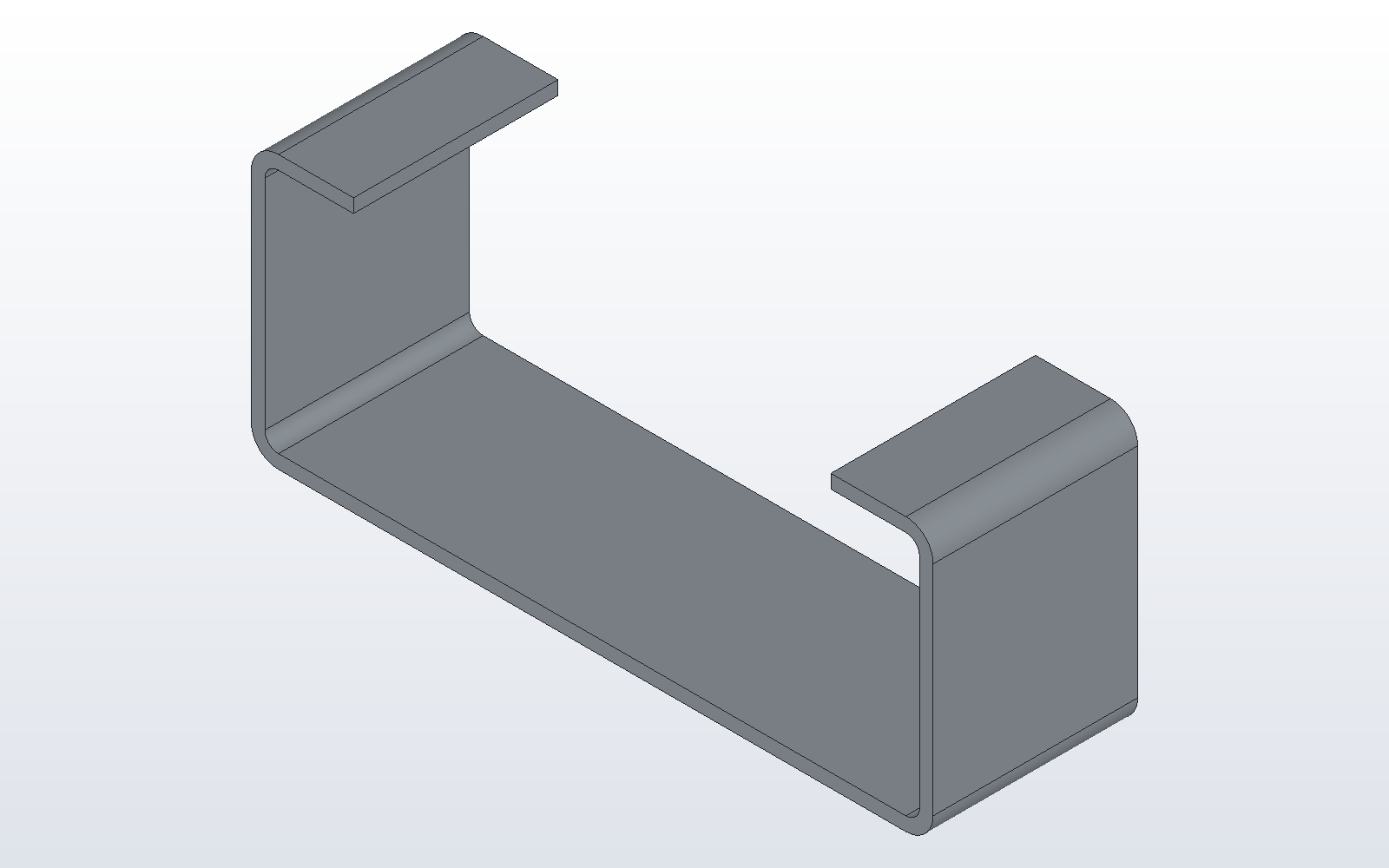
use(), a bill of materials and interference checks. - Sheet metal. Base flanges, flanges, hems and returns, bend reliefs, and flat patterns out to DXF, SVG and STEP for a laser.
- Drawings. Drawings saved as documents and drawn again from the model: ten ISO and ANSI title blocks, linetypes, fonts, hole callouts and a parts list, out to PDF and DXF.
- Out to the shop. STEP, STL, 3MF, BREP, DXF and SVG, and a printability report before a print.
- An agent door.
dxcad serveis an MCP server, and Claude Desktop can drive the open window through it. Every operation is on the command line too.
Contributing is in CONTRIBUTING.md, reporting a security problem in SECURITY.md, and what DX-CAD sends (nothing, but an update check you ask for) in PRIVACY.md.
What DX-CAD is
The CAD that code and AI agents can drive. Every model is also a script; every operation is reachable from the command line and from an agent; the GUI is a viewer and a sketchpad on top of that, not the other way round. Target user: makers and small engineering shops who write some Python and print or machine their own parts.
DX-CAD comes under its own licence (EULA.md): the kernel, the sketcher, the window, the command line and the agent door. It is free for any use, commercially too, until 23:59 UK time on 15 November 2026, or until an install's 30-day trial ends if that is later; after that, editing and saving need a paid licence, and opening, viewing and exporting stay free. The DX-CAD SDK, which plugins, add-ons and agents build on, is open source under Apache 2.0. Add-ons are paid and live elsewhere: DX-CAD Fabrication, for the developable shapes fabricators cut (cones, square to round, lobster elbows), DX-CAD Drafting Pro, for dimensions, balloons, tolerances and section and detail views on drawings, the verticals that follow them, and the hosted services (the metered agent endpoint, template packs, and the phone). See Licence.
Releases
What shipped on 16 October 2026, then planned dates; the changelog records what actually shipped.
| When | Release | What is in it |
|---|---|---|
| 16 October 2026 | v0.1, free until 15 November 2026; SDK open source | Phases 1 to 4 and the sketcher; phase 5, the wider agent door and the open part of phase 6 (sheet metal); tabs, recent files, part colours, drawings as documents with ten title blocks, linetypes, fonts and 3D text; mates as placement, part files and sub-assemblies; Measure; add-ons installed from Help > Add-ons. Windows installer and portable zip, macOS and Linux builds, PyPI, docs. Free for any use until 23:59 UK time on 15 November 2026 (the launch offer), or until an install's 30-day trial ends if that is later; then editing and saving need a licence, and opening, viewing and exporting stay free. |
| 16 October 2026 | DX-CAD Fabrication, paid add-on | A shape library, cones, transitions, elbows and branches, weldments, nesting, bend allowance tables and a calibration wizard. Unlocked, with no key, during the launch offer and an install's trial; then it needs its own licence. |
| 16 October 2026 | DX-CAD Drafting Pro, paid add-on | Dimensions, balloons, hole tables, tolerances, GD&T, surface texture and weld symbols, a revision table and notes, automatic dimensioning and ballooning, and section, detail, shaded and exploded views. Unlocked, with no key, during the launch offer and an install's trial; then it needs its own licence. |
| w/c 26 Oct 2026 | Fabrication 1.2, paid | Full-size patterns printed across sheets. |
| w/c 2 Nov 2026 | Fabrication 1.3 and Template Pack 1, paid | Cost and weight per piece; the first fabrication template pack. |
| Nov 2026 | Hosted agent endpoint, paid | Private beta, then metered. |
| Dec 2026 on | Phone, paid | Photo to part in the browser first, then the phone apps. |
| Alongside | v0.2 and on, under the same EULA | Whatever of the above missed v0.1, then phase 7. |
Roadmap, in order
Each phase is done when its last line is done. The autonomous backlog draws from the earliest phase that still has a buildable line, skipping phases where only manual steps or (paid) lines remain. A buildable line is one not struck through, not marked (paid), and not a step only the owner can do. Lines marked (paid) are built in the private DX-CAD Fabrication repository or as hosted services, never here, and the backlog in this repository skips them.
Phase 1: something to look at (v0.1)
Kernel: primitives, booleans, extrude/revolve, fillet/chamfer, sketches, STEP/STL I/O.doneViewport: OCCT AIS viewer in a PySide6 widget, orbit/pan/zoom, hover highlight, click selection, undo/redo, open/save,done, verified on a real desktop 2026-09-19dxcad guilauncher.Model as script: every .dxcad carries a model.py; the GUI shows it in a pane; re-running the script rebuilds the document.done, verified on a real desktop 2026-09-20. This is DX-CAD's parametric model. The Parts and History docks are views of the script, which stays the model.Sketch on a plane from the GUI, extrude and revolve from it.donePackaging: pip install dxcad.done, wheel installed into a fresh venv anddxcad guiverified on a real desktop 2026-09-20
Phase 2: the agent door
dxcad serve: an MCP server exposing kernel, sketch, document, project and export operations with JSON in and out, testable headless.dxcad describe: a text summary of a part (entries, bounds, volumes, faces, holes) that an agent can reason about.Ready-made Claude Code and Claude Desktop configuration in the docs, with one worked example: a bracket with four holes from a sentence.done, verified 2026-09-20: Claude Code drovedxcad servethrough the bracket example end to end, every number matching the docA wider agent door:done, checked by hand 2026-09-26 (render on macOS and Linux is checked from CI's builds)dxcad serve --windowdrives the open window live, arender_viewtool lets an agent see what it built,dxcad serve --installwrites the Claude Desktop entry, anddxcad serve --httpserves the same tools over HTTP on this machine only, with a token.
Phase 3: public v0.1
- Docs site, ten example parts with their scripts, a two-minute demo. Built: the mkdocs site and the ten parts. Left, by hand: the demo and publishing the site.
Windows portable zip, macOS and Linux builds. An installer can come later.done: the frozen Windows build and portable zip, and CI's build job making macOS arm64 and Linux x64 builds, first green 2026-09-25- Release on PyPI and GitHub. Licence: DX-CAD under its EULA, free until 15 November 2026, then a 30-day trial; the SDK open source under Apache 2.0. Left, by hand, as RELEASING.md lists: upload to PyPI, tag and release on GitHub.
A signed Windows installer (Inno Setup) beside the portable zip, with the third-party licence notices in every build.built 2026-09-26; the owner signs each release with the certificate on the build machine
Phase 4: the maker loop
Printability checks from the kernel: wall thickness, overhang faces, mass and centre of mass; a report the GUI and the CLI both show.done3MF export and a send-to-slicer action.doneSketch constraints in the GUI: horizontal, vertical, coincident, dimension; own solver, no GPL dependency.done, and grown into a full sketcher (below); checked by hand on a real desktop 2026-09-25Parts out of the window: File > Export Parts writing STEP, STL, 3MF and BREP, asdone, checked by hand 2026-09-26dxcad exportalready does.
Phase 5: parts that fit together, or become one
Built 2026-09-25 and checked by hand 2026-09-26.
Assemblies, the script way: several parts placed by transforms in one model.py, each still its own part in the document.doneA bill of materials from the document, and interference checking from the kernel: do two parts overlap, and by how much.doneExploded views for documentation and for the gallery.doneBooleans from the window: fuse, cut and common on picked parts, the result named and written into model.py, and the same three on a toolbar. The kernel has had them since the start; the window has not.doneArrays and patterns from the window: linear, circular and grid, of a part or of a drilled feature, so a perforated sheet is a few clicks and a few numbers. The kernel's patterns are already there.doneA drawing sheet of the document: front, top, right and isometric views, a title block, a parts list and automatic dimensions, as DXF and PDF.doneMates as placement: a part placed by mates (coincident, concentric, distance, angle) to parts already placed, resolved in order; parts used from other .dxcad files; assemblies nested as sub-assemblies. Decided at this phase's review on 2026-09-28.done- Not here: a simultaneous mating solver, joints or kinematics. The mates are kept as their own records so a solver can come behind them later; reconsidered after v0.1.
Phase 6: sheet metal and fabrication
Sheet parts from the kernel: a base flange from a closed sketch, flanges and bends on its edges, with thickness, bend radius and K-factor named in the model.done, checked 2026-09-28The flat pattern: any sheet part unfolded to a cut profile with bend lines and allowances, exported as DXF for a laser or a plasma table.done, checked 2026-09-28A sheet metal toolbar in the window, and the same operations over the agent door.done, checked 2026-09-28A plugin interface in the core, so an add-on can bring its own toolbar, menus, CLI commands and agent tools without the core knowing about it.done, checked 2026-09-28; DX-CAD Fabrication is its first user.- (paid) DX-CAD Fabrication: developable shapes fabricators actually cut: cones and truncated cones, square to round transitions, and segmented (lobster) elbows, each with its own flat pattern, seam and thickness allowances, full-size printing across sheets, and cost and weight per piece. Weekly releases from 12 Oct 2026.
Phase 7: community and reach
- Parts gallery where every part is a script; contributor guide built on BACKLOG.md's item format; Discord (the owner's to set up). Every outside contribution carries a DCO sign-off (Signed-off-by on each commit), required from v0.1.
Phase 8: sustainability experiments
- (paid) Hosted agent endpoint, metered, with every model.py run in a sandbox. Private beta, then paid, November 2026.
- (paid) Template packs for one niche at a time, fabrication first (from 2 Nov 2026).
- The core stays under its EULA throughout, opening, viewing and exporting files free, and the SDK open source under Apache 2.0.
Phase 9: from a phone
All three are (paid), over the hosted endpoint, from December 2026.
- Photo to part: a picture with a scale reference or typed measurements, turned into a model.py through the hosted agent endpoint; STEP, STL and 3MF back to the phone.
- Send to printer from the phone through the printer's own service (Bambu, Prusa Connect, OctoPrint).
- A thin mobile client for iOS and Android over the hosted endpoint. No native CAD on the phone; the kernel stays on the server.
Out of scope, deliberately
FEM, CAM, IFC, and the simultaneous mating solver, joints and kinematics an assembly workbench is built on. DX-CAD is not a general CAD and does not compete with FreeCAD on breadth. Assemblies as placement, a bill of materials and interference checking are phase 5, and so are mates resolved in order, part files and sub-assemblies (reviewed 2026-09-28); a solver behind the same mates is not, and this list is reviewed after each release.
Beyond v0.1, already built
Work the roadmap never promised, landed while the GUI was out of reach. All of it is headless and tested. None of it is a feature tree: the Parts dock lists the parts and what made them, but it is a view of model.py, which stays the model.
- Command line.
dxcadwithinfo,bounds,validate,export(including--alland--format),drawing,associate,merge,import,convert,run,rebuild,script,where-usedandaddons. The rest belong to the phases above. - BREP I/O.
io.export_brepandio.import_brep, OCCT's own dump, exact where STEP is a translation; project files carry BREP members at schema version 2, and golden parts are compared at 1e-9 rather than 1e-4. - Measurement and inspection.
distance,closest_points,surface_area,inertia,angle_between,faces_parallel_to,is_valid, bounding boxes over a shape, a selection or a whole document, and the five topology explorers. - The sketcher. Tools with a live preview for lines, rectangles, circles, arcs, polygons, slots, ellipses and splines; corner fillet and chamfer, offset, mirror, trim and break; snapping, dragging and deleting; constraints, circles included; sizes typed while drawing, coordinates and live sizes in the status bar; every sketch written into model.py as it is drawn. Sketch and View toolbars with icons and four display modes, faint reference planes, and File > Settings with 2D drafting and 3D modelling modes.
- Drawings out. File > Export Drawing and
dxcad exportwrite a sketch as DXF (AutoCAD 2000) or SVG. Opening the DXF in BricsCAD is not yet reliable; the fix is queued. File > Drawing,dxcad drawingand the agents'drawingtool draw a document's parts on a sheet, A4 to A1: the front, top, right and isometric views with hidden edges dashed, at one scale, in the title block with a parts list, as DXF and PDF, with each view's overall sizes and every hole's diameter dimensioned. A draft a person finishes: a full toleranced drawing is not claimed. - Continuous integration. GitHub Actions tests every push on Linux, and on demand or on a v* tag also tests on macOS and builds macOS and Linux artifacts.
- Advanced modelling.
loft,sweep,draft,hollow,split,section,cross_section,outline,slices,mirror,scale, linear and circular patterns,compound,make_wire,stock_box, and the drilled featureshole,countersinkandcounterbore.
Install
DX-CAD runs on Python 3.12. The OpenCASCADE kernel and the Qt toolkit come with it as pinned dependencies, so one command is the whole install:
pip install dxcad
To tell that it worked, ask it what it found. It prints the versions of
DX-CAD, Python, cadquery-ocp and PySide6, then builds a part, checks it and
exports it, and ends with a line starting SMOKE OK:
dxcad doctor
Then open the viewer, on nothing, on a project or on a model.py:
dxcad gui
dxcad-gui opens the same window with no console behind it, which is what a
desktop shortcut should point at:
dxcad-gui
Windows, without Python
Each GitHub release carries a portable Windows build that needs no Python:
download DX-CAD-<version>-windows-x64.zip from the release, unzip it
anywhere, and run DX-CAD.exe in the DX-CAD folder it makes. Beside it is
dxcad.exe, the same command line as above; dxcad.exe doctor in a terminal
opened there tells you it worked, ending with a line starting SMOKE OK.
What changed between one version and the next is in CHANGELOG.md, and the pages that say how everything works start at docs/index.md, published as the docs site with each release.
Agents
dxcad serve is an MCP server: an agent makes, drills, measures and saves
parts through it, with JSON in and out and no window. For Claude Code, in the
directory the parts are to land in:
claude mcp add dxcad -- dxcad serve --allow-run
run_model and model_set run a model.py, which is Python, so the server
refuses them unless it is started with --allow-run. The worked bracket
example uses both, which is why the line above carries it; leave it off for a
server that should run no code.
For Claude Desktop, dxcad serve --config prints what goes in its
configuration file. Both, and every tool the server has, are in
docs/agents.md.
Licence
DX-CAD comes under its end user licence agreement, EULA.md, on the terms it sets: free for any use, commercial work included, until 23:59 UK time on 15 November 2026 (the launch offer), or until an install's 30-day trial ends if that is later (the trial counts from the first start, during the offer too); after that, editing and saving need a paid licence, and opening, viewing and exporting your files stay free; it is not open source. The DX-CAD SDK (sdk/, published as its own repository) is open source under the Apache License 2.0. The builds also carry OpenCASCADE (LGPL 2.1 with its exception), Qt through PySide6 (LGPL 3) and Python, each under its own licence; their notices ship with every build, Help > Licences shows them after the EULA, and their libraries stay separate, replaceable files. DX-CAD Fabrication and DX-CAD Drafting Pro are paid add-ons under the same EULA, installed as separate packages from Help > Add-ons: both are unlocked during the launch offer and an install's trial, and after that each needs its own licence. Other add-ons come with their own terms; nothing in DX-CAD depends on any add-on. The hosted services have their own terms.
The core takes no outside code, but issues are welcome; code contributions
go to the SDK, each commit signed off under the Developer Certificate of
Origin (git commit -s); see CONTRIBUTING.md.
Everyone taking part is asked to keep to CODE_OF_CONDUCT.md.
A security problem is reported privately, as SECURITY.md
says, never in a public issue. DX-CAD sends nothing anywhere: PRIVACY.md.
Develop
See SETUP.md. Commands: python -m pytest, python -m ruff check src tests,
python -m dxcad.smoke, python -m dxcad.gui <project.dxcad>.
1 maintainer

Metadata
1 maintainer
Release files for dxcad 0.1.0
For a detailed explanation of source distributions (sdists) and built distributions (wheels), please see the package formats documentation.
Built distributions (wheels)
| File | Interpreter | ABI | Platform | Reset |
|---|---|---|---|---|
| dxcad-0.1.0-cp312-cp312-win_amd64.whl | CPython 3.12 | CPython 3.12 | Windows x86-64 | Details |
| dxcad-0.1.0-cp312-cp312-macosx_10_13_universal2.whl | CPython 3.12 | CPython 3.12 | macOS 10.13+ universal2 (ARM64, x86-64) | Details |
Total release size: 56.2 MB
Release files / dxcad-0.1.0-cp312-cp312-win_amd64.whl
| Download URL | dxcad-0.1.0-cp312-cp312-win_amd64.whl |
|---|---|
| Size | 17.4 MB |
| Tags | CPython 3.12 Windows x86-64 |
|
SHA-256 checksum How to use checksums |
51652003fb86fd258d241fc7ea08a1d2e44a64222f9e5150093be9207515d080
|
|
BLAKE2b-256 checksum How to use checksums |
2e83386caa90c71993473ab848c635408da5f745643069913dbc9c05553fa230
|
| Upload date | |
|
Uploaded using Trusted Publishing? What is trusted publishing? |
No |
| Uploaded via |
twine/7.0.0 CPython/3.12.7
|
Release files / dxcad-0.1.0-cp312-cp312-macosx_10_13_universal2.whl
| Download URL | dxcad-0.1.0-cp312-cp312-macosx_10_13_universal2.whl |
|---|---|
| Size | 38.8 MB |
| Tags | CPython 3.12 macOS 10.13+ universal2 (ARM64, x86-64) |
|
SHA-256 checksum How to use checksums |
006c5b813c5892fa46434293ef6b1f208b1c9d5ce2f4bb438e9a54e234a05f42
|
|
BLAKE2b-256 checksum How to use checksums |
369bead8f713ae0f0440e101ee57bd25b0e11980134749978ab1382cc7cbcb1d
|
| Upload date | |
|
Uploaded using Trusted Publishing? What is trusted publishing? |
No |
| Uploaded via |
twine/7.0.0 CPython/3.12.7
|
Security for dxcad 0.1.0
Provenance
Provenance describes where a file came from. On PyPI, provenance is shared via attestations, which provide a verifiable record of the build or publishing details. View details, limitations and caveats.
No provenance found
None of the files in this release were uploaded with provenance metadata.
A note on package security
PyPI is a repository for distributing packages, not a service for auditing them. While third-party security researchers and our staff do their best to detect and remove malicious packages, PyPI cannot guarantee the quality, security or suitability of any given package.
To learn more about protecting yourself from malicious actors, visit our package security documentation.














