
About
easybash Basher helps you to easily and safely run BASH commands in a Python program using subprocess Popen.
It's basically a subprocess Popen wrapper.
The idea is to provide an easy way to execute shell commands without compromising safety. Even though it's possible to pass shell=True to Popen in order to execute complex commands, it's not recommended and it's mostly not needed with this package.
Used libraries
shlex
subprocess
time
This package requires no Python third party libraries.
Installation
You can install it directly from PyPi using pip:
pip install easybash
You can also install it directly from this repository:
pip install git+https://github.com/andreluisos/easybash.git
Usage
Importing
Basher is an object of easybash. So you can import it with the following code:
from easybash import Basher
Running a command and waiting for the execution to end
from easybash import Basher

Basher('sleep 3')
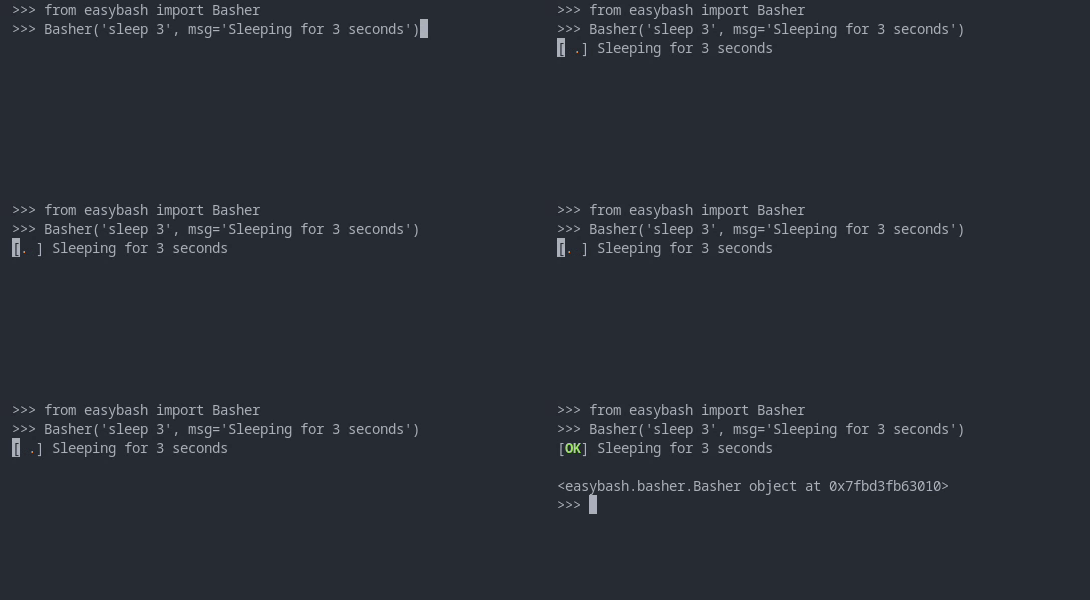
You can add a message
from easybash import Basher

Basher('sleep 3', msg='Sleeping for 3 seconds')
You can debug the execution
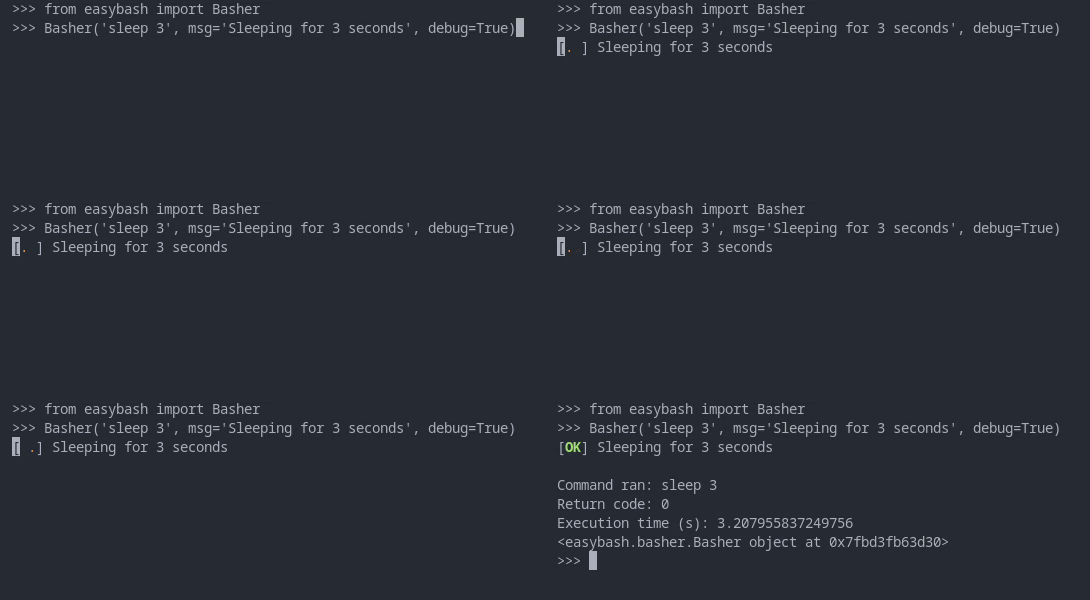
from easybash import Basher

Basher('sleep 3', msg='Sleeping for 3 seconds', debug=True)
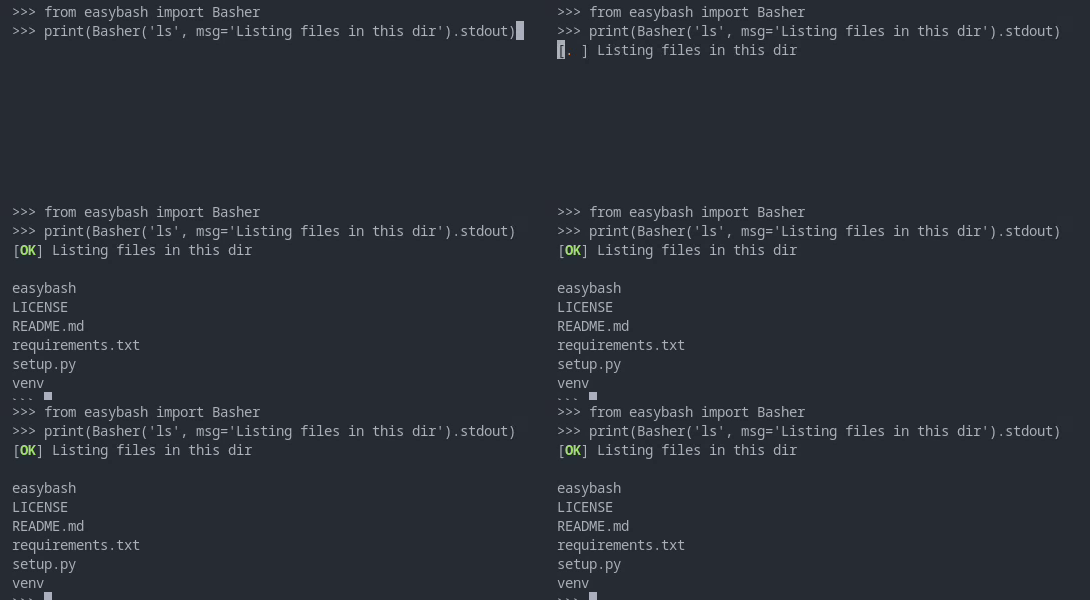
You can print the stdout/stderr of the command
from easybash import Basher

print(Basher('ls', msg='Listing files in this dir').stdout)
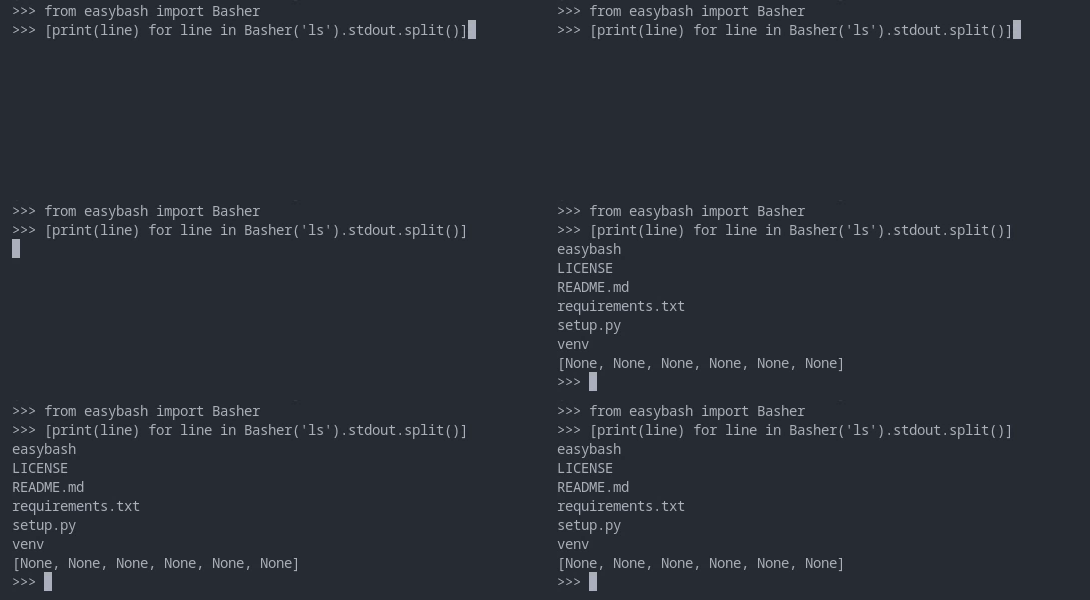
You can do whatever you want with the output
from easybash import Basher

[print(line) for line in Basher('ls').stdout.split()]
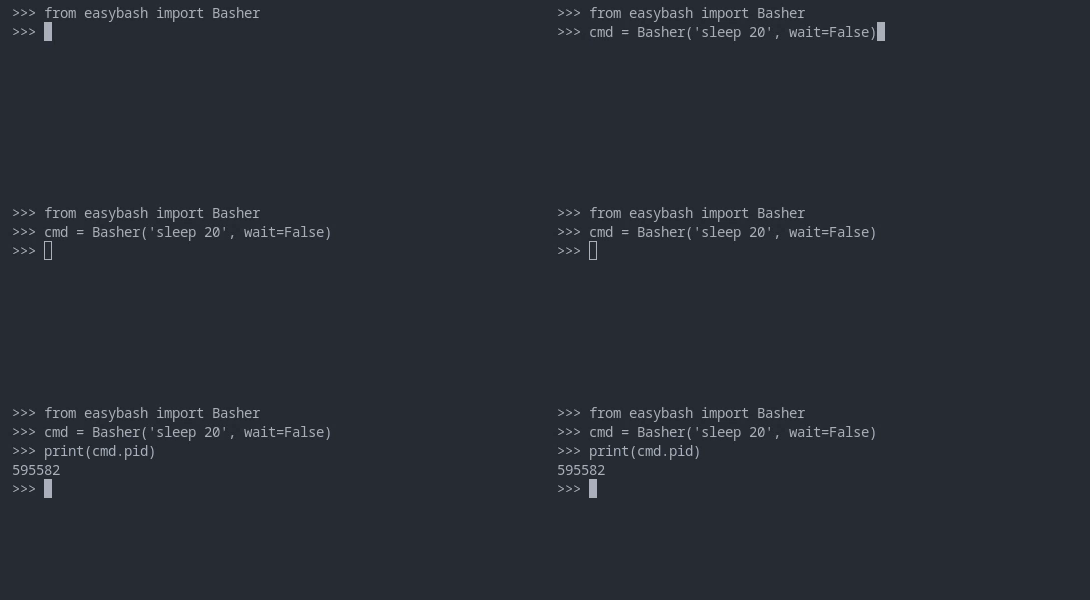
You don't have to wait for command execution to keep running your code
from easybash import Basher

cmd = Basher('sleep 20', wait=False)
print(cmd.pid)
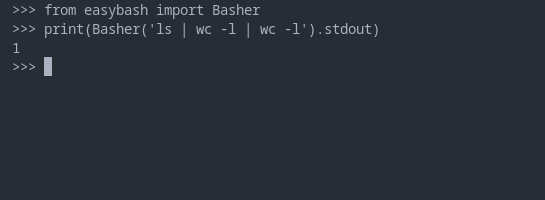
Basher will automatically reconize pipes, so you can easily run commands
Redirections are being implemented.
from easybash import Basher

print(Basher('ls | wc -l | wc -l').stdout)
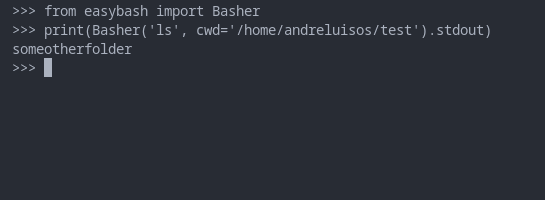
You can change the current working directory
from easybash import Basher

print(Basher('ls', cwd='/home/andreluisos/test').stdout)
You can pass shell=True, but it's not recomended!
The idea of the module is to provide an easy way to execute shell commands without compromising safety. Redirections will be implemented soon.
from easybash import Basher

Basher('ls', shell=True)
1 maintainer

Metadata
1 maintainer
Release files for easybash 1.0.0
For a detailed explanation of source distributions (sdists) and built distributions (wheels), please see the package formats documentation.
Source distribution (sdist)
| File | Size | Uploaded | Provenance | |
|---|---|---|---|---|
| easybash-1.0.0.tar.gz | 16.3 kB | Without provenance | Details |
Built distribution (wheel)
| File | Interpreter | ABI | Platform | Reset |
|---|---|---|---|---|
| easybash-1.0.0-py3-none-any.whl | Python 3 | none | any | Details |
Total release size: 32.9 kB
Release files / easybash-1.0.0.tar.gz
| Download URL | easybash-1.0.0.tar.gz |
|---|---|
| Size | 16.3 kB |
| Tags | Source |
|
SHA-256 checksum How to use checksums |
09f4e5f11402aade89898bfb3216dd7b2f011c7246ce7ea638fc88471f373fcd
|
|
BLAKE2b-256 checksum How to use checksums |
e14abf1fa2d2431f2909f82a7b4ec60e4b29d6d34c5fa7d1344064d82f5733c9
|
| Upload date | |
|
Uploaded using Trusted Publishing? What is trusted publishing? |
No |
| Uploaded via |
twine/4.0.1 CPython/3.10.6
|
Release files / easybash-1.0.0-py3-none-any.whl
| Download URL | easybash-1.0.0-py3-none-any.whl |
|---|---|
| Size | 16.6 kB |
| Tags | Python 3 |
|
SHA-256 checksum How to use checksums |
4bad2bc56243b224bff21843634bc4cfc0267295b654658a795dfd707a65f325
|
|
BLAKE2b-256 checksum How to use checksums |
2a96fabd883321747ad89386ac40a3cb935408ec9da3c60c069853f2ba2cac4b
|
| Upload date | |
|
Uploaded using Trusted Publishing? What is trusted publishing? |
No |
| Uploaded via |
twine/4.0.1 CPython/3.10.6
|
Security for easybash 1.0.0
Provenance
Provenance describes where a file came from. On PyPI, provenance is shared via attestations, which provide a verifiable record of the build or publishing details. View details, limitations and caveats.
No provenance found
None of the files in this release were uploaded with provenance metadata.
A note on package security
PyPI is a repository for distributing packages, not a service for auditing them. While third-party security researchers and our staff do their best to detect and remove malicious packages, PyPI cannot guarantee the quality, security or suitability of any given package.













