
easyeda2kicad v0.7.0








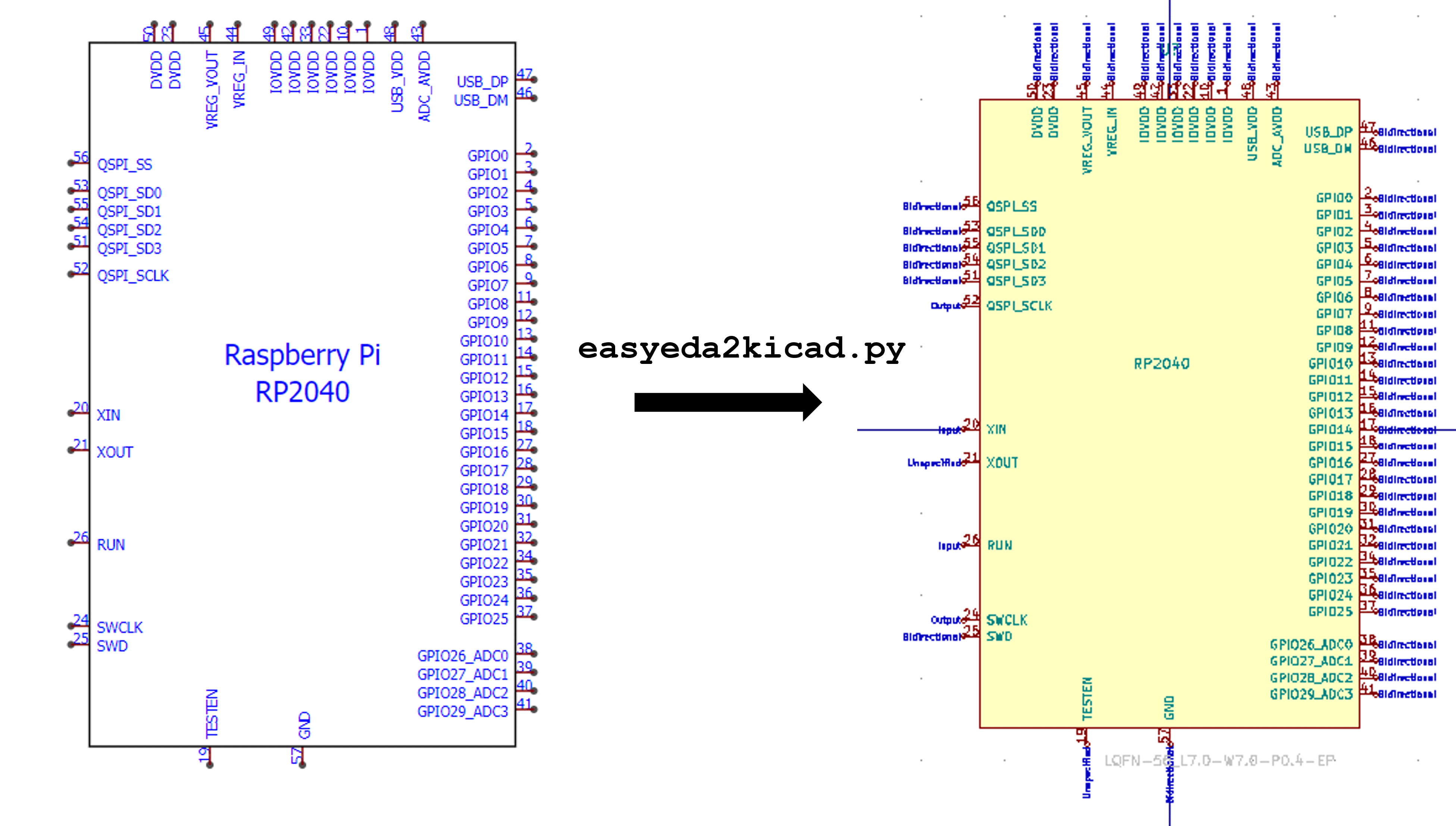
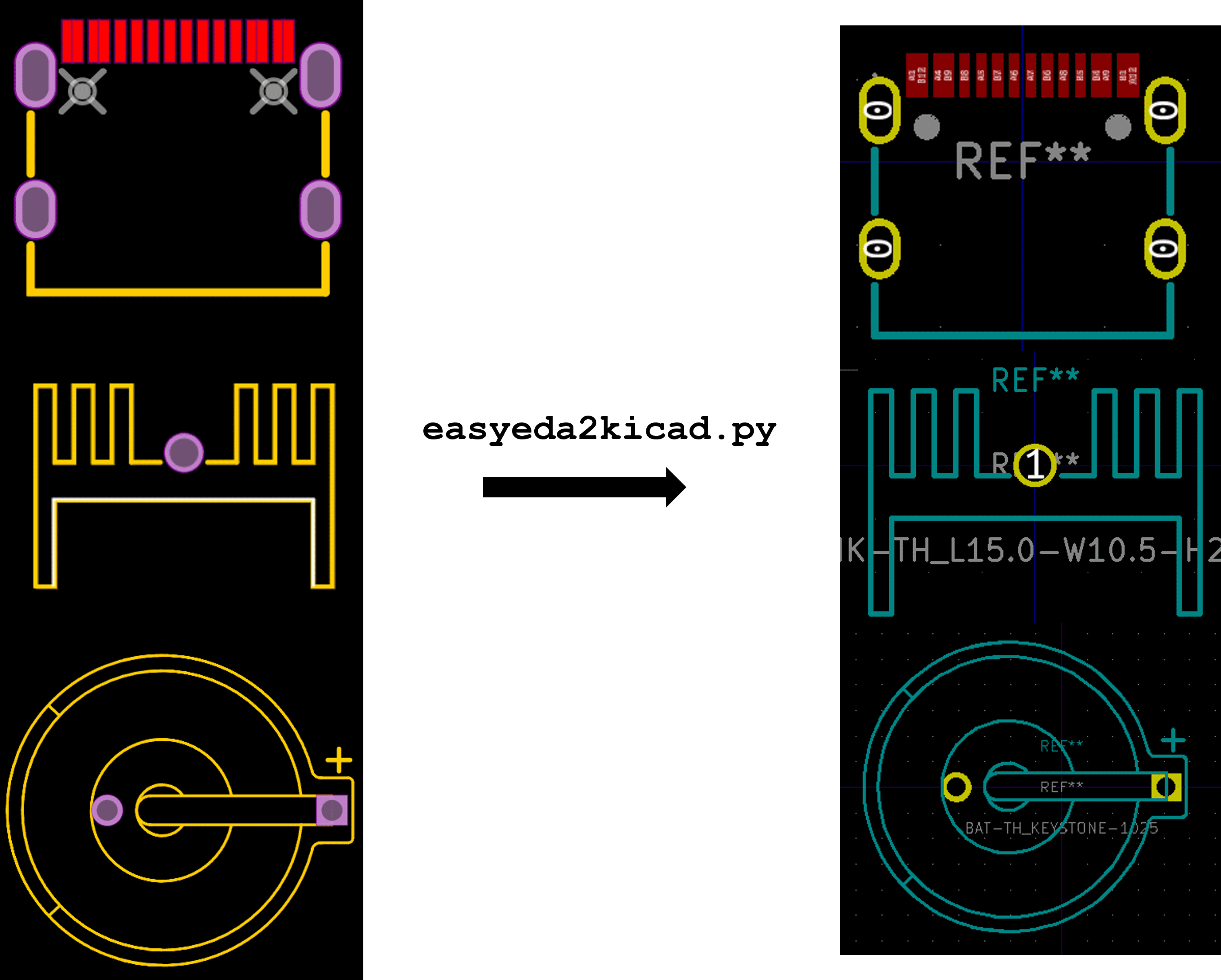
A Python script that converts any electronic components from EasyEDA or LCSC to a Kicad library including 3D model in color. This tool will speed up your PCB design workflow especially when using JLCPCB SMT assembly services. It supports library formats for both Kicad v6.x and Kicad v5.x.
🎆 Sponsor and Support
If this tool has saved you a lot of time when designing a PCB, please consider supporting the project by :
- Subscribing to uPesy Premium Membership to have access to high-quality electronics tutorials at https://www.upesy.com/products/subscription
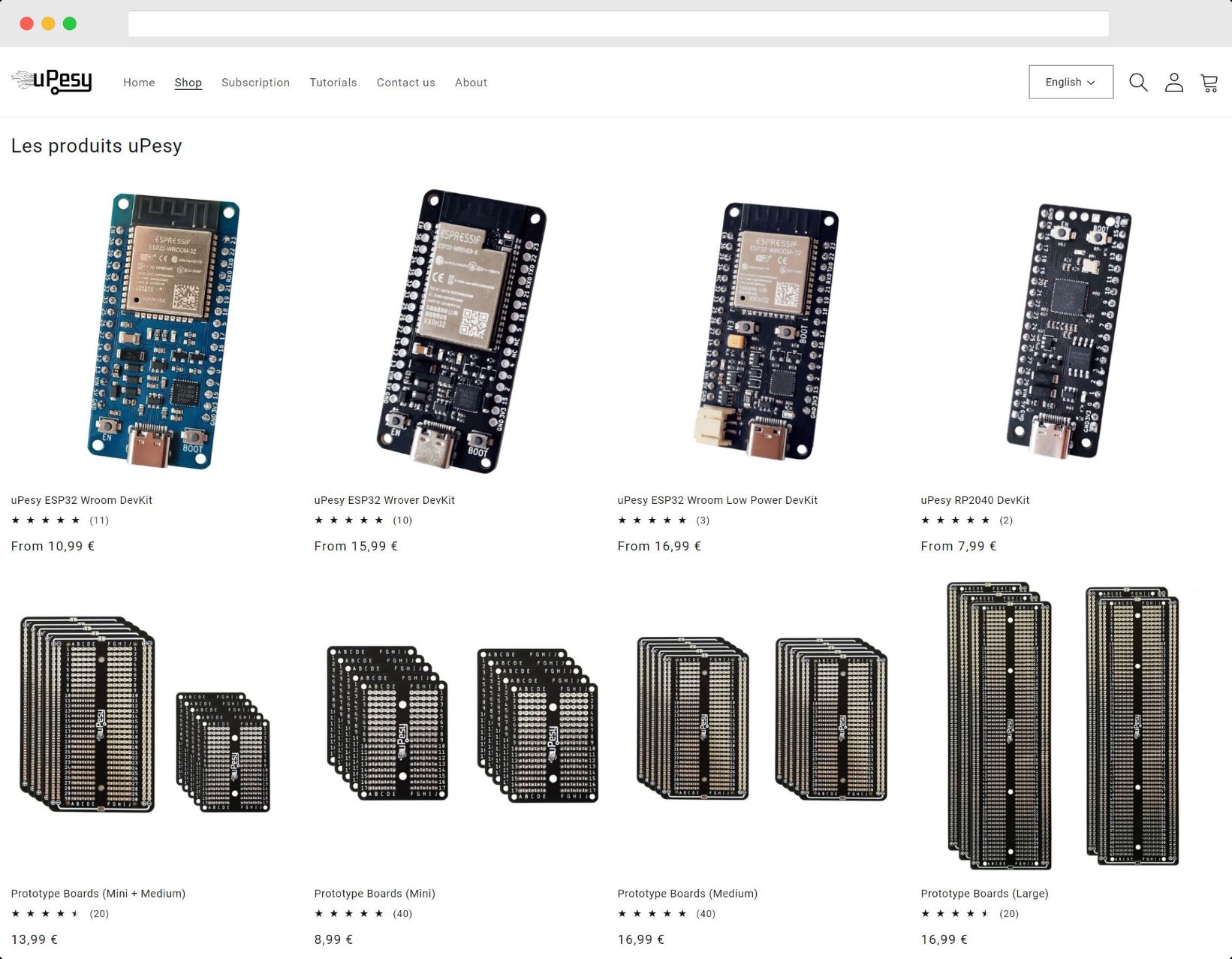
- Buying one of my ESP32 DevKit boards: https://www.upesy.com/pages/store
💾 Installation
pip install easyeda2kicad
💻 Usage
# For symbol + footprint + 3d model (with --full argument)
easyeda2kicad --full --lcsc_id=C2040
# For symbol + footprint + 3d model
easyeda2kicad --symbol --footprint --3d --lcsc_id=C2040
# For symbol + footprint
easyeda2kicad --symbol --footprint --lcsc_id=C2040
# For symbol only
easyeda2kicad --symbol --lcsc_id=C2040
# For footprint only
easyeda2kicad --footprint --lcsc_id=C2040
# For 3d model only
easyeda2kicad --3d --lcsc_id=C2040
# For symbol in Kicad v5.x legacy format
easyeda2kicad --symbol --lcsc_id=C2040 --v5
By default, all librairies are saved in C:/Users/your_name/Documents/Kicad/easyeda2kicad/, with :
easyeda2kicad.kicad_symfile for Kicad v6.x symbol libraryeasyeda2kicad.libfile for Kicad v5.x legacy symbol libraryeasyeda2kicad.pretty/folder for footprint librarieseasyeda2kicad.3dshapes/folder for 3d models (in .WRL and .STEP format )
If you want to save components symbol/footprint in your own libs, you can specify the output lib path by using --output option.
easyeda2kicad --full --lcsc_id=C2040 --output ~/libs/my_lib
This command will save:
- the symbol in
~/libs/my_lib.kicad_symfile for symbol library. The file will be created if it doesn't exist. - the footprint in
~/libs/my_lib.pretty/folder for footprint libraries. The folder will be created if it doesn't exist. - the 3d models in
~/libs/my_lib.3dshapes/folder for 3d models. The folder will be created if it doesn't exist. The 3D models will be saved both in .WRL and .STEP format.
You can use the option --overwrite to update a component symbol/footprint that is already in a Kicad library (generated by easyeda2kicad)
easyeda2kicad --symbol --footprint --lcsc_id=C2040 --output ~/libs/my_lib --overwrite
By default, easyeda2kicad will generate a symbol library for Kicad v6.x (.kicad_sym). You can generate a symbol lib in legacy format for Kicad v5.x (.lib) using --v5 argument.
easyeda2kicad --symbol --lcsc_id=C2040 --v5
🔗 Add libraries in Kicad
These are the instructions to add the default easyeda2kicad libraries in Kicad. Before configuring KiCad, run the script at least once to create lib files. For example :
easyeda2kicad --symbol --footprint --lcsc_id=C2040
- In KiCad, Go to Preferences > Configure Paths, and add the environment variables
EASYEDA2KICAD:- Windows :
C:/Users/your_username/Documents/Kicad/easyeda2kicad/, - Linux :
/home/your_username/Documents/Kicad/easyeda2kicad/
- Windows :
- Go to Preferences > Manage Symbol Libraries, and Add the global library
easyeda2kicad:${EASYEDA2KICAD}/easyeda2kicad.kicad_sym - Go to Preferences > Manage Footprint Libraries, and Add the global library
easyeda2kicad:${EASYEDA2KICAD}/easyeda2kicad.pretty - Enjoy 😉
🔥 Important Notes
WARRANTY
The correctness of the symbols and footprints converted by easyeda2kicad can't be guaranteed. Easyeda2kicad speeds up custom library design process, but you should remain careful and always double check the footprints and symbols generated.
2 maintainers


Metadata
2 maintainers
Release files for easyeda2ato 0.2.7
For a detailed explanation of source distributions (sdists) and built distributions (wheels), please see the package formats documentation.
Source distribution (sdist)
| File | Size | Uploaded | |
|---|---|---|---|
| easyeda2ato-0.2.7.tar.gz | 41.4 kB | Details |
Built distribution (wheel)
| File | Interpreter | ABI | Platform | Reset |
|---|---|---|---|---|
| easyeda2ato-0.2.7-py3-none-any.whl | Python 3 | none | any | Details |
Total release size: 86.8 kB
Release files / easyeda2ato-0.2.7.tar.gz
| Download URL | easyeda2ato-0.2.7.tar.gz |
|---|---|
| Size | 41.4 kB |
| Tags | Source |
|
SHA-256 checksum How to use checksums |
6c784137e87d571f50e306552b1333904117cd5ee12a8433f22f89a64485b180
|
|
BLAKE2b-256 checksum How to use checksums |
f1e4e9b37f788987c1661feaed66f028575ea7e44c5b9573384077f85ed77e42
|
| Upload date | |
|
Uploaded using Trusted Publishing? What is trusted publishing? |
Yes |
| Uploaded via |
twine/5.0.0 CPython/3.12.3
|
Release files / easyeda2ato-0.2.7-py3-none-any.whl
| Download URL | easyeda2ato-0.2.7-py3-none-any.whl |
|---|---|
| Size | 45.4 kB |
| Tags | Python 3 |
|
SHA-256 checksum How to use checksums |
469b887522a430d0b1d1864ac789c4d06897e99820e0fc34d49810d870ced6c0
|
|
BLAKE2b-256 checksum How to use checksums |
e1ec9a90b2a60999c7b5fe8ab24540fe6b752a64cec2ecd19a211f5f6c19f698
|
| Upload date | |
|
Uploaded using Trusted Publishing? What is trusted publishing? |
Yes |
| Uploaded via |
twine/5.0.0 CPython/3.12.3
|














