
A Textual TUI for beautiful terminal data visualization from files, REST endpoints and more.

Project description

Ecstacy
Beautiful data, right in your terminal.






Ecstacy is a Textual TUI for visualizing data from local files, REST endpoints,
SQL, and WebSockets -- with charts, tables, sparklines, gauges, heatmaps and a
JSON explorer. Any source feeds any visualization through a typed DataSet
contract, and dashboards compose multiple panels from a single YAML file.
Splash screen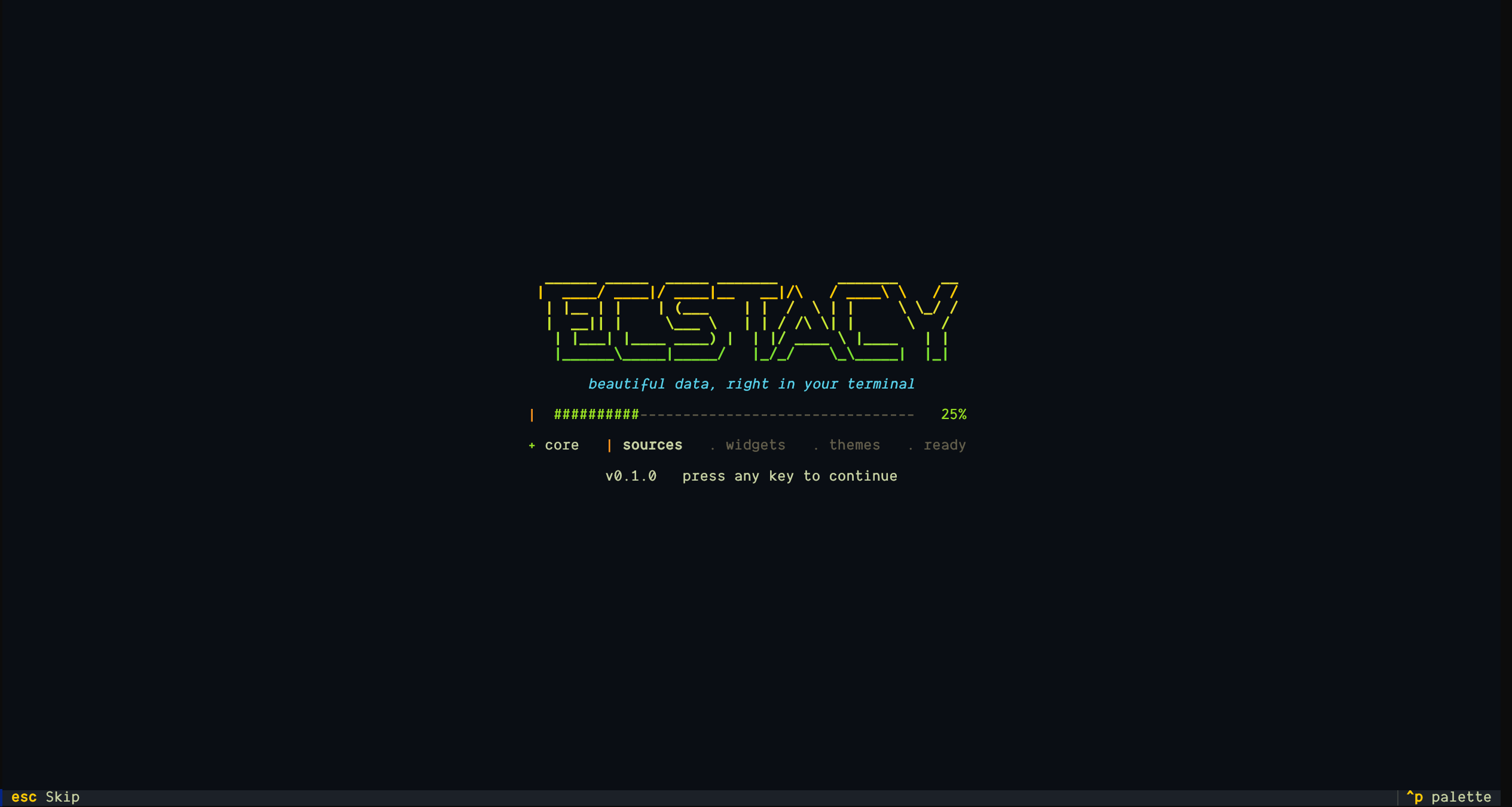 |
Home screen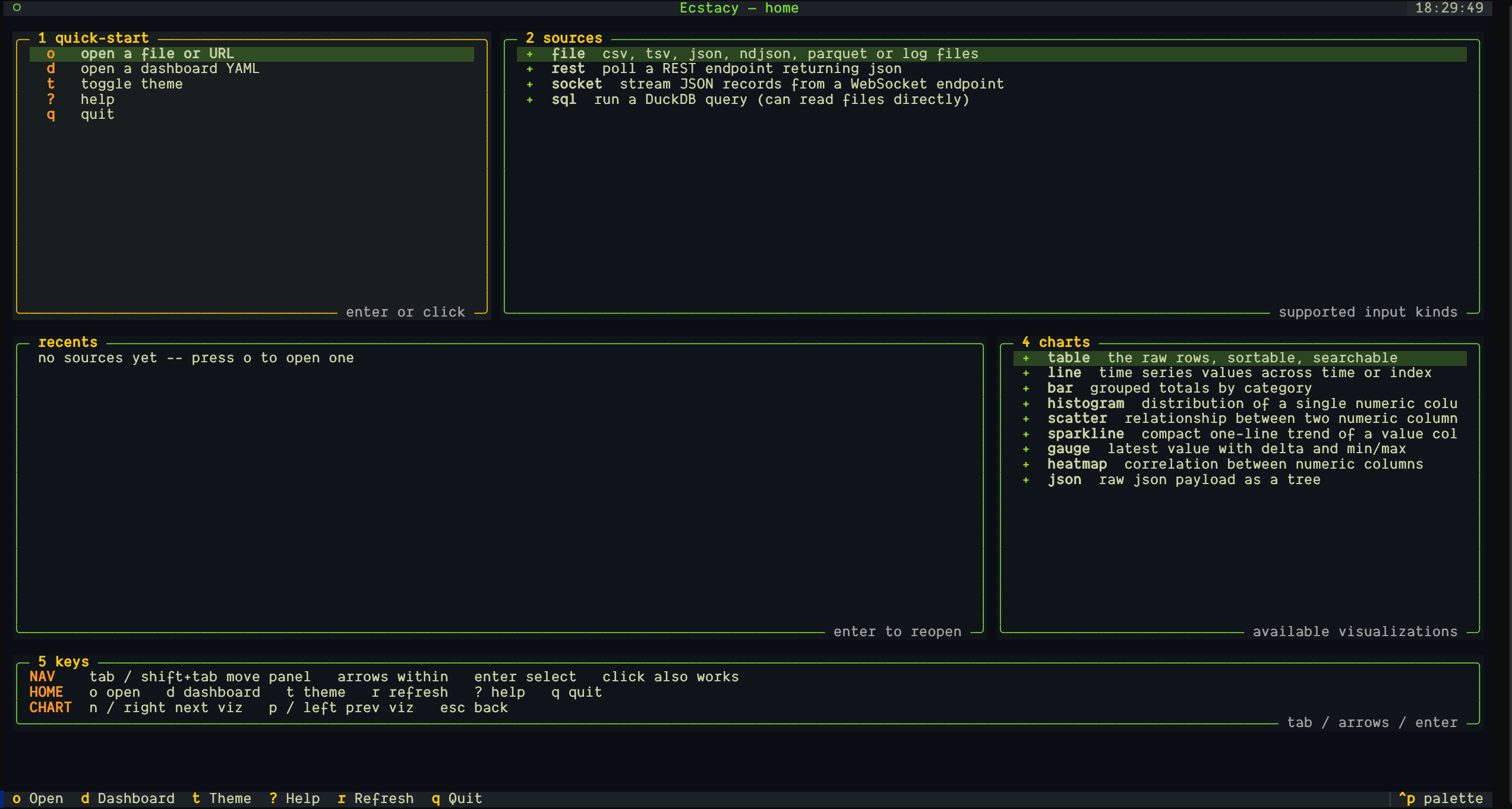 |
Sparkline chart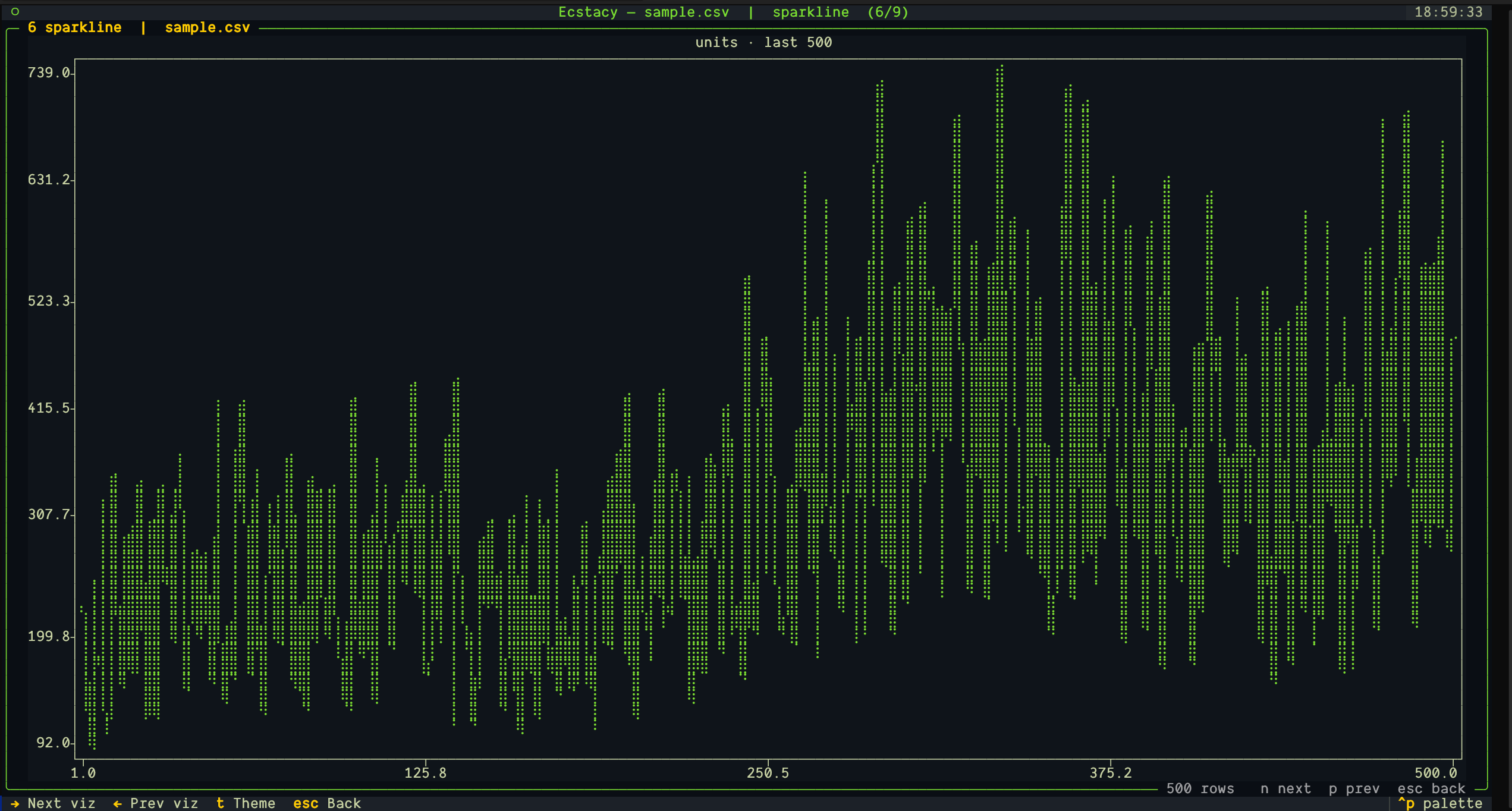 |
JSON explorer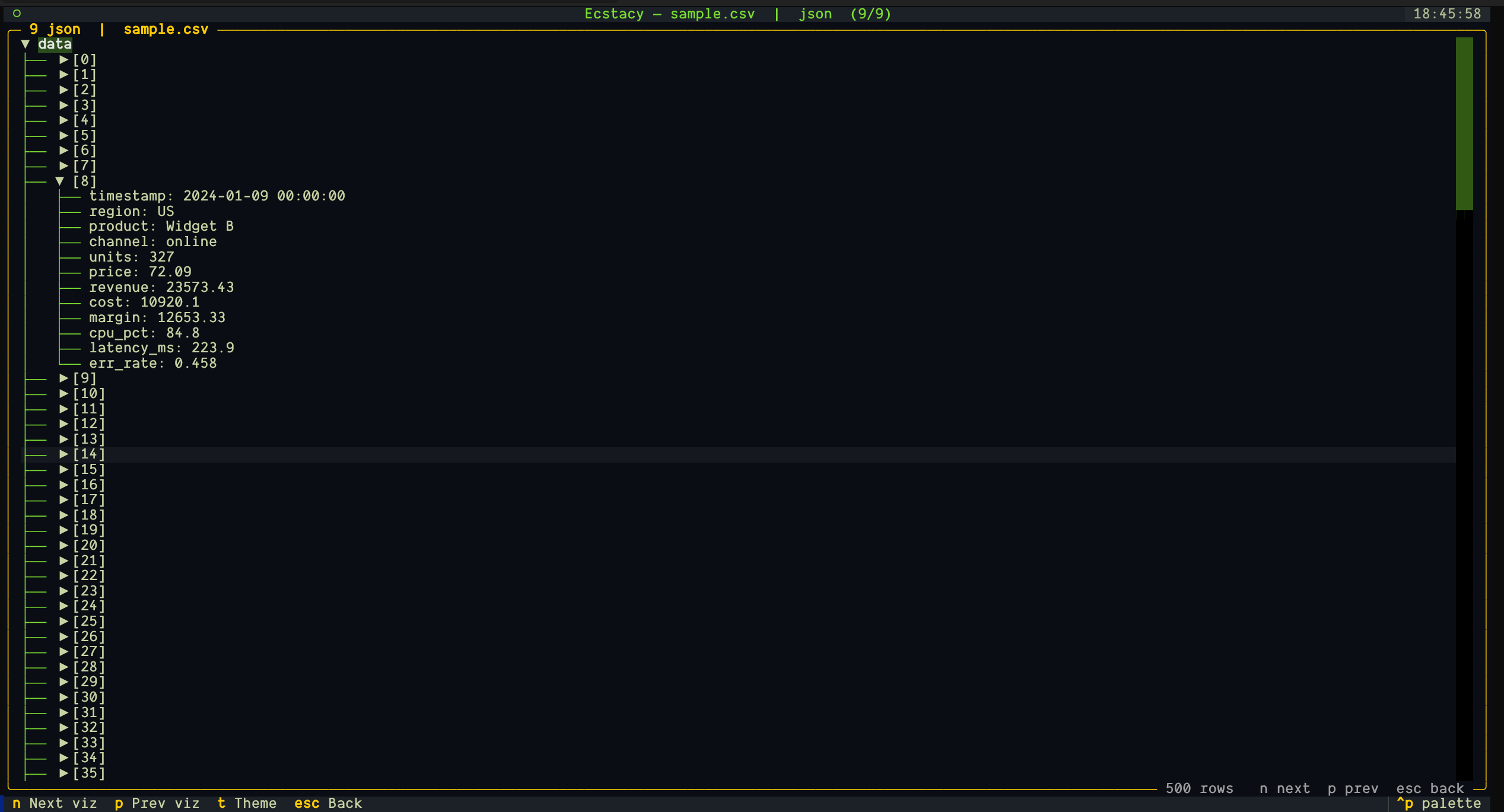 |
Install
pip install ecstacy
Then launch it:
ecstacy
You can also run it directly with uv from a clone of this repo:
uv sync
uv run ecstacy
Quick start
Open a file directly:
ecstacy file sample.csv --chart line
ecstacy file data.csv --chart bar --x region --y value
ecstacy file metrics.parquet --chart table --max-rows 1000
ecstacy file sheet.xlsx --sheet data --chart table
Auto-refresh a live source:
ecstacy file metrics.csv --refresh 5s --chart line
ecstacy rest https://api.example.com/metrics --refresh 10s --chart table
Press r to manually refresh the current chart.
Pipe data in from stdin:
cat data.csv | ecstacy file -
curl -s https://api.example.com/items.json | ecstacy file - --format json
Go headless -- print rows or export without launching the TUI:
ecstacy file data.csv --head 20
ecstacy file data.csv --tail 5 --export csv > out.csv
ecstacy rest https://api.example.com/items --export json > out.json
ecstacy file data.csv --export markdown > out.md
ecstacy socket ws://localhost:8765 --head 20 --timeout 3
Query a REST endpoint:
ecstacy rest https://api.example.com/items --json-path data.items --chart table
Run a DuckDB SQL query:
ecstacy sql "select 1 as a, 2 as b" --chart table
ecstacy sql "select * from 'data.csv'" --db :memory: --chart line
Run a SQLite query:
ecstacy sqlite "select * from metrics" --db app.db --chart table
Stream from a WebSocket:
ecstacy socket ws://localhost:8765 --chart table
Open a multi-panel dashboard:
ecstacy dashboard ops.yaml
Inspect available themes, charts, or your config path:
ecstacy themes
ecstacy charts
ecstacy config path
Sources
| Source | Formats / protocol |
|---|---|
| file | CSV, TSV, JSON, NDJSON, Parquet, log/text, Excel (xlsx) |
| stdin | ecstacy file - -- CSV, TSV, JSON, NDJSON, log from pipe |
| rest | HTTP/HTTPS JSON endpoints with dotted json-path |
| sql | DuckDB queries (in-memory or file-backed) |
| sqlite | SQLite queries (in-memory or file-backed) |
| socket | WebSocket streaming JSON records |
Visualizations
table (sortable, searchable, column picker, export), line, bar, histogram,
scatter, sparkline, gauge, heatmap (correlation matrix), box plot, proportion
chart (horizontal bars, formerly pie), summary card
(count/mean/median/std/min/max), json tree.
Keys
Home: o open, d dashboard, t theme, ? help, q quit.
Chart: n/right next chart, p/left previous chart, ctrl+f query/transform, r refresh, t theme, esc back.
Table: s sort by column, / focus search, c column picker, e export view, type to filter, esc clear.
Dashboard: m toggle grid/single layout, n/p cycle panels, r refresh now, esc back.
Configuration
Ecstacy layers configuration in this order (later wins):
- Built-in defaults.
- User config:
$XDG_CONFIG_HOME/ecstacy/config.yaml(or~/.config/ecstacy/config.yaml). - Project config:
./ecstacy.yamlin the current directory. - Environment variables prefixed
ECSTACY_(e.g.ECSTACY_THEME=ecstacy-light). - CLI flags.
On first run Ecstacy auto-creates the user config directory and a default
config.yaml (it never overwrites an existing one).
Example config.yaml:
theme: ecstacy-dark
refresh: 0s
splash: true
max_rows: 1000
Dashboards
A dashboard YAML describes sources and panels. Each panel binds a source to a visualization with an optional column mapping. Source paths are resolved relative to the dashboard file, so dashboards are portable.
theme: ecstacy-dark
refresh: 5s
sources:
  - id: metrics
    kind: file
    path: ./sample.csv
panels:
  - source: metrics
    viz: line
    x: timestamp
    y: [revenue, margin]
  - source: metrics
    viz: bar
    category: region
    value: revenue
When refresh is set, dashboard panels re-fetch on that interval. Press m to
switch between grid and single-panel layouts.
Architecture
core--DataSetcontract, plugin registry, transforms, store, scheduler.sources-- file, rest, sql, sqlite, socket -- all registered plugins.widgets-- visualization widgets, registered plugins.screens-- splash, home, chart, dashboard, modal, help.config-- defaults, Pydantic schema, layered config loader.theming-- Textual themes and the global stylesheet.
Sources resolve to a typed DataSet (DataFrame + schema + meta). Widgets bind
to a DataSet and a column mapping, so any source can feed any visualization.
Extending
Add a source by subclassing Source and decorating it with
@registry.sources.register("name"). Add a visualization by creating a widget
with a set_data(dataset, mapping) method and decorating it with
@registry.viz.register("name").
Known limitations
- Export is stdout-only (CSV/JSON/Markdown); no PNG/SVG yet.
- No clipboard, Prometheus, InfluxDB, or Google Sheets source yet.
License
MIT. See LICENSE.
Changelog
See CHANGELOG.md.
Release history Release notifications | RSS feed


Download files
Download the file for your platform. If you're not sure which to choose, learn more about installing packages.
Source Distribution
Built Distribution
Filter files by name, interpreter, ABI, and platform.
If you're not sure about the file name format, learn more about wheel file names.
Copy a direct link to the current filters
File details
Details for the file ecstacy_tui-0.12.4.tar.gz.
File metadata
- Download URL: ecstacy_tui-0.12.4.tar.gz
- Upload date:
- Size: 1.8 MB
- Tags: Source
- Uploaded using Trusted Publishing? No
- Uploaded via: uv/0.11.29 {"installer":{"name":"uv","version":"0.11.29","subcommand":["publish"]},"python":null,"implementation":{"name":null,"version":null},"distro":{"name":"CachyOS Linux","version":null,"id":null,"libc":null},"system":{"name":null,"release":null},"cpu":null,"openssl_version":null,"setuptools_version":null,"rustc_version":null,"ci":null}
File hashes
| Algorithm | Hash digest | |
|---|---|---|
| SHA256 |
0bc62a4be1e228e4684da6ee10fbac9362dbe10278cad697bd2ffac8c88ae56c
|
|
| MD5 |
28ac4ba2c956d9478363c454136a1789
|
|
| BLAKE2b-256 |
11ee43be138fa4549daa8b357b386d2b85b211de230680d80b13d4da8bcd9853
|
File details
Details for the file ecstacy_tui-0.12.4-py3-none-any.whl.
File metadata
- Download URL: ecstacy_tui-0.12.4-py3-none-any.whl
- Upload date:
- Size: 75.4 kB
- Tags: Python 3
- Uploaded using Trusted Publishing? No
- Uploaded via: uv/0.11.29 {"installer":{"name":"uv","version":"0.11.29","subcommand":["publish"]},"python":null,"implementation":{"name":null,"version":null},"distro":{"name":"CachyOS Linux","version":null,"id":null,"libc":null},"system":{"name":null,"release":null},"cpu":null,"openssl_version":null,"setuptools_version":null,"rustc_version":null,"ci":null}
File hashes
| Algorithm | Hash digest | |
|---|---|---|
| SHA256 |
b087b927ebdc56579ab6281232ea5cf9f84cc1bf2c2c43cec034296c2c2855a4
|
|
| MD5 |
f22c12df4f9fffd4cde6051b155cbb8b
|
|
| BLAKE2b-256 |
bb59e93b5737eaff3636a201335c01fc15b97ef62cd2f965fd8d0aebebd68ca4
|






