
element-51








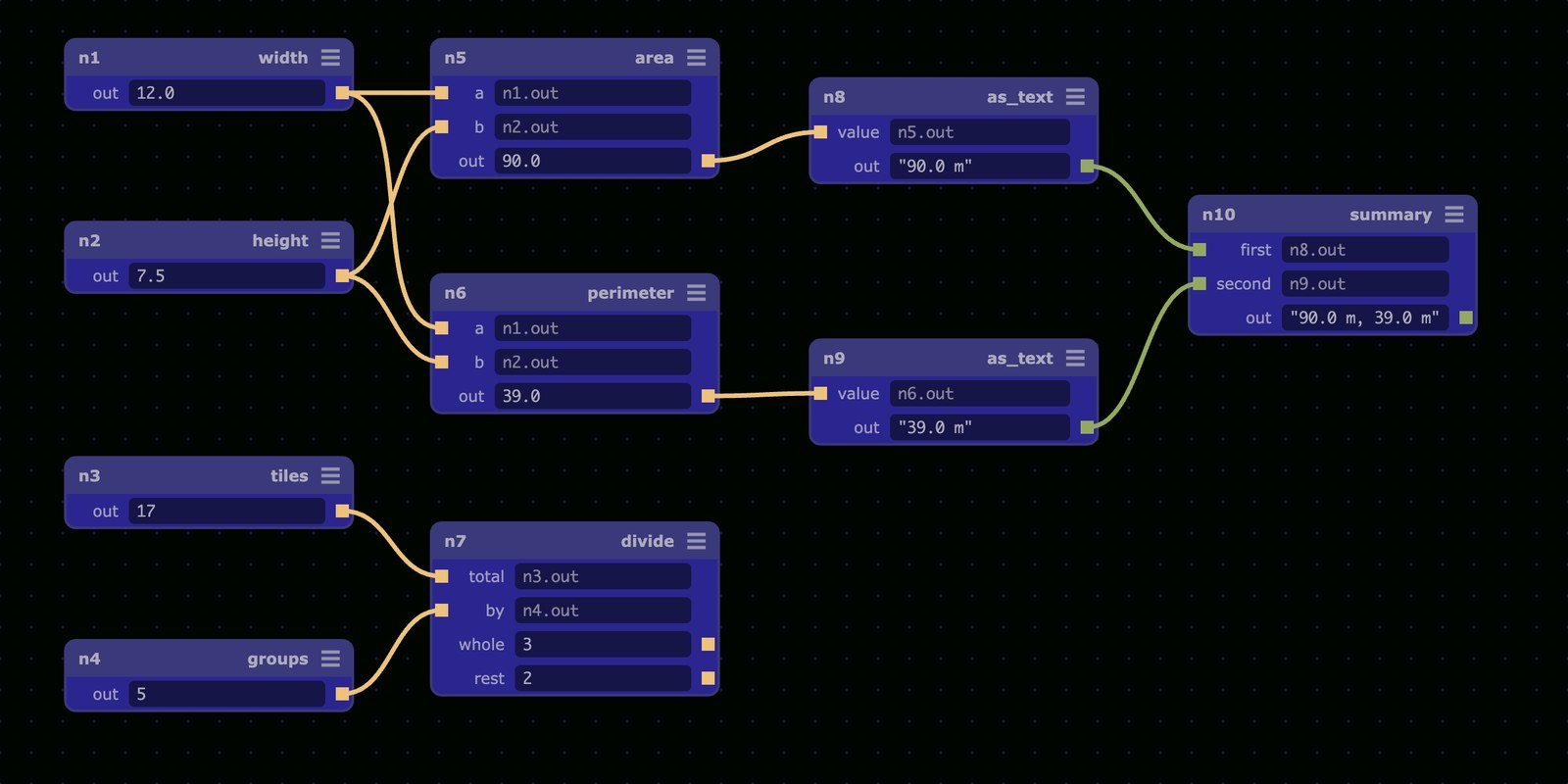
Design node-editor GUIs from Python. You write nodes as typed functions or small classes. element-51 serves an editor in the browser where people wire them together, and Python keeps the graph, runs it and can change it while the page is open.
- Nodes from type hints. Put
@element_51.nodeon a function, or subclasselement_51.Node. Parameters become inputs and the return type becomes the output (a pydantic model gives one output per field). - A fast editor. The canvas is drawn by a Rust and WebAssembly module: pan, zoom, drag, link, undo and redo, typed values in the node, a nested add-node menu with search, and refused links between ports of different types.
- Python is in charge. The graph lives in your process. Read it, run it, save and load it as JSON, or add nodes from a script and watch an open page update.
- Yours to restyle. Three themes ship, and a small JSON file changes any colour, size, font or port shape.
- Embeddable. It is an ASGI app, so it mounts inside FastAPI, NiceGUI or any other ASGI host.
Installation
uv add element-51
To work on it from a clone, you also need Rust (the stable toolchain from
rustup, with the wasm32-unknown-unknown target) to build the browser layer:
uv sync
uv run python tools/build_wasm.py
Example
Two nodes and a link. number is a function, Double is a class.
import element_51


@element_51.node
def number() -> float:
    return 21.0


class Double(element_51.Node):
    value: float = 0.0

    def run(self) -> float:
        return self.value * 2


app = element_51.App([number, Double])
first = app.add_node(number, x=60, y=80)
second = app.add_node(Double, x=320, y=80)
app.add_link(first, "out", second, "value")
element_51.serve(app, open_browser=True)
Run it and your browser opens on the editor. Press Run: number shows 21.0 and
Double shows 42.0. Right-click the canvas to add more nodes. Stop the server
with Ctrl+C.
More examples, grouped by topic, are in
examples/: the basics, node types, using the graph from plain
Python, editor features, themes, and embedding the editor in FastAPI or NiceGUI.
Looks
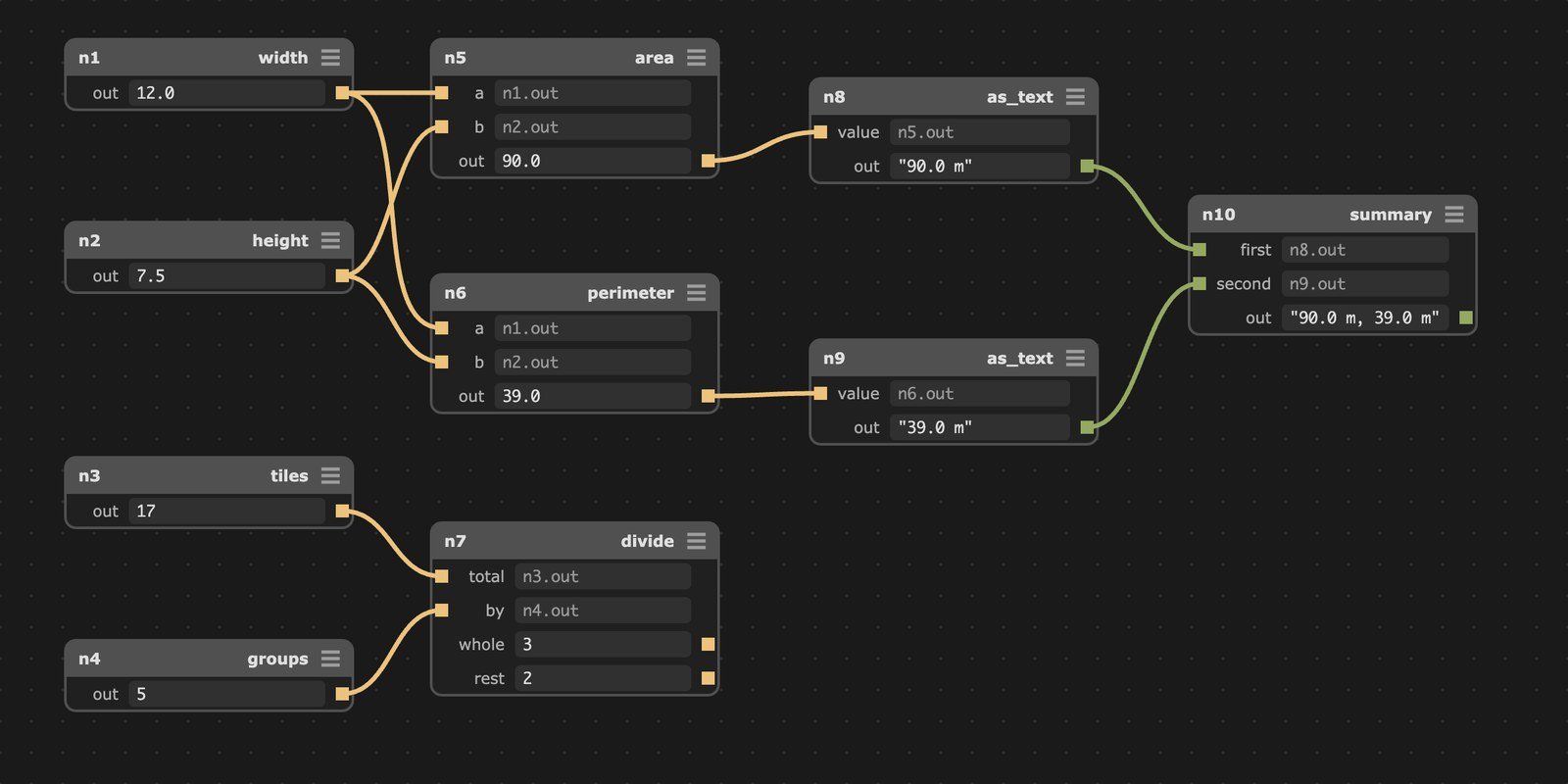
The header shows the purple-synthwave theme, the default. The dark antimony theme
is one argument away (serve(app, theme="antimony")):
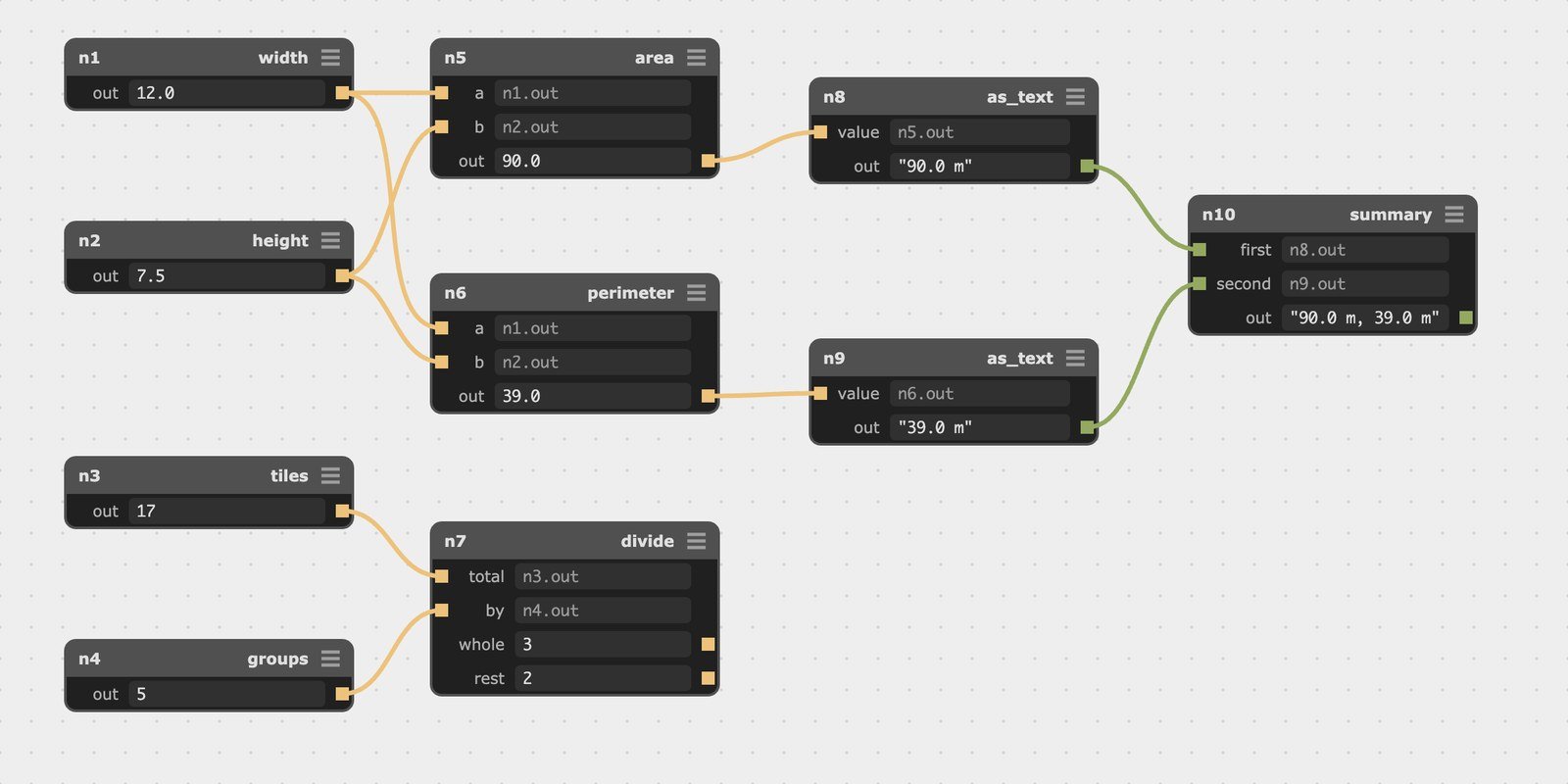
The light theme is one argument away (serve(app, theme="antimony-light")):
purple-synthwave was made from a Coolors palette. Paste any
palette link into the editor's menu and it takes the colours at once, keeping the
text readable (examples/e_look/e3_palette.py).
Documentation
The documentation has the guides and
the API reference (the sources are in docs/). To
build it, run uv sync --group docs and then
uv run sphinx-build -b html docs docs/_build/html.
Credits
The look of the editor is inspired by Antimony, the graph-based CAD tool by Matt Keeter. element-51 shares no code or images with Antimony; the colours, shapes and layout were drawn again from scratch.
1 maintainer

Metadata
1 maintainer
Release files for element-51 0.2.0
For a detailed explanation of source distributions (sdists) and built distributions (wheels), please see the package formats documentation.
Source distribution (sdist)
| File | Size | Uploaded | Provenance | |
|---|---|---|---|---|
| element_51-0.2.0.tar.gz | 331.2 kB | Without provenance | Details |
Built distribution (wheel)
| File | Interpreter | ABI | Platform | Reset |
|---|---|---|---|---|
| element_51-0.2.0-py3-none-any.whl | Python 3 | none | any | Details |
Total release size: 671.9 kB
Release files / element_51-0.2.0.tar.gz
| Download URL | element_51-0.2.0.tar.gz |
|---|---|
| Size | 331.2 kB |
| Tags | Source |
|
SHA-256 checksum How to use checksums |
70b7e91fd155ea8ce97a1bcfb77df3ec405721505acae6c8809c0f27db067c8c
|
|
BLAKE2b-256 checksum How to use checksums |
e874decdbaa3750cd30337e7d1076c9d19c558776de74919daed815ada6ae45e
|
| Upload date | |
|
Uploaded using Trusted Publishing? What is trusted publishing? |
No |
| Uploaded via |
uv/0.13.3 {"installer":{"name":"uv","version":"0.13.3","subcommand":["publish"]},"python":null,"implementation":{"name":null,"version":null},"distro":{"name":"macOS","version":null,"id":null,"libc":null},"system":{"name":null,"release":null},"cpu":null,"openssl_version":null,"setuptools_version":null,"rustc_version":null,"ci":null}
|
Release files / element_51-0.2.0-py3-none-any.whl
| Download URL | element_51-0.2.0-py3-none-any.whl |
|---|---|
| Size | 340.7 kB |
| Tags | Python 3 |
|
SHA-256 checksum How to use checksums |
639c1ee45663929bfed5fb55141e78139e6e65f25217351fbe77b040f364d74d
|
|
BLAKE2b-256 checksum How to use checksums |
45508773beb001f54876b1785a994e1ea3afd385d8478e57d0f45ce1e65357b1
|
| Upload date | |
|
Uploaded using Trusted Publishing? What is trusted publishing? |
No |
| Uploaded via |
uv/0.13.3 {"installer":{"name":"uv","version":"0.13.3","subcommand":["publish"]},"python":null,"implementation":{"name":null,"version":null},"distro":{"name":"macOS","version":null,"id":null,"libc":null},"system":{"name":null,"release":null},"cpu":null,"openssl_version":null,"setuptools_version":null,"rustc_version":null,"ci":null}
|
Security for element-51 0.2.0
Provenance
Provenance describes where a file came from. On PyPI, provenance is shared via attestations, which provide a verifiable record of the build or publishing details. View details, limitations and caveats.
No provenance found
None of the files in this release were uploaded with provenance metadata.
A note on package security
PyPI is a repository for distributing packages, not a service for auditing them. While third-party security researchers and our staff do their best to detect and remove malicious packages, PyPI cannot guarantee the quality, security or suitability of any given package.














