
Flask + MongoDB Web CMS for Developers.

Project description
elemental CMS
Elemental is a Flask and MongoDB web CMS intended for developers.
Our main goal is to allow developers to create and maintain web portals or web applications using their preferred programming IDE like VS Code, PyCharm, Visual Studio, etc.
The main interaction with the tool takes place through its CLI, a self documented command line tool called "elemental-cms" which helps us perform deployment tasks directly from the terminal.
It relies on MongoDB to store the metadata, pages' content, snippets' content, dependencies information, and user session data.
Setup
To install the tool, we can issue the following command:
pip install elemental-cms
This will install all the dependencies required for elemental-cms to work. Version 2.0.6 is compatible with:
- Flask 2.2.5
- Werkzeug 2.2.3
- Flask-Babel 2.0.0
- And other dependencies as specified in setup.py
New in 2.0.6
- Shell Autocomplete: Tab completion for snippets, pages, and global-deps commands
- Pages Diff Command: Compare local and database versions of pages
- Snippets Diff Command: Compare local and database versions of snippets
- Repository Indicators: See which resources have local changes at a glance
To enable shell autocomplete, see the COMPLETION.md guide.
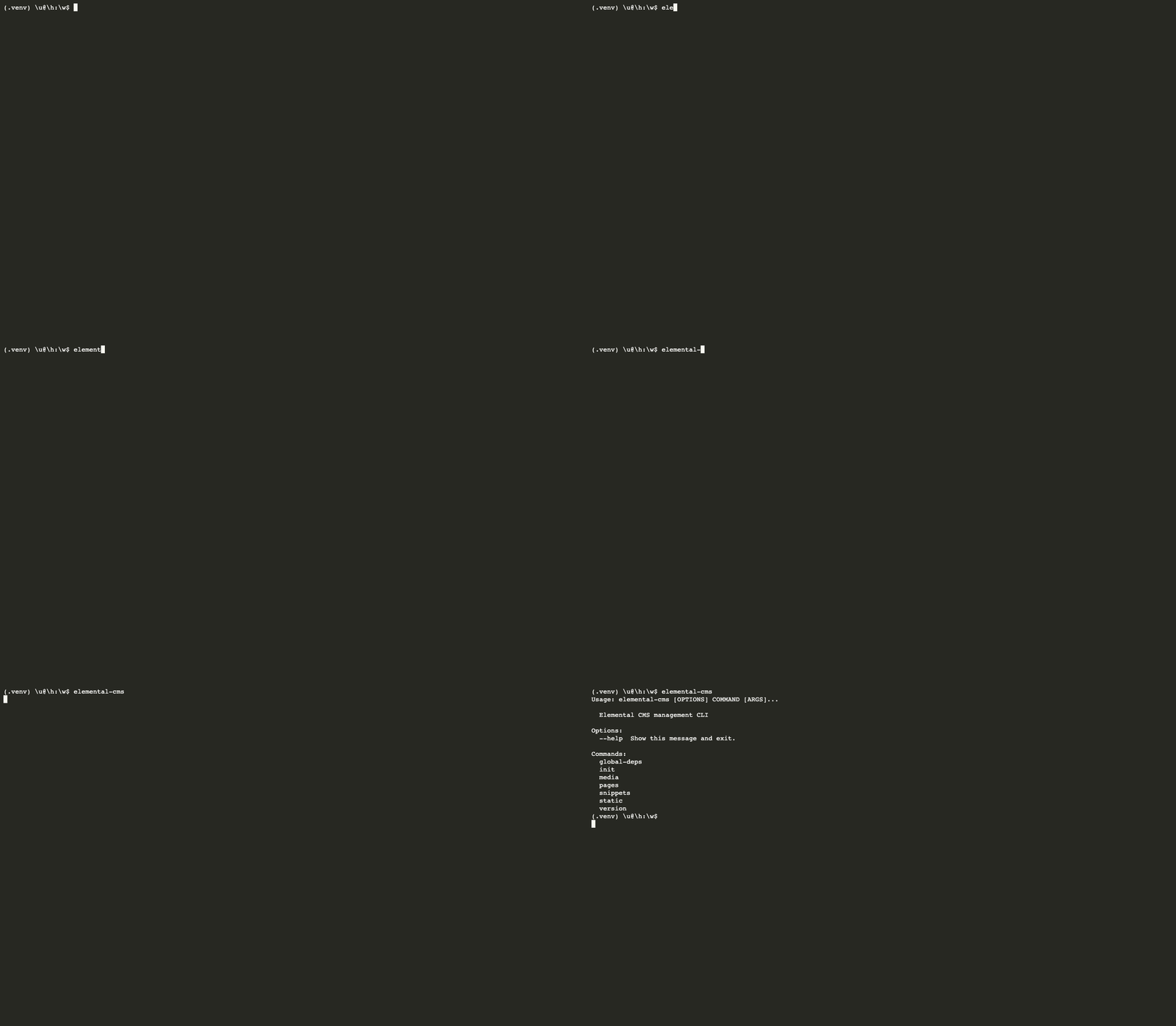
Running elemental-cms command for the first time
After setup, we can start using the tool like this:
Documentation
More details about the tool can be found here on the official documentation portal. For version history and changes, see our CHANGELOG.
Release history Release notifications | RSS feed


Download files
Download the file for your platform. If you're not sure which to choose, learn more about installing packages.
Source Distribution
Built Distribution
Filter files by name, interpreter, ABI, and platform.
If you're not sure about the file name format, learn more about wheel file names.
Copy a direct link to the current filters
File details
Details for the file elemental_cms-2.0.9.tar.gz.
File metadata
- Download URL: elemental_cms-2.0.9.tar.gz
- Upload date:
- Size: 46.8 kB
- Tags: Source
- Uploaded using Trusted Publishing? No
- Uploaded via: twine/6.2.0 CPython/3.14.3
File hashes
| Algorithm | Hash digest | |
|---|---|---|
| SHA256 |
0e605dd8692c41954d8e0399d5ec247a7064b4d00b9a7ac7ebd613b357f8fe09
|
|
| MD5 |
3498e7200869f5336c1d9cff95f53e1a
|
|
| BLAKE2b-256 |
44c579a2387a5217667aebe8afa029ecc95ed22f43e9c5d79f85222fd056508a
|
File details
Details for the file elemental_cms-2.0.9-py3-none-any.whl.
File metadata
- Download URL: elemental_cms-2.0.9-py3-none-any.whl
- Upload date:
- Size: 81.0 kB
- Tags: Python 3
- Uploaded using Trusted Publishing? No
- Uploaded via: twine/6.2.0 CPython/3.14.3
File hashes
| Algorithm | Hash digest | |
|---|---|---|
| SHA256 |
190bd951a37b735476a7bec5eb7b7407ad818bed14ccc2021482aaa9126631e4
|
|
| MD5 |
e3a00ed9e91952395f623791ac21571c
|
|
| BLAKE2b-256 |
71322c53b247aa945b6b092e6379ff2b75e5fc863b963a253d73a6d5ff24e224
|






