
eml_rename project




Script that renames .eml email files in a directory or by specific path using email metadata (Date, From, Subject).
Idea
I needed this tool to classify and order my email files at work. I took this idea from an article by Armand Niculescu (August 20, 2014) at https://www.media-division.com/using-python-to-batch-rename-email-files/ , so thanks and I hope you like this code.
Installation
pip install eml_rename
Features
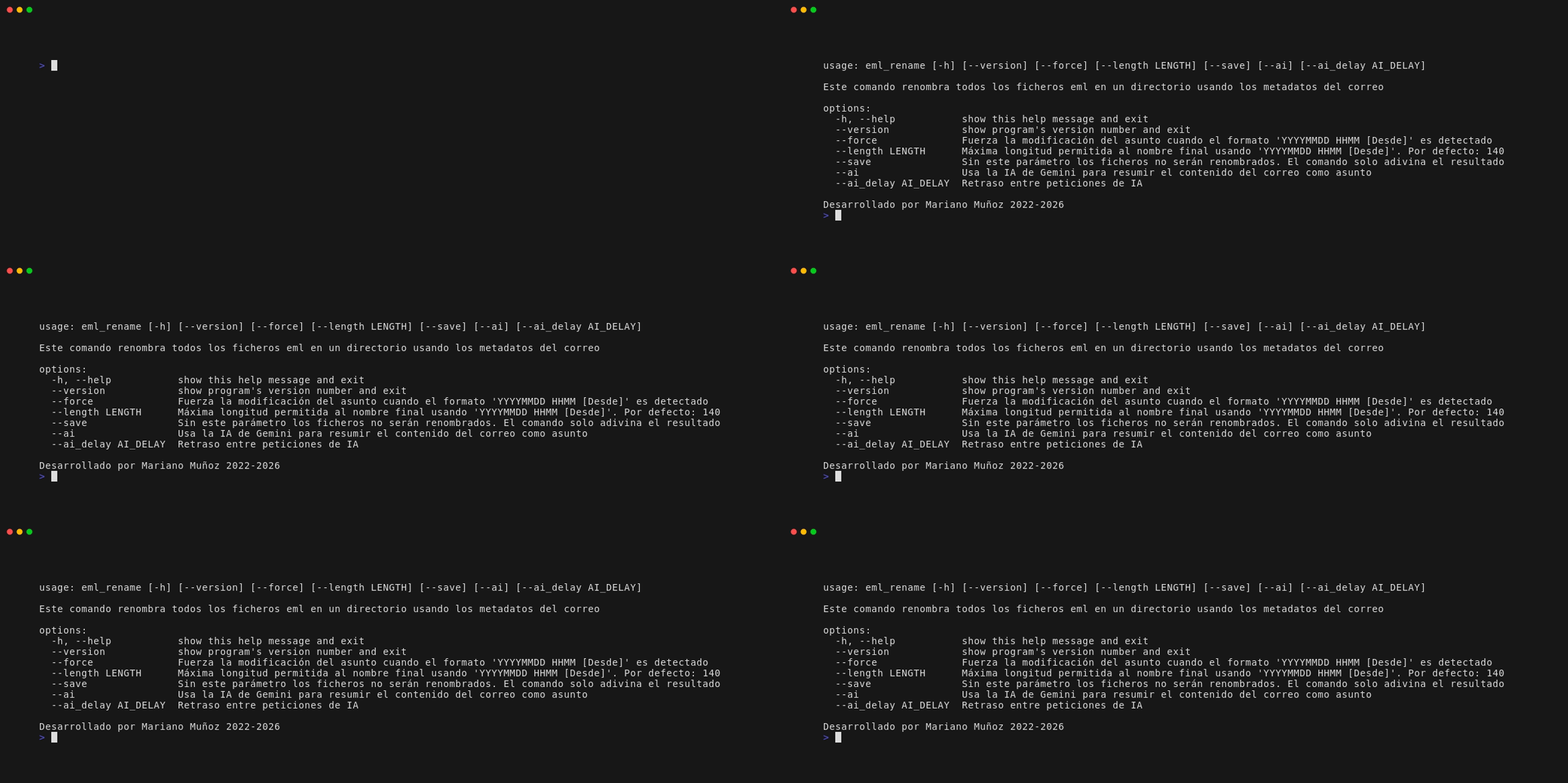
- Automatic Metadata Renaming: Extracts date, time, sender, and subject to generate filenames in the format:
YYYYMMDD HHMM [From] Subject.eml. - Target Single File, Directory, or Current Working Directory: By default processes all
*.emlfiles in the current working directory, or you can pass an optional path to a specific file or directory. - Directory Preservation: Renamed files stay in their original folder, even when targeting files in subdirectories or absolute paths.
- Safe Simulation by Default: Previews changes without renaming unless
--saveis specified. - Protects Manual Edits: If a file already has the
YYYYMMDD HHMM [From]format, the script won't overwrite manual edits to the subject unless--forceis used. - Ollama AI Subject Summarization (
--ai MODEL): Summarizes email content into concise subjects using local Ollama models (e.g.,llama3,mistral, etc.). - Configurable Ollama Server (
--ai_url): Connect to your Ollama instance (defaults tohttp://localhost:11434). - Concurrent Processing: Uses multi-threading to process large archives fast.
Usage & Examples
1. Simulation (Default)
Run in the current directory to preview changes without modifying files:
eml_rename
2. Rename All Emails in Current Directory
Use --save to apply the renames:
eml_rename --save
3. Rename a Specific File or Directory
Pass a path to a single .eml file or a directory:
# Specific file
eml_rename path/to/email.eml --save

# Specific directory
eml_rename /path/to/archive/ --save
4. Force Overwriting Already Renamed Files
eml_rename --force --save
5. Custom Maximum Length
Set a custom length for generated filenames (default is 140 characters):
eml_rename --length 160 --save
6. AI-Powered Subject Summarization (Ollama)
Use Ollama AI to summarize the email content into a concise subject by specifying the model:
eml_rename --ai llama3 --save
AI Configuration (Optional)
AI-powered subject generation is completely optional and powered locally or remotely by Ollama.
1. Requirements & Setup
- Install Ollama from ollama.com or via your system's package manager.
- Start the Ollama daemon:
ollama serve - Download a fast, lightweight model suitable for concise summaries:
# Recommended lightweight models:
ollama pull gemma4:e2b
ollama pull qwen3.5:2b
ollama pull llama3.2:3b
2. Usage
Pass the desired model name to --ai:
eml_rename --ai gemma4:e2b --save
Tip: If files already have the prefix
YYYYMMDD HHMM [from]from a previous run, use--forceto re-summarize them with AI:eml_rename --ai gemma4:e2b --force --save
3. Configuring Ollama Server URL
By default, eml_rename connects to http://localhost:11434. If Ollama is running on another port, machine, or container, configure the URL using one of the following methods (in order of priority):
Option A: Command-Line Argument
eml_rename --ai gemma4:e2b --ai_url http://192.168.1.50:11434 --save
Option B: Environment Variable
export OLLAMA_HOST='http://192.168.1.50:11434'
Option C: Configuration File
Create or edit ~/.config/eml-rename/config.ini:
[ai]
url = http://192.168.1.50:11434
Command-Line Options

| Option | Description |
|---|---|
path |
Optional path(s) to .eml file(s) or directory. Defaults to current directory. |
--save |
Actually rename files (default is simulation mode). |
--force |
Force subject update even if YYYYMMDD HHMM [From] format is already detected. |
--length LENGTH |
Maximum filename length (default: 140). |
--ai MODEL |
Use Ollama AI with specified model to summarize email content as subject (default: None / no AI). |
--ai_url URL, --ai-url URL |
Ollama server URL (default: http://localhost:11434). |
--version |
Show program's version number and exit. |
-h, --help |
Show help message and exit. |
1 maintainer

Metadata
1 maintainer
Release files for eml-rename 1.3.0
For a detailed explanation of source distributions (sdists) and built distributions (wheels), please see the package formats documentation.
Source distribution (sdist)
| File | Size | Uploaded | |
|---|---|---|---|
| eml_rename-1.3.0.tar.gz | 38.1 kB | Details |
Built distribution (wheel)
| File | Interpreter | ABI | Platform | Reset |
|---|---|---|---|---|
| eml_rename-1.3.0-py3-none-any.whl | Python 3 | none | any | Details |
Total release size: 96.2 kB
Release files / eml_rename-1.3.0.tar.gz
| Download URL | eml_rename-1.3.0.tar.gz |
|---|---|
| Size | 38.1 kB |
| Tags | Source |
|
SHA-256 checksum How to use checksums |
6738b741ae590aacb67235769fcc2efc5abe3e5ea20d17edccb0c79109dacd9b
|
|
BLAKE2b-256 checksum How to use checksums |
dc6d462e7de00e8da9ea6643d281893991ac253e81b2f8aacbfcf164d01753df
|
| Upload date | |
|
Uploaded using Trusted Publishing? What is trusted publishing? |
No |
| Uploaded via |
poetry/2.4.2 CPython/3.14.8 Linux/7.2.6-gentoo
|
Release files / eml_rename-1.3.0-py3-none-any.whl
| Download URL | eml_rename-1.3.0-py3-none-any.whl |
|---|---|
| Size | 58.1 kB |
| Tags | Python 3 |
|
SHA-256 checksum How to use checksums |
d1e99b40a62e6411b4597ede11e7c864daaca47af5b176dfa47879b3a0bdf1c5
|
|
BLAKE2b-256 checksum How to use checksums |
70ef64a026eb5b8b0b524538e06ed9d2b873082c5de857b9377e6606b758622e
|
| Upload date | |
|
Uploaded using Trusted Publishing? What is trusted publishing? |
No |
| Uploaded via |
poetry/2.4.2 CPython/3.14.8 Linux/7.2.6-gentoo
|














