
emojineer for emojineering

Project description
Emojineer
Are you an engineer? No! No! You're an EMOJINEER!
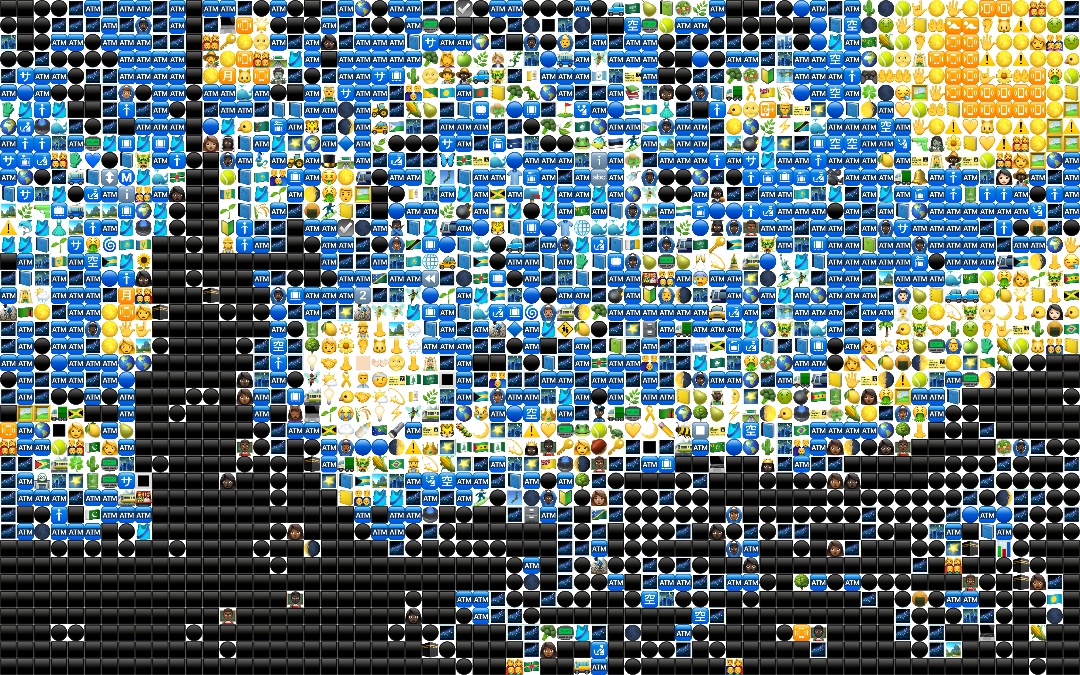
Emojineer emojinize everything on this planet.
By emojineering you'll release your nerves.

Let's
Execute pip install emojineer.
Have hello_kitty.jpg in your project directory.
Create a python script like this:
from emojineer.emojineer import emojineer

emojineer(target_file_path="hello_kitty.jpg", conversion=0.03, save_dir=".", save_name="emoji_kitty.jpg")
Execute the python file and you'll have emojinized hello kitty!
Parameters
target_file_path: Path of the target image from current directory. Supported extensions are whatever opencv supports.
conversion: Indicates how abstract the output will be. Takes 0 to 1.
save_dir: Save directory from current directory.
save_name: Base name of the output. Emojineer saves with other parameters in the save name.
Release history Release notifications | RSS feed

Download files
Download the file for your platform. If you're not sure which to choose, learn more about installing packages.
Source Distribution
Built Distribution
Filter files by name, interpreter, ABI, and platform.
If you're not sure about the file name format, learn more about wheel file names.
Copy a direct link to the current filters
File details
Details for the file emojineer-0.1.9.tar.gz.
File metadata
- Download URL: emojineer-0.1.9.tar.gz
- Upload date:
- Size: 19.3 MB
- Tags: Source
- Uploaded using Trusted Publishing? No
File hashes
| Algorithm | Hash digest | |
|---|---|---|
| SHA256 |
28f94be80a0d5cdd5e7d9223e2dd9a6edf7acbd733c785d144adfd647281d7e7
|
|
| MD5 |
67a7810bd7e80b25e62968561e8cfe09
|
|
| BLAKE2b-256 |
a27b07bd8e5f687dc8e2c9d1c9ff3b1b2db357c65212527b5c9bd23951368d47
|
File details
Details for the file emojineer-0.1.9-py3-none-any.whl.
File metadata
- Download URL: emojineer-0.1.9-py3-none-any.whl
- Upload date:
- Size: 19.2 MB
- Tags: Python 3
- Uploaded using Trusted Publishing? No
File hashes
| Algorithm | Hash digest | |
|---|---|---|
| SHA256 |
6152f31206029cc667aeac3a54ae7fda4dbfda5242718f5dab8cbeecec6ebd17
|
|
| MD5 |
e98dbe7b232687c8196aa9c1a9e0ecb4
|
|
| BLAKE2b-256 |
746db88a7ca7829dc84b54cb85e1c5dc183c9f530e04b367a470e2942fdca8ea
|






