
Differentiable physics framework for voxel-based microstructure simulations

Project description

evoxels
A differentiable physics framework for voxel-based microstructure simulations
For more detailed information about the code read the docs.
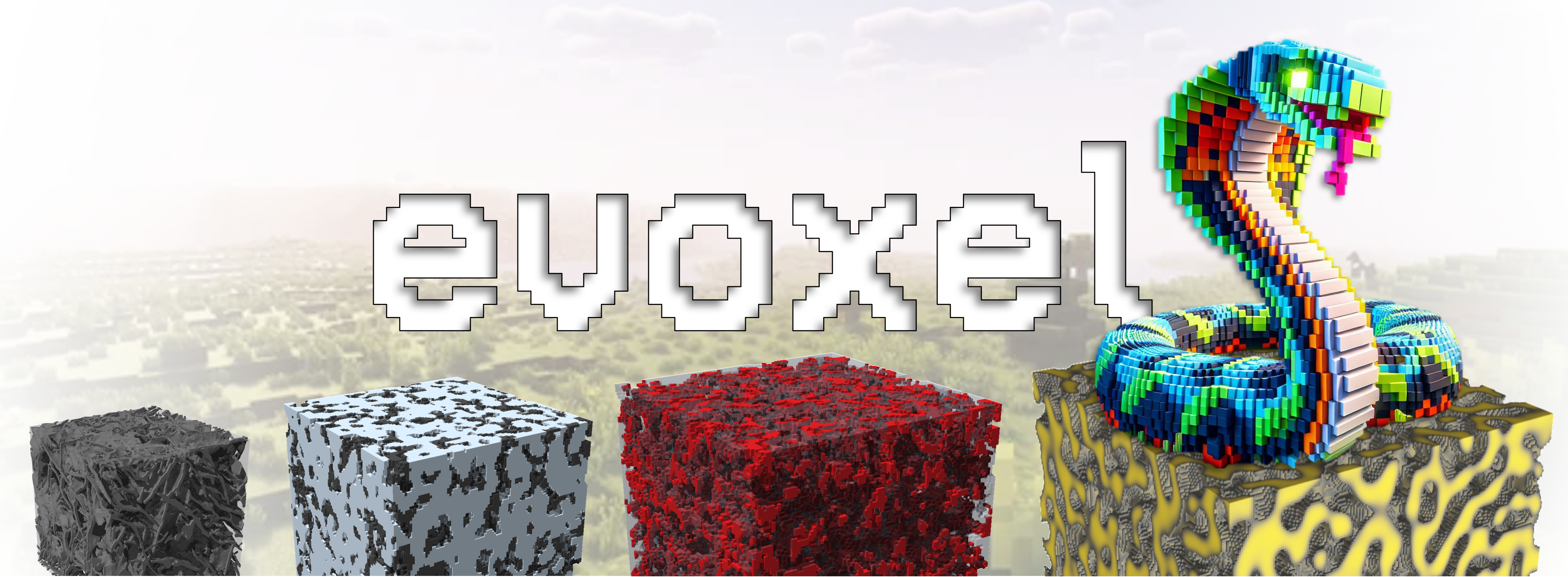
In a world of cubes and blocks,
Where reality takes voxel knocks,
Every shape and form we see,
Is a pixelated mystery.

Mountains rise in jagged peaks,
Rivers flow in blocky streaks.
So embrace the charm of this edgy place,
Where every voxel finds its space
Description
evoxels are not static — they evolve, adapt, and reveal. Whether you're modeling phase transitions, predicting effective properties, or coupling imaging and simulation — evoxels is the GPU-native, differentiable core that keeps pace with your science.
Materials science inherently spans disciplines: experimentalists use advanced microscopy to uncover micro- and nanoscale structure, while theorists and computational scientists develop models that link processing, structure, and properties. Bridging these domains is essential for inverse material design where you start from desired performance and work backwards to optimal microstructures and manufacturing routes. Integrating high-resolution imaging with predictive simulations and data‐driven optimization accelerates discovery and deepens understanding of process–structure–property relationships
From a high-level perspective, evoxels is organized around two core abstractions: VoxelFields and VoxelGrid. VoxelFields provides a uniform, NumPy-based container for any number of 3D fields on the same regular grid, maximizing interoperability with image I/O libraries (e.g. tifffile, h5py, napari, scikit-image) and visualization tools (PyVista, VTK). VoxelGrid couples these fields to either a PyTorch or JAX backend, offering pre-defined boundary conditions, finite difference stencils and FFT libraries.
The evoxels package enables large-scale forward and inverse simulations on uniform voxel grids, ensuring direct compatibility with microscopy data and harnessing GPU-optimized FFT and tensor operations. This design supports forward modeling of transport and phase evolution phenomena, as well as backpropagation-based inverse problems such as parameter estimation and neural surrogate training - tasks which are still difficult to achieve with traditional FEM-based solvers. This differentiable‐physics foundation makes it easy to embed voxel‐based solvers as neural‐network layers, train generative models for optimal microstructures, or jointly optimize processing and properties via gradient descent. By keeping each simulation step fast and fully backpropagatable, evoxels enables data‐driven materials discovery and high‐dimensional design‐space exploration.
Installation
TL;DR
conda create --name voxenv python=3.12
conda activate voxenv
pip install evoxels[torch,jax,dev,notebooks]
pip install --upgrade "jax[cuda12]"
The package is available on pypi but can also be installed by cloning the repository
git clone git@github.com:daubners/evoxels.git
and then locally installing in editable mode. It is recommended to install the package inside a Python virtual environment so that the dependencies do not interfere with your system packages. Create and activate a virtual environment e.g. using miniconda
conda create --name myenv python=3.12
conda activate myenv
Navigate to the evoxels folder, then
pip install -e .[torch] # install with torch backend
pip install -e .[jax]   # install with jax backend
pip install -e .[dev, notebooks] # install testing and notebooks
Note that the default [jax] installation is only CPU compatible. To install the corresponding CUDA libraries check your CUDA version with
nvidia-smi
then install the CUDA-enabled JAX backend via (in this case for CUDA version 12)
pip install -U "jax[cuda12]"
To install both backends within one environment it is important to install torch first and then upgrade the jax installation e.g.
pip install evoxels[torch, jax, dev, notebooks]
pip install --upgrade "jax[cuda12]"
To work with the example notebooks install Jupyter and all notebook related dependencies via
pip install -e .[notebooks]
Launch the notebooks with
jupyter notebook
If you are using VSCode open the Command Palette and select "Jupyter: Create New Blank Notebook" or open an existing notebook file.
Usage
Example of creating a voxel field object and running a Cahn-Hilliard simulation based on a semi-implicit FFT approach
import evoxels as evo
import numpy as np

nx, ny, nz = [100, 100, 100]

vf = evo.VoxelFields((nx, ny, nz), (nx,ny,nz))
noise = 0.5 + 0.1*np.random.rand(nx, ny, nz)
vf.add_field("c", noise)

dt = 0.1
final_time = 100
steps = int(final_time/dt)

evo.run_cahn_hilliard_solver(
    vf, 'c', 'torch', jit=True, device='cuda',
    time_increment=dt, frames=10, max_iters=steps,
    verbose='plot', vtk_out=False, plot_bounds=(0,1)
  )
As the simulation is running, the "c" field will be overwritten each frame. Therefore, vf.fields["c"] will give you the last frame of the simulation. This code design has been chosen specifically for large data such that the RAM requirements are rather low.
For visual inspection of your simulation results, you can plot individual slices (e.g. slice=10) for a given direction (e.g. x)
vf.plot_slice("c", 10, direction='x', colormap='viridis')
or use the following code for interactive plotting with a slider to go through the volume
%matplotlib widget
vf.plot_field_interactive("c", direction='x', colormap='turbo')
License
This code has been published under the MIT licence.


Download files
Download the file for your platform. If you're not sure which to choose, learn more about installing packages.
Source Distribution
Built Distribution
Filter files by name, interpreter, ABI, and platform.
If you're not sure about the file name format, learn more about wheel file names.
Copy a direct link to the current filters
File details
Details for the file evoxels-0.1.1.tar.gz.
File metadata
- Download URL: evoxels-0.1.1.tar.gz
- Upload date:
- Size: 31.4 kB
- Tags: Source
- Uploaded using Trusted Publishing? No
- Uploaded via: twine/6.1.0 CPython/3.12.11
File hashes
| Algorithm | Hash digest | |
|---|---|---|
| SHA256 |
d1fb9f7e27f7e289e04bf10b49247316cc47be7162fc8168f39a96f516e431d7
|
|
| MD5 |
925a8b3f1bccc5abe2ab7d0f49c813d8
|
|
| BLAKE2b-256 |
1e2d093ed01759bceaf461bf366a2ae716a3bad23e49fc7b8099caf43a62531a
|
File details
Details for the file evoxels-0.1.1-py3-none-any.whl.
File metadata
- Download URL: evoxels-0.1.1-py3-none-any.whl
- Upload date:
- Size: 30.2 kB
- Tags: Python 3
- Uploaded using Trusted Publishing? No
- Uploaded via: twine/6.1.0 CPython/3.12.11
File hashes
| Algorithm | Hash digest | |
|---|---|---|
| SHA256 |
71ad69633b759fc79b0a5cdacbcb7d8bef34901cfad34059635eb499eef3bda1
|
|
| MD5 |
365c762ac8d269518f19085b2d30604e
|
|
| BLAKE2b-256 |
5fd2cd05041481fb914ae83bdf16a86ef7439df09dcbf315dd4efc5eef0708cf
|






