
Experiential
Experiential is an open source gateway and router for agent workflows:
- Use hosted, BYOK, and local models through one OpenAI-compatible API.
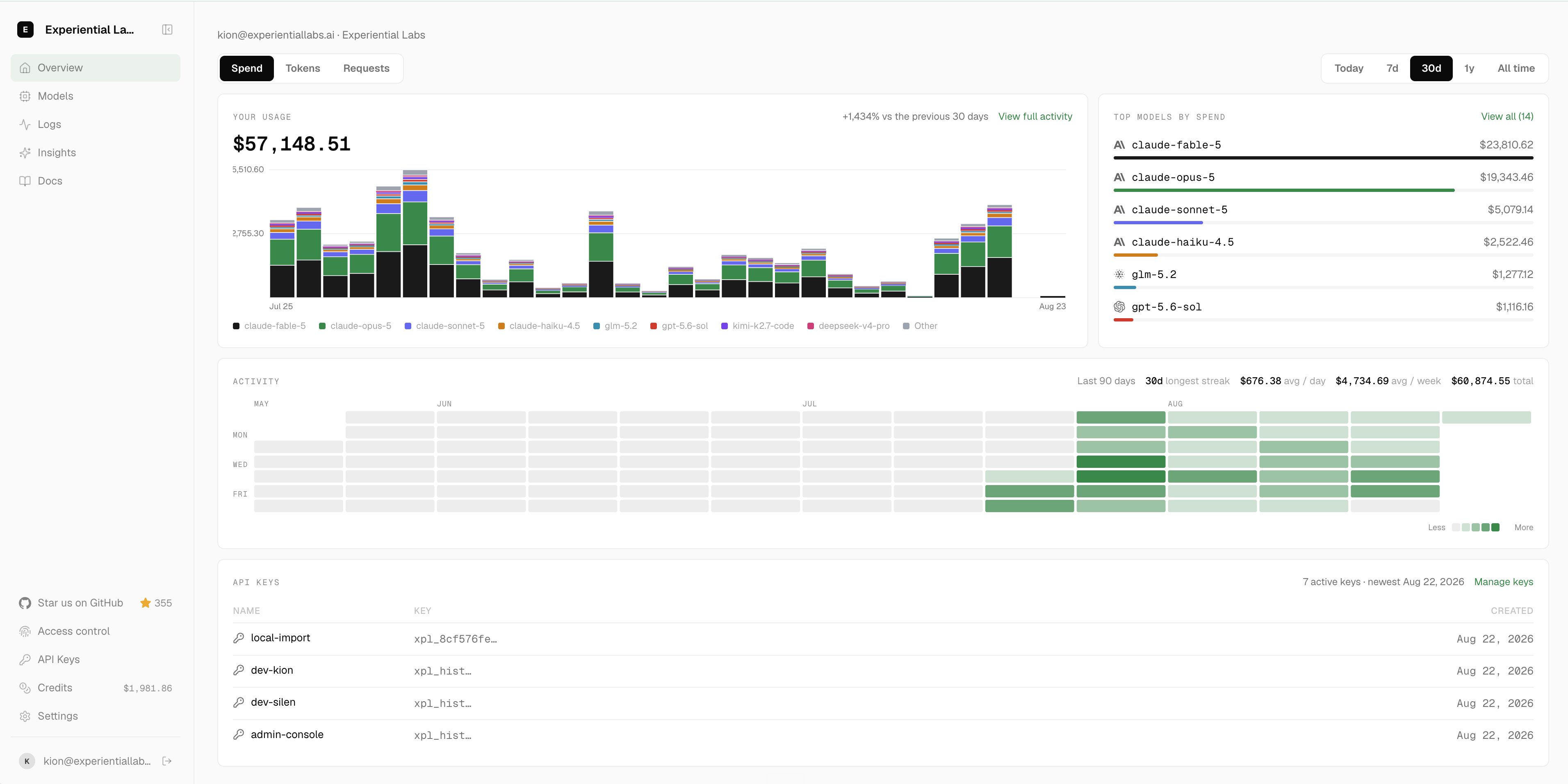
- Control which users and agents can use which models, for which use cases, and how much they can spend.
- Turn production traffic into a custom router or model optimized for quality, speed, and cost.
 Discord
Getting Started
Start a local OpenAI-compatible gateway. On first run, the setup wizard asks for a provider, model, and public alias, then prints a one-time virtual key:
pip install experiential
exp run
Choose a public alias such as support-agent, capture the issued key, and send a request:
export EXP_GATEWAY_KEY=...
curl http://127.0.0.1:8000/v1/chat/completions \
  -H "Authorization: Bearer $EXP_GATEWAY_KEY" \
  -H 'Content-Type: application/json' \
  -d '{"model":"support-agent","messages":[{"role":"user","content":"Help me"}]}'
Using the API
Create a local gateway programmatically:
import uvicorn

from exp.runtime.gateway.lifecycle import load_local_gateway

gateway = load_local_gateway()
uvicorn.run(gateway.app, lifespan="on")
For hosted workers with their own storage and provider services, use the lower-level
exp.create_gateway_runtime(...) composition API.
Optimize from Traffic
First, collect OpenTelemetry traces from your current agent. If you just want to try it out, grab the public terminal-tasks OTLP dataset:
curl -L -o traces.otel.jsonl \
  https://huggingface.co/datasets/experiential-labs/wmo-terminal-tasks-traces/resolve/540883e451dc13d34fb50fdd36b143cb0f1fb0db/traces.otel.jsonl
Then build a project. The build command walks you through providers, models, and budget, and asks for your trace file:
# Build simulation from your agent traces and optimize a router against it
exp build support-agent
After collecting traces from your router, fine-tune an open source model you own using Tinker.
exp optimize model support-agent
Telemetry
Anonymous aggregate PostHog product telemetry is enabled by default. It never includes prompts, traces, actions, observations, paths, model names, credentials, or raw customer content.
exp config telemetry status
exp config telemetry disable
exp config telemetry enable
The preference is stored locally in .exp/settings.toml.
Development
uv sync --extra dev
uv run ruff format --check .
uv run ruff check .
uv run ty check
uv run pytest -q
Repository and documentation conventions live in AGENTS.md.
1 maintainer

Download files
Download the file for your platform. If you're not sure which to choose, learn more about installing packages.
Source Distribution
Built Distribution
Filter files by name, interpreter, ABI, and platform.
If you're not sure about the file name format, learn more about wheel file names.
Copy a direct link to the current filters
File details
Details for the file experiential-0.4.0.tar.gz.
File metadata
- Download URL: experiential-0.4.0.tar.gz
- Upload date:
- Size: 2.6 MB
- Tags: Source
- Uploaded using Trusted Publishing? Yes
- Uploaded via:
uv/0.12.5 {"installer":{"name":"uv","version":"0.12.5","subcommand":["publish"]},"python":null,"implementation":{"name":null,"version":null},"distro":{"name":"Ubuntu","version":"24.04","id":"noble","libc":null},"system":{"name":null,"release":null},"cpu":null,"openssl_version":null,"setuptools_version":null,"rustc_version":null,"ci":true}
File hashes
| Algorithm | Hash digest | |
|---|---|---|
| SHA256 |
a85d8160c8aa967e01a5c09f2970a0d31f665a9c1f8ce5004f8703f99c4104ad
|
|
| MD5 |
e1735705c8e987baa49a4b1beaa8edf6
|
|
| BLAKE2b-256 |
04363640755ab3b289a881a61ade0fa58e18b2322e058336fb85f5566dd7c988
|
File details
Details for the file experiential-0.4.0-py3-none-any.whl.
File metadata
- Download URL: experiential-0.4.0-py3-none-any.whl
- Upload date:
- Size: 1.1 MB
- Tags: Python 3
- Uploaded using Trusted Publishing? Yes
- Uploaded via:
uv/0.12.5 {"installer":{"name":"uv","version":"0.12.5","subcommand":["publish"]},"python":null,"implementation":{"name":null,"version":null},"distro":{"name":"Ubuntu","version":"24.04","id":"noble","libc":null},"system":{"name":null,"release":null},"cpu":null,"openssl_version":null,"setuptools_version":null,"rustc_version":null,"ci":true}
File hashes
| Algorithm | Hash digest | |
|---|---|---|
| SHA256 |
b5ebfb910c009f2f621a6a5b27e8ce91444737b56a0424c4c1ce19ead9cfe048
|
|
| MD5 |
a981df12072fc29ea95416f39d318822
|
|
| BLAKE2b-256 |
50e1508556f370fe768c4efd35c0f18bb095e69276f330119fdb257d6abd2f80
|














