
PyFake-API-Server








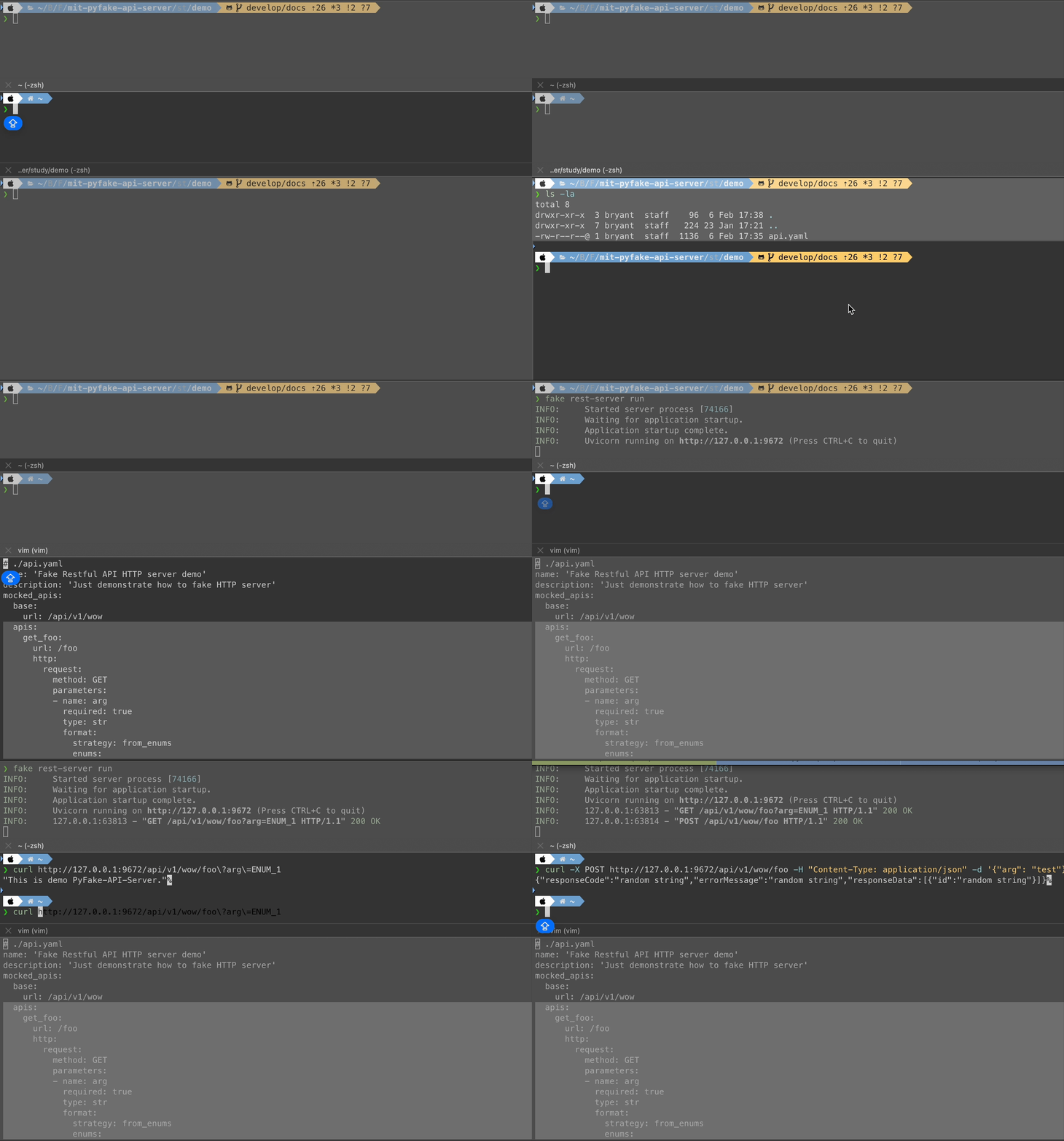
PyFake-API-Server is a Python tool to fake API server easily and humanly without any coding.
[!NOTE] It names PyMock-API before version 0.2.0.

Overview | Python versions support | Quickly Start | Documentation
Overview
Do you ever have experience about needing to set up a very simple application and write some APIs with hardcode response again and again for developing Font-End site? PyFake-API-Server provides a command line tool to let developers could quickly and easily set up application to mock APIs with configuration only.
Python versions support
The code base of PyFake-API-Server to set up an application still depends on third party Python package, i.e., Flask, FastAPI, etc. So the Python versions it supports also be affected by them, e.g., Flask only supports Python version 3.9 up currently. So PyFake-API-Server also only supports version Python 3.9 up.

Quickly Start
Here section would lead you quickly start to set up your first one application by PyFake-API-Server for mocking API server easily.
In basically, it has 3 steps: install the package, configure settings about the APIs for mocking and run command.
Install command line tool
First of all, we need to install the command line tool and the way to install is same as installing Python package by pip.
>>> pip install fake-api-server
If the runtime environment has installed some Python web framework, e.g., Flask, you also could install PyFake-API-Server with one specific option as following:
>>> pip install "fake-api-server[flask]"
Then it would only install the lowest Python dependencies you need.
After you done above step, please make sure the command line tool feature should work finely by below command:
>>> fake --help
Note
Please take a look at option --app-type (this option is in subcommand mock run) of the command line tool. Its option value could be
auto,flaskorfastapi. It means that PyFake-API-Server only supports 2 Python web frameworks: Flask and FastAPI.
Configure setting to mock target APIs
Now, we have the command line tool. Let's configure the settings it needs to set up application to mock API.
The configuration format of PyFake-API-Server to use is YAML. So let's write below settings in YAML file:
mocked_apis:
  foo:
    url: '/foo'
    http:
      request:
        method: 'GET'
      response:
        strategy: string
        value: 'This is Foo API.'
Run command to set up application
Now, both of the command line tool and configuration have been already. So let's try to run the command to set up application!
>>> fake rest-server run -c <your configuration path>
You would see some log messages in terminal and that is the log of web server by one specific Python web framework.
And you could test the API by curl:
>>> curl http://127.0.0.1:9672/foo
"This is Foo home API."%
Documentation
The documentation contains more details, demonstrations and anything you need about PyFake-API-Server.
- Getting start helps you start to prepare environment, install dependencies and configure the detail settings with explanation in detail.
- What requirement I need to prepare?
- How can I install it?
- How to configure the details of API?
- I have configuration right now. How can I set up a mock server?
- Want to learn more how to use it?
- What exactly feature it can use by command lines?
- Want to know more magic settings to mock API?
- Want to contribute to this project?
- I face something issue it cannot work finely!
- I want to wish a feature or something change.
- If you're interested in PyFake-API-Server and have any ideas want to design it, even implement it, it's very welcome to contribute PyFake-API-Server!
- About the release notes.
Coding style and following rules
PyFake-API-Server follows coding styles black and PyLint to control code quality.


Downloading state
PyFake-API-Server still a young open source which keep growing. Here's its download state:


License
1 maintainer

Metadata
1 maintainer
Release files for fake-api-server 0.4.2
For a detailed explanation of source distributions (sdists) and built distributions (wheels), please see the package formats documentation.
Source distribution (sdist)
| File | Size | Uploaded | |
|---|---|---|---|
| fake_api_server-0.4.2.tar.gz | 86.6 kB | Details |
Built distribution (wheel)
| File | Interpreter | ABI | Platform | Reset |
|---|---|---|---|---|
| fake_api_server-0.4.2-py3-none-any.whl | Python 3 | none | any | Details |
Total release size: 219.3 kB
Release files / fake_api_server-0.4.2.tar.gz
| Download URL | fake_api_server-0.4.2.tar.gz |
|---|---|
| Size | 86.6 kB |
| Tags | Source |
|
SHA-256 checksum How to use checksums |
5ecf90b81e792a5b7e9e41fc7998a45d079465a1c4dc2828f1b3d8d412a3d6a0
|
|
BLAKE2b-256 checksum How to use checksums |
e9797c3a8c699fa0027ea1c15d0cc56cf106a5907563e35d05cdf97a07c9c42a
|
| Upload date | |
|
Uploaded using Trusted Publishing? What is trusted publishing? |
No |
| Uploaded via |
poetry/2.1.2 CPython/3.10.16 Linux/6.8.0-1021-azure
|
Release files / fake_api_server-0.4.2-py3-none-any.whl
| Download URL | fake_api_server-0.4.2-py3-none-any.whl |
|---|---|
| Size | 132.7 kB |
| Tags | Python 3 |
|
SHA-256 checksum How to use checksums |
a46ffd18909e73b2e2e789bd75ae36b9fcdc45a675d736e06c82c6154611e123
|
|
BLAKE2b-256 checksum How to use checksums |
476243d5c9156d0f7b2e5a16bacc0ba3f4523fe508ba270663efa1dd2047086b
|
| Upload date | |
|
Uploaded using Trusted Publishing? What is trusted publishing? |
No |
| Uploaded via |
poetry/2.1.2 CPython/3.10.16 Linux/6.8.0-1021-azure
|














