
fal allows you to run python scripts directly from your dbt project.


Project description
fal: do more with dbt
fal allows you to run Python scripts directly from your dbt project.
- Sign up for the private beta of fal Cloud
- See our March Roadmap and give us feedback.




With fal, you can:
- Send Slack notifications upon dbt model success or failure.
- Download dbt models into a Python context with a familiar syntax:
ref('my_dbt_model') - Use Python libraries such as
sklearnorprophetto build more complex pipelines downstream ofdbtmodels.
and more...
Check out our Getting Started guide to get a quickstart, head to our documentation site for a deeper dive or play with in-depth examples to see how fal can help you get more done with dbt.
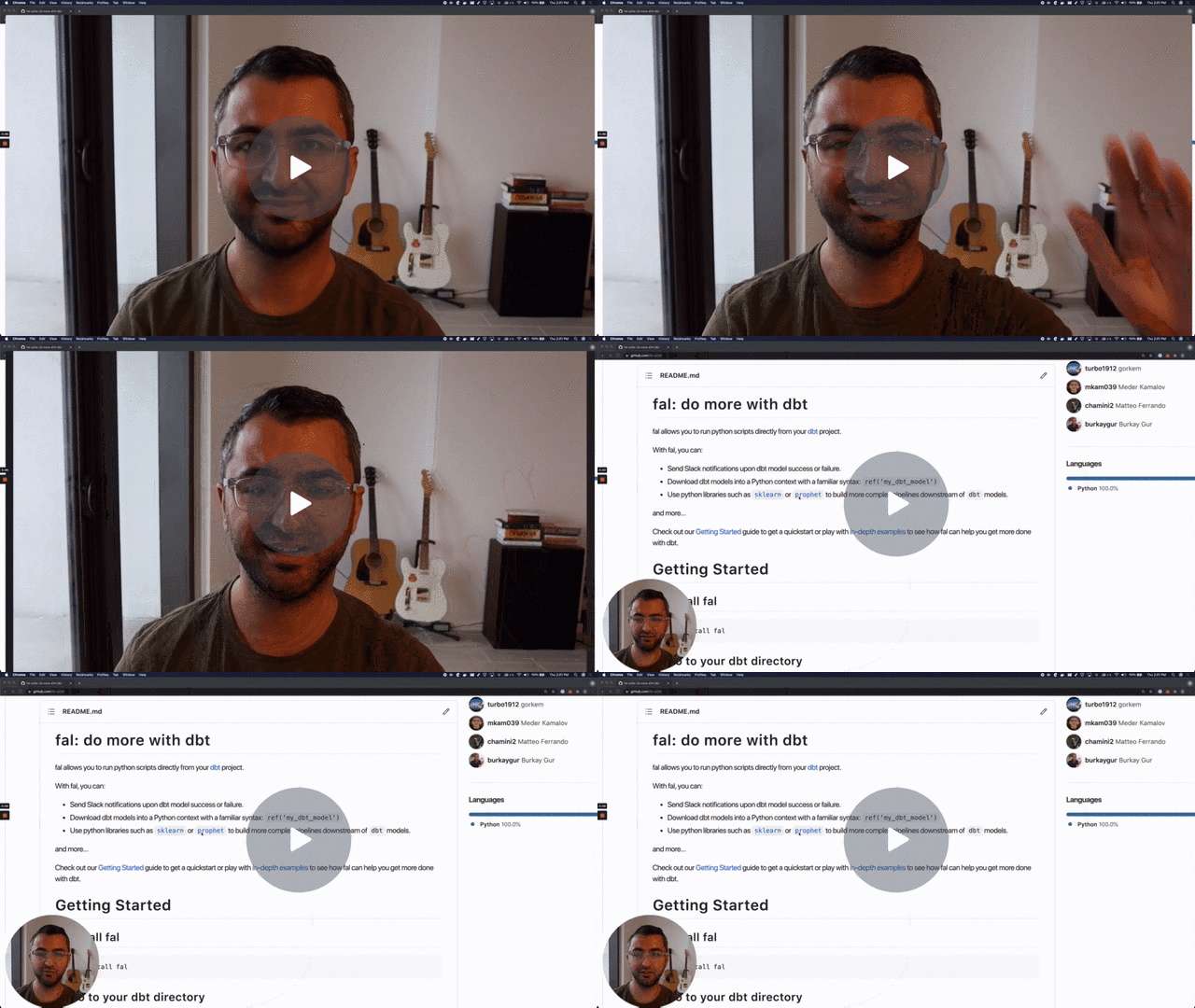
Getting Started
1. Install fal
$ pip install fal
2. Go to your dbt directory
$ cd ~/src/my_dbt_project
3. Create a Python script: send_slack_message.py
import os
from slack_sdk import WebClient
from slack_sdk.errors import SlackApiError

CHANNEL_ID = os.getenv("SLACK_BOT_CHANNEL")
SLACK_TOKEN = os.getenv("SLACK_BOT_TOKEN")

client = WebClient(token=SLACK_TOKEN)
message_text = f"Model: {context.current_model.name}. Status: {context.current_model.status}."

try:
    response = client.chat_postMessage(
        channel=CHANNEL_ID,
        text=message_text
    )
except SlackApiError as e:
    assert e.response["error"]
4. Add a meta section in your schema.yml
models:
  - name: historical_ozone_levels
    description: Ozone levels
    config:
      materialized: table
    columns:
      - name: ozone_level
        description: Ozone level
      - name: ds
        description: Date
    meta:
      fal:
        scripts:
          - send_slack_message.py
5. Run dbt and fal consecutively
$ dbt run
# Your dbt models are run

$ fal run
# Your python scripts are run
Examples
To explore what is possible with fal, take a look at the in-depth examples below. We will be adding more examples here over time:
- Example 1: Send Slack notifications
- Example 2: Metric forecasting
- Example 3: Sentiment analysis on support tickets
- Example 4: Send event to Datadog
- Example 5: Incorporate fal in CI/CD workflow
- Example 6: Send data to Firestore
- Example 7: Write dbt artifacts to GCS
- Example 8: Write dbt artifacts to AWS S3
- Example 9: Use dbt from a Jupyter Notebook
- Example 10: Read and parse dbt metadata
- Example 11: Anomaly Detection
Check out the examples directory for more
How it works?
fal is a command line tool that can read the state of your dbt project and help you run Python scripts after your dbt runs by leveraging the meta config.
models:
  - name: historical_ozone_levels
    ...
    meta:
      fal:
        scripts:
          - send_slack_message.py
          - another_python_script.py # will be run after the first script
fal also provides useful helpers within the Python context to seamlessly interact with dbt models: ref("my_dbt_model_name") will pull a dbt model into your Python script as a pandas.DataFrame.
Model scripts selection
By default, the fal run command runs the Python scripts as a post-hook, only on the models that were run on the last dbt run; that means that if you are using model selectors, fal will only run on the models dbt ran. To achieve this, fal needs the dbt-generated file run_results.json available.
If you are running fal in a clean environment (no run_results.json available) or just want to specify which models you want to run the scripts for, fal handles dbt's selection flags for dbt run as well as offering an extra flag for just running all models:
--all                 Run scripts for all models.
-s SELECT [SELECT ...], --select SELECT [SELECT ...]
                      Specify the nodes to include.
-m SELECT [SELECT ...], --models SELECT [SELECT ...]
                      Specify the nodes to include.
--exclude EXCLUDE [EXCLUDE ...]
                      Specify the nodes to exclude.
--selector SELECTOR   The selector name to use, as defined in selectors.yml
You may pass more than one selection at a time:
$ fal run --select model_alpha model_beta
... | Starting fal run for following models and scripts:
model_alpha: script.py
model_beta: script.py, other.py
Running scripts before dbt runs
The --before flag let's users run scripts before their dbt runs.
Given the following schema.yml:
models:
  - name: boston
    description: Ozone levels
    config:
      materialized: table
    meta:
      owner: "@meder"
      fal:
      	scripts:
          before:
            - fal_scripts/postgres.py
  	      after:
            - fal_scripts/slack.py
fal run --before will run fal_scripts/postgres.py script regardless if dbt has calculated the boston model or not. fal run without the --before flag, will run fal_scripts/slack.py, but only if boston model is already calculated by dbt.
A typical workflow involves running dbt run after invoking fal run --before.
$ fal run --before --select boston
$ dbt run --select boston
Concepts
profile.yml and Credentials
fal integrates with dbt's profile.yml file to access and read data from the data warehouse. Once you setup credentials in your profile.yml file for your existing dbt workflows anytime you use ref or source to create a dataframe fal authenticates using the credentials specified in the profile.yml file.
meta Syntax
models:
  - name: historical_ozone_levels
    ...
    meta:
      owner: "@me"
      fal:
        scripts:
          - send_slack_message.py
          - another_python_script.py # will be run sequentially
Use the fal and scripts keys underneath the meta config to let fal CLI know where to look for the Python scripts. You can pass a list of scripts as shown above to run one or more scripts as a post-hook operation after a dbt run.
Variables and functions
Inside a Python script, you get access to some useful variables and functions
Variables
A context object with information relevant to the model through which the script was run. For the meta Syntax example, we would get the following:
context.current_model.name
#= historical_ozone_levels

context.current_model.meta
#= {'owner': '@me'}

context.current_model.meta.get("owner")
#= '@me'

context.current_model.status
# Could be one of
#= 'success'
#= 'error'
#= 'skipped'
context object also has access to test information related to the current model. If the previous dbt command was either test or build, the context.current_model.test property is populated with a list of tests:
context.current_model.tests
#= [CurrentTest(name='not_null', modelname='historical_ozone_levels, column='ds', status='Pass')]
ref and source functions
There are also available some familiar functions from dbt
# Refer to dbt models or sources by name and returns it as `pandas.DataFrame`
ref('model_name')
source('source_name', 'table_name')

# You can use it to get the running model data
ref(context.current_model.name)
write_to_source function
It is also possible to send data back to your datawarehouse. This makes it easy to get the data, process it and upload it back into dbt territory.
All you have to do is define the target source in your schema and use it in fal. This operation appends to the existing source by default and should only be used targetting tables, not views.
# Upload a `pandas.DataFrame` back to the datawarehouse
write_to_source(df, 'source_name', 'table_name2')
write_to_source also accepts an optional dtype argument, which lets you specify datatypes of columns. It works the same way as dtype argument for DataFrame.to_sql function.
from sqlalchemy.types import Integer
# Upload but specifically create the `value` column with type `integer`
# Can be useful if data has `None` values
write_to_source(df, 'source', 'table', dtype={'value': Integer()})
Lifecycle and State Management
By default, the fal run command runs the Python scripts as a post-hook, only on the models that were run on the last dbt run (So if you are using model selectors, fal will only run on the selected models).
If you want to run all Python scripts regardless, you can do so by using the --all flag with the fal CLI:
$ fal run --all
Importing fal as a Python package
You may be interested in accessing dbt models and sources easily from a Jupyter Notebook or another Python script.
For that, just import the fal package and intantiate a FalDbt project:
from fal import FalDbt
faldbt = FalDbt(profiles_dir="~/.dbt", project_dir="../my_project")

faldbt.list_sources()
# [['results', 'ticket_data_sentiment_analysis']]

faldbt.list_models()
# {
#   'zendesk_ticket_metrics': <RunStatus.Success: 'success'>,
#   'stg_o3values': <RunStatus.Success: 'success'>,
#   'stg_zendesk_ticket_data': <RunStatus.Success: 'success'>,
#   'stg_counties': <RunStatus.Success: 'success'>
# }

sentiments = faldbt.source('results', 'ticket_data_sentiment_analysis')
# pandas.DataFrame
tickets = faldbt.ref('stg_zendesk_ticket_data')
# pandas.DataFrame
Supported dbt versions
Any extra configuration to work with different dbt versions is not needed, latest fal version currently supports:
- 0.20.*
- 0.21.*
- 1.0.*
If you need another version, open an issue and we will take a look!
Contributing / Development
We use Poetry for dependency management and easy development testing.
Use Poetry shell to trying your changes right away:
~ $ cd fal

~/fal $ poetry install

~/fal $ poetry shell
Spawning shell within [...]/fal-eFX98vrn-py3.8

~/fal fal-eFX98vrn-py3.8 $ cd ../dbt_project

~/dbt_project fal-eFX98vrn-py3.8 $ fal run
19:27:30  Found 5 models, 0 tests, 0 snapshots, 0 analyses, 165 macros, 0 operations, 0 seed files, 1 source, 0 exposures, 0 metrics
19:27:30 | Starting fal run for following models and scripts:
[...]
Running tests
Tests rely on a Postgres database to be present, this can be achieved with docker-compose:
~/fal $ docker-compose -f tests/docker-compose.yml up -d
Creating network "tests_default" with the default driver
Creating fal_db ... done

# Necessary for the import test
~/fal $ dbt run --profiles-dir tests/mock/mockProfile --project-dir tests/mock
Running with dbt=1.0.1
[...]
Completed successfully
Done. PASS=5 WARN=0 ERROR=0 SKIP=0 TOTAL=5

~/fal $ pytest -s
Why are we building this?
We think dbt is great because it empowers data people to get more done with the tools that they are already familiar with.
dbt's SQL only design is powerful, but if you ever want to get out of SQL-land and connect to external services or get into Python-land for any reason, you will have a hard time. We built fal to enable Python workloads (sending alerts to Slack, building predictive models, pushing data to non-data warehose destinations and more) right within dbt.
This library will form the basis of our attempt to more comprehensively enable data science workloads downstream of dbt. And because having reliable data pipelines is the most important ingredient in building predictive analytics, we are building a library that integrates well with dbt.
Have feedback or need help?
Release history Release notifications | RSS feed


Download files
Download the file for your platform. If you're not sure which to choose, learn more about installing packages.
Source Distribution
Built Distribution
Filter files by name, interpreter, ABI, and platform.
If you're not sure about the file name format, learn more about wheel file names.
Copy a direct link to the current filters
File details
Details for the file fal-0.2.8.tar.gz.
File metadata
- Download URL: fal-0.2.8.tar.gz
- Upload date:
- Size: 43.2 kB
- Tags: Source
- Uploaded using Trusted Publishing? No
- Uploaded via: poetry/1.1.4 CPython/3.8.12 Linux/5.11.0-1028-azure
File hashes
| Algorithm | Hash digest | |
|---|---|---|
| SHA256 |
28201443678e18c9b24d28bf517889ce5ba1811d0e3a76c0ad735558047bd11f
|
|
| MD5 |
2df1673cc95b93bf05ae463e97a54ab8
|
|
| BLAKE2b-256 |
8d41edb1840f7c5e7d8756b27907f413d99d2f7a9f8965e833498bd48c14bbd1
|
File details
Details for the file fal-0.2.8-py3-none-any.whl.
File metadata
- Download URL: fal-0.2.8-py3-none-any.whl
- Upload date:
- Size: 45.0 kB
- Tags: Python 3
- Uploaded using Trusted Publishing? No
- Uploaded via: poetry/1.1.4 CPython/3.8.12 Linux/5.11.0-1028-azure
File hashes
| Algorithm | Hash digest | |
|---|---|---|
| SHA256 |
9cd3e741e5c1a61349848ded587bb5128dc39b85516ad99c83b88bc68029aca5
|
|
| MD5 |
eb88478d9afcc70f193e85a1bacae30b
|
|
| BLAKE2b-256 |
4aa07a7f1705ec8e96323cd5c07eaa8b4684d3137ce081d085fd6107821798a3
|






