
Femto v0.0.4
Femto is a tiny, nano-style terminal text editor written in pure Python.
It ships with zero runtime dependencies on POSIX system (standard-library curses only) and automatically pulls windows-curses on Windows.
Femto supports multi-buffer editing, soft line wrapping, syntax highlighting, regex search & replace, mouse support, and is fully Unicode (CJK/Emoji) aware.

Femto v0.0.3: Featuring the F1 help screen, stateful Python docstring highlighting, word-boundary wrapping, and multi-match search overlays.
Install
# From PyPI (Recommended)
pipx install femto-editor
# or
pip install femto-editor

# From source
git clone https://github.com/codewithzaqar/femto.git
cd femto
pip install .
After installation, the femto command is available globally.
Usage
femto [file ...]        # open one or multiple files
femto a.py x.py         # open two buffers
Keybindings
See the complete keybinding reference for shortcuts by mode, selection and search commands, and terminal compatibility notes.
| Key | Action in normal editing mode |
|---|---|
| Ctrl+S | Save; open Save As for an unnamed buffer. |
| Ctrl+X | Exit; modified buffers require confirmation. Confirming quits without saving. |
| Ctrl+P / Ctrl+U | Copy / paste. |
| Ctrl+W | Search. |
| Ctrl+F / Ctrl+L | Next / previous buffer. |
| F1 / F2 | Open help / the file-tree browser. |
Save changes with Ctrl+S before confirming exit. In help, use Up/Down or PgUp/PgDn to scroll and Esc or q to return to editing.
Configuration
Femto reads the first existing file: ~/.femtorc, then ./.femtorc.
The files are not merged. Restart the editor after changing settings.
# Put comments on their own lines, and do not quote values.
tab_size = 4
show_line_numbers = true
theme = default
make_backup = true
final_newline = true
See the configuration reference for all 22 options, defaults, parsing rules, themes, EditorConfig support, and a customization example. It also identifies settings that are parsed but not yet connected to the running editor.
Running the tests
Femto includes a comprehensive unittest regression suite that runs headlessely (no terminal required).
python -m unittest discover -s tests -v
Building a release
pip install build twine
python -m build          # creates dist/femto_editor-0.0.1-*.whl
python -m twine upload dist/* # publish to PyPI
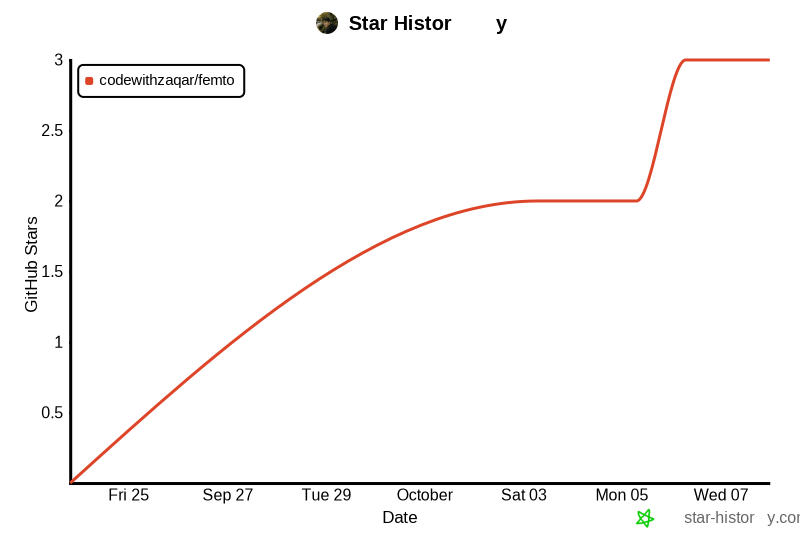
Star History
License
MIT - see LICENSE.
1 maintainer

Metadata
1 maintainer
Release files for femto-editor 0.0.5
For a detailed explanation of source distributions (sdists) and built distributions (wheels), please see the package formats documentation.
Source distribution (sdist)
| File | Size | Uploaded | Provenance | Actions |
|---|---|---|---|---|
| femto_editor-0.0.5.tar.gz | 65.0 kB | Without provenance | Details for femto_editor-0.0.5.tar.gz |
Built distribution (wheel)
| File | Interpreter | ABI | Platform | Actions Reset |
|---|---|---|---|---|
| femto_editor-0.0.5-py3-none-any.whl | Python 3 | none | any | Details for femto_editor-0.0.5-py3-none-any.whl |
Total release size: 116.7 kB
Release files / femto_editor-0.0.5.tar.gz
| Download URL | femto_editor-0.0.5.tar.gz |
|---|---|
| Size | 65.0 kB |
| Tags | Source |
|
SHA-256 checksum How to use checksums |
2142b4ae6a157ac78a14b155086129e28530bac476ff755a1bc048d206c3f823
|
|
BLAKE2b-256 checksum How to use checksums |
2af314e57ccb8a33622175dce8f2e284154bc3a13fcc4d07d621daf77c7b1746
|
| Upload date | |
|
Uploaded using Trusted Publishing? What is trusted publishing? |
No |
| Uploaded via |
twine/7.0.0 CPython/3.14.0
|
Release files / femto_editor-0.0.5-py3-none-any.whl
| Download URL | femto_editor-0.0.5-py3-none-any.whl |
|---|---|
| Size | 51.7 kB |
| Tags | Python 3 |
|
SHA-256 checksum How to use checksums |
92c8aee62e8e86f6bbe2559edfbb080fff9655c18f4801f969447db4c78a2f86
|
|
BLAKE2b-256 checksum How to use checksums |
0be035092b402907d8c7b6e3cc201ebd928a5733d8788317eb09c0c9503de623
|
| Upload date | |
|
Uploaded using Trusted Publishing? What is trusted publishing? |
No |
| Uploaded via |
twine/7.0.0 CPython/3.14.0
|
Security for femto-editor 0.0.5
Provenance
Provenance describes where a file came from. On PyPI, provenance is shared via attestations, which provide a verifiable record of the build or publishing details. View details, limitations and caveats.
No provenance found
None of the files in this release were uploaded with provenance metadata.
A note on package security
PyPI is a repository for distributing packages, not a service for auditing them. While third-party security researchers and our staff do their best to detect and remove malicious packages, PyPI cannot guarantee the quality, security or suitability of any given package.
To learn more about protecting yourself from malicious actors, visit our package security documentation.














