
A CLI organizer you didn’t know you needed — yet.
Verified details
These details have been verified by PyPIProject links
GitHub Statistics
Maintainers

Project description
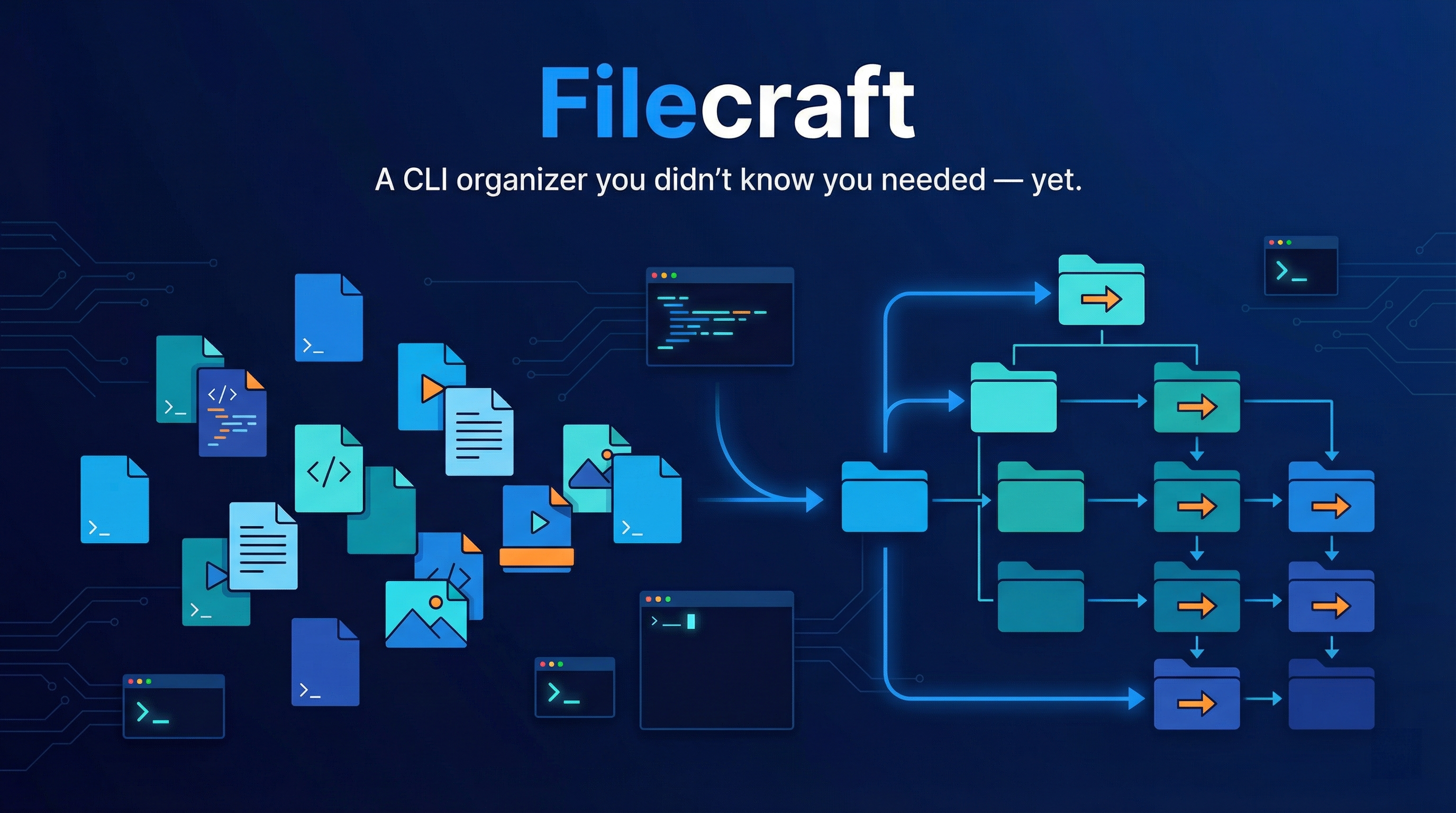
Filecraft
A CLI organizer you didn’t know you needed — yet.




This is the Python implementation of Filecraft, focused on safe and repeatable file organization workflows.
Demo
Watch Filecraft in action:
https://github.com/murtazapatel89100/Filecraft/blob/main/docs/filecraft-demo.mp4
Requirements
- Python
>=3.10,<3.15
Distribution
- Package target: PyPI (
filecraft-cli) - CLI command:
filecraft - Standalone binary:
Filecraft(PyInstaller)
Install / Run
Option 1: Local development (Poetry)
poetry install
poetry run filecraft --help
Option 2: PyPI install (release users)
pip install filecraft-cli
filecraft --help
Option 2: Run module directly (without installing script)
PYTHONPATH=src python -m file_organiser_python.main --help
Commands
filecraft renamefilecraft separatefilecraft mergefilecraft revert
All commands support --dry-run to preview actions without moving files.
Working directory flags are validated before any --target-dir creation prompt.
rename
Renames files in working_dir and moves them to target_dir.
By default names are numeric (1.ext, 2.ext, ...); with --rename-with they become prefixed (name_1.ext, name_2.ext, ...).
Options
--working-dir PATH(default: current directory)--target-dir PATH(default: current directory)--dry-run--history(save history file for revert)--rename-with TEXT(optional base name prefix, e.g.invoice)
If --target-dir is provided and does not exist, the CLI prompts to create it (y/n).
Declining exits with a --target-dir error.
Rename Example
filecraft rename --working-dir ./downloads --target-dir ./renamed --history
filecraft rename --working-dir ./downloads --target-dir ./renamed --rename-with invoice
separate
Separates files according to mode.
Separate Modes
extension: Move files of a specific extension (e.g..pdf) intoTARGET/PDFdate: Move files modified on a specific date (or today) intoTARGET/YYYY-MM-DDextension_and_date: Combine both filters intoTARGET/YYYY-MM-DD/EXTfile: Sort all files by file type category (IMAGES,VIDEOS,DOCUMENTS,ARCHIVES, etc.)
Separate Options
--mode [extension|date|extension_and_date|file](default:extension)--extension TEXT(required forextensionandextension_and_date)--file-type TEXT(optional forfile; accepts category likedocumentsor extension likepdf)--date YYYY-MM-DD(used bydateandextension_and_date; validated)--working-dir PATH(default: current directory)--target-dir PATH(default: current directory)--dry-run--history
Separate Examples
filecraft separate --mode extension --extension pdf --working-dir ./in --target-dir ./out
filecraft separate --mode date --date 2026-03-01 --working-dir ./in --target-dir ./out
filecraft separate --mode extension_and_date --extension .jpg --date 2026-03-01 --working-dir ./in --target-dir ./out
filecraft separate --mode file --working-dir ./in --target-dir ./out
filecraft separate --mode file --file-type pdf --working-dir ./in --target-dir ./out
revert
Reverts moves using a history file.
Revert Options
--directory PATH(searches latest history in that directory; default: current directory)--history-file PATH(use a specific history file)--dry-run--keep-history(do not delete history file after successful revert)
Revert Examples
filecraft revert --directory ./out
filecraft revert --history-file ./out/.organizer_history_2026-03-01_12-00-00-123456.json
merge
Merges files from multiple working_dir locations into a single target_dir.
Merge Modes
extension: Merge files of a specific extension intoTARGET/EXTdate: Merge files modified on a specific date (or today) intoTARGET/YYYY-MM-DDextension_and_date: Combine both filters intoTARGET/YYYY-MM-DD/EXTfile: Merge all files by file type category (IMAGES,VIDEOS,DOCUMENTS,ARCHIVES, etc.)
Merge Options
--mode [extension|date|extension_and_date|file](default:extension)--extension TEXT(required forextensionandextension_and_date)--date YYYY-MM-DD(used bydateandextension_and_date; validated)--working-dir PATH(required, repeat for multiple source directories)--target-dir PATH(default: current directory)--dry-run--history
Merge Examples
filecraft merge --mode extension --extension pdf --working-dir ./downloads --working-dir ./desktop --target-dir ./merged
filecraft merge --mode date --date 2026-03-01 --working-dir ./in1 --working-dir ./in2 --target-dir ./merged
filecraft merge --mode extension_and_date --extension .jpg --date 2026-03-01 --working-dir ./camera --working-dir ./phone --target-dir ./merged
filecraft merge --mode file --working-dir ./in1 --working-dir ./in2 --target-dir ./merged
Notes
- History files are saved with a timestamped name like
.organizer_history_YYYY-MM-DD_HH-MM-SS-ffffff.json. - File collisions are handled safely by appending suffixes like
_1,_2, etc. - Compound extensions such as
.tar.gzare recognized when sorting by file type.
Project details
Verified details
These details have been verified by PyPIProject links
GitHub Statistics
Maintainers


Download files
Download the file for your platform. If you're not sure which to choose, learn more about installing packages.
Source Distribution
Built Distribution
Filter files by name, interpreter, ABI, and platform.
If you're not sure about the file name format, learn more about wheel file names.
Copy a direct link to the current filters
File details
Details for the file filecraft_cli-1.0.2.tar.gz.
File metadata
- Download URL: filecraft_cli-1.0.2.tar.gz
- Upload date:
- Size: 11.6 kB
- Tags: Source
- Uploaded using Trusted Publishing? Yes
- Uploaded via: twine/6.1.0 CPython/3.13.7
File hashes
| Algorithm | Hash digest | |
|---|---|---|
| SHA256 |
0bd00153cfacbbc268d31e493f0deda9b987b7a2a5740dd0f72da3acf8822761
|
|
| MD5 |
36bf59f627037038441a4eb96b17ab3a
|
|
| BLAKE2b-256 |
9fb569ff5f850dc6086817456a380081a1d32f3266fb0acc48366c6d2d07c1e2
|
Provenance
The following attestation bundles were made for filecraft_cli-1.0.2.tar.gz:
Publisher:
release.yml on murtazapatel89100/Filecraft
-
Statement:
-
Statement type:
https://in-toto.io/Statement/v1 -
Predicate type:
https://docs.pypi.org/attestations/publish/v1 -
Subject name:
filecraft_cli-1.0.2.tar.gz -
Subject digest:
0bd00153cfacbbc268d31e493f0deda9b987b7a2a5740dd0f72da3acf8822761 - Sigstore transparency entry: 1031280199
- Sigstore integration time:
-
Permalink:
murtazapatel89100/Filecraft@9b95e57bcf265496cd47365883204b14c8a95082 -
Branch / Tag:
refs/tags/v1.0.2 - Owner: https://github.com/murtazapatel89100
-
Access:
public
-
Token Issuer:
https://token.actions.githubusercontent.com -
Runner Environment:
github-hosted -
Publication workflow:
release.yml@9b95e57bcf265496cd47365883204b14c8a95082 -
Trigger Event:
push
-
Statement type:
File details
Details for the file filecraft_cli-1.0.2-py3-none-any.whl.
File metadata
- Download URL: filecraft_cli-1.0.2-py3-none-any.whl
- Upload date:
- Size: 13.1 kB
- Tags: Python 3
- Uploaded using Trusted Publishing? Yes
- Uploaded via: twine/6.1.0 CPython/3.13.7
File hashes
| Algorithm | Hash digest | |
|---|---|---|
| SHA256 |
b3a2ee288dea3db5f428fc787e67288cb5c185d7dd0365f4a7654f7a243ef7f8
|
|
| MD5 |
d23437a86e53f98012834ac8344fcb4e
|
|
| BLAKE2b-256 |
eb25705d2934e6deac2b154aa9260ec1b762ba0b4c99b4584ec0bdcf9961d64b
|
Provenance
The following attestation bundles were made for filecraft_cli-1.0.2-py3-none-any.whl:
Publisher:
release.yml on murtazapatel89100/Filecraft
-
Statement:
-
Statement type:
https://in-toto.io/Statement/v1 -
Predicate type:
https://docs.pypi.org/attestations/publish/v1 -
Subject name:
filecraft_cli-1.0.2-py3-none-any.whl -
Subject digest:
b3a2ee288dea3db5f428fc787e67288cb5c185d7dd0365f4a7654f7a243ef7f8 - Sigstore transparency entry: 1031280277
- Sigstore integration time:
-
Permalink:
murtazapatel89100/Filecraft@9b95e57bcf265496cd47365883204b14c8a95082 -
Branch / Tag:
refs/tags/v1.0.2 - Owner: https://github.com/murtazapatel89100
-
Access:
public
-
Token Issuer:
https://token.actions.githubusercontent.com -
Runner Environment:
github-hosted -
Publication workflow:
release.yml@9b95e57bcf265496cd47365883204b14c8a95082 -
Trigger Event:
push
-
Statement type:






