
Simple and modern LAN file sharing server with web UI

Project description
filesh
Simple and modern LAN file sharing server with a beautiful web UI.
Share files and folders across your local network with ease. Just run filesh and access from any device on the same network.
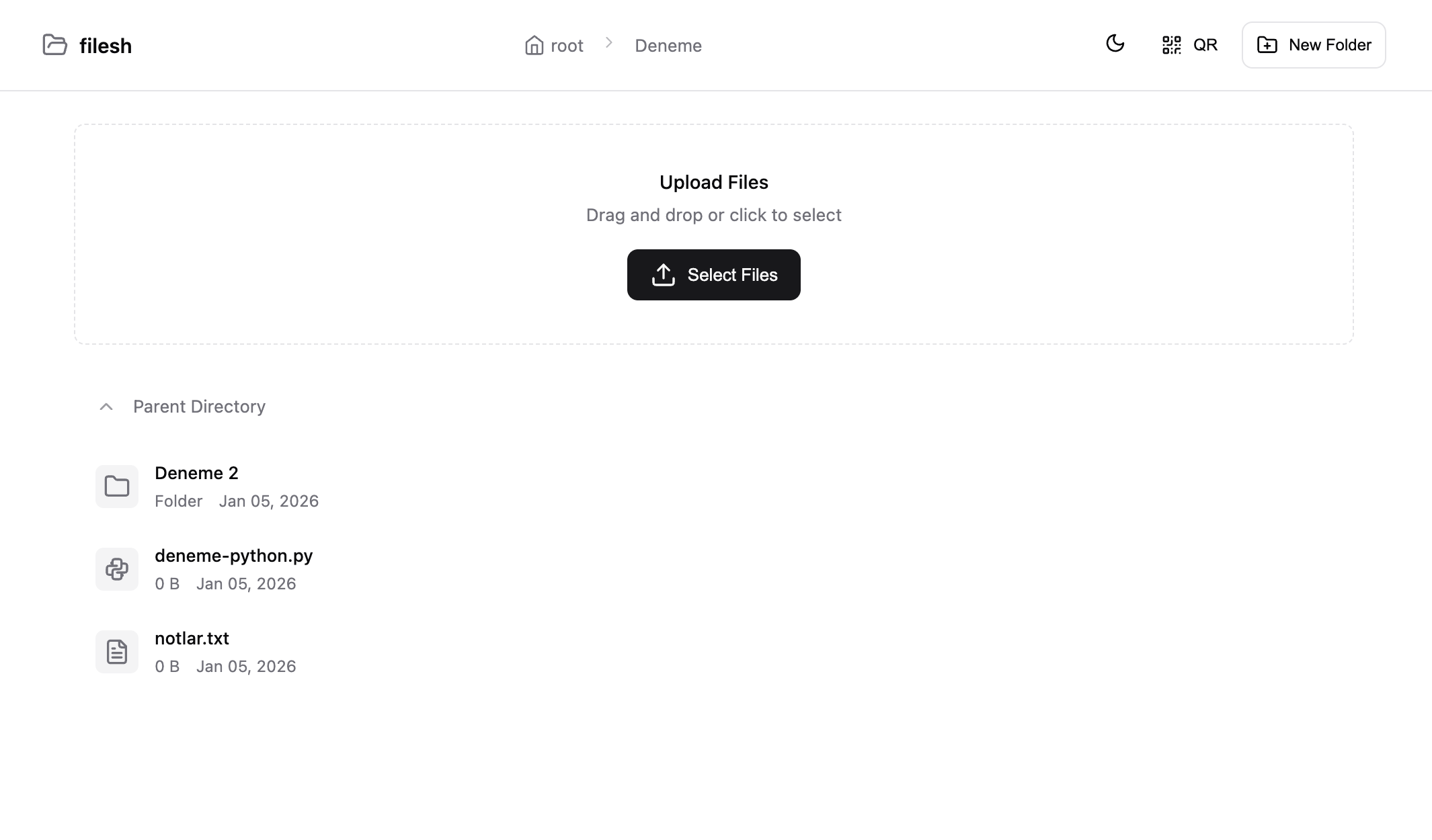
Screenshots
Light Mode
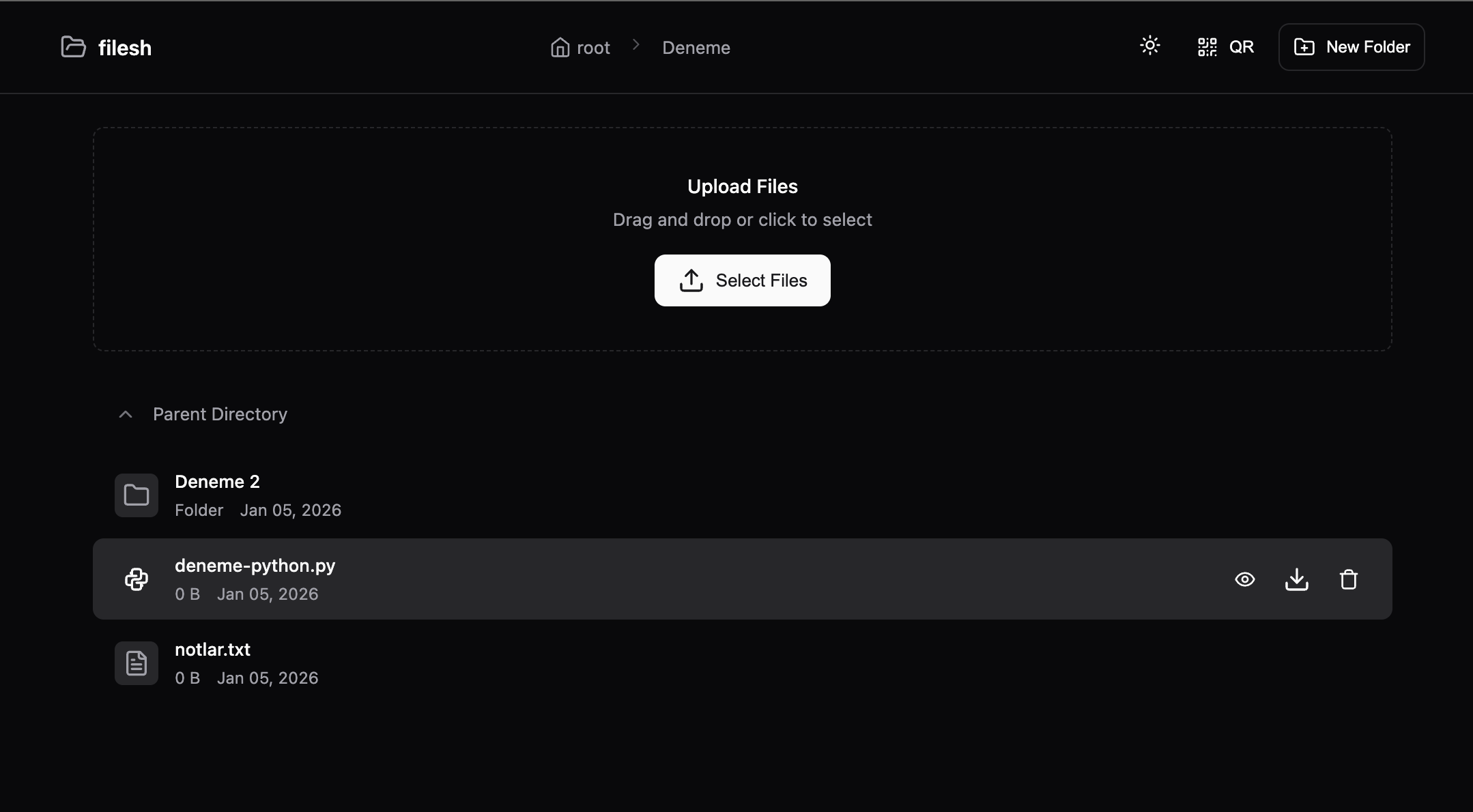
Dark Mode
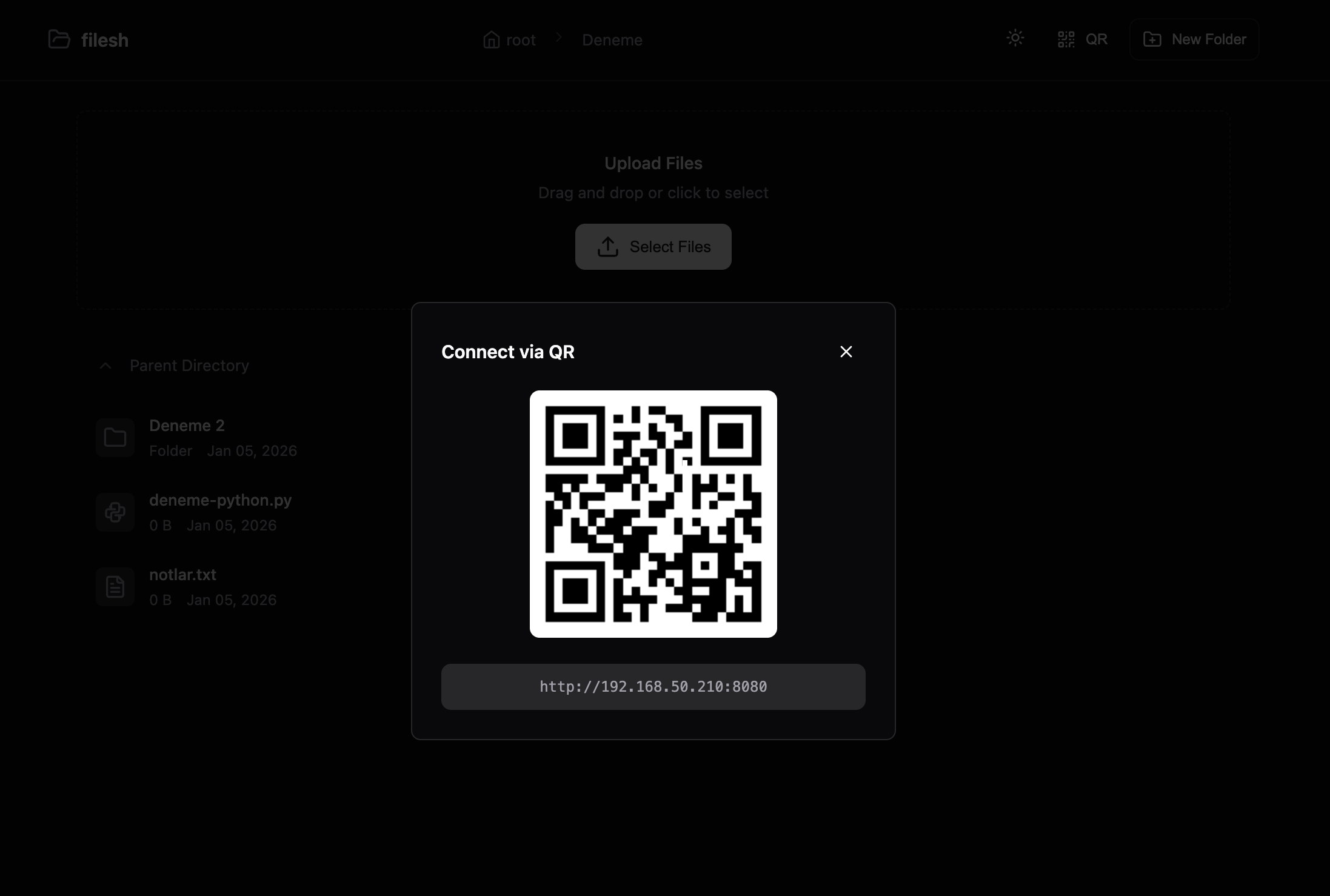
QR Code for Mobile Access
Features
- Modern Web UI - Clean, responsive interface with light/dark mode
- Drag & Drop Upload - Simply drag files to upload
- Multi-file Upload - Upload multiple files at once with progress bar
- File Preview - Preview images, videos, audio, and text files
- QR Code - Scan to connect from mobile devices instantly
- Create Folders - Organize files by creating new folders
- Delete Files - Remove files and folders from the web interface
- File Icons - Distinct icons for different file types
- Cross-platform - Works on Windows, macOS, and Linux
Installation
pip install filesh
Usage
Basic Usage
Share current directory on port 8080:
filesh
Options
filesh [OPTIONS] [DIRECTORY]

Arguments:
  DIRECTORY          Directory to share (default: current directory)

Options:
  -p, --port PORT    Port to run server on (default: 8080)
  -H, --host HOST    Host to bind to (default: 0.0.0.0)
  --hidden           Show hidden files
  -q, --quiet        Quiet mode - minimal output
  -v, --version      Show version
  -h, --help         Show help message
Examples
# Share current directory
filesh

# Share on a different port
filesh -p 3000

# Share a specific folder
filesh ~/Downloads

# Share with custom port and folder
filesh -p 3000 ~/Music

# Show hidden files
filesh --hidden

# Quiet mode (minimal output)
filesh -q
Output
  filesh v1.0.0
  ────────────────────
  Sharing: /home/user/Downloads
  Local:   http://127.0.0.1:8080
  Network: http://192.168.1.100:8080

  Press Ctrl+C to stop
Open the Network URL on any device connected to the same network to access the shared files.
How It Works
- Run
fileshin your terminal - Note the Network URL displayed
- Open the URL on any device in the same network
- Browse, upload, download, and manage files
Requirements
- Python 3.8+
- Flask 2.0+
License
MIT License - see LICENSE for details.
Contributing
Contributions are welcome! Feel free to open issues or submit pull requests.
Links


Download files
Download the file for your platform. If you're not sure which to choose, learn more about installing packages.
Source Distribution
Built Distribution
Filter files by name, interpreter, ABI, and platform.
If you're not sure about the file name format, learn more about wheel file names.
Copy a direct link to the current filters
File details
Details for the file filesh-1.0.1.tar.gz.
File metadata
- Download URL: filesh-1.0.1.tar.gz
- Upload date:
- Size: 12.9 kB
- Tags: Source
- Uploaded using Trusted Publishing? No
- Uploaded via: twine/6.2.0 CPython/3.11.2
File hashes
| Algorithm | Hash digest | |
|---|---|---|
| SHA256 |
24ca3d3e6c76d4aa341d161a31d983887a57bbf59d745f06e3a73a8cb2bbfc27
|
|
| MD5 |
ec806eb07b0ea06bd94ed4c02085c870
|
|
| BLAKE2b-256 |
a8831633b70cfe178cdabc19738d074a09f28fa0eae5c93aabde5ce58b31a552
|
File details
Details for the file filesh-1.0.1-py3-none-any.whl.
File metadata
- Download URL: filesh-1.0.1-py3-none-any.whl
- Upload date:
- Size: 13.9 kB
- Tags: Python 3
- Uploaded using Trusted Publishing? No
- Uploaded via: twine/6.2.0 CPython/3.11.2
File hashes
| Algorithm | Hash digest | |
|---|---|---|
| SHA256 |
847d7a14a7d8e2dc0920b63349243eaeaa545c840556660878b4abac4d6b7519
|
|
| MD5 |
948e992d9431d23ec185949dfc54b176
|
|
| BLAKE2b-256 |
5c7f264a302d6fdf04cd6034f17c77eedf8719e9508dd14ddb52c65e843f2f95
|






