
 Flask-Commands





Scaffold Flask apps in seconds.
Flask-Commands is a local-first CLI that scaffolds Flask projects and automates the wiring between views, routes, controllers, and models so you ship faster with consistent structure.
It removes repetitive setup work while keeping every generated file plain, local, and easy to edit.
Quick video overview
New to Flask-Commands? Start with this short overview:
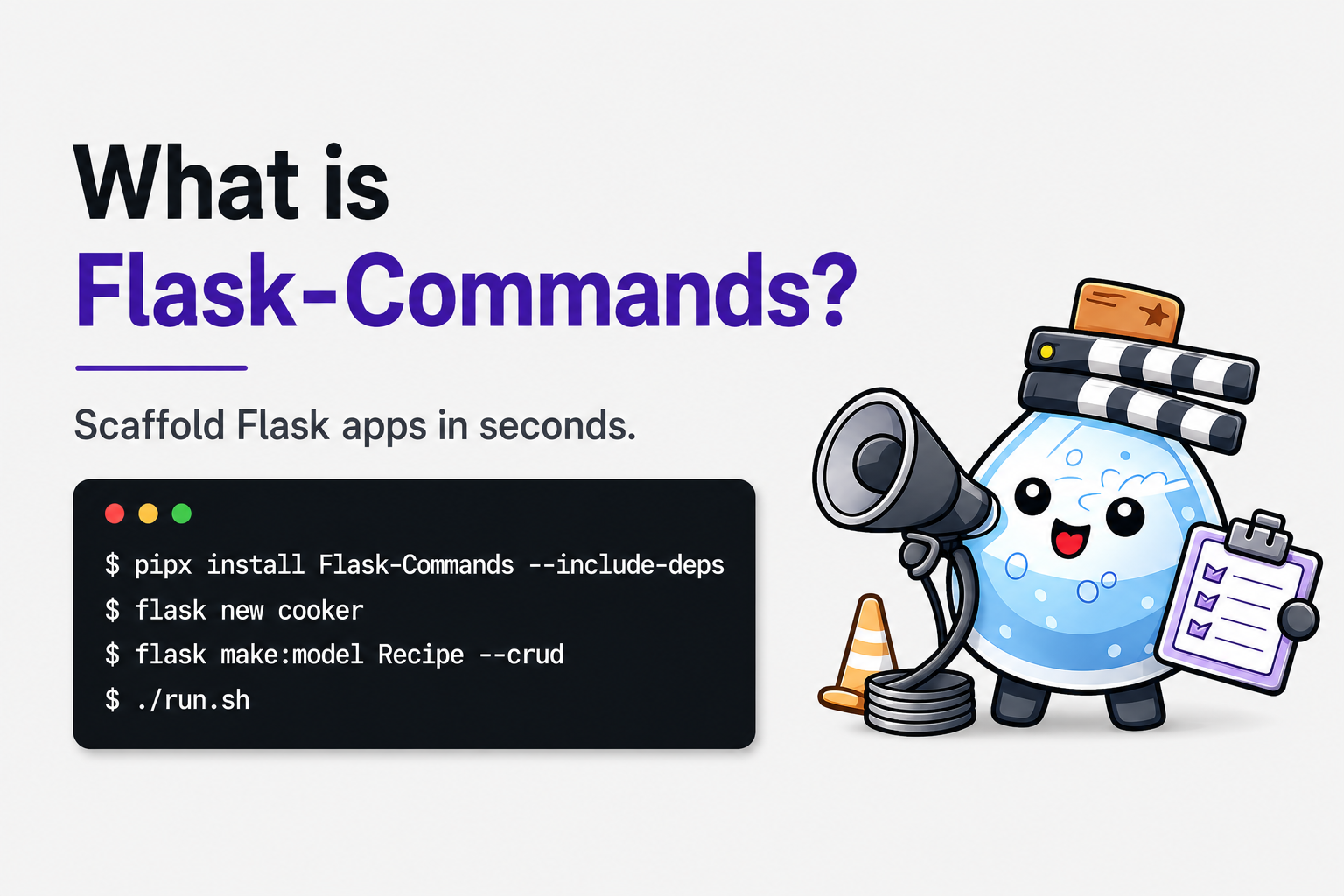
What is Flask-Commands?
A quick walkthrough showing how to create a Flask app, generate a CRUD resource, and run it in the browser.
Getting Started
Flask-Commands bundles opinionated, productivity-focused generators:
flask newboots a ready-to-run Flask project with virtualenv, dotenv, Tailwind wiring, and SQLite + migrations by default. Use--no-dbto skip DB setup.flask make:viewgenerates template files and can optionally wire controllers, routes/blueprints, and SQLAlchemy models.flask make:controllerscaffolds a controller class and can optionally add RESTful actions, routes, templates, and model generation (--modelor-m, with--flat/--nestfor inferred model choices).flask make:modelscaffolds a SQLAlchemy model and can optionally wire RESTful controllers, routes, and templates (--crud, with--flat/--nestfor model structure selection).
All generated code is plain Flask with no hidden runtime layers; every file is created on disk. The goal is to remove repetitive setup work while keeping everything local and transparent.
Installation
Flask-Commands is designed to be installed globally so you can create new Flask apps anywhere on your machine.
Recommended:
pipx install Flask-Commands --include-deps
Alternative:
pip install Flask-Commands
You will also want npm available because generated Flask projects include Tailwind CSS tooling. If npm is not installed, install Node.js first.
Quick Start
flask new myproject          # includes a SQLite DB scaffolding by default
cd myproject
To create a project without database support, use:
flask new myproject --no-db
Recommended (macOS):
./run.sh
Manual startup:
source venv/bin/activate
flask run --debug
run.sh opens a Flask shell, starts the dev server, rebuilds tailwind.css and tailwind.min.css, opens VS Code and Chrome, and hot-reloads changes in templates/, controllers/, forms/, models/, and routes/.
Browser reloading uses fswatch, so install it first if it is not already available:
brew install fswatch
Docs quick links
- Quick video overview: https://youtu.be/lPvQmLLBcwA
- Full guide: https://flask-commands.readthedocs.io/en/latest/docs.html
- Install and first run: https://flask-commands.readthedocs.io/en/latest/install_and_first_run.html
- Starting a project: https://flask-commands.readthedocs.io/en/latest/starting_a_project.html
- Core ideas: https://flask-commands.readthedocs.io/en/latest/commands/core_ideas.html
- Cheat sheet: https://flask-commands.readthedocs.io/en/latest/commands/cheat_sheet.html
- Changelog: https://flask-commands.readthedocs.io/en/latest/changelog.html
Cheat sheet
flask new myproject— New Flask project with DB scaffolding (default).flask new myproject --no-db— New Flask project without DB setup.flask make:view about— Template only (app/templates/about.html).flask make:view recipes.index -rcm— Start a recipe resource with a list page, route, controller, and model.flask make:view recipes.show -rc— Add a detail page to the existing recipe resource.flask make:view recipes.create -rcm— Add aGETaction that renders a recipe form template.flask make:view recipes.store -rcm— Add aPOSTaction that wires behavior without creating a template.flask make:view recipes.comments.index -rcm— Create a nested comments resource under recipes.flask make:controller RecipeController --crud— Generate RESTful controller methods, routes, and templates for recipes.flask make:controller RecipeController --crud -m— Generate the RESTful recipe resource and matching model in one controller-first command.flask make:controller ShoppingListController --crud --model ShoppingList— Keep a multi-word model name together while generating RESTful scaffolding.flask make:controller RecipeIngredientController --crud -m --nest— Force the nested model interpretation for a controller-first--crudflow.flask make:model Recipe— Create and register a single model scaffold.flask make:model Recipe --crud— Model + RESTful controller/routes/templates.flask make:model ShoppingList --crud --flat— Force a flat model interpretation and RESTful structure.flask make:model RecipeIngredient --crud --nest— Force a nested model interpretation and RESTful structure.
Examples
Here are a few commands and what they do so you can see the speed, consistency gains, and how commands combine in practice.
1) Create a recipe index page with full wiring
flask make:view recipes.index -rcm
This scaffolds:
- the template at
app/templates/recipes/index.html - a controller with an
indexmethod - a RESTful route for
/recipes - a
Recipemodel plus registration inapp/models/__init__.py
2) Add a recipe detail page to the same resource
flask make:view recipes.show -rc
Because Recipe is already registered, route inference generates the RESTful show route:
/recipes/<int:recipe_id>- the controller method signature includes
recipe_id
3) Generate a full RESTful resource from the controller first
flask make:controller RecipeController --crud -m
This scaffolds the seven RESTful actions across:
- controller methods
- routes in
app/routes/recipes/ - templates for the
GETactions (index,show,create, andedit) - a
Recipemodel plus registration
4) Handle nested recipe/ingredient model shape intentionally
flask make:model RecipeIngredient --crud
If nested candidates are detected, you will get a prompt to choose flat vs nested. To skip the prompt explicitly:
flask make:model RecipeIngredient --crud --flat
flask make:model RecipeIngredient --crud --nest
Contributing
I’m keeping development closed for now, but feedback is welcome. Please open an issue for bugs or ideas. License: MIT.
1 maintainer

Metadata
1 maintainer
Release files for flask-commands 0.4.0
For a detailed explanation of source distributions (sdists) and built distributions (wheels), please see the package formats documentation.
Source distribution (sdist)
| File | Size | Uploaded | Provenance | |
|---|---|---|---|---|
| flask_commands-0.4.0.tar.gz | 57.0 kB | With provenance | Details |
Built distribution (wheel)
| File | Interpreter | ABI | Platform | Reset |
|---|---|---|---|---|
| flask_commands-0.4.0-py3-none-any.whl | Python 3 | none | any | Details |
Total release size: 128.6 kB
Release files / flask_commands-0.4.0.tar.gz
| Download URL | flask_commands-0.4.0.tar.gz |
|---|---|
| Size | 57.0 kB |
| Tags | Source |
|
SHA-256 checksum How to use checksums |
82c891a0830a6be893d47159829e01802e0155186ac872b5e3032fe0fcaf48e9
|
|
BLAKE2b-256 checksum How to use checksums |
3c0f19176cf2745e695b4db6b52ac11a76620af992831625227564343d8d5420
|
| Upload date | |
|
Uploaded using Trusted Publishing? What is trusted publishing? |
Yes |
| Uploaded via |
twine/7.0.0 CPython/3.13.14
|
Provenance
Provenance describes where a file came from. On PyPI, provenance is shared via attestations, which provide a verifiable record of the build or publishing details. View details, limitations and caveats.


PyPI Publish Attestation
PyPI verified that this artifact, at this checksum, originated from the publisher listed below.
Signed by GitHub Actions, verified by PyPI on Aug 8, 2026.
Transparency logRelease files / flask_commands-0.4.0-py3-none-any.whl
| Download URL | flask_commands-0.4.0-py3-none-any.whl |
|---|---|
| Size | 71.5 kB |
| Tags | Python 3 |
|
SHA-256 checksum How to use checksums |
820a5002745d7e6affc2cd2157f2d7c10aa293160628b150efcdbd4f358eebd4
|
|
BLAKE2b-256 checksum How to use checksums |
c5cde4649e019ad993bfe47cb2e823f68303617ae88be430f93b874a916395f1
|
| Upload date | |
|
Uploaded using Trusted Publishing? What is trusted publishing? |
Yes |
| Uploaded via |
twine/7.0.0 CPython/3.13.14
|
Provenance
Provenance describes where a file came from. On PyPI, provenance is shared via attestations, which provide a verifiable record of the build or publishing details. View details, limitations and caveats.
PyPI Publish Attestation
PyPI verified that this artifact, at this checksum, originated from the publisher listed below.
Signed by GitHub Actions, verified by PyPI on Aug 8, 2026.
Transparency logSecurity for flask-commands 0.4.0
Provenance
Provenance describes where a file came from. On PyPI, provenance is shared via attestations, which provide a verifiable record of the build or publishing details. View details, limitations and caveats.
Full provenance
All 2 files in this release have been uploaded with provenance metadata.
Attestation for flask_commands-0.4.0.tar.gz
PyPI Publish Attestation
PyPI verified that this artifact, at this checksum, originated from the publisher listed below.
Signed by GitHub Actions, verified by PyPI on Aug 8, 2026.
Transparency logA note on package security
PyPI is a repository for distributing packages, not a service for auditing them. While third-party security researchers and our staff do their best to detect and remove malicious packages, PyPI cannot guarantee the quality, security or suitability of any given package.
To learn more about protecting yourself from malicious actors, visit our package security documentation.














