
Multi Agent Reinforcement Learning on Trains


Project description



Flatland is a toolkit for developing and comparing multi agent reinforcement learning algorithms on grids. The base environment is a two-dimensional grid in which many agents can be placed. Each agent must solve one or more tasks in the grid world. In general, agents can freely navigate from cell to cell. However, cell-to-cell navigation can be restricted by transition maps. Each cell can hold an own transition map. By default, each cell has a default transition map defined which allows all transitions to its eight neighbor cells (go up and left, go up, go up and right, go right, go down and right, go down, go down and left, go left). So, the agents can freely move from cell to cell.
The general purpose of the implementation allows to implement any kind of two-dimensional gird based environments. It can be used for many learning task where a two-dimensional grid could be the base of the environment.
Flatland delivers a python implementation which can be easily extended. And it provides different baselines for different environments. Each environment enables an interesting task to solve. For example, the mutli-agent navigation task for railway train dispatching is a very exciting topic. It can be easily extended or adapted to the airplane landing problem. This can further be the basic implementation for many other tasks in transportation and logistics.
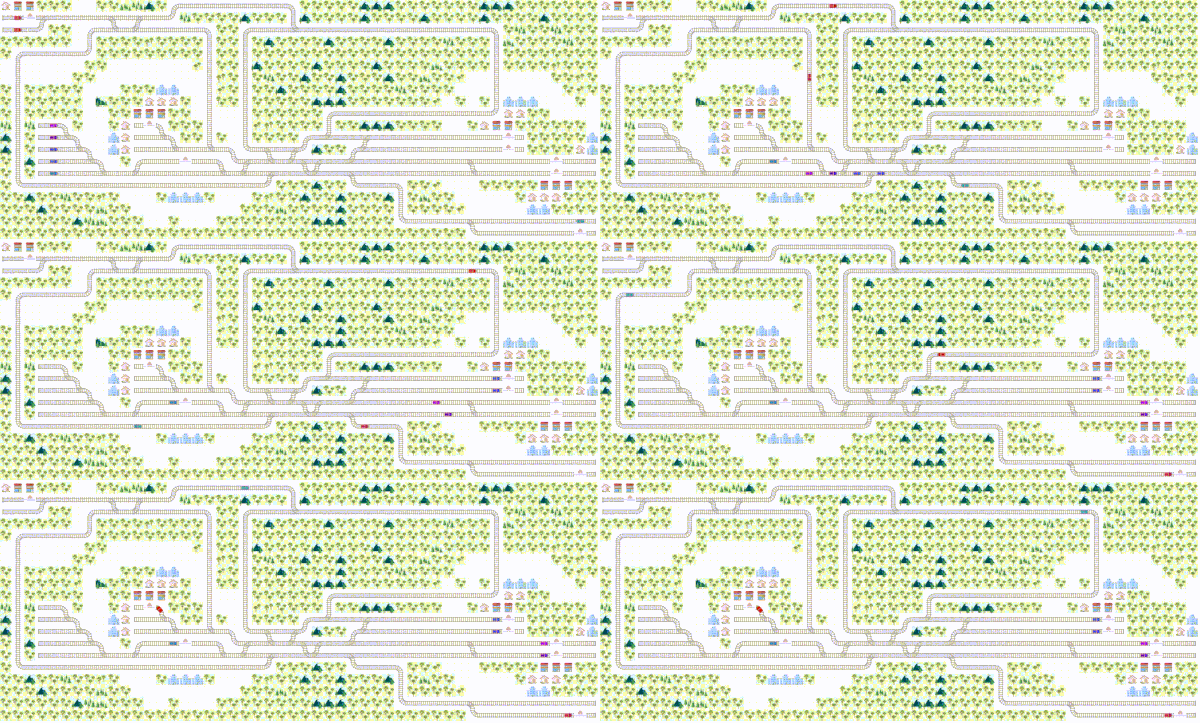
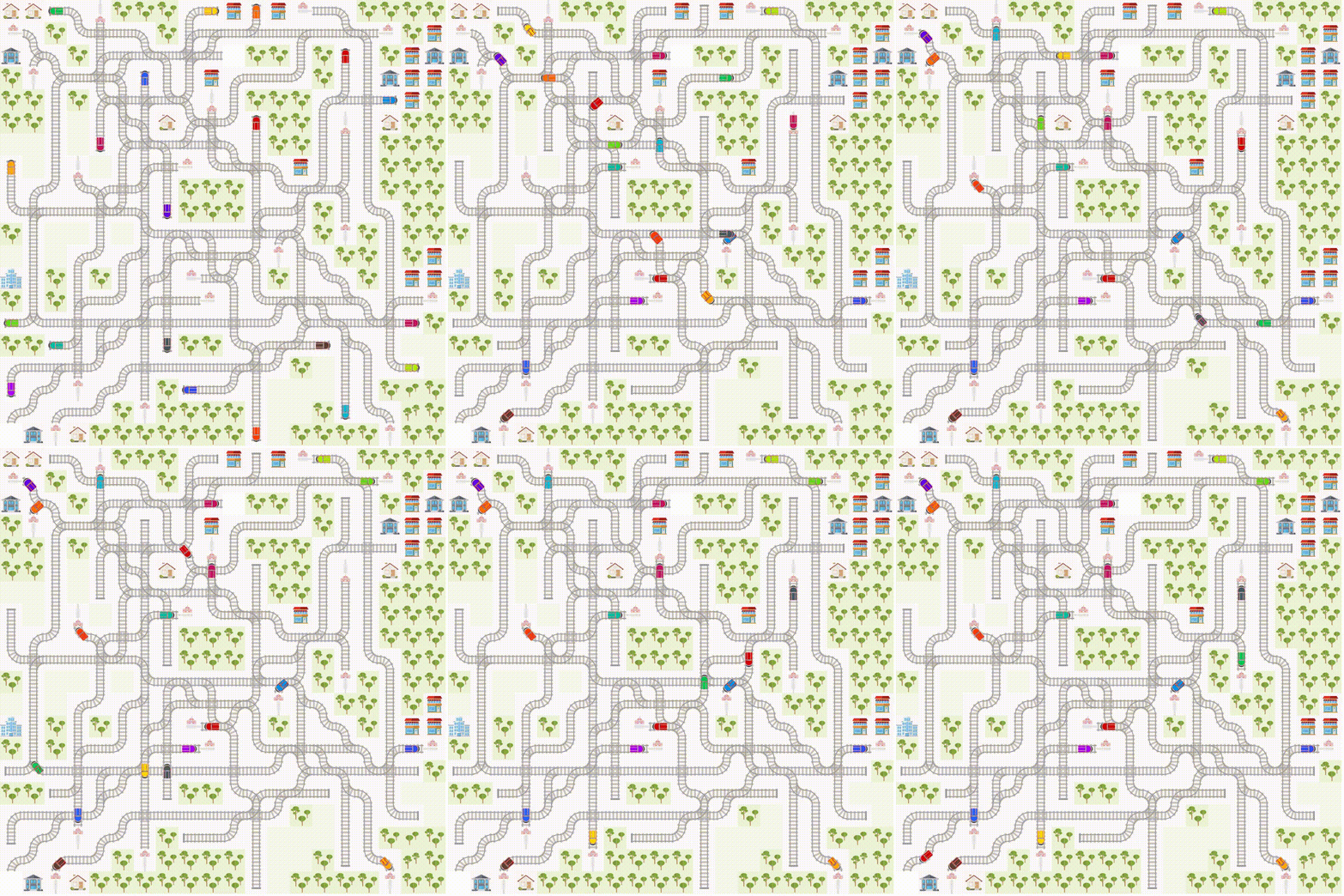
Mapping a railway infrastructure into a grid world is an excellent example showing how the movement of an agent must be restricted. As trains can normally not run backwards and they have to follow rails the transition for one cell to the other depends also on train’s orientation, respectively on train’s travel direction. Trains can only change the traveling path at switches. There are two variants of switches. The first kind of switch is the splitting “switch”, where trains can change rails and in consequence they can change the traveling path. The second kind of switch is the fusion switch, where train can change the sequence. That means two rails come together. Thus, the navigation behavior of a train is very restricted. The railway planning problem where many agents share same infrastructure is a very complex problem.
Furthermore, trains have a departing location where they cannot depart earlier than the committed departure time. Then they must arrive at destination not later than the committed arrival time. This makes the whole planning problem very complex. In such a complex environment cooperation is essential. Thus, agents must learn to cooperate in a way that all trains (agents) arrive on time.
Getting Started
Online Docs
The documentation for the latest code on the master branch is found at : flatland-rl-docs
The documentation includes a few tutorials at : Getting Started
Run Notebooks with Examples with one Click
Under getting_started, there are two scripts
getting_started/run_notebooks.bat
getting_started/run_notebooks.sh
They require git and Python>=3.6 installed with venv (python3-venv has to be installed under Linux). They create a virtual environment, install Flatland and all dependencies into into and start they Jupyter notebooks in your browser.
Generate Docs
The docs have a lot more details about how to interact with this codebase.
git clone git@gitlab.aicrowd.com:flatland/flatland.git
cd flatland
pip install -r requirements_dev.txt
On, Linux and macOS
make docs
On, Windows
python setup.py develop (or)
python setup.py install
python make_docs.py
Installation
Stable Release
To install flatland, run this command in your terminal
pip install flatland-rl
This is the preferred method to install flatland, as it will always install the most recent stable release.
If you don’t have pip installed, this Python installation guide can guide you through the process.
From Sources
The sources for flatland can be downloaded from the Gitlab repo.
You can clone the public repository
$ git clone git@gitlab.aicrowd.com:flatland/flatland.git
Once you have a copy of the source, you can install it with
$ python setup.py install
Jupyter Canvas Widget
If you work with jupyter notebook you need to install the Jupyer Canvas Widget. To install the Jupyter Canvas Widget read also https://github.com/Who8MyLunch/Jupyter_Canvas_Widget#installation
Basic Usage
Basic usage of the RailEnv environment used by the Flatland Challenge
import numpy as np
import time
from flatland.envs.generators import complex_rail_generator
from flatland.envs.rail_env import RailEnv
from flatland.utils.rendertools import RenderTool

env = RailEnv(
            width=7,
            height=7,
            rail_generator=complex_rail_generator(
                                    nr_start_goal=10,
                                    nr_extra=1,
                                    min_dist=8,
                                    max_dist=99999,
                                    seed=0),
            number_of_agents=2)

env_renderer = RenderTool(env, gl="PILSVG")

for step in range(100):
    obs, all_rewards, done, _ = env.step(
                            {
                                0:np.random.randint(0, 5),
                                1:np.random.randint(0, 5)
                            })
    print("Rewards: {}, [done={}]".format( all_rewards, done)
    env_renderer.renderEnv(show=True, frames=False, show_observations=False)
time.sleep(0.3)Acknowledgements
Vaibhav Agrawal <theinfamouswayne@gmail.com>
Anurag Ghosh
Project details
Release history Release notifications | RSS feed


Download files
Download the file for your platform. If you're not sure which to choose, learn more about installing packages.
Source Distribution
File details
Details for the file flatland-rl-0.1.2.tar.gz.
File metadata
- Download URL: flatland-rl-0.1.2.tar.gz
- Upload date:
- Size: 2.1 MB
- Tags: Source
- Uploaded using Trusted Publishing? No
- Uploaded via: twine/1.12.1 pkginfo/1.5.0.1 requests/2.21.0 setuptools/40.8.0 requests-toolbelt/0.9.1 tqdm/4.31.1 CPython/3.7.2
File hashes
| Algorithm | Hash digest | |
|---|---|---|
| SHA256 |
f7b62e4b3936147ca12af864b54e441c85cc26f4076aebef07534820fe362c85
|
|
| MD5 |
5dae09c28a7d04558cde86ad0bba88d6
|
|
| BLAKE2b-256 |
c3c805eb63985624a654cdd0ec734b8e349974fbe53515f8c21738bdb8df3262
|






