
Flet for Python - easily build interactive multi-platform apps in Python

Project description
Flet - quickly build interactive apps for web, desktop and mobile in Python
Flet is a rich User Interface (UI) framework to quickly build interactive web, desktop and mobile apps in Python without prior knowledge of web technologies like HTTP, HTML, CSS or JavaScript. You build UI with controls based on Flutter widgets to ensure your programs look cool and professional.
Requirements
- Python 3.7 or above on Windows, Linux or macOS
Installation
pip install flet
Create the app
Create main.py file with the following content:
import flet as ft

def main(page: ft.Page):
    page.title = "Flet counter example"
    page.vertical_alignment = ft.MainAxisAlignment.CENTER

    txt_number = ft.TextField(value="0", text_align=ft.TextAlign.RIGHT, width=100)

    def minus_click(e):
        txt_number.value = str(int(txt_number.value) - 1)
        page.update()

    def plus_click(e):
        txt_number.value = str(int(txt_number.value) + 1)
        page.update()

    page.add(
        ft.Row(
            [
                ft.IconButton(ft.icons.REMOVE, on_click=minus_click),
                txt_number,
                ft.IconButton(ft.icons.ADD, on_click=plus_click),
            ],
            alignment=ft.MainAxisAlignment.CENTER,
        )
    )

ft.app(main)
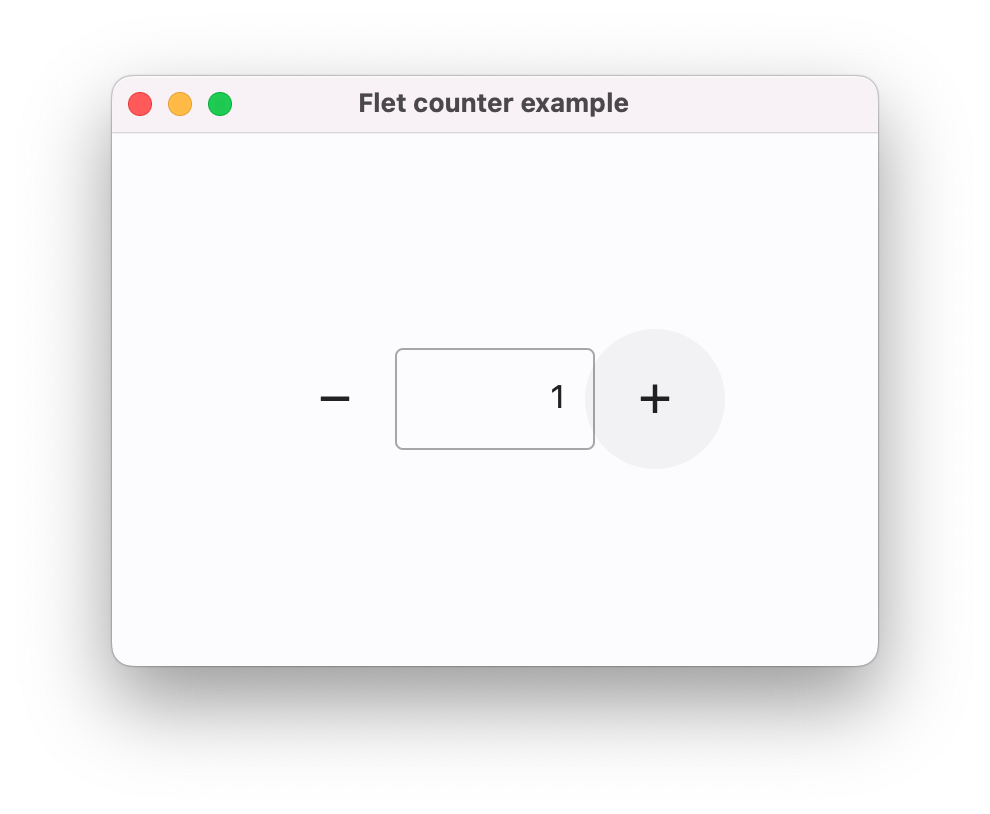
Run as a desktop app
The following command will start the app in a native OS window:
flet run main.py
Run as a web app
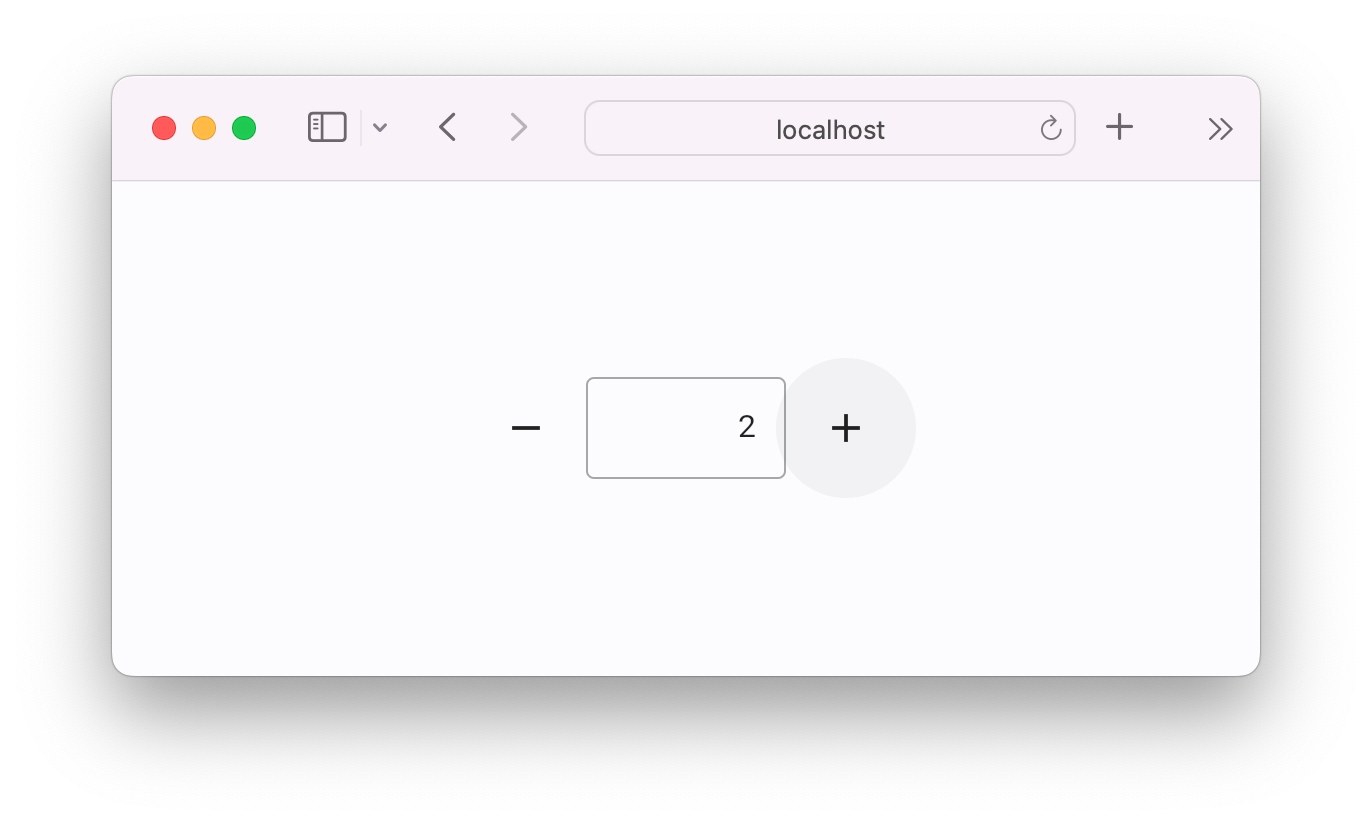
The following command will start the app as a web app:
flet run --web main.py
Learn more
Visit Flet website.
Continue with Python guide to learn how to make a real app.
Browse for more Flet examples.
Join to a conversation on Flet Discord server.
Release history Release notifications | RSS feed


Download files
Download the file for your platform. If you're not sure which to choose, learn more about installing packages.
Source Distribution
Built Distribution
Filter files by name, interpreter, ABI, and platform.
If you're not sure about the file name format, learn more about wheel file names.
Copy a direct link to the current filters
File details
Details for the file flet_contributibe-2024.12.30.1757.tar.gz.
File metadata
- Download URL: flet_contributibe-2024.12.30.1757.tar.gz
- Upload date:
- Size: 393.7 kB
- Tags: Source
- Uploaded using Trusted Publishing? No
- Uploaded via: twine/6.0.1 CPython/3.12.8
File hashes
| Algorithm | Hash digest | |
|---|---|---|
| SHA256 |
63d3e2b1d4b2b157b356f8ff67a15fda73a79f36d7590efac28add6f2250f9ee
|
|
| MD5 |
a208ae5e856729c79ac811fb3991b762
|
|
| BLAKE2b-256 |
7db6d577ed246a58fbaf0b254cfcc37014723fc1d8403ca14648634098caf54b
|
File details
Details for the file flet_contributibe-2024.12.30.1757-py3-none-any.whl.
File metadata
- Download URL: flet_contributibe-2024.12.30.1757-py3-none-any.whl
- Upload date:
- Size: 529.5 kB
- Tags: Python 3
- Uploaded using Trusted Publishing? No
- Uploaded via: twine/6.0.1 CPython/3.12.8
File hashes
| Algorithm | Hash digest | |
|---|---|---|
| SHA256 |
3a1cd3ef11feed8a70579bf13ffd26f2740ae4379c8e6b87448194c183d4ae14
|
|
| MD5 |
ab83c49e664930feafd3c972a9836bad
|
|
| BLAKE2b-256 |
7f1acf41ed02f0236ac031527e6c372a945c9c9d93cd6a83ffa36e6d71572160
|






