
Extends the functionality of Flood Modeller to python users


Project description







Flood Modeller Python API

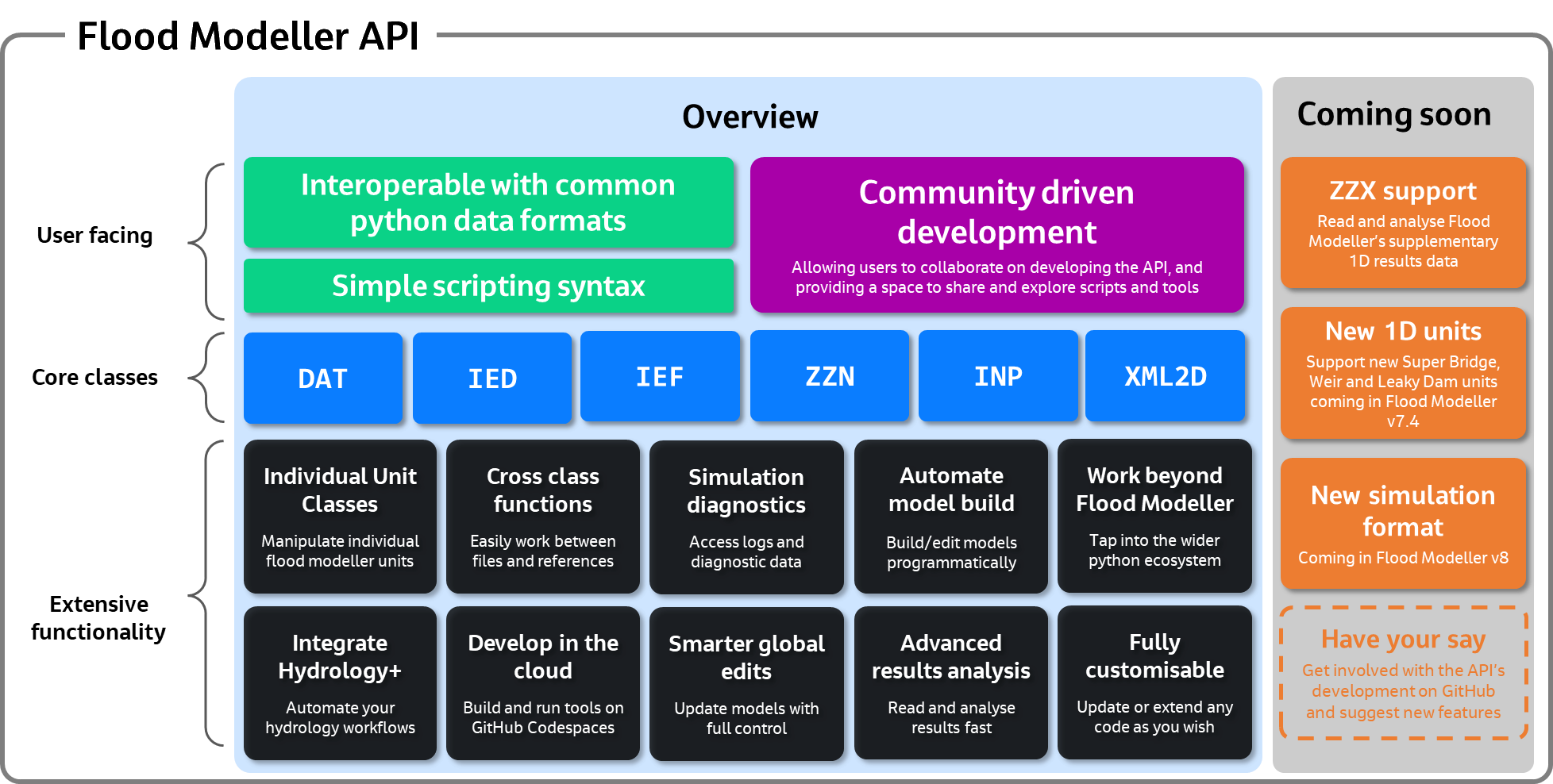
This python package is designed to be used in conjunction with your installation of Flood Modeller to provide users with a set of tools to extend the capabilities of Flood Modeller and build into automated workflows.
Installation
You can install the floodmodeller_api package from PyPI with the following command:
pip install floodmodeller-api
Flood Modeller API is regularly tested for all versions of python 3.10 onwards. Although it may work for older versions of python, we recommend using at least v3.10 and ideally the latest stable release.
Once you have installed floodmodeller_api to your python environment, you can import the package with:
import floodmodeller_api  # imports the full package
from floodmodeller_api import DAT, ZZN, IEF, IED  # imports individual classes (recommended)
How to use
The best place to start is to go directly to the Flood Modeller Python API Documentation
The Flood Modeller Python API is designed for users already familiar with both Flood Modeller and Python. The API is built up using distinct python classes for each of the key Flood Modeller file formats as well as key themes. The purpose of the API is not to provide ready-to-use tools for specific tasks, as there is an extensive set of tools already provided within Flood Modeller, many of which can be called from both within and outside of the Flood Modeller software. Instead, this API provides the building blocks for users to build their own custom workflows and tools which can integrate seamlessly with Flood Modeller.
Show and Tell
In the spirit of open source, we encourage you to share any interesting scripts or tools you have developed using the Flood Modeller Python API. To do this, please get involved in the discussions section here. This is also a great place to explore different ways that people have used the API.
Youtube mini tutorials
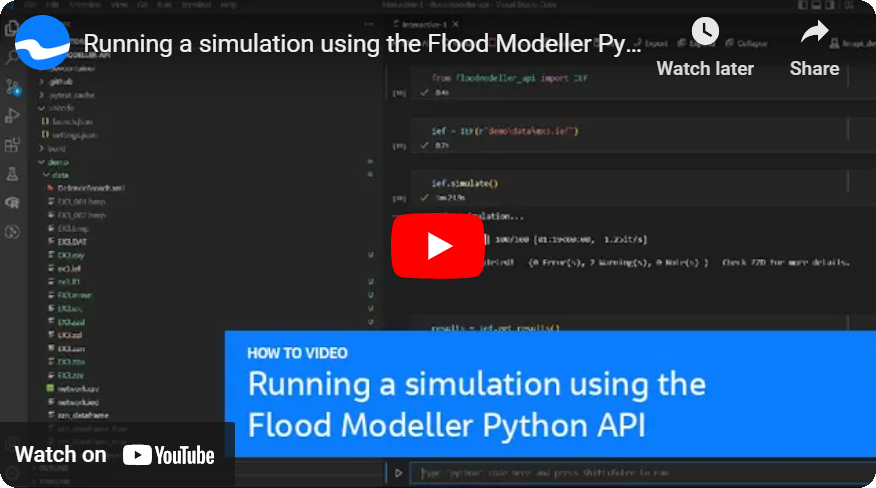
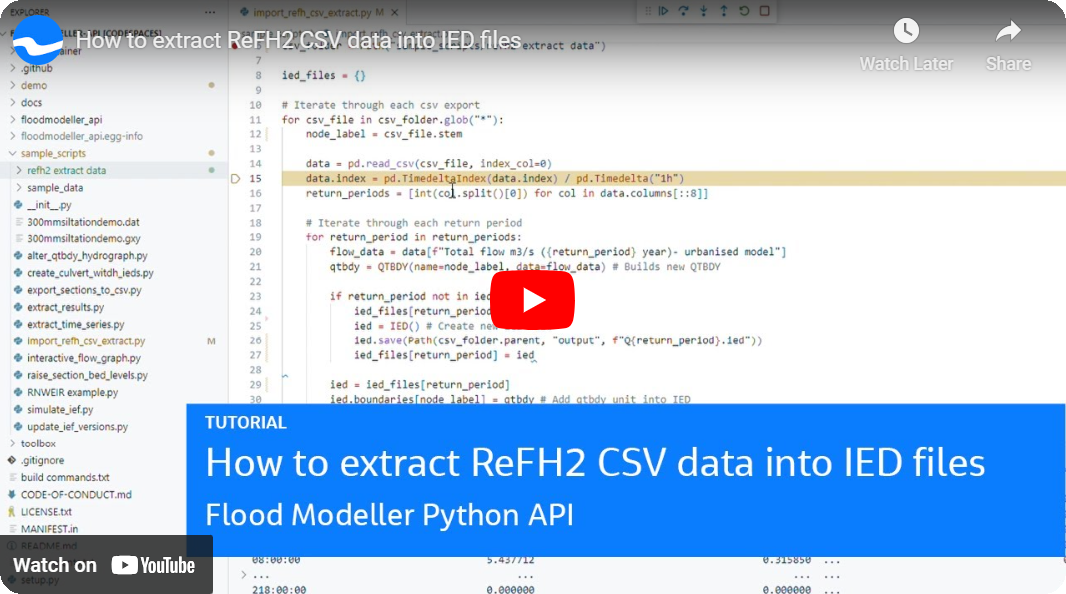
These videos give you a quick overview of some of the basics of using the Flood Modeller API
Running a simulation
Using the codespace

Extract ReFH2 csv data into IEDs and QTBDYs
Release history Release notifications | RSS feed


Download files
Download the file for your platform. If you're not sure which to choose, learn more about installing packages.
Source Distribution
Built Distribution
Filter files by name, interpreter, ABI, and platform.
If you're not sure about the file name format, learn more about wheel file names.
Copy a direct link to the current filters
File details
Details for the file floodmodeller_api-0.5.5.post6.tar.gz.
File metadata
- Download URL: floodmodeller_api-0.5.5.post6.tar.gz
- Upload date:
- Size: 13.9 MB
- Tags: Source
- Uploaded using Trusted Publishing? No
- Uploaded via: twine/6.2.0 CPython/3.11.15
File hashes
| Algorithm | Hash digest | |
|---|---|---|
| SHA256 |
7a05ea1a3758600a29a4ccfa8befe32cdd2770b261af919b81bc596a14b51ade
|
|
| MD5 |
70a289d4c416015552d0f0c352fcd2a5
|
|
| BLAKE2b-256 |
f09b0d7ac41a421af21ebb57abade31b99d1ba0685a011cced2060f8e7164520
|
File details
Details for the file floodmodeller_api-0.5.5.post6-py3-none-any.whl.
File metadata
- Download URL: floodmodeller_api-0.5.5.post6-py3-none-any.whl
- Upload date:
- Size: 14.1 MB
- Tags: Python 3
- Uploaded using Trusted Publishing? No
- Uploaded via: twine/6.2.0 CPython/3.11.15
File hashes
| Algorithm | Hash digest | |
|---|---|---|
| SHA256 |
605b10ee18576bd47390a2681e0ae1dd5311f107197c6e3dbe198539307f4d9f
|
|
| MD5 |
b895cbe52327185cdaeeaa5fda6c46fc
|
|
| BLAKE2b-256 |
2f190b631a310543bc1d00fb943d518df5821e3e60f53bda71beb73b6b9e5a05
|






