
Flowco a new mixed-initiative system leveraging visual dataflow programming and LLMs to support authoring reliable and robust data analyses.

Project description

Flowco
by Emery Berger, Stephen Freund, Eunice Jun, Brooke Simon (ordered alphabetically)


Flowco is a system for authoring data analysis workflows with LLM assistance at every stage of the process. Flowco employs a dataflow programming model that serves as a foundation for reliable LLM-centric programming.
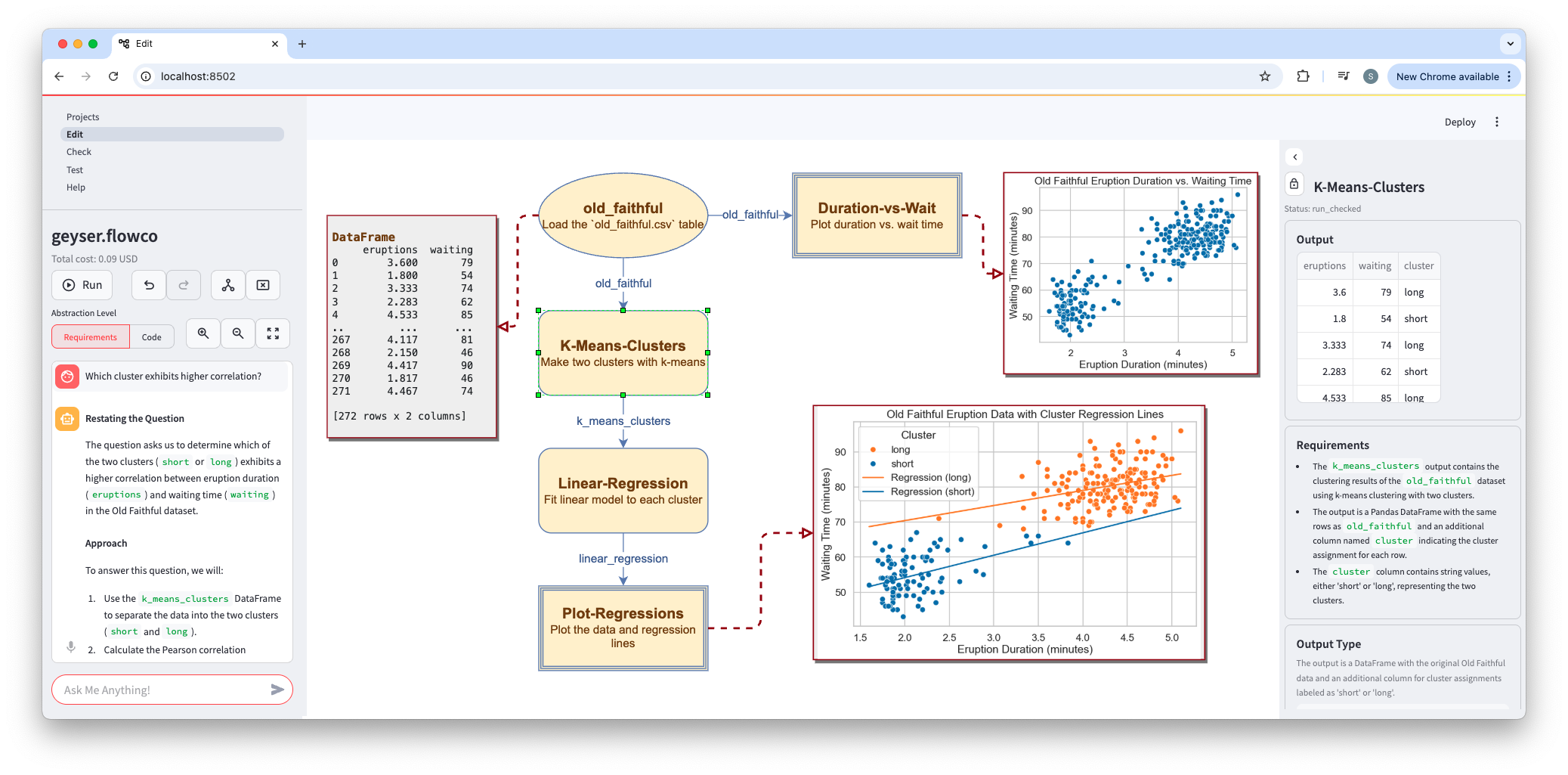
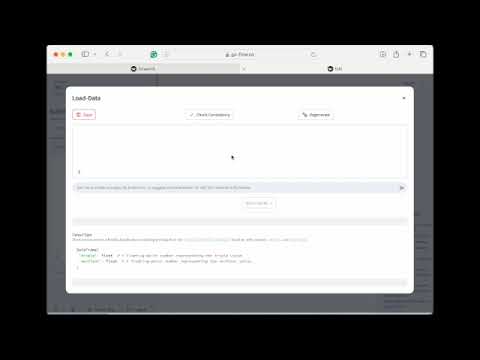
Watch Flowco in Action!
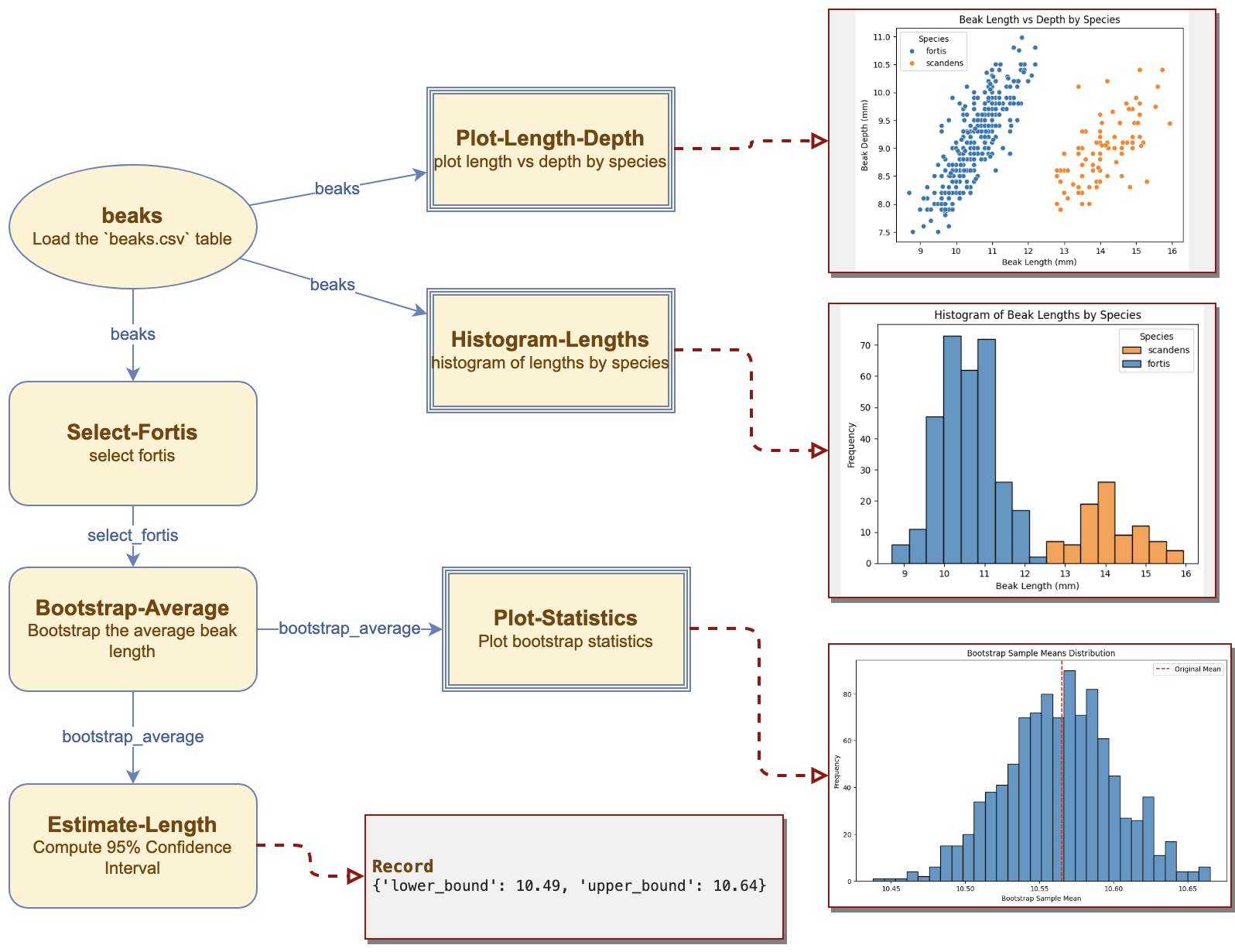
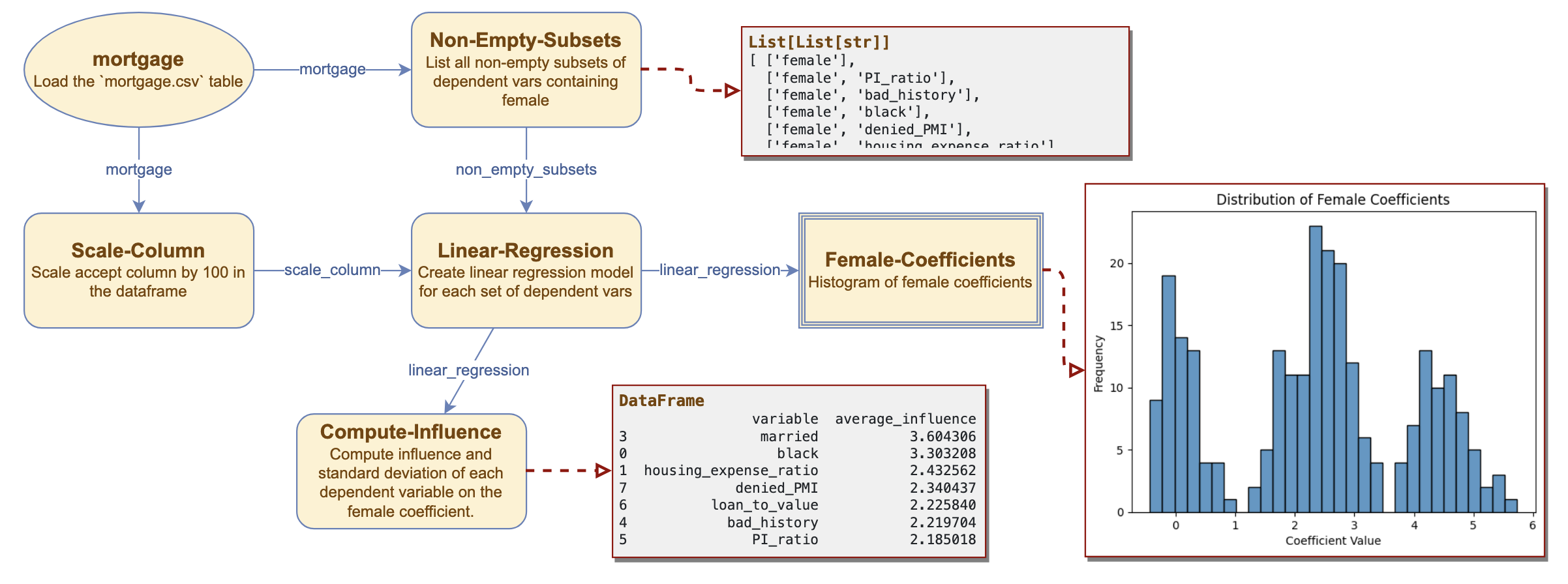
| Demo Video | Tutorial Video | Exploratoration | Multiverse Analysis | Logistic Regression |
|---|---|---|---|---|
 |
 |
 |
 |
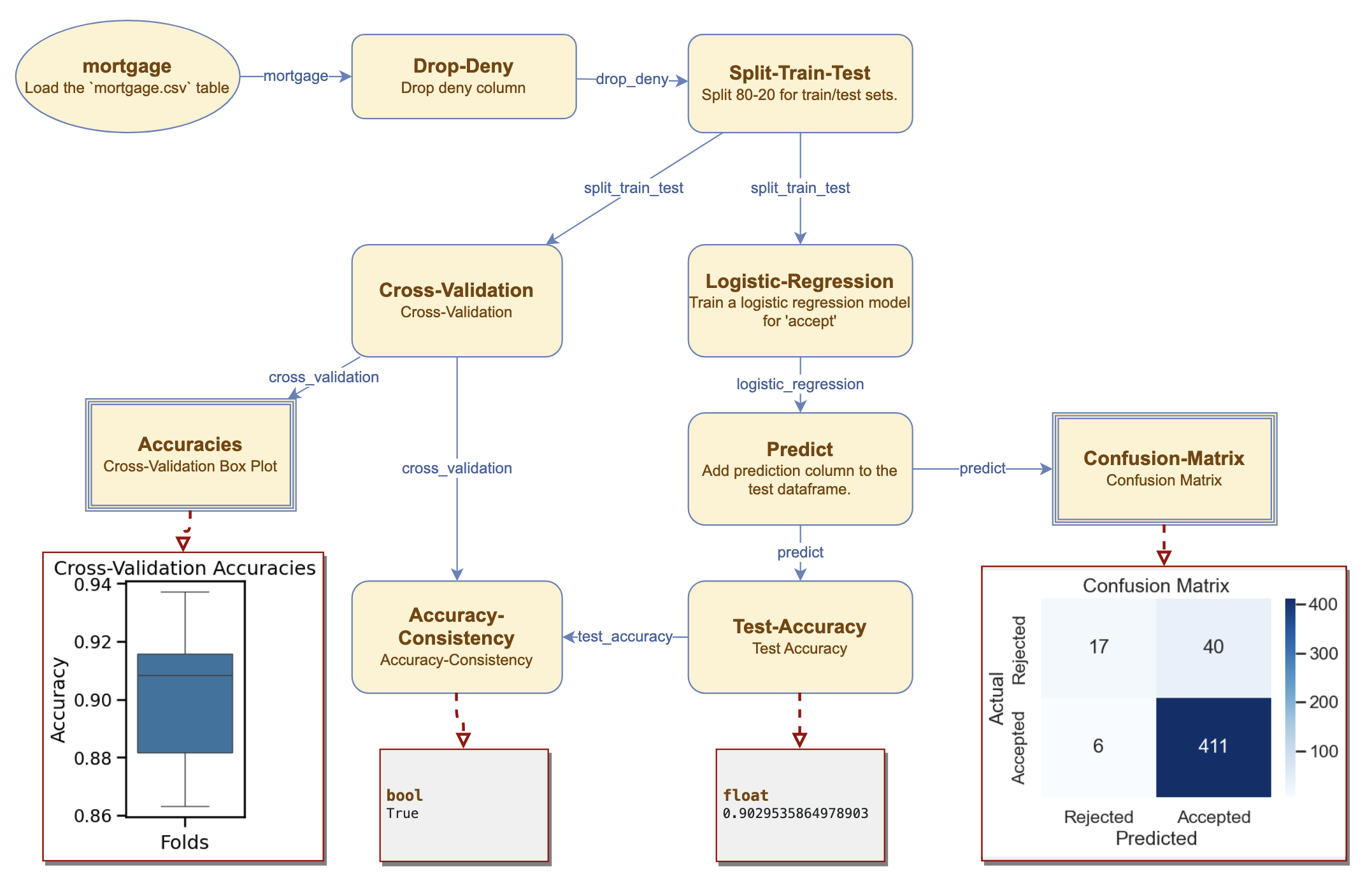 |
For technical details, see our arXiv paper, Flowco: Rethinking Data Analysis in the Age of LLMs.
Web Service
You can try Flowco on the web here.
[!NOTE] This web service is intended for demonstration and experimentation only. It should scale to a modest number of users, but if it is slow or unresponsive, please try again later or install locally.
Local Installation
Configuration
- Use a conda virtual environment or some other virtual environment.
- Use Python 3.11+.
- Ensure
dotis on your path.
OpenAI API Key
[!IMPORTANT]
Flowco needs to be connected to an OpenAI account. Your account will need to have a positive balance for this to work (check your balance). Get a key here.
Once you have an API key, set it as an environment variable called
OPENAI_API_KEY.export OPENAI_API_KEY=<your-api-key>
Installing
From Pypi [Recommended]
With pip:
pip3 install flowco
From Source
Or clone the repo and install as an editable package.
pip3 install -e .
This installs a bunch of normal packages, a custom component for Streamlit, and then Flowco as an editable package that you can run locally (rather than as the web service).
Running
On the command line, run flowco, passing it the directory in which to store its files. That directory
should already exist:
mkdir /tmp/example
flowco /tmp/example
The first time you run, it may take 15-20 seconds to bring up the web page. It should launch more quickly after that.
Flowco will intially open a welcome.flowco graph. Follow the instructions in the right-hand panel to get started. Then proceed through the numbered tutorials to experiment with additional features.
Use -v to turn on logging.
Release history Release notifications | RSS feed


Download files
Download the file for your platform. If you're not sure which to choose, learn more about installing packages.
Source Distribution
Built Distribution
Filter files by name, interpreter, ABI, and platform.
If you're not sure about the file name format, learn more about wheel file names.
Copy a direct link to the current filters
File details
Details for the file flowco-0.71.0.tar.gz.
File metadata
- Download URL: flowco-0.71.0.tar.gz
- Upload date:
- Size: 32.0 MB
- Tags: Source
- Uploaded using Trusted Publishing? No
- Uploaded via: twine/6.1.0 CPython/3.12.9
File hashes
| Algorithm | Hash digest | |
|---|---|---|
| SHA256 |
215b75d1950d482d37c0650590adfdf6b41f9c9f8365b3e8f5ba92bfc07020ca
|
|
| MD5 |
2fff204219073e3f3d31e068dfec9dd4
|
|
| BLAKE2b-256 |
2204c0bd9b185407238968b5eeaa270347b6cd61d18ea5806605ecf31bb15397
|
File details
Details for the file flowco-0.71.0-py3-none-any.whl.
File metadata
- Download URL: flowco-0.71.0-py3-none-any.whl
- Upload date:
- Size: 13.6 MB
- Tags: Python 3
- Uploaded using Trusted Publishing? No
- Uploaded via: twine/6.1.0 CPython/3.12.9
File hashes
| Algorithm | Hash digest | |
|---|---|---|
| SHA256 |
9fe3eeb7fa6c6bdeebf67df47a209380238bdfaca840cc496c27863c3fca9ddd
|
|
| MD5 |
abea28ce8c75beba2798d04e2c154c54
|
|
| BLAKE2b-256 |
5ef97a36c66e79eab48a0724a9358733303eadc458bb15c85c641081c52b53d2
|






