

foxify-cli



Customize Firefox from the command line and control all your custom userChrome CSS themes with one tool!
Supports Windows, Mac, and Linux
No Support For Waterfox
Troubleshooting Guide Can Be Found Here!
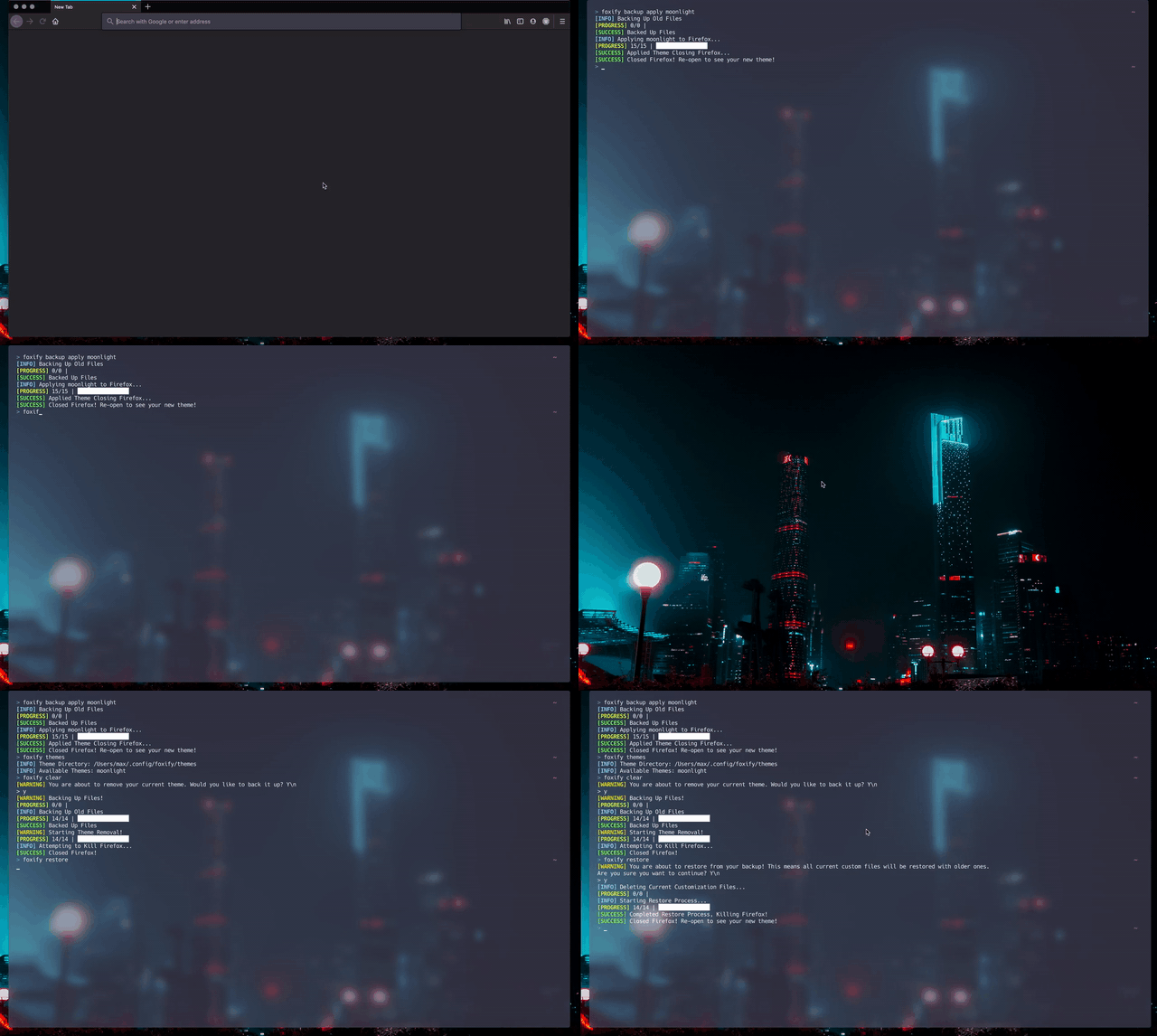
Overview
As of Firefox 57 (the Quantum Update), Mozilla has enabled custom user customization using userChrome.css. This file is found in the chrome folder of your profile and allows you to customize the look of your browser. There is a huge community around this sort of themeing and it can get easy to mess up your theme or lose it when you install a new theme. With Foxify you have the ability to manage your themes for Firefox and apply them dynamically!
Foxify was heavily inspired by the command-line program Spiceify for Spotify, which offers similiar features but for Spotify!
Features:
-
Easy Theme Management for Firefox Themes
-
Safe Backups and Restores of Themes
-
Easily Remove Custom Themes Entirely
-
Easy To Use Commands
-
Command Suggestions When Entering Incorrect Arguments
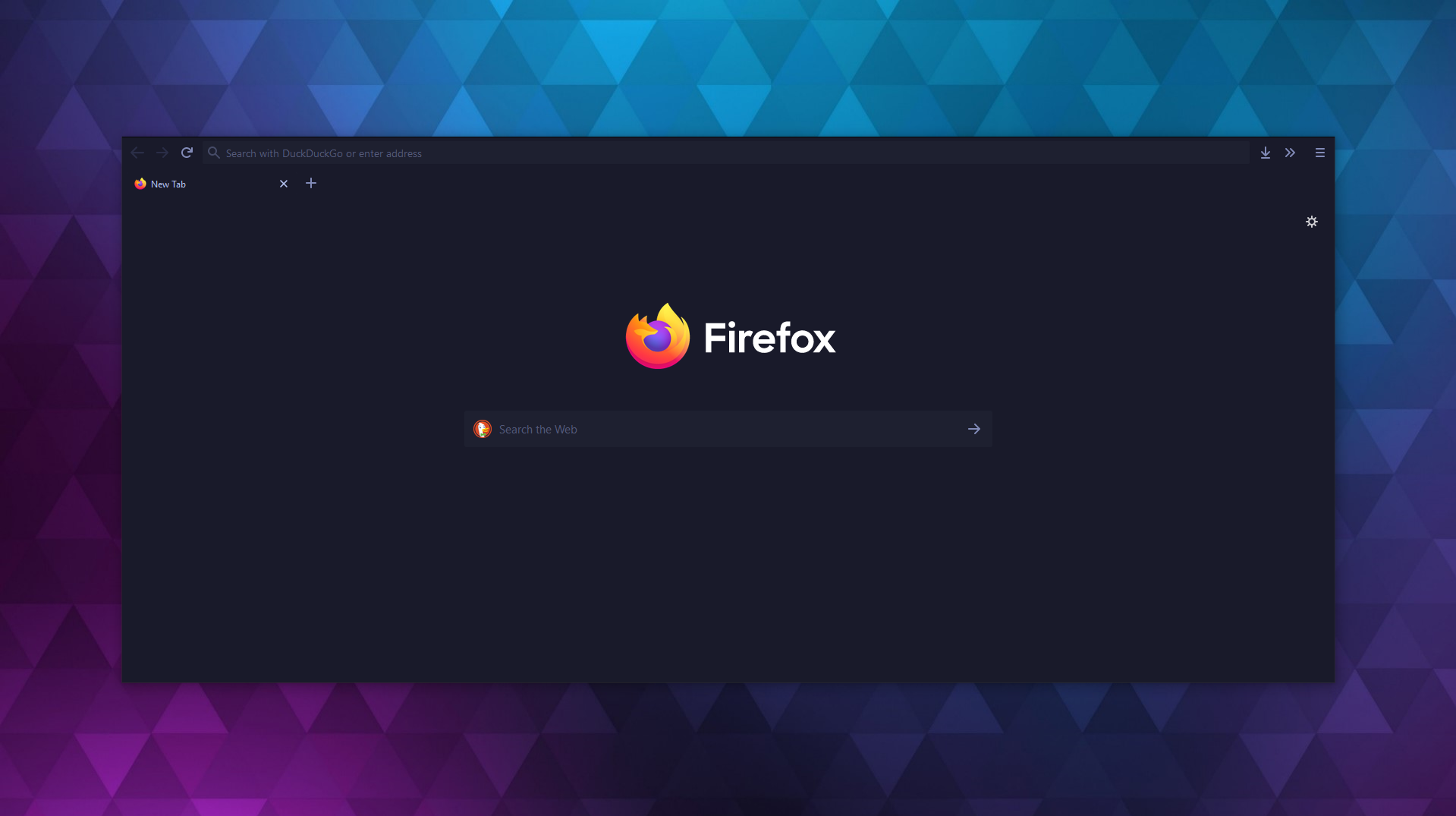
Where To Find Themes:
FirefoxCSS Reddit: Link
UserChrome Tweaks: Link
Firefox CSS Hacks: Link
Requirements:
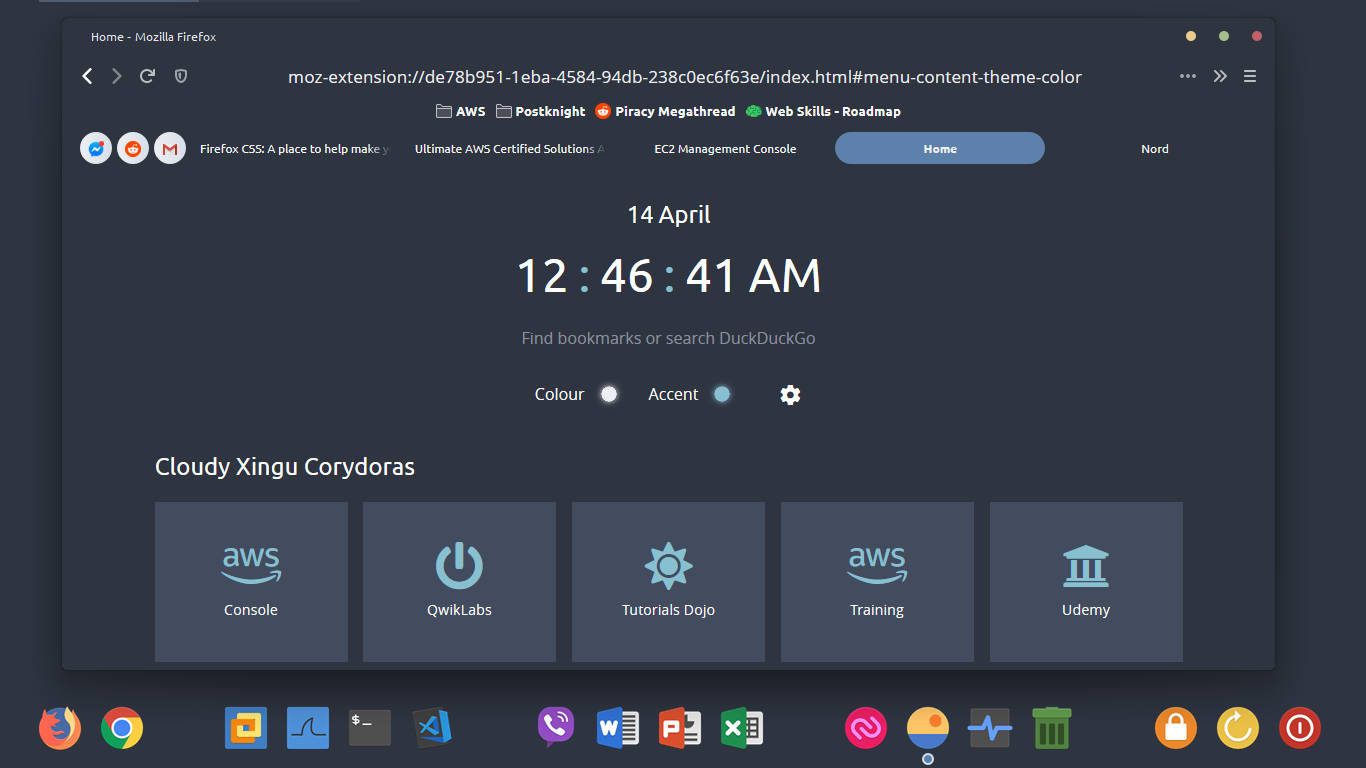
Software Reqs:
- Python 3.6+
- Firefox 57 or Higher
Wiki
I. Table of Contents
II. Overview
III. Getting Started
IV. Usage
License
Licensed under the GNU GPUv3 License by Max Bridgland, 2020
1 maintainer

Metadata
1 maintainer
Release files for foxify-cli 1.2
For a detailed explanation of source distributions (sdists) and built distributions (wheels), please see the package formats documentation.
Source distribution (sdist)
| File | Size | Uploaded | |
|---|---|---|---|
| foxify-cli-1.2.tar.gz | 10.3 kB | Details |
Built distribution (wheel)
| File | Interpreter | ABI | Platform | Reset |
|---|---|---|---|---|
| foxify_cli-1.2-py3-none-any.whl | Python 3 | none | any | Details |
Total release size: 33.3 kB
Release files / foxify-cli-1.2.tar.gz
| Download URL | foxify-cli-1.2.tar.gz |
|---|---|
| Size | 10.3 kB |
| Tags | Source |
|
SHA-256 checksum How to use checksums |
f69fe64b1c951e1e2ccc2b37e20c1132740654c335a2ff5b4ae9e66bb84df503
|
|
BLAKE2b-256 checksum How to use checksums |
4709dec1f18b82be160a03cc6650e627863e0385846b49e09feebe81cb8b16bc
|
| Upload date | |
|
Uploaded using Trusted Publishing? What is trusted publishing? |
No |
| Uploaded via |
twine/1.13.0 pkginfo/1.5.0.1 requests/2.20.1 setuptools/41.6.0 requests-toolbelt/0.8.0 tqdm/4.33.0 CPython/3.7.3
|
Release files / foxify_cli-1.2-py3-none-any.whl
| Download URL | foxify_cli-1.2-py3-none-any.whl |
|---|---|
| Size | 23.0 kB |
| Tags | Python 3 |
|
SHA-256 checksum How to use checksums |
c825d067774a8ed35ad2337be88dcc9a8ae91c719fb2971dc70225102babce76
|
|
BLAKE2b-256 checksum How to use checksums |
bbcdc58ebf68260628a24ef4d7424950ce5d87136742c80ec293efa5f2bb46ea
|
| Upload date | |
|
Uploaded using Trusted Publishing? What is trusted publishing? |
No |
| Uploaded via |
twine/1.13.0 pkginfo/1.5.0.1 requests/2.20.1 setuptools/41.6.0 requests-toolbelt/0.8.0 tqdm/4.33.0 CPython/3.7.3
|














