
⚡️ fragment-api-lib ⚡️
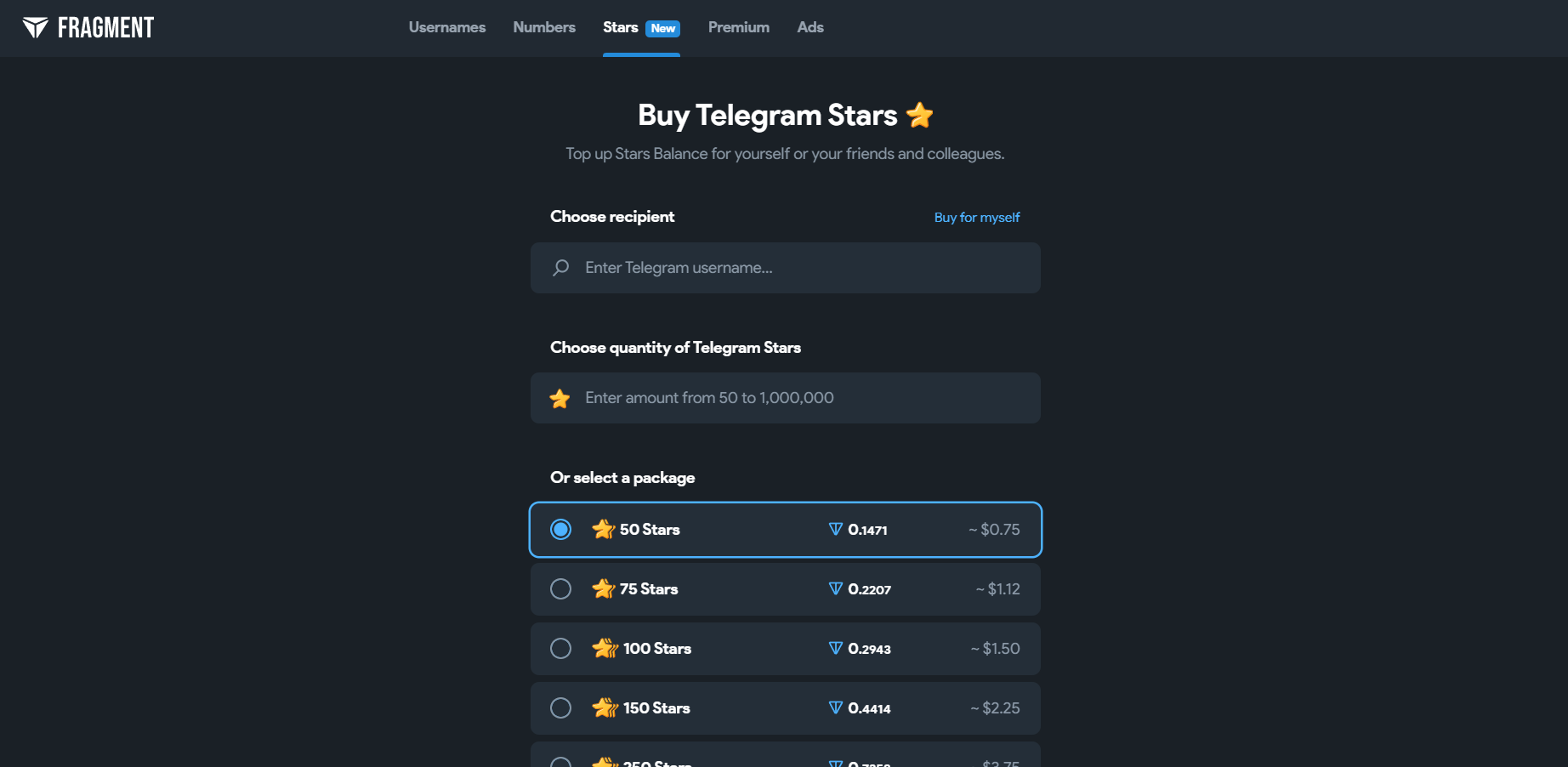
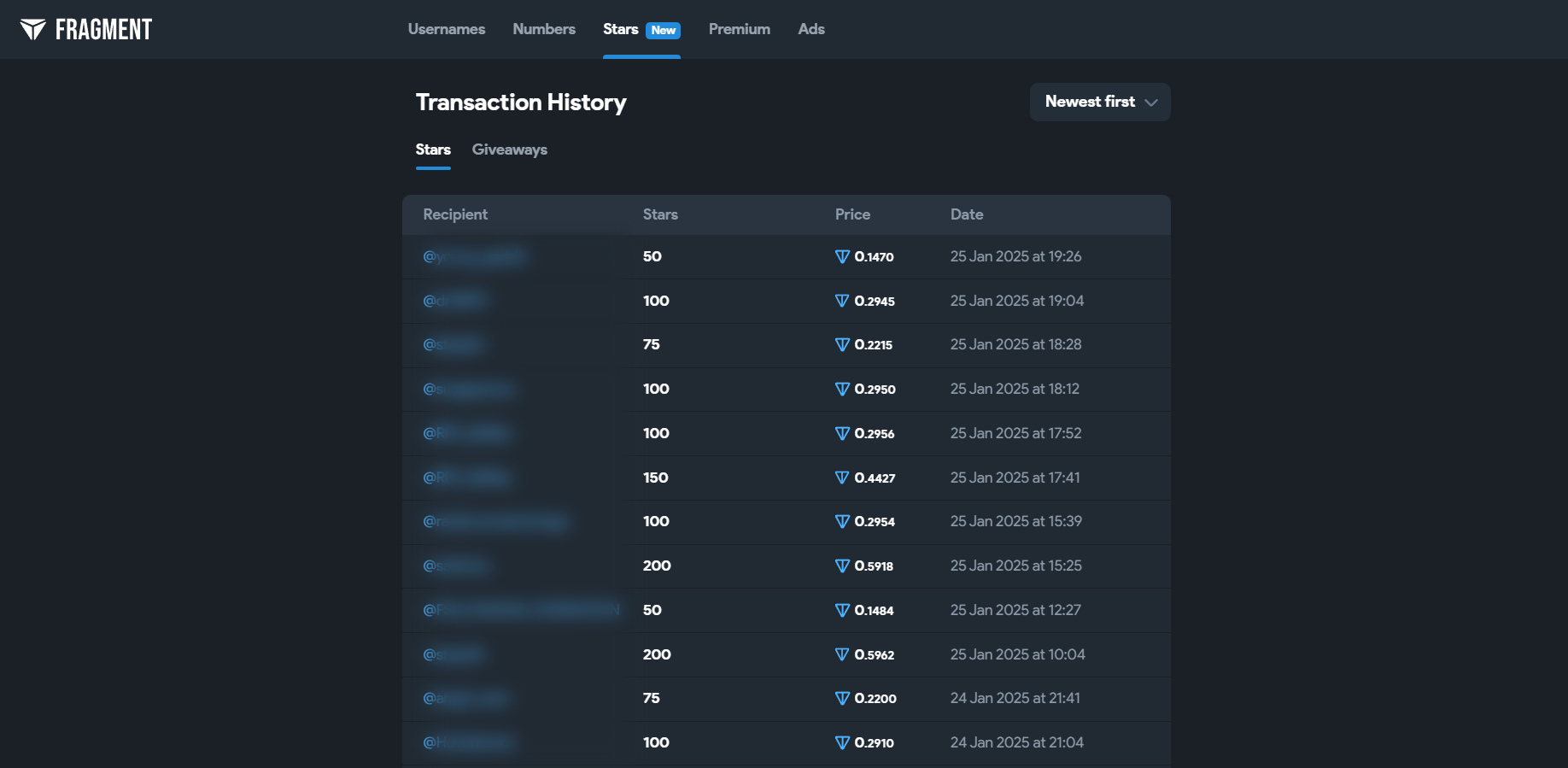
✨ Python library for buying Telegram Stars, Premium and TON on Fragment (fragment.com) ✨
🚀 Info
fragment-api-lib is the Python client for Fragment API. Since version 1.1.0 it speaks API v3: the server prepares each payment, this library checks it and signs it on your machine - your seed phrase is never sent anywhere.
-
💸 Buy Telegram Stars, Premium and TON for any username
-
🔐 Your seed stays with you - payments are signed locally
-
🛡️ Checks every payment before signing: pinned Fragment addresses, a fee ceiling, your own limits
-
💵 Pay in TON or USDT (jettons on TON)
-
✅ Works with or without KYC
-
📦 Many orders in one transaction (up to 127 from a W5 wallet)
-
♻️ Idempotent order creation - safe retries, never a double purchase
-
🧩 No API key or registration: you sign in with your wallet
-
💙 No need to use the TON API directly
📌 Requirements
-
✅ Python 3.8+
-
✅ A TON wallet v4r2 or W5 (v5r1) and its 24-word seed phrase, with TON on it (and USDT to pay in USDT). A brand-new wallet is fine: the first payment deploys it.
With KYC (your own Fragment account):
-
✅ Fragment account with linked TON wallet and Telegram account, KYC-verified 🆔
-
✅ Fragment cookies 🍪 - export them with the Cookie-Editor extension as "Header String"
-
✅ USDT orders must be paid from the wallet linked to that Fragment account
Without KYC nothing else is needed: the order is bought through the service's verified account.
➕ Installation
pip install fragment-api-lib
It brings requests and PyNaCl (for signing).
⚡ Quick start
import os
from fragment_api_lib.v3 import FragmentAPIv3

api = FragmentAPIv3(
    mnemonic=os.environ["TON_SEED"],                  # 24 words - used here to sign, never sent
    wallet_type="v5r1",                               # your wallet: "v4r2" (default) or "v5r1" (W5)
    fragment_cookies=os.environ["FRAGMENT_COOKIES"],  # your Fragment account; not needed without KYC
    trust={"max_ton_per_order": 50},                  # refuse to sign any order above 50 TON
)

print("Paying from", api.address)                     # must be your wallet's address

result = api.buy("stars", "durov", 50, idempotency_key="myshop:1001")  # a retry never buys twice

print(result["success"], result["orders"][0]["ref_id"], result.get("transaction_hash"))
Keep the seed phrase and cookies out of your code (environment variables, a secrets
manager). Check that api.address is your wallet: a wrong wallet_type gives a different
address, and payments would be signed for an empty wallet.
🔐 How it works
- Sign in -
auth()proves you own the wallet with a TON Connectton_proofsignature and gets an auth key. It runs by itself on the first call. - Create the order - the server finds the recipient on Fragment, gets the invoice and returns a payment request: what to send, to whom, until when.
- Check and sign - this library checks the request (below) and signs it with your key.
- Submit - the server verifies the signed message, sends it to the TON network and confirms it on chain.
🛡️ What is checked before signing
The server no longer holds your seed, but it still says what to sign - so nothing is signed on its word alone:
- the order is the one you asked for - product, amount, recipient, KYC or not, currency - checked against your request, not against the server's copy of it;
- the payment is from your wallet and has exactly the legs that order needs: Fragment's (plus the service fee) with KYC, one payment to the service's wallet without KYC;
- Fragment's leg goes to a Fragment address pinned in this library - never one the server names;
- a USDT transfer goes only to your own USDT wallet, which the library computes itself (so no other token of yours can be moved), and the unused gas comes back to you;
- the fee and no-KYC legs go only to the service's wallets built into this release (or ones you add) - never to a wallet the server names;
- the fee is at most
max_fee_percent(5 %) of the purchase; - the order costs no more than your
max_ton_per_order(andmax_usdt_per_orderfor USDT). These limits are required: nothing is signed without them. What Fragment's invoice buys can not be checked, so the limit is what bounds how much a compromised server could make one order cost; - the signed message expires within 2 minutes (
external_ttl_seconds), and a payment is signed again only with the same seqno - so it can never be paid twice.
A payment that fails any check raises FragmentAPIError with error_code
UNTRUSTED_PAYMENT, and nothing is sent.
📚 API
FragmentAPIv3(...)
| Argument | Default | |
|---|---|---|
mnemonic |
- | 24 words. Only used to sign here |
wallet_type |
"v4r2" |
"v4r2" or "v5r1" (W5) |
fragment_cookies |
None |
Needed for KYC orders |
base_url |
https://api.fragment-api.net |
|
trust |
- | max_ton_per_order (required), max_usdt_per_order (required for USDT), fee_wallets / middle_wallets / fragment_addresses (added to the built-in ones), max_fee_percent (5), usdt_wallet (if yours is not the standard one), trust_server_config (False: True also accepts wallets the server names - for testing) |
external_ttl_seconds |
120 |
How long a signed payment stays valid (max 300) |
timeout |
None |
HTTP timeout. None waits for the answer, which is what you want while a payment is being confirmed |
Methods
| Method | Returns |
|---|---|
buy(product, username, amount, **order) |
Creates and pays one order |
create_order(product, username, amount, **order) |
{"order", "payment", "recipient_id"} - nothing is paid yet |
check_order(created) |
Runs the checks above for one order without signing |
pay_orders([created, ...]) |
Pays several orders with one transaction |
prepare([created, ...]) |
A signed payment {"orders", "boc", "normalized_hash", "valid_until"}, not sent yet |
submit(prepared, created=None) |
Sends a prepared payment and waits for the result |
get_order(order_id) |
{"order", "payment"} |
list_orders(limit=10, offset=0) |
Your orders, newest first |
user_info(username) |
Looks a Telegram user up on Fragment |
wallet_info() |
{"address", "state", "seqno", "balance_nano", "usdt_raw", ...} |
config() |
The service's network, wallets and fees |
address |
Your wallet address (UQ...) |
Order arguments:
| Argument | |
|---|---|
product |
"stars", "premium" or "ton" |
username |
Telegram username: durov, @durov or https://t.me/durov |
amount |
Stars (min 50), TON (min 1), or Premium months (3, 6, 12) |
kyc |
True (default): your Fragment account. False: bought through the service, paid in TON |
payment_method |
"ton" (default) or "usdt_ton" (with your own Fragment account) |
show_sender |
Show you as the sender (default True) |
idempotency_key |
Your id for the order, e.g. "myshop:1001" - strongly recommended |
custom_order_info |
Any note for your own reference |
A successful payment returns:
{
    "success": True,
    "message": "Payment completed",
    "transaction_hash": "…",
    "orders": [{"id": ..., "ref_id": ..., "status": "success", "product": ..., "amount": ...,
                "username": ..., "cost": ..., "currency": ..., "txid": ..., ...}],
}
☑️ Examples
Runnable versions of all of these: example.py.
Premium without KYC
No Fragment account, no cookies - paid in TON:
api = FragmentAPIv3(mnemonic=os.environ["TON_SEED"], wallet_type="v5r1", trust={"max_ton_per_order": 50})

api.buy("premium", "durov", 3, kyc=False)
Pay in USDT
With your own Fragment account, from the wallet linked to it, and max_usdt_per_order set:
api.buy("stars", "durov", 500, payment_method="usdt_ton")
Keep a little TON on the wallet as well: every USDT transfer carries some TON for gas, and what is not used comes back.
Many orders in one transaction
orders = []
for username in ["alice", "bob", "carol"]:
    created = api.create_order("stars", username, 50, idempotency_key=f"myshop:{username}:50")
    api.check_order(created)        # a bad order is refused alone, not with the batch
    orders.append(created)

result = api.pay_orders(orders)
One transaction carries up to 255 messages from a W5 wallet (4 from v4r2). A KYC order usually takes two (Fragment and the fee), a no-KYC order one. Each signed payment uses the wallet's next seqno, so pay from one wallet one payment at a time: batch concurrent orders together, or queue them.
Surviving a crash
Store the signed payment before sending it. Sending the same signed payment again is always safe: it can be applied only once.
created = api.create_order("stars", "durov", 50, idempotency_key="myshop:1002")
prepared = api.prepare([created])
db.save("payment:myshop:1002", prepared)       # your storage

result = api.submit(prepared, [created])

# After a restart, with the same prepared payment:
# api.submit(db.load("payment:myshop:1002"))
⚠️ Errors
Failures raise fragment_api_lib.exceptions.FragmentAPIError. Besides the message it
carries error_code, and for answers from the server status and details (the whole
answer). The ones to handle:
error_code |
What happened | What to do |
|---|---|---|
UNTRUSTED_PAYMENT |
This library refused to sign | Nothing was sent. Check your trust settings (a limit is required) |
INSUFFICIENT_BALANCE |
Not enough TON / USDT | Nothing was sent. Top up and pay again |
ORDER_EXPIRED |
Fragment's invoice expired | Create the order again (same idempotency_key is fine) |
TRANSFER_FAILED |
The network rejected the payment | See details["orders"] |
TRANSFER_AMBIGUOUS |
The result is not known yet | The order stays processing. Do not pay it again - check it later with get_order |
SUBMIT_OUTCOME_UNKNOWN |
No answer from the API | Submit the same details["prepared"] again later. Never sign it anew |
FRAGMENT_COOKIES_REQUIRED |
A KYC order without cookies | Pass fragment_cookies, or use kyc=False |
WALLET_NOT_CONNECTED_TO_FRAGMENT |
USDT from another wallet | Pay USDT orders from the wallet linked to your Fragment account |
NO_KYC_UNAVAILABLE |
No-KYC purchases are paused | Try later |
NO_KYC_USDT_UNAVAILABLE |
USDT without KYC | Orders without KYC are paid in TON |
from fragment_api_lib.exceptions import FragmentAPIError

try:
    api.buy("stars", "durov", 50, idempotency_key="myshop:1003")
except FragmentAPIError as e:
    code = getattr(e, "error_code", None)
    if code in ("TRANSFER_AMBIGUOUS", "SUBMIT_OUTCOME_UNKNOWN"):
        pass  # money may have left the wallet: reconcile, never re-buy
    else:
        print(code, e)
🔁 Migrating from API v2
v1 and v2 send your seed phrase to the server. They are deprecated and will be switched
off - move to FragmentAPIv3:
v2 (FragmentAPIClient) |
v3 (FragmentAPIv3) |
|---|---|
FragmentAPIClient(seed=..., fragment_cookies=..., wallet_type=...) |
FragmentAPIv3(mnemonic=..., wallet_type=..., fragment_cookies=...) |
buy_stars(username=..., amount=..., show_sender=..., payment_method=..., custom_order_info=..., idempotency_key=...) |
buy("stars", username, amount, show_sender=..., payment_method=..., custom_order_info=..., idempotency_key=...) |
buy_stars_without_kyc(username=..., amount=..., seed=...) |
buy("stars", username, amount, kyc=False) |
buy_premium(username=..., duration=...) |
buy("premium", username, months) |
buy_ton(...) |
buy("ton", username, amount) |
create_stars_order(...) → pay_order("buyStars", ...) → check_order("buyStars", order_id) |
create_order("stars", ...) → pay_orders([created]) → get_order(order_id) |
get_user_info(username=...) |
user_info(username) |
get_balance(seed=...) |
wallet_info() |
Note that check_order means something else in v3: it checks an order before signing.
The order's status comes from get_order.
We recommend a new wallet for v3: the old one's seed phrase has already been sent to a server, while v3 never lets it leave your machine. Orders from your old wallet stay under it - the operator can link them to your new one on request. The full guide: https://fragment-api.net/en/api-v3
🗄️ Legacy API v2 client
fragment_api_lib.client.FragmentAPIClient is the v2 client, unchanged, kept for
existing integrations until v2 is switched off. It sends your seed phrase to the
server - do not start new projects on it.
🎉 Like it? Star it!
Please rate this repository by giving it a star rating in the top right corner of the GitHub page (you must be logged in to your account). Thank you ❤️

📄 License
This repository is licensed under Apache Licence 2.0.
Made with ❤️ by NightStrang6r
1 maintainer

Metadata
1 maintainer
Release files for fragment-api-lib 1.1.0
For a detailed explanation of source distributions (sdists) and built distributions (wheels), please see the package formats documentation.
Source distribution (sdist)
| File | Size | Uploaded | Provenance | |
|---|---|---|---|---|
| fragment_api_lib-1.1.0.tar.gz | 41.9 kB | Without provenance | Details |
Built distribution (wheel)
| File | Interpreter | ABI | Platform | Reset |
|---|---|---|---|---|
| fragment_api_lib-1.1.0-py3-none-any.whl | Python 3 | none | any | Details |
Total release size: 75.4 kB
Release files / fragment_api_lib-1.1.0.tar.gz
| Download URL | fragment_api_lib-1.1.0.tar.gz |
|---|---|
| Size | 41.9 kB |
| Tags | Source |
|
SHA-256 checksum How to use checksums |
6a86566de20e84aab3815b9cffffcee302f6bf605f2ed4d4a706a584b7c7bb8d
|
|
BLAKE2b-256 checksum How to use checksums |
0f94158d8862c78fbd7caaaa8d112658e4ea47beb57d67c19ac337d9e046c212
|
| Upload date | |
|
Uploaded using Trusted Publishing? What is trusted publishing? |
No |
| Uploaded via |
twine/7.0.0 CPython/3.14.6
|
Release files / fragment_api_lib-1.1.0-py3-none-any.whl
| Download URL | fragment_api_lib-1.1.0-py3-none-any.whl |
|---|---|
| Size | 33.5 kB |
| Tags | Python 3 |
|
SHA-256 checksum How to use checksums |
8f5e617c150566e242d6e221738a59a1166df873e5bbefba3cb0e10c91ecf0d9
|
|
BLAKE2b-256 checksum How to use checksums |
774051d2b6283547be0543d1bf6cb85d3808046bd1606bf6607743222feff430
|
| Upload date | |
|
Uploaded using Trusted Publishing? What is trusted publishing? |
No |
| Uploaded via |
twine/7.0.0 CPython/3.14.6
|
Security for fragment-api-lib 1.1.0
Provenance
Provenance describes where a file came from. On PyPI, provenance is shared via attestations, which provide a verifiable record of the build or publishing details. View details, limitations and caveats.
No provenance found
None of the files in this release were uploaded with provenance metadata.
A note on package security
PyPI is a repository for distributing packages, not a service for auditing them. While third-party security researchers and our staff do their best to detect and remove malicious packages, PyPI cannot guarantee the quality, security or suitability of any given package.
To learn more about protecting yourself from malicious actors, visit our package security documentation.














