
A Markdown document viewer for the terminal

Project description


Frogmouth
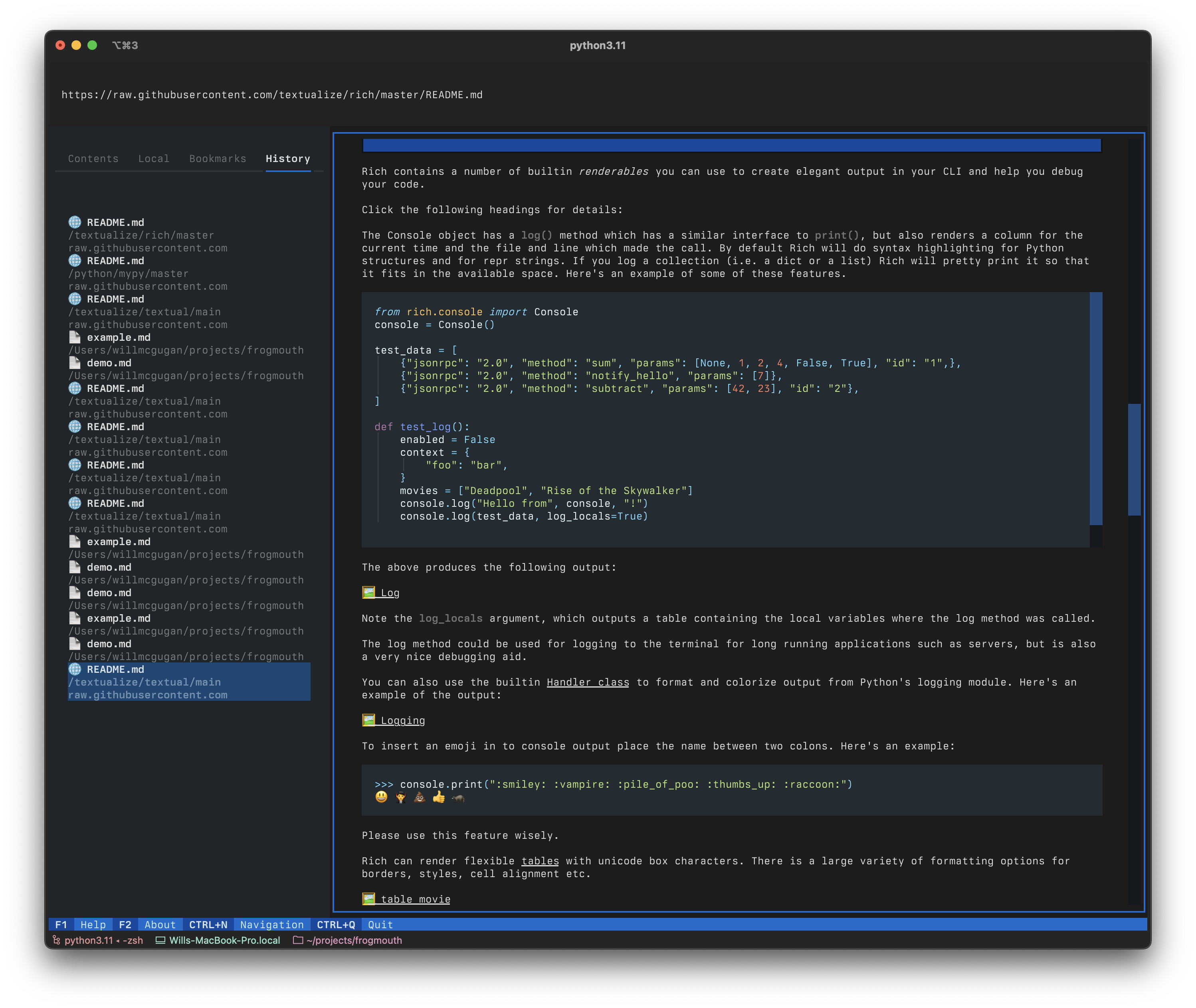
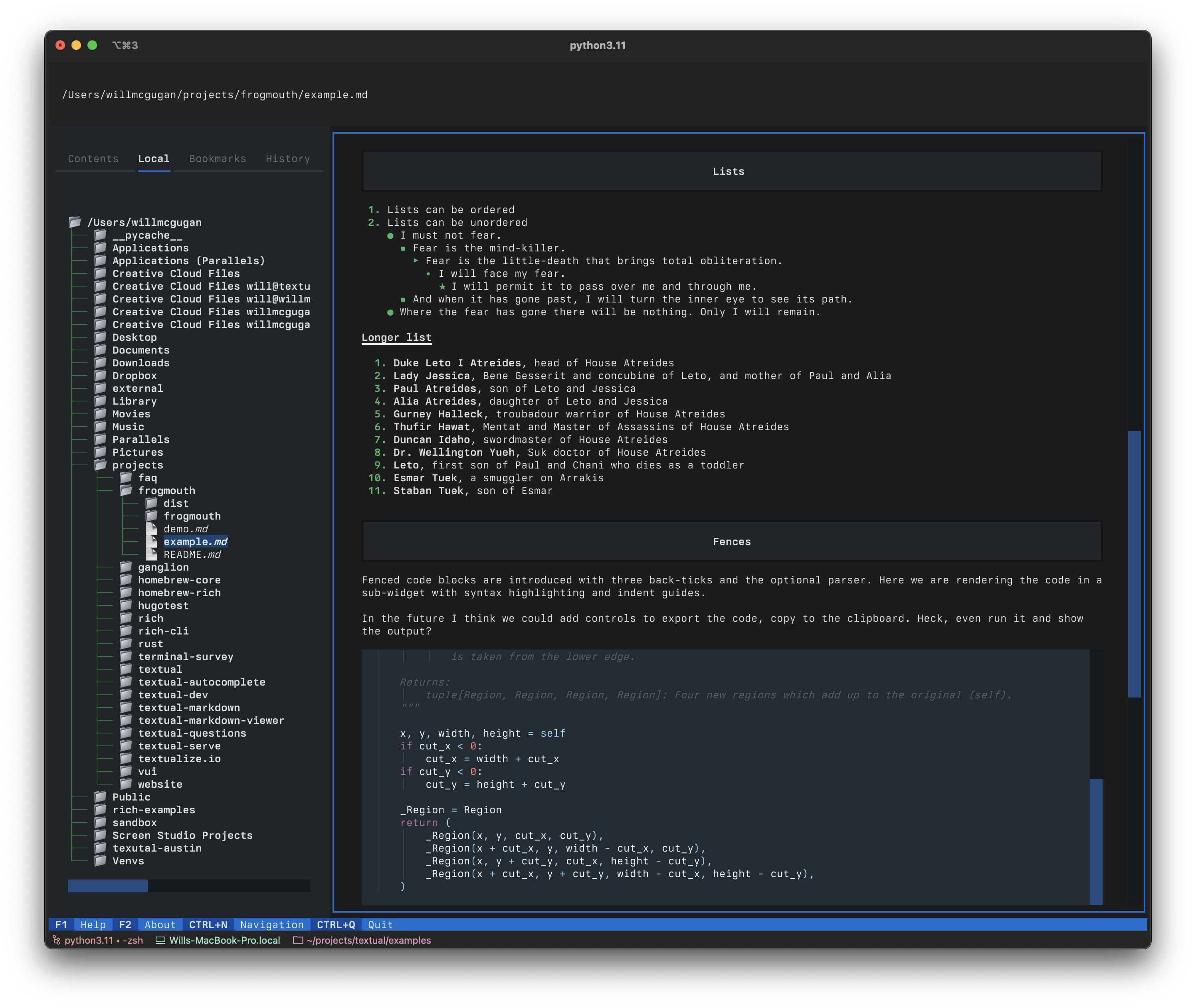
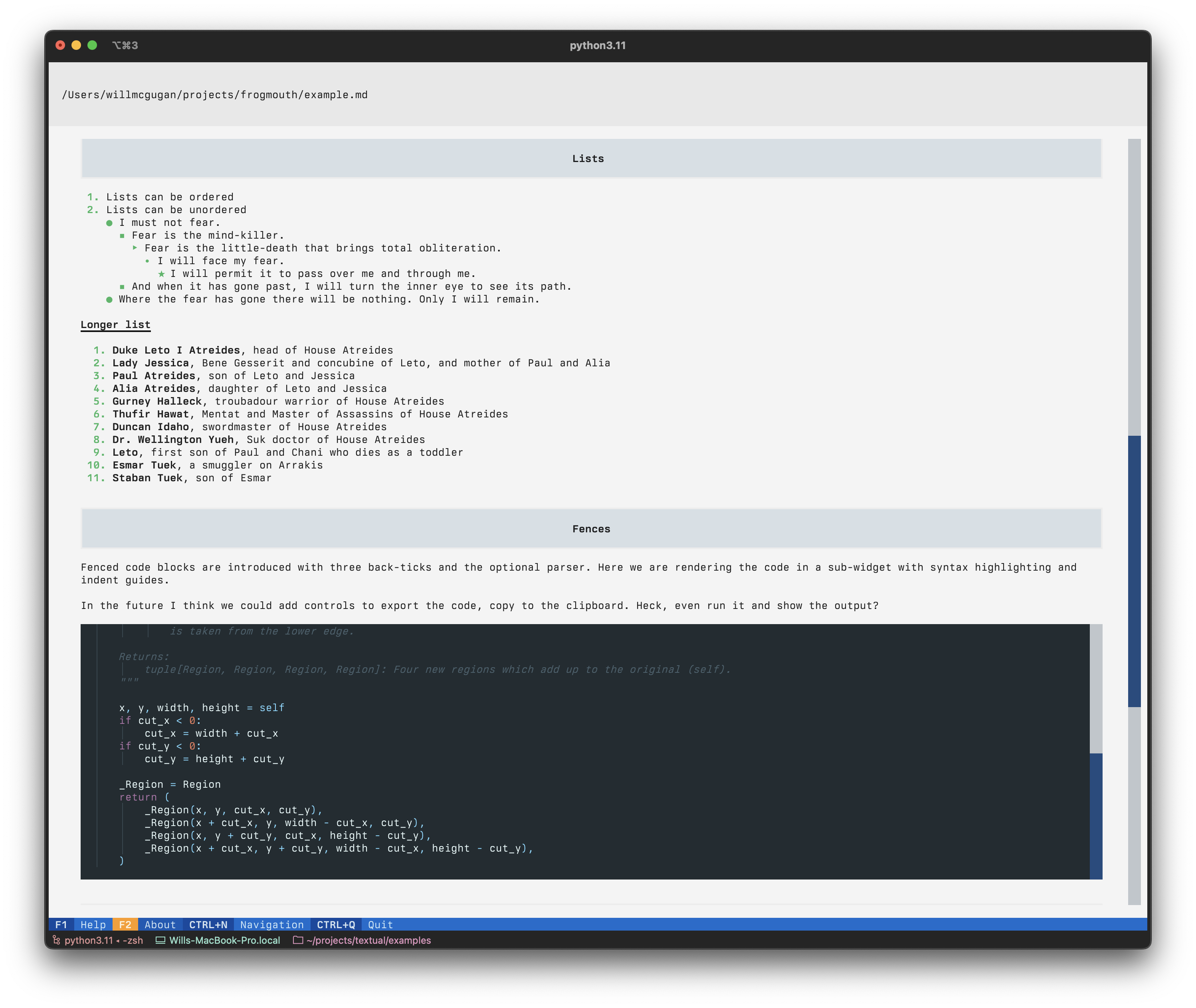
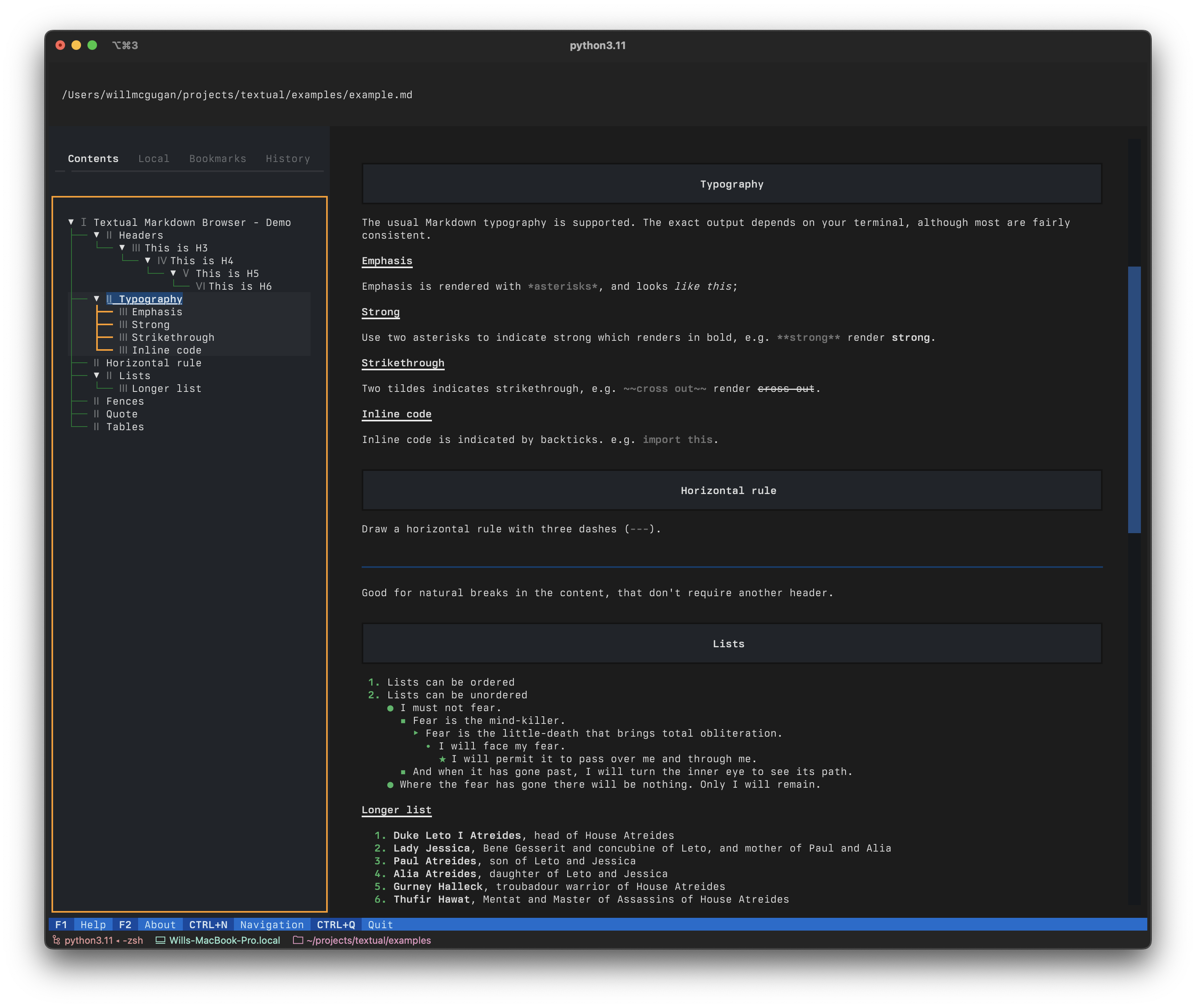
Frogmouth is a Markdown viewer / browser for your terminal, built with Textual.
Frogmouth can open *.md files locally or via a URL. There is a familiar browser-like navigation
stack, history, bookmarks, and table of contents.
[!NOTE]
This repository is a temporary, maintained fork of Frogmouth. Its purpose is to continue development and resolve issues that currently block usability. The fork exists independently for now but the intent is eventual upstreaming rather than fragmentation.
🎬 Demonstration
A quick video tour of Frogmouth.
https://user-images.githubusercontent.com/554369/235305502-2699a70e-c9a6-495e-990e-67606d84bbfa.mp4
(thanks Screen Studio)
Screenshots
|
|
|
|
Compatibility
Frogmouth runs on Linux, macOS, and Windows. Frogmouth requires Python 3.10 or above.
Installing
The easiest way to install Frogmouth is with pipx (particularly if you aren't a Python developer).
pipx install frogmouth-ns
You can also install Frogmouth with pip:
pip install frogmouth-ns
[!IMPORTANT]
This package installs the
frogmouthcommand. If you have the original Frogmouth installed, uninstall it first.
[!NOTE]
Homebrew support is not currently provided. If there is sufficient demand, a Homebrew formula may be added in the future. For now, installation is supported via PyPI only.
Homebrew
On systems using Homebrew, you can tap into the Textualize tap and install Frogmouth with brew:
brew tap textualize/homebrew
brew install frogmouth
Whichever method you use, you should have a frogmouth command on your path.
Running
Enter frogmouth at the prompt to run the app, optionally followed by a path to a Markdown file:
frogmouth README.md
You can navigate with the mouse or the keyboard. Use tab and shift+tab to navigate between the various controls on screen.
Features
You can load README files direct from GitHub repositories with the gh command. Use the following
syntax:
frogmouth gh textualize/textual
This also works with the address bar in the app. See the help (F1) in the app for details.
Follow this Project
If this app interests you, you may want to join the Textual Discord server.
Release history Release notifications | RSS feed

Download files
Download the file for your platform. If you're not sure which to choose, learn more about installing packages.
Source Distribution
Built Distribution
Filter files by name, interpreter, ABI, and platform.
If you're not sure about the file name format, learn more about wheel file names.
Copy a direct link to the current filters
File details
Details for the file frogmouth_ng-0.9.2.tar.gz.
File metadata
- Download URL: frogmouth_ng-0.9.2.tar.gz
- Upload date:
- Size: 27.5 kB
- Tags: Source
- Uploaded using Trusted Publishing? No
- Uploaded via: poetry/2.2.1 CPython/3.14.0 Darwin/24.6.0
File hashes
| Algorithm | Hash digest | |
|---|---|---|
| SHA256 |
2549ec2c6250d2d8d08dbd51c907a2a1982b0707ac33d6613793ac0da9e057ed
|
|
| MD5 |
c618f6c660589c78e8a7aaffec12e529
|
|
| BLAKE2b-256 |
0c7d81dee970591c05ddc6204efb30914ebe6cabda2c5766b21182fc4109c454
|
File details
Details for the file frogmouth_ng-0.9.2-py3-none-any.whl.
File metadata
- Download URL: frogmouth_ng-0.9.2-py3-none-any.whl
- Upload date:
- Size: 40.3 kB
- Tags: Python 3
- Uploaded using Trusted Publishing? No
- Uploaded via: poetry/2.2.1 CPython/3.14.0 Darwin/24.6.0
File hashes
| Algorithm | Hash digest | |
|---|---|---|
| SHA256 |
8259fc2c9c2c67a91ea2ccac7ad5b1da69cc57ef224b8d67551e7ff5282e588e
|
|
| MD5 |
7b9a6d8ab8f6ca979269c190700bf46d
|
|
| BLAKE2b-256 |
c2a22ec46bd46eb3fd146d9fe11de5ddab8188b6ceef3c760843343b98843adc
|






