
A frontend web framework

Project description
Fronty - A frontend web framework
Created by @Almas-Ali
Learn from the official Documentation
Table of Contents
- What is Fronty?
- Installation
- Example Projects
- How to run the example projects
- How to create a new project
- Contributing
What is Fronty?
Fronty is a frontend web framework. It is a Python library that allows you to create web pages using only Python. No HTML, CSS, or JavaScript required. But you can still use them if you want. Basic knowledge of HTML, CSS, and JavaScript is required to use Fronty.
Installation
Easy to install with pip.
pip install fronty
Example Projects
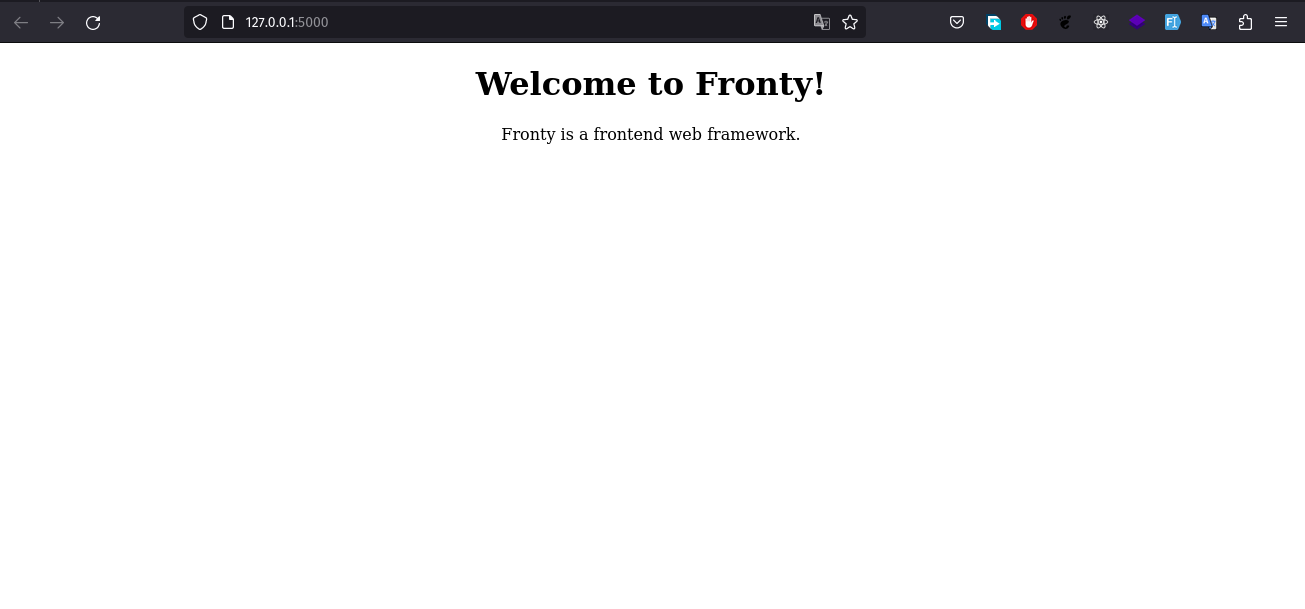
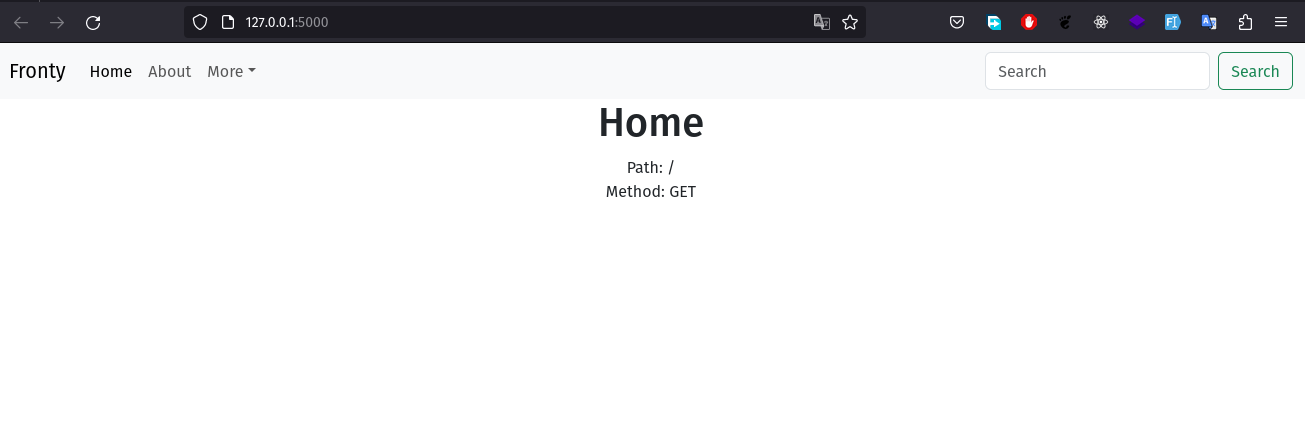
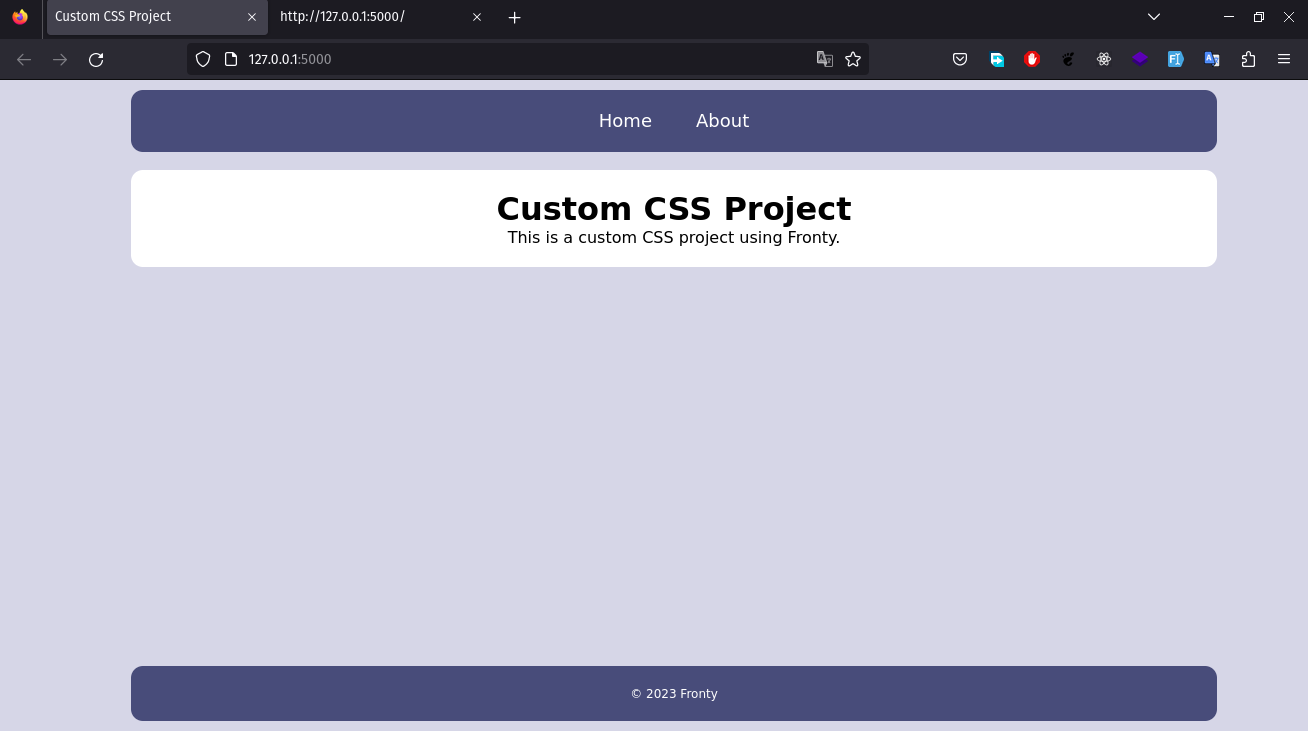

How to run the example projects
- Clone the repository
git clone https://github.com/Almas-Ali/fronty.git
- Go to the example project directory
cd fronty/examples/starter\ project
- Run the project
python app.py
Note: You have to install a backend server to run the project. Fronty does not provide a backend server. You can use any backend server you want. For example, you can use Flask. You can also use Fronty with Django. But you have to install Django first. For simplicity, we have used Flask in the example projects. We are woring on a backend server for Fronty. It will be available soon.
How to create a new project
- Create a new directory
mkdir my_project
- Go to the directory
cd my_project
- Create a new file named
app.py
touch app.py
-
Open the file with your favorite text editor
-
Copy the following code and paste it in the file
from flask import Flask, request
from fronty.html import *

app = Flask(__name__)


def home(request) -> Html:
    '''This is the home page view function'''
    return Html(
        Head(
            Title('Home'),
            Meta(charset='utf-8'),
            Meta(name='viewport', content='width=device-width, initial-scale=1'),
        ),
        Body(
            Element(
                'center',
                Element(
                    'h1',
                    'Welcome to Fronty!'
                ),
                Element(
                    'p',
                    'Fronty is a frontend web framework.'
                ),
            )
        )
    )


@app.route('/')
def index() -> str:
    '''This is the home page view function'''
    return home(
        request=request,
    ).render()


if __name__ == '__main__':
    app.run(debug=True)
- Run the project
python app.py
- Open the browser and go to
http://127.0.0.1:5000/
Contributing
Pull requests are welcome. For any changes, please open an issue first to discuss what you would like to change.
Thanks for using Fronty!


Download files
Download the file for your platform. If you're not sure which to choose, learn more about installing packages.
Source Distribution
Built Distribution
Filter files by name, interpreter, ABI, and platform.
If you're not sure about the file name format, learn more about wheel file names.
Copy a direct link to the current filters
File details
Details for the file fronty-0.0.6.tar.gz.
File metadata
- Download URL: fronty-0.0.6.tar.gz
- Upload date:
- Size: 263.8 kB
- Tags: Source
- Uploaded using Trusted Publishing? No
- Uploaded via: twine/4.0.2 CPython/3.9.18
File hashes
| Algorithm | Hash digest | |
|---|---|---|
| SHA256 |
821f784ea2dba5603efe4e4cbea7132f8c66ce8c5904f95974c45493d560d258
|
|
| MD5 |
b6c0351e5f7a7d2f7d68a7616dd34d1e
|
|
| BLAKE2b-256 |
ce0d41d90ae2849398f24225caeee955390488292bb26caae001b80a22b28f6c
|
File details
Details for the file fronty-0.0.6-py3-none-any.whl.
File metadata
- Download URL: fronty-0.0.6-py3-none-any.whl
- Upload date:
- Size: 11.1 kB
- Tags: Python 3
- Uploaded using Trusted Publishing? No
- Uploaded via: twine/4.0.2 CPython/3.9.18
File hashes
| Algorithm | Hash digest | |
|---|---|---|
| SHA256 |
3417909a0115bd0d69b304a7e7d12c9c10c29c0b89946495db137c69bba72d1a
|
|
| MD5 |
6f3a6f4427b446648f3954f4fa8020f9
|
|
| BLAKE2b-256 |
5e9c21c7b6e66f568e2ce17a384c90a46f9b92b3bdad902ce36b6c3b7c7d7143
|






