
This release is a pre-release and may not be stable for production use.
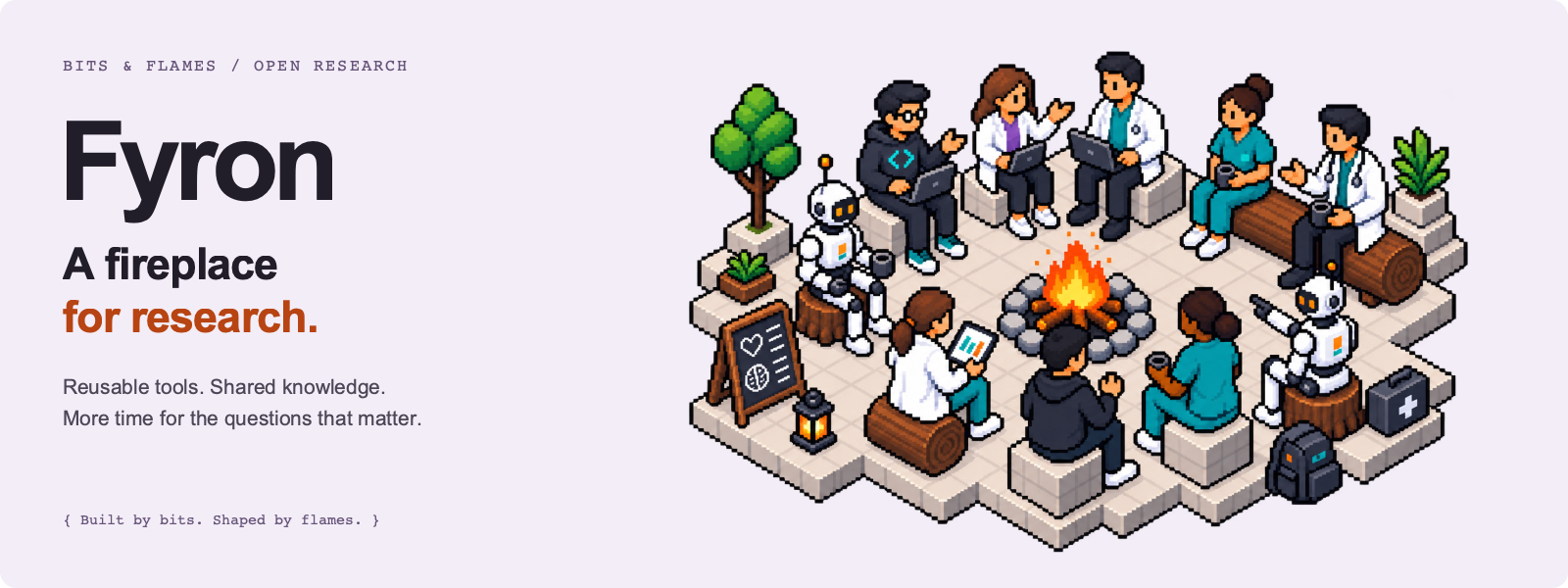



Fyron
{ Built by bits. Shaped by Flames }
[ Documentation ] [ Getting Started ] [ PyPI ] [ Citation ] [ License ]
What it is
Fyron is a Python toolkit by Bits & Flames, built from our everyday work in healthcare research, clinical data science, and imaging AI. It is where we share the code, tools, and lessons we wish we had when we started. We hope they help you take an idea you care about and turn it into something you can explore, test, and share.
Why we built it
We love the moment a research question starts to become a real project. We also know how much work sits between the two: connecting data, sorting files, preparing cohorts, and writing a script you are almost certain someone else has written before.
Fyron grew out of a simple wish: let's share more of that work. A useful function from one study might save someone days on the next. An example might suggest a new approach. Sometimes, seeing how someone else solved a problem is enough to get you moving again.
Whether Fyron helps you build your next project or simply gives you an idea, we hope it sparks something. Take what helps, make it your own, and spend more of your time exploring the questions that excite you. That is what our shared fireplace is for.
What you can build
Fyron covers the journey from accessing healthcare data to sharing research results. Use it to prepare a study, review images, explore a question, or bring your findings together for a paper.
- FHIR (
fhir): Query REST and SQL sources, build FHIR resources, and map reviewed tables to bundles. - DICOM (
dicom): Download DICOMweb studies, export synthetic imaging, and write DICOM SEG files. - Documents (
documents): Download PDFs and text reports with shared authentication, CSV batches, and custom document IDs. - Core I/O (
core): Read and write tables and files, load environment settings, and work with Teable and S3 storage. - Imaging (
imaging): Read DICOM and NIfTI, normalize CT and MRI, check geometry, and evaluate segmentation masks. - Datasets (
datasets): Generate synthetic examples and prepare nnU-Net v2 and YOLO training folders. - Body and Organ Analysis (
boa_extraction): Extract cohort measurements from existing BOA outputs with case-level reports. - BOA radiomics (
boa_radiomics): Calculate radiomic features from images and BOA segmentation masks. - Image visualization (
visualization): Create segmentation collages, aligned CT/MR difference maps, and PNG previews for image review. - Clinical codes (
clinical_codes): Work with ICD-10, OPS, MDC, Charlson comorbidity scores, and encounter indicators. - DataFrame helpers (
dataframe): Derive code indicators, date intervals, age, and time-window features. - Cohorts (
cohort): Join patient tables, construct endpoints, and audit joins and follow-up definitions. - Cohort flow (
flow): Track inclusion, exclusion, and query activity with inspectable counts and tables. - Phenotyping (
phenotyping): Define and combine explicit clinical rules for patient-level phenotypes. - Preprocessing (
preprocessing): Inspect missingness, impute and encode features, and check for leakage and split imbalance. - Descriptive analysis (
descriptive): Summarize cohorts with Table 1, standardized differences, and endpoint summaries. - Statistics (
statistics): Run statistical comparisons and estimate uncertainty with bootstrap confidence intervals. - Survival analysis (
survival): Fit Kaplan–Meier, Cox, AFT, and survival boosting models, with RMST and diagnostics. - Machine learning (
ml): Train classifiers, compare predictions, and produce performance metrics and figures. - Feature selection (
feature_selection): Compare univariate, correlation, model, permutation, Boruta, and stability methods. - Validation (
validation): Evaluate thresholds, calibration, subgroups, decision curves, and survival predictions. - Explainability (
explainability): Inspect models with permutation importance, partial dependence, and SHAP outputs. - LLM workflows (
llm): Apply prompts to text, files, images, DataFrames, and directories for reviewable annotations. - Scientific plotting (
plotting): Create figures for exploratory analysis, survival, model evaluation, and manuscripts. - Plot palettes (
plotting_palettes): Choose consistent scientific color schemes for figures. - Reporting (
reporting): Assemble baseline, metric, and cohort-flow tables for research reports. - Audit and provenance (
audit): Record file hashes and manifests to trace inputs, parameters, and outputs. - Command line (
cli): Run repeatable extraction, preparation, imaging, and audit workflows from the terminal.
Some workflows require optional dependency extras. The documentation explains what to install for each module.
Start with a single helper or put together a whole workflow. The synthetic examples give you somewhere to begin, with methods you can inspect and adapt as your project grows.
Get started
Add Fyron to your project with Python 3.11+:
uv add "fyron==0.3.20b6"
This release is 0.3.20 Beta 6. Pin your study's version and review methods and outputs for your research question. Software checks do not replace scientific validation.
Current Fyron source is available under CC BY-NC 4.0 for noncommercial use with attribution. Commercial use beyond existing permissions requires separate permission.
Cite Fyron
CC BY-NC 4.0 requires appropriate attribution, a license link, and an indication of changes when sharing adapted material. For research using Fyron, cite the version used in your study:
René Hosch, Katarzyna Borys, Sina Warmer, Jannis Straus, Kamyar Hartmann, and Justin Woolley (2026). Fyron (Version 0.3.20b6) [Computer software]. Bits & Flames.
@software{hosch_fyron_2026,
  author = {Hosch, Ren{\'e} and Borys, Katarzyna and Warmer, Sina and Straus, Jannis and Hartmann, Kamyar and Woolley, Justin},
  title = {Fyron: An Open Research Companion for Healthcare Interoperability, Data Science and AI},
  year = {2026},
  version = {0.3.20b6},
  url = {https://github.com/bitsandflames/fyron}
}
1 maintainer

Metadata
1 maintainer
Release files for fyron 0.3.20b6
For a detailed explanation of source distributions (sdists) and built distributions (wheels), please see the package formats documentation.
Source distribution (sdist)
| File | Size | Uploaded | Provenance | Actions |
|---|---|---|---|---|
| fyron-0.3.20b6.tar.gz | 9.3 MB | Without provenance | Details for fyron-0.3.20b6.tar.gz |
Built distribution (wheel)
| File | Interpreter | ABI | Platform | Actions Reset |
|---|---|---|---|---|
| fyron-0.3.20b6-py3-none-any.whl | Python 3 | none | any | Details for fyron-0.3.20b6-py3-none-any.whl |
Total release size: 9.7 MB
Release files / fyron-0.3.20b6.tar.gz
| Download URL | fyron-0.3.20b6.tar.gz |
|---|---|
| Size | 9.3 MB |
| Tags | Source |
|
SHA-256 checksum How to use checksums |
d5b06724da73a9f55ca5b3487b484d3785edbe672d01eb43461ac719f52545a7
|
|
BLAKE2b-256 checksum How to use checksums |
440384674af82fdc5bd8304b579ce912798c89b726a77dc368d93217f1f79639
|
| Upload date | |
|
Uploaded using Trusted Publishing? What is trusted publishing? |
No |
| Uploaded via |
uv/0.9.8
|
Release files / fyron-0.3.20b6-py3-none-any.whl
| Download URL | fyron-0.3.20b6-py3-none-any.whl |
|---|---|
| Size | 392.6 kB |
| Tags | Python 3 |
|
SHA-256 checksum How to use checksums |
6c58a058ef08df4fc09495e19867ba0d85073ab87ed04dc93ce4b1c3066cef63
|
|
BLAKE2b-256 checksum How to use checksums |
f95c8f20870b03b0d1ff012daa48f965cbfcf855ade80a0da1370c8bbfa8a9a5
|
| Upload date | |
|
Uploaded using Trusted Publishing? What is trusted publishing? |
No |
| Uploaded via |
uv/0.9.8
|
Security for fyron 0.3.20b6
Provenance
Provenance describes where a file came from. On PyPI, provenance is shared via attestations, which provide a verifiable record of the build or publishing details. View details, limitations and caveats.
No provenance found
None of the files in this release were uploaded with provenance metadata.
A note on package security
PyPI is a repository for distributing packages, not a service for auditing them. While third-party security researchers and our staff do their best to detect and remove malicious packages, PyPI cannot guarantee the quality, security or suitability of any given package.
To learn more about protecting yourself from malicious actors, visit our package security documentation.














