
Gandula grabs football data and puts it back into play.


Project description
gandula
gandula is a Python library developed by the Sports Analytics Lab at the Federal University of Minas Gerais (UFMG) for working with Gradient football tracking and event data.
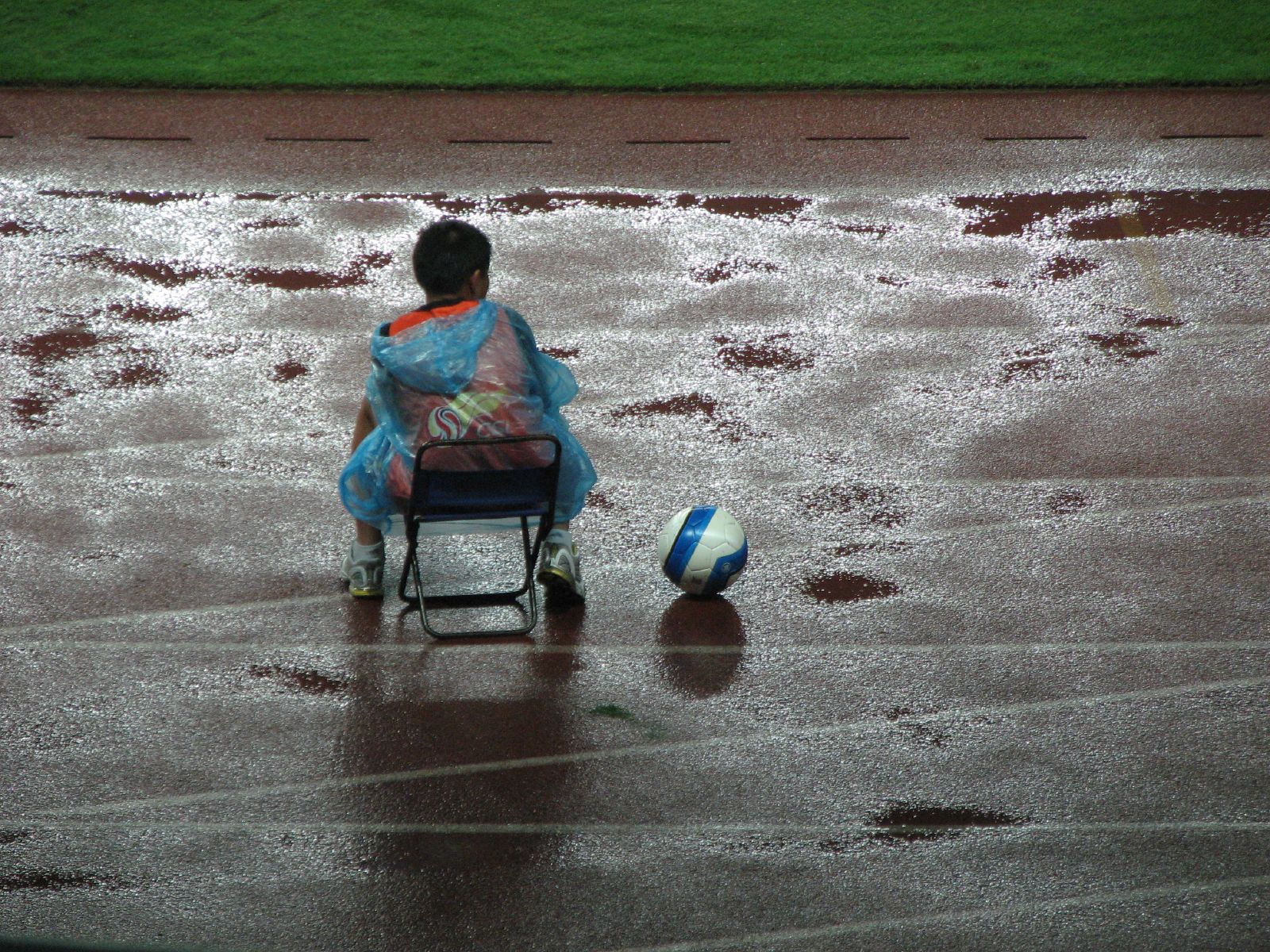
Gandula is the word for ball boy in Brazilian Portuguese. It originates from the 1930s, from the word "gandulo", that in archaic Portuguese means slacker/beggar. Back in the 30s, the word started to be used to refer to vagabond boys who did nothing else but watch football in the pitches in Rio. These "gandulas" would help by bringing the kicked-out balls. In 1939, Clube de Regatas Vasco da Gama hired the Argentinian striker Bernardo Gandulla, who was known to bring back the ball as fair play. The gandula then got popularized over the country. In our gandula, the ball is the data, and the data scientists/analysts are the stars of the game.
Data Sources
gandula supports two data sources:
-
S3 tracking data — Stream or download tracking frames (player/ball positions at 30fps) directly from Gradient's S3 bucket. Requires AWS credentials (
PFF_AWS_ACCESS_KEY_ID/PFF_AWS_SECRET_ACCESS_KEY). Each match includes tracking data (.jsonl.bz2), metadata (metadata.json), and rosters (rosters.json). -
Local event data (Gradient v2.6) — Load match events from local JSON files in the Gradient v2.6 format (
{game_id}.json). Each file contains possession events with embedded tracking snapshots, video URLs, grades, and more.
Quick Start
Installation (development)
git clone git@github.com:SALabUFMG/gandula.git
cd gandula
Set up the environment with uv:
uv sync
For S3 access:
uv sync --extra s3
For pitch control (requires PyTorch):
uv sync --extra pitch-control
Setup
Create a .env file in the project root with your AWS credentials:
PFF_AWS_ACCESS_KEY_ID='your_access_key'
PFF_AWS_SECRET_ACCESS_KEY='your_secret_key'
Then load them in your shell before running code:
export $(cat .env | xargs)
Or load them in Python:
import os
os.environ['PFF_AWS_ACCESS_KEY_ID'] = 'your_access_key'
os.environ['PFF_AWS_SECRET_ACCESS_KEY'] = 'your_secret_key'
All gandula S3 functions will pick up the credentials automatically.
Usage
The best way to get started is the walkthrough notebook, which covers every major feature end-to-end:
- Loading event data from Gradient v2.6 JSON files
- Exploring and filtering events by type
- Converting events to DataFrames
- Loading tracking data from S3 (frames, metadata, rosters)
- Visualizing tracking frames (single frame & animated sequences)
- Converting frames to DataFrames
- Joining events with tracking data
- Exporting frames as GIF, PNG, and MP4
- Feature engineering (player speed, ball speed)
- Pitch coordinate transformation
- Pitch control computation & visualization
- Accessing video URLs
Quick examples
import gandula

# --- Event data ---
events = gandula.get_events('41177.json')
df = gandula.gradient_events_to_dataframe(events)

# --- S3 tracking data ---
matches = gandula.list_s3_matches(competition_id=1, season='2025-2026')
frames = gandula.get_s3_frames(matches[0])

# --- Visualize ---
gandula.view(frames[0])

# --- Export ---
gandula.export(frames[100:200], fmt='gif', filename='play')

# --- Pitch control ---
from gandula.utils import compute_pitch_control_from_frames

result = compute_pitch_control_from_frames(
    frames,
    attacking_team='home',
    start_frame=frames[100].frame_id,
    end_frame=frames[400].frame_id,
    period=1,
)
gandula.view(result, frame_index=0)
More notebooks
| Notebook | What it shows |
|---|---|
pff-load-from-json.ipynb |
Load and explore Gradient v2.6 event data |
pff-data-transformation.ipynb |
Transform events to DataFrames, filter, group |
pff-search.ipynb |
Search events by type, extract video URLs |
pff-tracking.ipynb |
Load, visualize, and export S3 tracking data |
pff-defensive-line-height.ipynb |
Defensive line metric from tracking data |
pff-events-withing-tracking-to-pandas.ipynb |
Join events with tracking data in pandas |
Documentation
Development
Install dev dependencies and pre-commit hooks:
uv sync --extra dev
pre-commit install
Run tests:
uv run pytest tests/
License & Copyright
The main image is "Ballkid at soccer, China" by Micah Sittig, licensed under CC BY 2.0
Release history Release notifications | RSS feed


Download files
Download the file for your platform. If you're not sure which to choose, learn more about installing packages.
Source Distribution
Built Distribution
Filter files by name, interpreter, ABI, and platform.
If you're not sure about the file name format, learn more about wheel file names.
Copy a direct link to the current filters
File details
Details for the file gandula-2.0.0.tar.gz.
File metadata
- Download URL: gandula-2.0.0.tar.gz
- Upload date:
- Size: 3.5 MB
- Tags: Source
- Uploaded using Trusted Publishing? No
- Uploaded via: uv/0.8.19
File hashes
| Algorithm | Hash digest | |
|---|---|---|
| SHA256 |
489783d0c4ad464807786b34896483785e5acf831c7948718d00180c5758f501
|
|
| MD5 |
5765d2091a36a9c29e9dbb1370e13bf0
|
|
| BLAKE2b-256 |
b767f6343a437aec492782c7ba837ab5d74436f517a721890cdb14e40ceccd9a
|
File details
Details for the file gandula-2.0.0-py3-none-any.whl.
File metadata
- Download URL: gandula-2.0.0-py3-none-any.whl
- Upload date:
- Size: 46.8 kB
- Tags: Python 3
- Uploaded using Trusted Publishing? No
- Uploaded via: uv/0.8.19
File hashes
| Algorithm | Hash digest | |
|---|---|---|
| SHA256 |
9116e7bf54f58ea99c9f09d5bc614b39491e3413e87027f8fc7080419fb087bb
|
|
| MD5 |
05df6c296191e4d09ea20aaaacf0eab5
|
|
| BLAKE2b-256 |
0d0d5ba10bdfba6a349a79b47a6504679686025d93ccb7bb72e679c3dccc9f11
|






