

Gazan
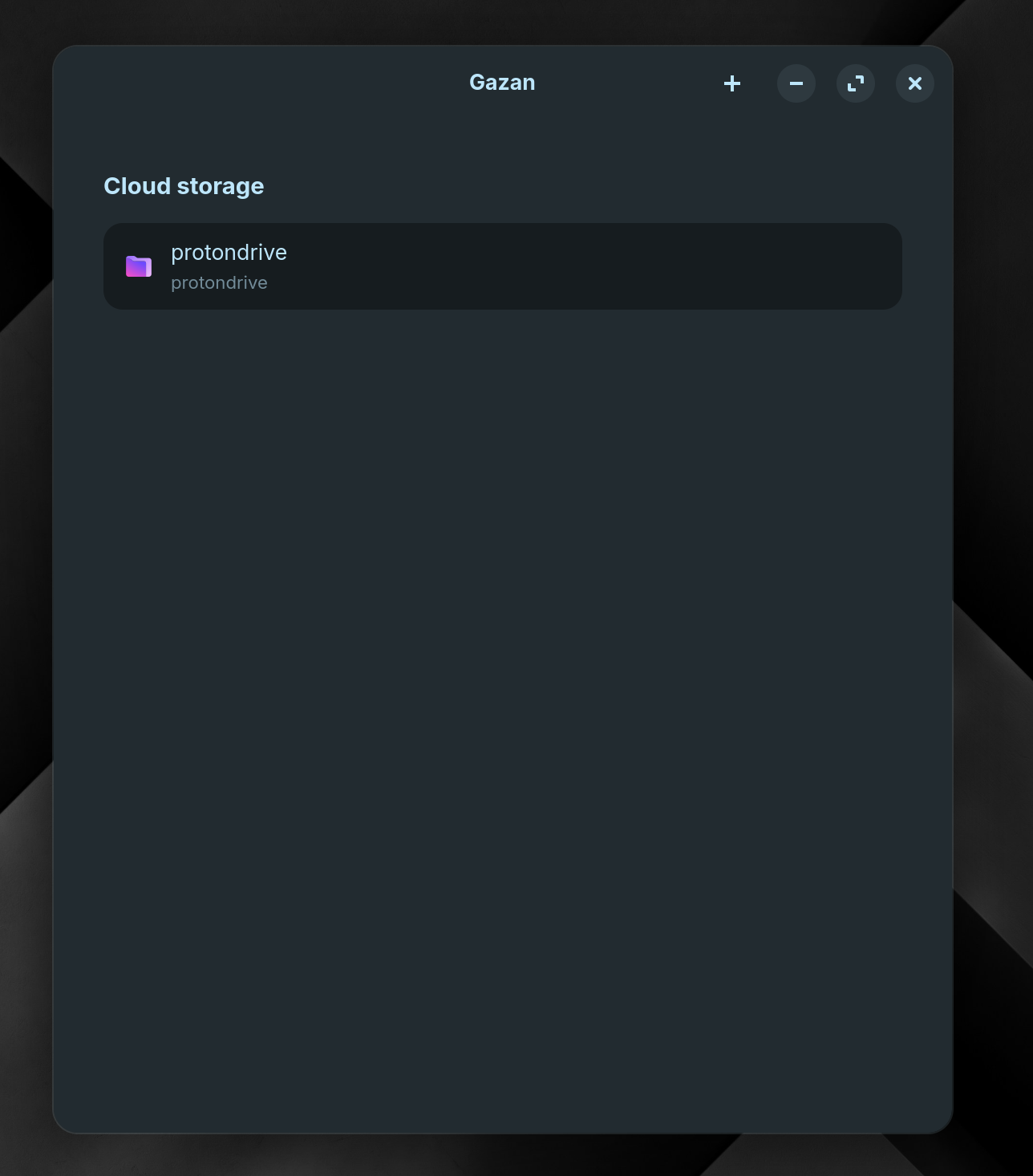
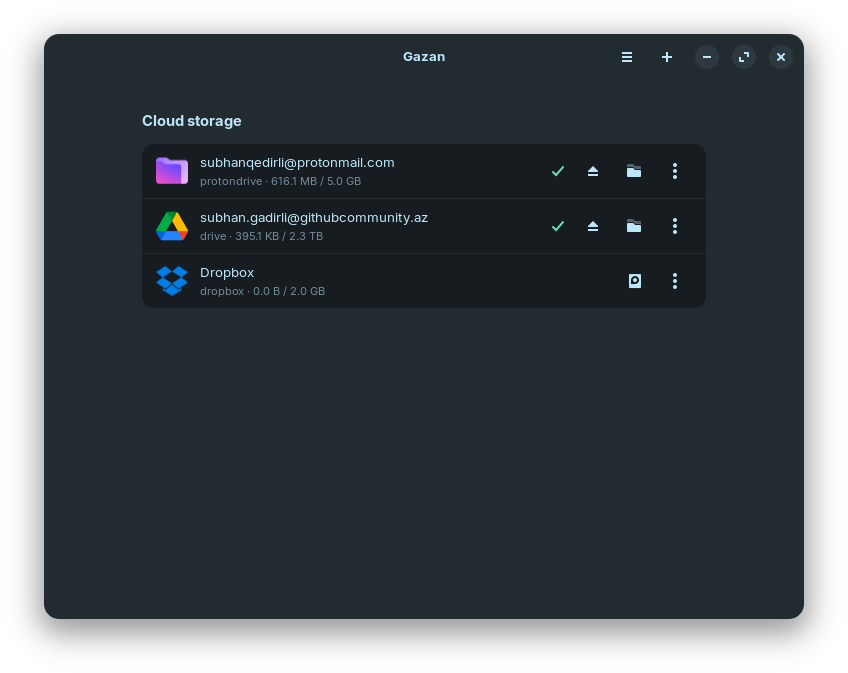
Browse, upload, download and manage cloud files on Linux with a GTK4 interface. Gazan is a native rclone frontend built with libadwaita — mount remotes as local folders, sync directories, and track live transfer progress, all without touching a terminal.
Preview

Features
- Mount remotes as local folders — access cloud files directly from your file manager
- Sync directories — upload or download with a live progress bar and cancel button
- Storage usage — see used and total space per remote at a glance
- Add, edit and delete remotes — guided dialogs, no terminal needed for credential-based providers
- Desktop notifications — get notified when a sync finishes or fails
- Provider logos — polished libadwaita UI that fits right in on GNOME
Supported providers
| Provider | Auth method |
|---|---|
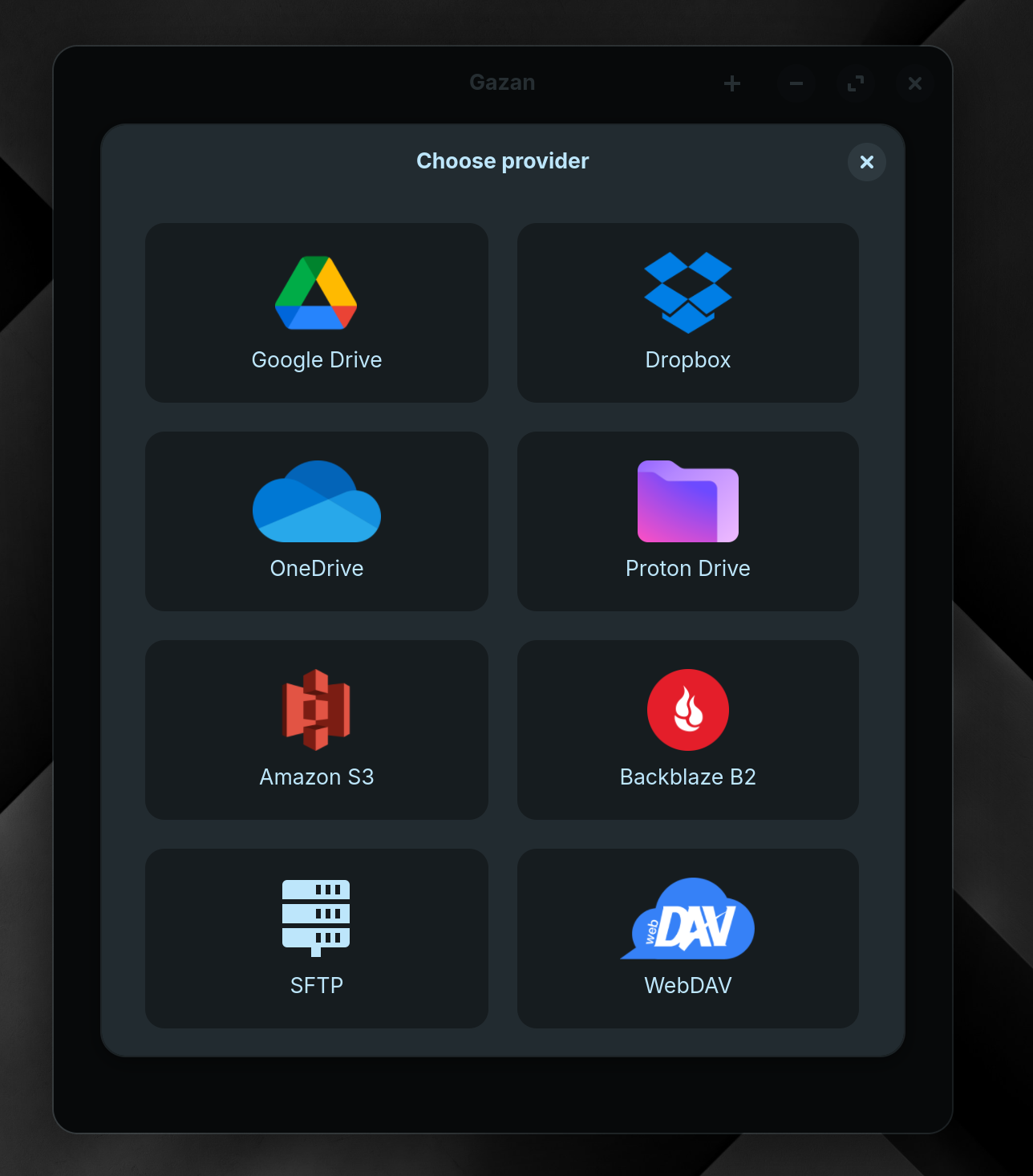
| Proton Drive | Email & password |
| Google Drive | OAuth (browser) |
| Dropbox | OAuth (browser) |
| Microsoft OneDrive | OAuth (browser) |
| Amazon S3 | Access key (AWS, Wasabi, or S3-compatible) |
| Backblaze B2 | Key ID & application key |
| Nextcloud | URL & credentials |
| ownCloud | URL & credentials |
| SharePoint | URL & credentials |
| WebDAV | URL, server type & credentials |
| SFTP | Host, username & password |
Note: OAuth providers (Google Drive, Dropbox, OneDrive) open a browser window for sign-in. If the browser step fails, run
rclone configonce in a terminal — the remote will appear in Gazan automatically.
Requirements
- Python 3.10+
- rclone installed and available on
PATH - GTK 4 and libadwaita:
| Distro | Command |
|---|---|
| Arch / Artix | sudo pacman -S gtk4 libadwaita |
| Debian / Ubuntu | sudo apt install gir1.2-gtk-4.0 gir1.2-adw-1 |
| Fedora | sudo dnf install gtk4 libadwaita |
Installation
git clone https://codeberg.org/subhangadirli/gazan.git
cd gazan
python -m venv venv
source venv/bin/activate
pip install -e .
Running
gazan
# or
python -m gazan
Project structure
gazan/                         ← repo root
├── gazan/                     ← Python package
│   ├── application.py         # GApplication subclass and entry point
│   ├── ui/
│   │   ├── window.py          # Main application window
│   │   ├── remotes_page.py    # Remotes list — mount, sync, edit, delete
│   │   ├── transfer_panel.py  # Live sync progress bar (slides up from bottom)
│   │   ├── add_remote_dialog.py  # Multi-step dialog for adding a remote
│   │   ├── edit_remote_dialog.py # Edit existing remote credentials
│   │   └── icons.py           # Icon loading helpers
│   ├── backend/
│   │   ├── rclone.py          # rclone subprocess wrapper
│   │   ├── providers.py       # Provider definitions and field schemas
│   │   └── config.py          # Path standard: ~/Sync/<remote-name>
│   └── assets/
│       ├── gazan-logos/       # Application icons
│       └── provider-logos/    # Per-provider icons
└── pyproject.toml
Code of Conduct
This project follows the GNOME Code of Conduct.
Credits
Provider icons sourced from dashboard-icons by Homarr Labs, licensed under Apache 2.0.
License
Gazan is free software released under the GNU General Public License v3.
1 maintainer

Metadata
1 maintainer
Release files for gazan 0.3.0
For a detailed explanation of source distributions (sdists) and built distributions (wheels), please see the package formats documentation.
Source distribution (sdist)
| File | Size | Uploaded | |
|---|---|---|---|
| gazan-0.3.0.tar.gz | 469.1 kB | Details |
Built distribution (wheel)
| File | Interpreter | ABI | Platform | Reset |
|---|---|---|---|---|
| gazan-0.3.0-py3-none-any.whl | Python 3 | none | any | Details |
Total release size: 941.3 kB
Release files / gazan-0.3.0.tar.gz
| Download URL | gazan-0.3.0.tar.gz |
|---|---|
| Size | 469.1 kB |
| Tags | Source |
|
SHA-256 checksum How to use checksums |
cd0c27ec054f956230cfed1f7e2f42c1c32ba810ff642c34489dd9d10fb9b104
|
|
BLAKE2b-256 checksum How to use checksums |
0e4405c85fc809477e516e2c3d8aaf781cc68d106c679c9fb5b734526d1de704
|
| Upload date | |
|
Uploaded using Trusted Publishing? What is trusted publishing? |
No |
| Uploaded via |
twine/6.2.0 CPython/3.12.3
|
Release files / gazan-0.3.0-py3-none-any.whl
| Download URL | gazan-0.3.0-py3-none-any.whl |
|---|---|
| Size | 472.2 kB |
| Tags | Python 3 |
|
SHA-256 checksum How to use checksums |
c73b8f1e0a4feba736f2ca33f8531e706bd160a4dcdd744ce8de7a6381e4fd90
|
|
BLAKE2b-256 checksum How to use checksums |
ae73ed0ea2e605b160d0847e41bd2e85fef10704d8e99f43a37dc56d225b76b3
|
| Upload date | |
|
Uploaded using Trusted Publishing? What is trusted publishing? |
No |
| Uploaded via |
twine/6.2.0 CPython/3.12.3
|














