
Gentoo Build Publisher

Project description
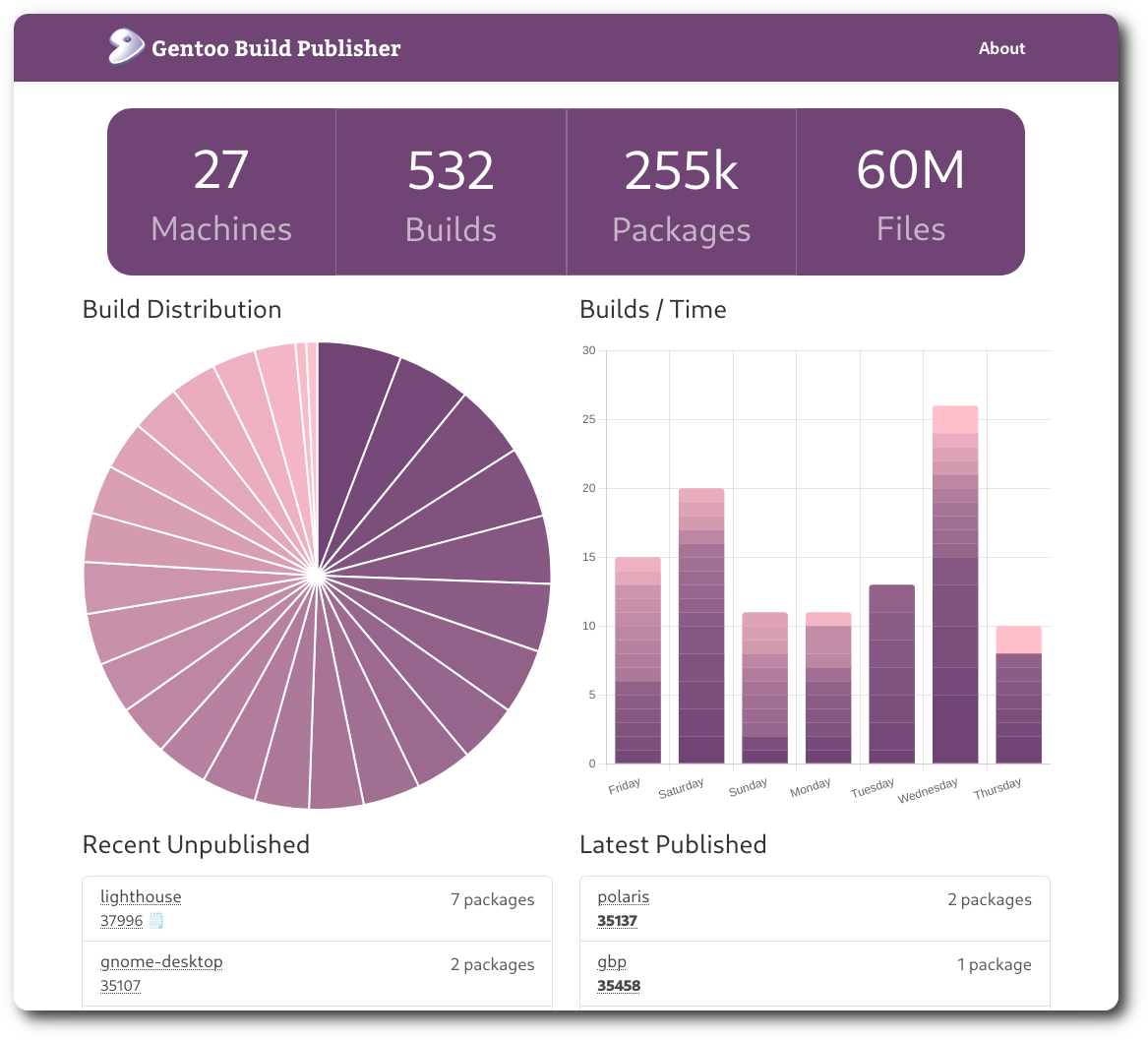
Gentoo Build Publisher
Introduction
Gentoo Build Publisher (GBP) is a Gentoo build server, binary package host (binhost), ebuild repo server, and configuration manager in one which uses continuous integration and other tools to deliver successful, consistent "builds" for a single machine or multiple heterogeneous Gentoo machines.
In case you didn't know, Gentoo Linux is a source-based rolling-release meta-distribution that you can twist and mold into pretty much anything you like. That's just a verbose way of saying Gentoo is awesome.
If you run a Gentoo system, say a laptop, you may be updating your system
using the standard emerge --sync followed by a world update. This pulls in
the latest ebuilds from the Gentoo repo and if there are any updates
applicable to your system then they get built on your system.
Except sometimes they don't.
Sometimes builds fail. Sometimes USE flags need to be changed. Sometimes
there's an update to a piece of software that is buggy and you want to revert.
Sometimes a build takes a long time and you don't want to wait.
Well since Gentoo is the distribution you build yourself, CI/CD seems like a natural fit. Enter Gentoo Build Publisher.
Gentoo Build Publisher combines a repo/overlay server, basic configuration management, and binary package server (binhost) for complete and atomic builds. Successful builds performed by Jenkins are served by GBP where client machines sync from.
Procedure
- Build a Gentoo Build Publisher instance. Refer to the Install Guide.
- Create "machines" and "repos" jobs in Jenkins. For example
gbp addrepo gentoo https://anongit.gentoo.org/git/repo/gentoo.git; gbp addmachine base https://github.com/enku/gbp-machines.gitUse the gbp-machines repo as a starting point. This can also be done manually within the Jenkins UI. - Once a Jenkins job has been pulled by Gentoo Build Publisher it can be
published so that actual machines can use it (e.g. rsync for repos, http for
binpkgs). Use the CLI (
gbp publish) to publish a pulled build. - If the job fails, it will not be pulled.
- Your real machine, for example,
base, syncs from,rsync://gbp/repos/base/gentoo. You can dynamically acquire therepos.conffile fromhttps://gbp/machines/base/repos.confand thebinrepos.conffromhttps://gbp/machines/base/binrepos.conf.

CLI
The command-line interface can inspect, publish, pull, schedule builds and more.
Plugins
Various plugins exist for Gentoo Build Publisher. Among them are:
- gbp-archive: A plugin to dump and restore builds
- gbp-fl: A pfl-inspired plugin
- gbp-notifications: A plugin that can send notifications when events occur
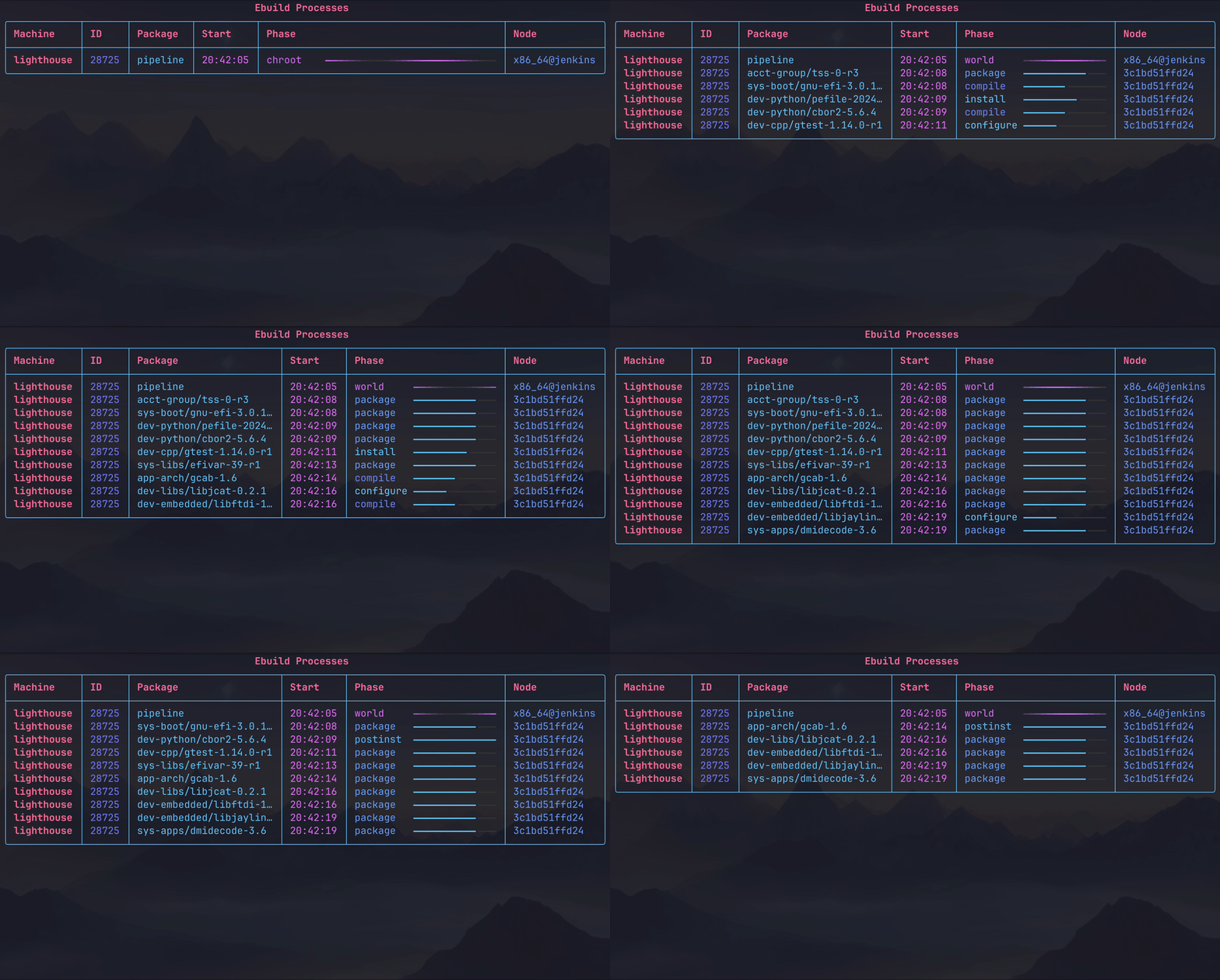
- gbp-ps: A gbpcli plugin to display your Gentoo Build Publisher processes
Articles
Below are some articles that explain some aspects of Build Publisher in detail.
- Introducing Gentoo Build Publisher: June 2021
- Exploring the Gentoo Build Publisher Dashboard: November 2021
- Getting failure logs: April 2022
- Installing Gentoo Build Publisher August 2022
- Rolling Back a Rolling Release with Gentoo Build Publisher: September 2022
- Bisecting GBP Builds to Find a Bad Package: April 2023
- Gentoo Build Publisher: Pro-Tip: Purging a Machine that is Disabled on Jenkins: August 2023
- Gentoo binary host, Gentoo Build Publisher version 2 & Plugins: January 2024
- Running arbitrary commands in a machine's chroot: February 2024
- Gentoo Build Publisher: Manually Running Repo Jobs: September 2024
- Gentoo Build Publisher: Using Separate Machines for Overlays September 2024
- Announce: gbp-fl: February 2025
- Gentoo Build Publisher: dump & restore: February 2025
Release history Release notifications | RSS feed


Download files
Download the file for your platform. If you're not sure which to choose, learn more about installing packages.
Source Distribution
Built Distribution
Filter files by name, interpreter, ABI, and platform.
If you're not sure about the file name format, learn more about wheel file names.
Copy a direct link to the current filters
File details
Details for the file gentoo_build_publisher-2.4.0rc1.tar.gz.
File metadata
- Download URL: gentoo_build_publisher-2.4.0rc1.tar.gz
- Upload date:
- Size: 110.3 kB
- Tags: Source
- Uploaded using Trusted Publishing? No
- Uploaded via: twine/6.1.0 CPython/3.12.9
File hashes
| Algorithm | Hash digest | |
|---|---|---|
| SHA256 |
4c180987127cafcfa75c2ca9c3140dabb2badcad0e4528f1d4f9366fc4e636af
|
|
| MD5 |
ac24c765428148698db275f6f7a5d94d
|
|
| BLAKE2b-256 |
390c3a534a7c2dd0efc22ae230f550691553b4faaa4d010646a61a3719066304
|
File details
Details for the file gentoo_build_publisher-2.4.0rc1-py3-none-any.whl.
File metadata
- Download URL: gentoo_build_publisher-2.4.0rc1-py3-none-any.whl
- Upload date:
- Size: 100.5 kB
- Tags: Python 3
- Uploaded using Trusted Publishing? No
- Uploaded via: twine/6.1.0 CPython/3.12.9
File hashes
| Algorithm | Hash digest | |
|---|---|---|
| SHA256 |
93cad2e9f7cfe7872c4a4d3d0523642f34a233d9259252ab4e91e0b2c3e3c878
|
|
| MD5 |
b802aca4bf3136b76c7b7d87f5e9275f
|
|
| BLAKE2b-256 |
f5ae4ff489f02299770466288bd4c4b059217ef5d948dd5f42f98330df19014b
|






