


Cartographic rendering and mesh analytics powered by PyVista
🚧 Under construction 🚧
| ⚙️ CI |    |
| 💬 Community |   |
| ✨ Meta |    |
| 📦 Package |   |
| 🧰 Repo |    |
Submission to the Data Visualization and Effective Communication in Volcanology: Cross-disciplinary Lessons from Research and Practice collection in the Journal of Applied Volcanology.
[!NOTE] The
geojavpackage does not contain production grade code. It is a proof-of-concept tool to help the paper authors easily explore the plume time-series datasets and collectively decide on the final static renders for submission.
Install
Please follow these steps to install the geojav package.
Clone the Repository
Make a local clone of the geovista-jav-2026 repository:
> git clone https://github.com/bjlittle/geovista-jav-2026
> cd geovista-jav-2026
Create the Environment
Create an environment to install geojav and all its required dependencies.
pixi
We recommend using pixi for package management.
Simply:
> pixi shell --environment geojav
Alternatively, install direnv to activate/deactivate
the geojav environment automatically whenever you enter/leave the geovista-jav-2026
directory:
> pixi global install direnv
> direnv allow
[!TIP] For information about the system, workspace and available
pixienvironments:> pixi info
conda
Simply:
> conda env create --file requirements/geojav.yml
> conda activate geojav
[!TIP] Alternatively, for
linuxusers only, install the fully resolvedgeojavenvironment:> conda env create --file requirements/locks/geojav_linux-64_conda_spec.yml > conda activate geojav
pip
Simply:
> pip install .
> pip install git+https://github.com/bjlittle/geovista.git@main
[!WARNING] The PyPI package scitools-iris has a dependency on cf-units which in turn requires the Unidata UDUNITS-2 package (C based library) for units of physical quantities to be available.
The
UDUNITS-2package is notpipinstallable.
Explore
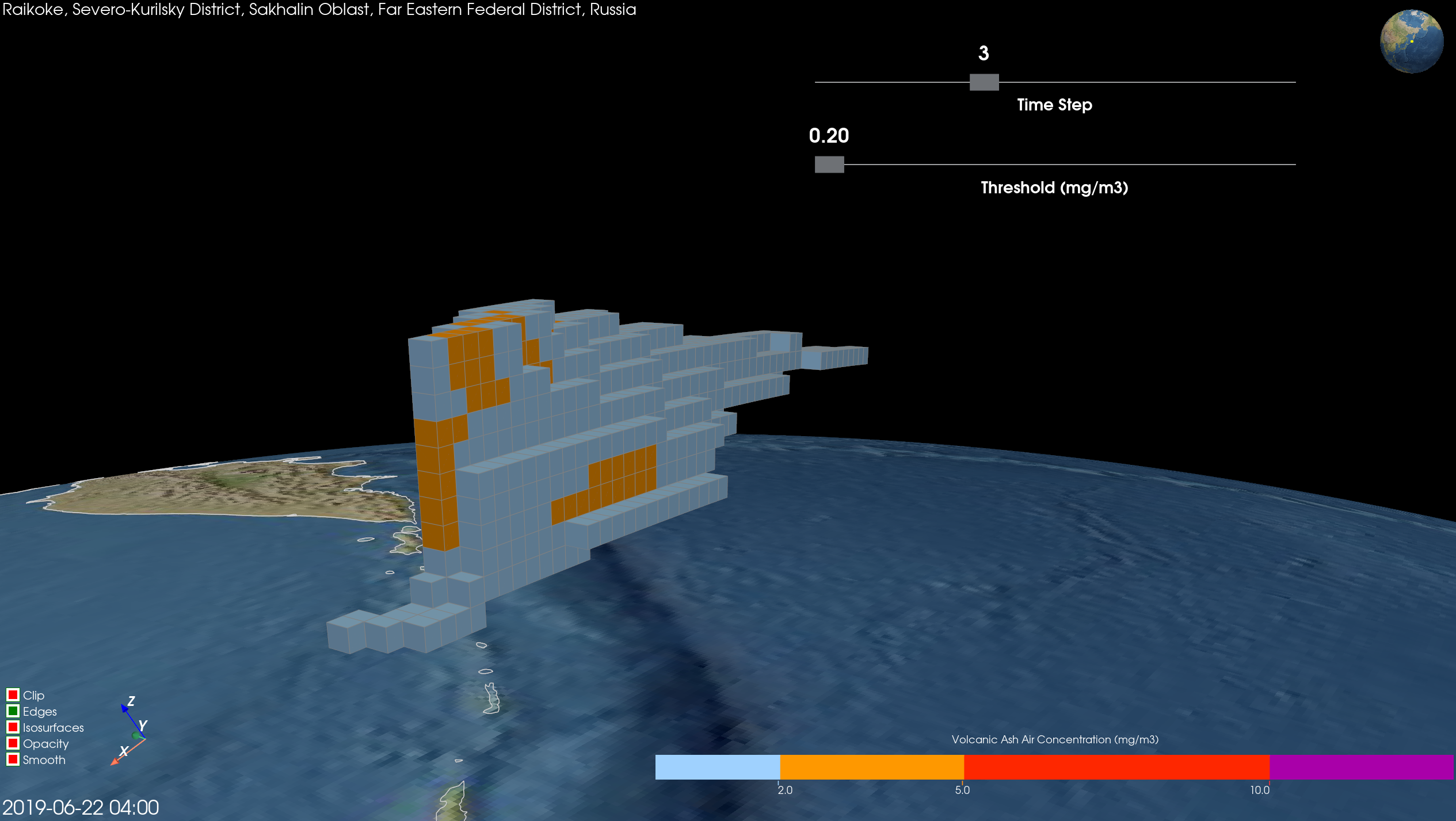
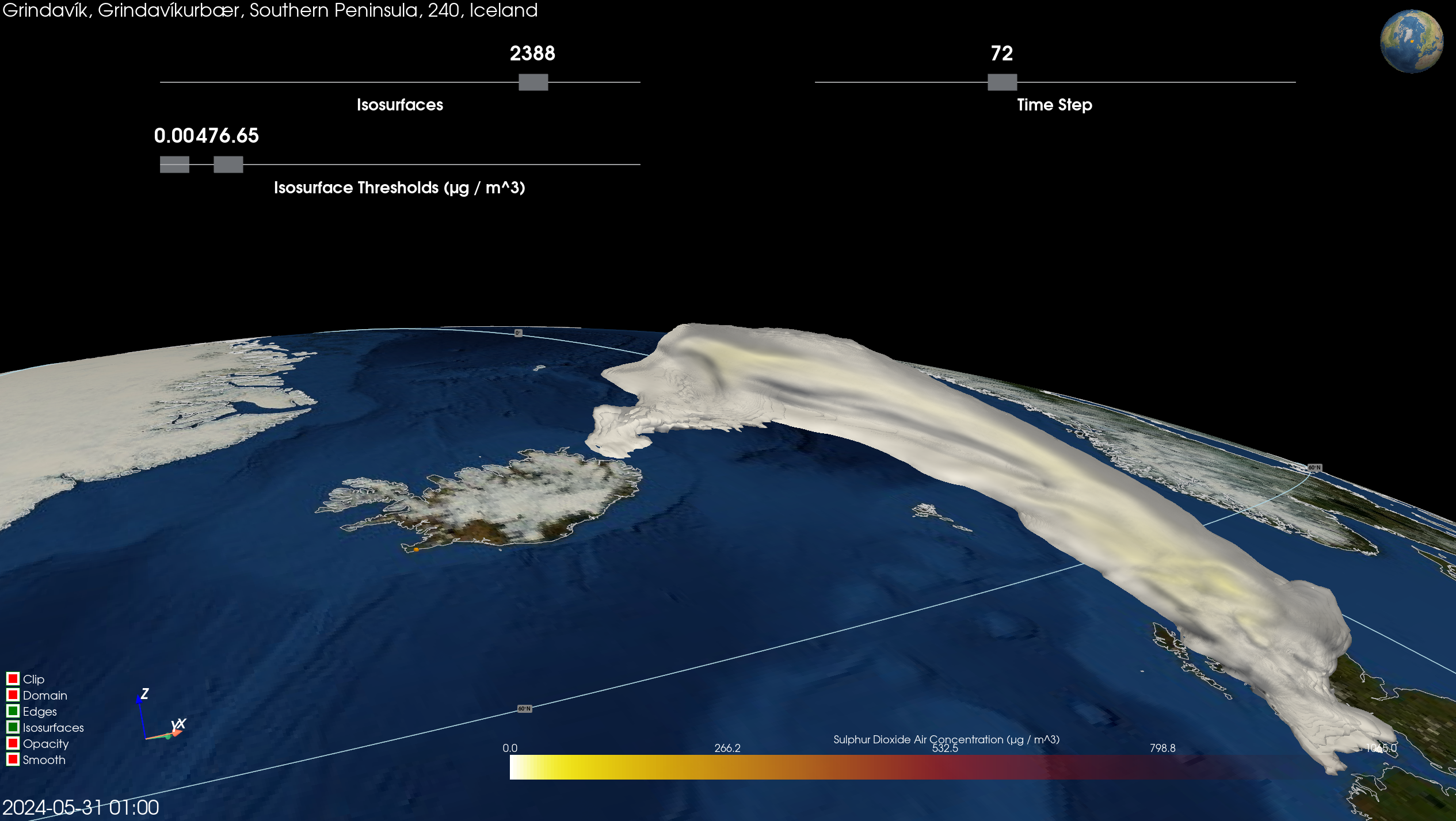
If you wish to interactvely explore either of the Raikoke and Reykjanes datasets, then please click either of the images below for further instructions.
Raikoke (Russia)
Quick Start
To download, unpack, preprocess and render the Raikoke dataset, simply:
> pixi run --frozen raikoke
Reykjanes (Iceland)
Quick Start
To download, unpack, preprocess and render the Reykjanes dataset, simply:
> pixi run --frozen reykjanes
#ShowYourStripes
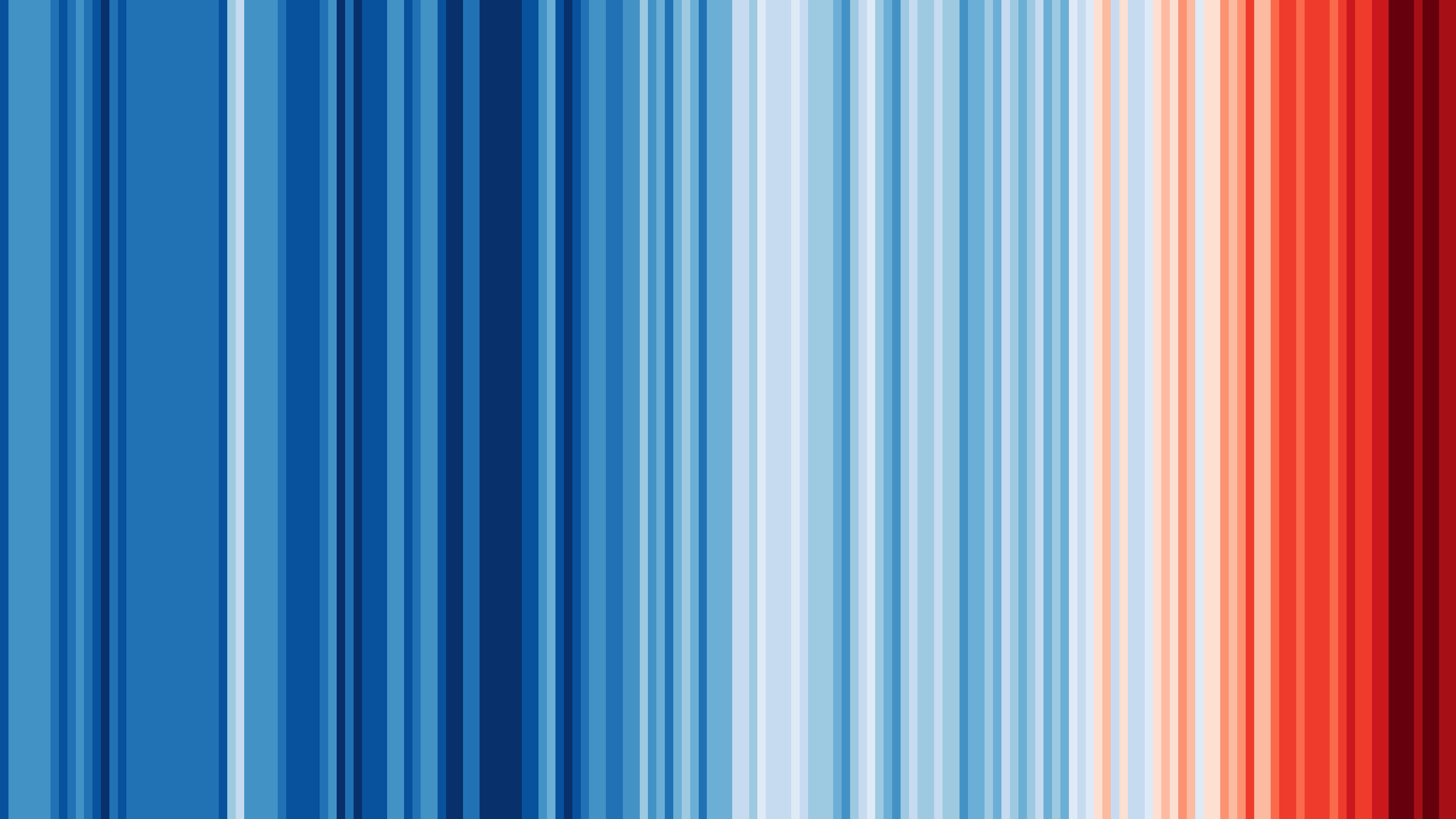
Graphics and Lead Scientist: Ed Hawkins, National Centre for Atmospheric Science, University of Reading.
Data: Berkeley Earth, NOAA, UK Met Office, MeteoSwiss, DWD, SMHI, UoR, Meteo France & ZAMG.
#ShowYourStripes is distributed under a
Creative Commons Attribution 4.0 International License

1 maintainer

Metadata
1 maintainer
Release files for geojav 0.1.0
For a detailed explanation of source distributions (sdists) and built distributions (wheels), please see the package formats documentation.
Source distribution (sdist)
| File | Size | Uploaded | |
|---|---|---|---|
| geojav-0.1.0.tar.gz | 2.7 MB | Details |
Built distribution (wheel)
| File | Interpreter | ABI | Platform | Reset |
|---|---|---|---|---|
| geojav-0.1.0-py3-none-any.whl | Python 3 | none | any | Details |
Total release size: 5.4 MB
Release files / geojav-0.1.0.tar.gz
| Download URL | geojav-0.1.0.tar.gz |
|---|---|
| Size | 2.7 MB |
| Tags | Source |
|
SHA-256 checksum How to use checksums |
0464286b2fa405ec4e120858f6ea20b4ed7387ec8f31547c6cbb8e54fcbbe985
|
|
BLAKE2b-256 checksum How to use checksums |
5e523453b60ffd362b6801c3f8e6b4fe2769603f5b0f2c1348984d1d228c281e
|
| Upload date | |
|
Uploaded using Trusted Publishing? What is trusted publishing? |
Yes |
| Uploaded via |
twine/6.1.0 CPython/3.13.13
|
Provenance
Provenance describes where a file came from. On PyPI, provenance is shared via attestations, which provide a verifiable record of the build or publishing details. View details, limitations and caveats.


PyPI Publish Attestation
PyPI verified that this artifact, at this checksum, originated from the publisher listed below.
Signed by GitHub Actions, verified by PyPI on May 24, 2026.
Transparency logRelease files / geojav-0.1.0-py3-none-any.whl
| Download URL | geojav-0.1.0-py3-none-any.whl |
|---|---|
| Size | 2.7 MB |
| Tags | Python 3 |
|
SHA-256 checksum How to use checksums |
fc3eecae7409195625763152d6b088cc1996a214595838ebf4236f72796de342
|
|
BLAKE2b-256 checksum How to use checksums |
c6fab2ba41c3e9cfdf234b369dfba50db372bbe55815372600e5243b10bda107
|
| Upload date | |
|
Uploaded using Trusted Publishing? What is trusted publishing? |
Yes |
| Uploaded via |
twine/6.1.0 CPython/3.13.13
|
Provenance
Provenance describes where a file came from. On PyPI, provenance is shared via attestations, which provide a verifiable record of the build or publishing details. View details, limitations and caveats.
PyPI Publish Attestation
PyPI verified that this artifact, at this checksum, originated from the publisher listed below.
Signed by GitHub Actions, verified by PyPI on May 24, 2026.
Transparency log













