
A Glicthtip CLI

Project description
Glitchtipcli
Glitch-tip Error tracking software command-line tool in python click.
Prerequisites
- Please review glitchtip API Documentation
- Python 3.8
- Click
- Docker
Features Remaining - (TODO)
- Push to PyPi
- Containerized cli tool.
- Make upstream changes to glitchtip backend to enable api token removal feature flag.
- Create a reporting feature flag
- Create a Jira integration
Glitchtip commandline tool local setup.
- Step 1. Run the following commands to set up a virtual environment.
python3 -m venv env  # 'venv' is a module, 'env' is the target directory
source env/bin/activate
- Step 2. Install the glitchtip-cli package using pip, this will add the
gtccommand to your virtual environment.
pip install glitchtip-cli
-
Step 3. Generate a Gltich-tip API Token from your Glitchtip instance. Login into your hosted or self hosted Glitchtip instance in the appropriate organization.
-
Step 3.1 Goto --> Profile --> Auth Tokens
-
Step 3.2 Click
Create New Tokenbutton and give yourAuth Tokena name and apply the appropriate permissions.
-
-
Step 4. You will be prompted for the API token and your Glitch-tip instance url the first time you run the command.
-
Example output (output may differ due to future updates to the CLI)

$ gtc
   _________ __       __    __  _
  / ____/ (_) /______/ /_  / /_(_)___
 / / __/ / / __/ ___/ __ \/ __/ / __ \
/ /_/ / / / /_/ /__/ / / / /_/ / /_/ /
\____/_/_/\__/\___/_/ /_/\__/_/ .___/
                             /_/

GT, Open Source Error Tracking Software! ☕ By Mark Freer

Looks like you don't have a `.env` file set up yet. Let's do it!
GlitchTip project API key: my-api-key
GlitchTip instance url (https://glitchtip.example.net): my-gt-instance-url
Config successfully written to `.env` file.
Do you want to add `.env` to your `.gitignore` file? (y/n): y
`.gitignore` file successfully updated.

Usage: glitchtipcli.py [OPTIONS] COMMAND [ARGS]...

  A Glitch-tip Command line tool to query the Glitch-tip Error tracking
  software API.

Options:
  --help  Show this message and exit.

Commands:
  create   Create a new glitchtip organization
  delete   Delete a glitchtip organization
  list     Print the list of glitchtip organizations
  members  Print the list of a glitchtip organization's members
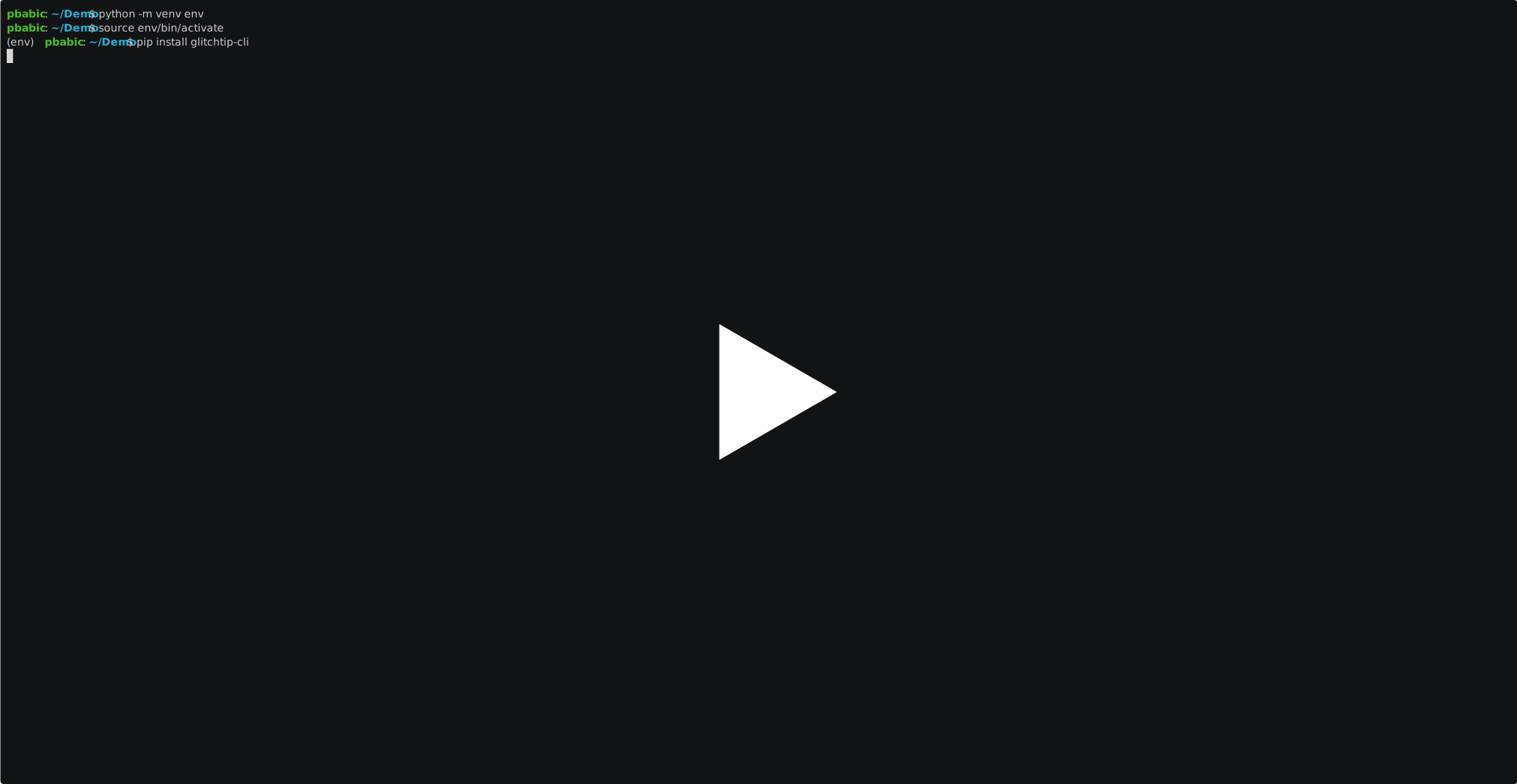
- ASCIINEMA setup demo
Dev workflow
- TBD
autopep8 --in-place --aggressive --aggressive glitchtipcli.py
Please review the glitchtip contribution guideline for Getting-started.md
Release history Release notifications | RSS feed


Download files
Download the file for your platform. If you're not sure which to choose, learn more about installing packages.
Source Distribution
Built Distribution
Filter files by name, interpreter, ABI, and platform.
If you're not sure about the file name format, learn more about wheel file names.
Copy a direct link to the current filters
File details
Details for the file glitchtip-cli-1.0.1.tar.gz.
File metadata
- Download URL: glitchtip-cli-1.0.1.tar.gz
- Upload date:
- Size: 206.6 kB
- Tags: Source
- Uploaded using Trusted Publishing? No
- Uploaded via: twine/4.0.1 CPython/3.10.7
File hashes
| Algorithm | Hash digest | |
|---|---|---|
| SHA256 |
3231d45403868773cc2bab1d280fd954444e67106524ff01c1bd9a5ee4ce4431
|
|
| MD5 |
f62bef7bb6570cb594331b656950c976
|
|
| BLAKE2b-256 |
019ab9d8953b54aa4e274978c161e1167cc5b906c08e66b8c86d374daaca4ba7
|
File details
Details for the file glitchtip_cli-1.0.1-py3-none-any.whl.
File metadata
- Download URL: glitchtip_cli-1.0.1-py3-none-any.whl
- Upload date:
- Size: 16.1 kB
- Tags: Python 3
- Uploaded using Trusted Publishing? No
- Uploaded via: twine/4.0.1 CPython/3.10.7
File hashes
| Algorithm | Hash digest | |
|---|---|---|
| SHA256 |
1ca18f05e258867313d5226d4cde326b456ac6ab83b76bd4f55cf94412df4d0e
|
|
| MD5 |
c4037704e3c621cd782b70d813fd98b4
|
|
| BLAKE2b-256 |
dce486da97f5bab95608b11c5cc95a0e3345778c07ec267eea0e00475b035b13
|






