
gnu-pass-to-csv




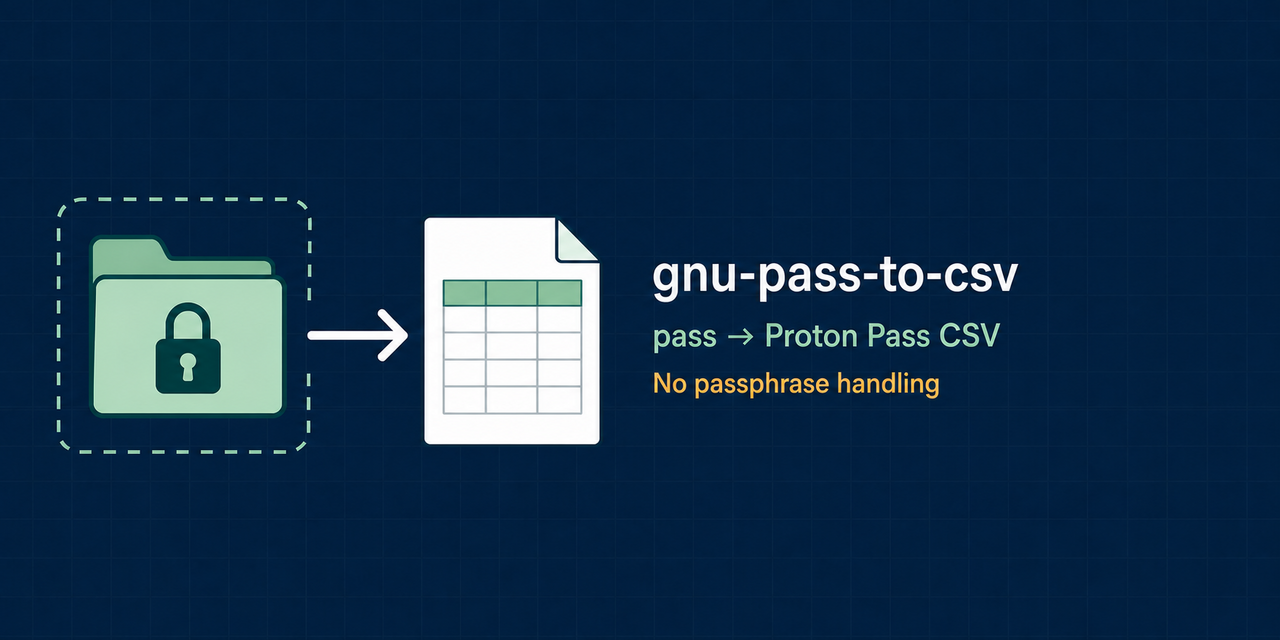
Export a pass password store to a
Proton Pass-compatible generic CSV. It is for people migrating login entries
from the standard Unix password manager to Proton Pass. Unlike the previous
implementation, it delegates decryption to pass and gpg-agent: the tool never
asks for, stores, or forwards a GPG passphrase.
- Preserves nested entry names and extracts common URL, email, username, note, and TOTP fields.
- Produces deterministic UTF-8 CSV files with private
0600permissions. - Fails atomically on a decryption error unless a partial export is explicitly requested.
[!CAUTION] The generated CSV contains every exported password in plaintext. Import it promptly, verify the result, then remove the file according to your system's secure-data handling policy. Do not commit, sync, email, or open it in an online spreadsheet.
Quick start
Requirements: Linux or macOS, Python 3.11+, a working pass installation, and
an initialized password store that pass show <entry> can decrypt.
$ pipx install gnu-pass-to-csv
$ gnu-pass-to-csv --output ~/Downloads/proton-pass-import.csv
WARNING: the output CSV contains plaintext passwords; handle it as a secret.
Exported 42 entries to /home/alice/Downloads/proton-pass-import.csv
In Proton Pass, choose Settings → Import → Generic CSV, import the file, verify a representative sample including TOTP entries, and remove the CSV.
pipx is recommended because it keeps command-line applications isolated. A
regular installation also works:
python -m pip install gnu-pass-to-csv
How entries are mapped
Given a pass entry named Work/example.com/alice:
example-password
username: alice
email: alice@example.com
url: https://example.com/login
totp: JBSWY3DPEHPK3PXP
recovery codes are stored offline
the exporter writes one row with this schema:
name,url,email,username,password,note,totp,vault
The first decrypted line is always the password. Metadata labels are
case-insensitive; url, uri, website, email, username, user, login,
totp, otp, and otp-secret are recognized. Unknown lines remain in note.
When no URL label exists, the exporter looks for a URL in the entry and then for
a domain-shaped component in the entry name.
The output is intended for Proton Pass Generic CSV login imports. It does not represent cards, identities, aliases, attachments, or arbitrary custom fields.
Usage
gnu-pass-to-csv --help
Common options:
| Option | Purpose |
|---|---|
-o, --output PATH |
Required destination; must be outside the password store |
-s, --password-store-dir PATH |
Store location; defaults to PASSWORD_STORE_DIR or ~/.password-store |
--vault NAME |
Value written to the CSV vault column; default Personal |
--force |
Replace an existing output file |
--skip-errors |
Create an explicitly partial export when entries fail |
--max-workers N |
Run several pass processes after unlocking gpg-agent; default 1 |
--pass-executable PATH |
Select a compatible pass executable |
--timeout SECONDS |
Per-entry timeout; default 60 |
Use a custom store either way:
PASSWORD_STORE_DIR=~/.password-store-work \
  gnu-pass-to-csv --output ~/Downloads/work-import.csv --vault Work

gnu-pass-to-csv \
  --password-store-dir ~/.password-store-work \
  --output ~/Downloads/work-import.csv \
  --vault Work
The output is never written inside the encrypted store. Existing files are not
overwritten without --force. By default, any failed or empty entry aborts the
whole export before the destination file is created.
Security model
The exporter discovers .gpg files but reads their plaintext only through the
fixed command pass show -- <entry>. It does not invoke a shell and does not
accept a passphrase option or environment variable. Authentication and prompts
remain the responsibility of the user's existing gpg-agent configuration.
Plaintext necessarily exists in process memory and in the final CSV. Temporary
output is created in the destination directory with mode 0600, flushed, and
atomically installed. Filenames can still reveal account or service names in
errors and process arguments; the tool never logs decrypted content.
See the detailed security model, the architecture, and the security policy.
Version 2 migration
Version 2 is intentionally incompatible with 1.x:
--passphraseandGPG_PASSPHRASEwere removed because command arguments can expose secrets to other local processes and diagnostics.passis now required and handles all GPG interaction throughgpg-agent.--outputis required and refuses accidental overwrite or placement inside the encrypted store.- Runtime dependencies were removed; Python 3.11 through 3.14 are tested.
Development and support
Read CONTRIBUTING.md for the reproducible local quality gate, SUPPORT.md for usage help, and CHANGELOG.md for release history. Security reports belong in GitHub's private vulnerability reporting flow, not in public issues.
This independent project is not affiliated with, sponsored by, or endorsed by Proton AG or the password-store project. “Proton Pass” is used only to describe the supported import format.
License
1 maintainer

Download files
Download the file for your platform. If you're not sure which to choose, learn more about installing packages.
Source Distribution
Built Distribution
Filter files by name, interpreter, ABI, and platform.
If you're not sure about the file name format, learn more about wheel file names.
Copy a direct link to the current filters
File details
Details for the file gnu_pass_to_csv-2.0.0.tar.gz.
File metadata
- Download URL: gnu_pass_to_csv-2.0.0.tar.gz
- Upload date:
- Size: 11.8 kB
- Tags: Source
- Uploaded using Trusted Publishing? Yes
- Uploaded via:
twine/7.0.0 CPython/3.13.14
File hashes
| Algorithm | Hash digest | |
|---|---|---|
| SHA256 |
aa8385cc1ce7275970af05dc2f9dd0e4eb43a34f52ada4b5e07e4e8c3c984182
|
|
| MD5 |
198e02b9a559bca08f8493014b51aa14
|
|
| BLAKE2b-256 |
fbc7d009c2eb879f79b0ccb0b02915b9a9ba5ce563bf3f4864762c40d57b6ea4
|
Provenance
The following attestation bundles were made for gnu_pass_to_csv-2.0.0.tar.gz:
Publisher:
release.yml on fbossiere/gnu-pass-to-csv
-
Statement:
-
Statement type:
https://in-toto.io/Statement/v1 -
Predicate type:
https://docs.pypi.org/attestations/publish/v1 -
Subject name:
gnu_pass_to_csv-2.0.0.tar.gz -
Subject digest:
aa8385cc1ce7275970af05dc2f9dd0e4eb43a34f52ada4b5e07e4e8c3c984182 - Sigstore transparency entry: 2647599903
- Sigstore integration time:
-
Permalink:
fbossiere/gnu-pass-to-csv@790cbc934ba69da8cb3025c512e32cabfa32506f -
Branch / Tag:
refs/tags/v2.0.0 - Owner: https://github.com/fbossiere
-
Access:
public
-
Token Issuer:
https://token.actions.githubusercontent.com -
Runner Environment:
github-hosted -
Publication workflow:
release.yml@790cbc934ba69da8cb3025c512e32cabfa32506f -
Trigger Event:
push
-
Statement type:
File details
Details for the file gnu_pass_to_csv-2.0.0-py3-none-any.whl.
File metadata
- Download URL: gnu_pass_to_csv-2.0.0-py3-none-any.whl
- Upload date:
- Size: 12.7 kB
- Tags: Python 3
- Uploaded using Trusted Publishing? Yes
- Uploaded via:
twine/7.0.0 CPython/3.13.14
File hashes
| Algorithm | Hash digest | |
|---|---|---|
| SHA256 |
4e2ce32c167b39099aaecd0d3f0345dd678af704a67bba10c930ed10a7308e10
|
|
| MD5 |
95f3e4854863bff4d2c58bc7a2bfd58c
|
|
| BLAKE2b-256 |
2c6b267e055fd551b7d3412db2b623cb84a55c38db11d40690660a69d472a632
|
Provenance
The following attestation bundles were made for gnu_pass_to_csv-2.0.0-py3-none-any.whl:
Publisher:
release.yml on fbossiere/gnu-pass-to-csv
-
Statement:
-
Statement type:
https://in-toto.io/Statement/v1 -
Predicate type:
https://docs.pypi.org/attestations/publish/v1 -
Subject name:
gnu_pass_to_csv-2.0.0-py3-none-any.whl -
Subject digest:
4e2ce32c167b39099aaecd0d3f0345dd678af704a67bba10c930ed10a7308e10 - Sigstore transparency entry: 2647599910
- Sigstore integration time:
-
Permalink:
fbossiere/gnu-pass-to-csv@790cbc934ba69da8cb3025c512e32cabfa32506f -
Branch / Tag:
refs/tags/v2.0.0 - Owner: https://github.com/fbossiere
-
Access:
public
-
Token Issuer:
https://token.actions.githubusercontent.com -
Runner Environment:
github-hosted -
Publication workflow:
release.yml@790cbc934ba69da8cb3025c512e32cabfa32506f -
Trigger Event:
push
-
Statement type:














