

Good First Issues
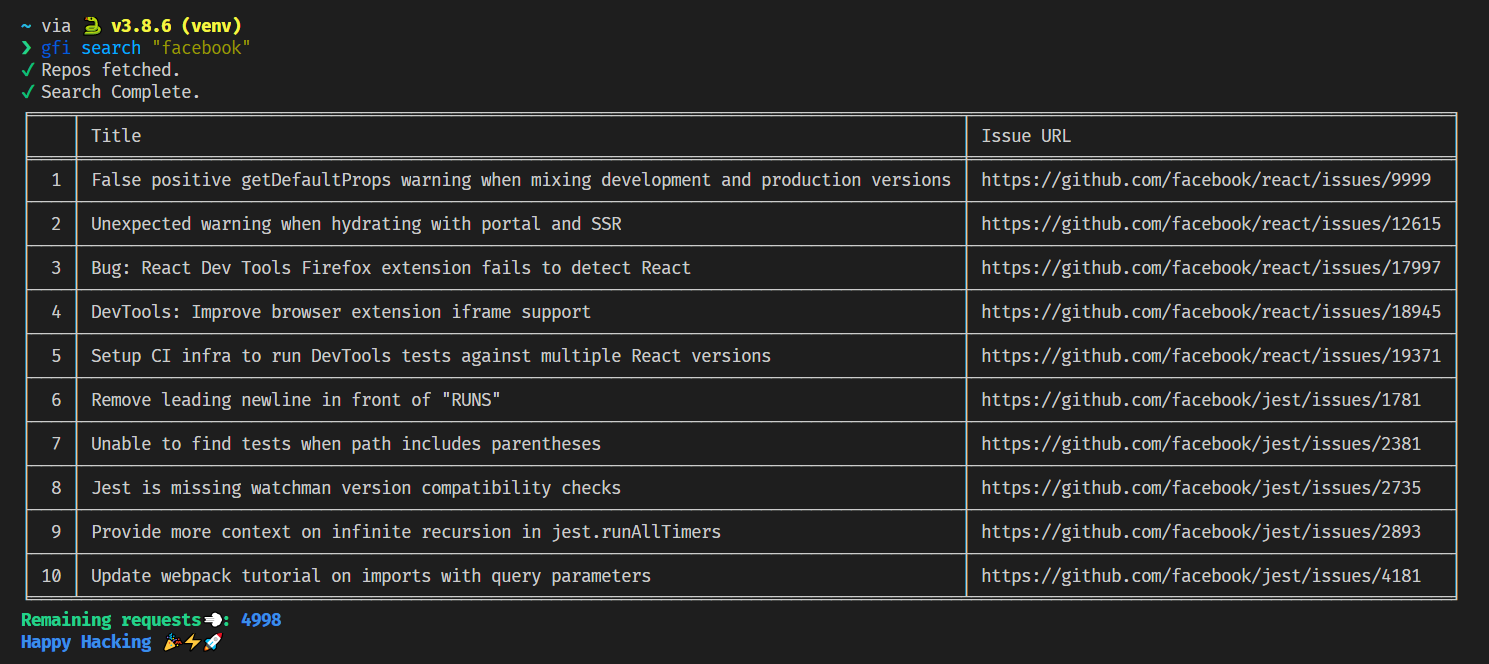
Find good first issues right from your CLI!




📦 Installation
Requires Python 3.9 or higher.
$ pip install good-first-issues --upgrade
The CLI uses the alias gfi to run commands.
Contents
- 📦 Installation
- 🚀 Usage
- 🏢 Query all repos in an organization
- 📦 Query a single repo in an organization
- 👨💻 Query all repos in a user profile
- 📦 Query a single repo in a user profile.
- 🐙 Query all repos with topic
hacktoberfest - 📏 Search for issues within a certain period
- ⚖️ Limit output
- 🌐 View issues on browser
- 👀 Show the CLI version
- 🔨 Contributing
🔑 Create GitHub Personal Access Token
The CLI requires GitHub Personal Access Token to make requests to the GitHub API.
You can add a Description to your token, select "Public Repositories (read-only)" and select Generate token.
Provide token to CLI:
$ gfi config
Token is stored locally on /home/<username>/.gfi/good-first-issues file.
Token in envrionment variable:
Store the token with the name GFITOKEN in your environment.
🚀 Usage
GitHub provides API to fetch user and organization data. Personal Access Token is required for authentication and data fetching.
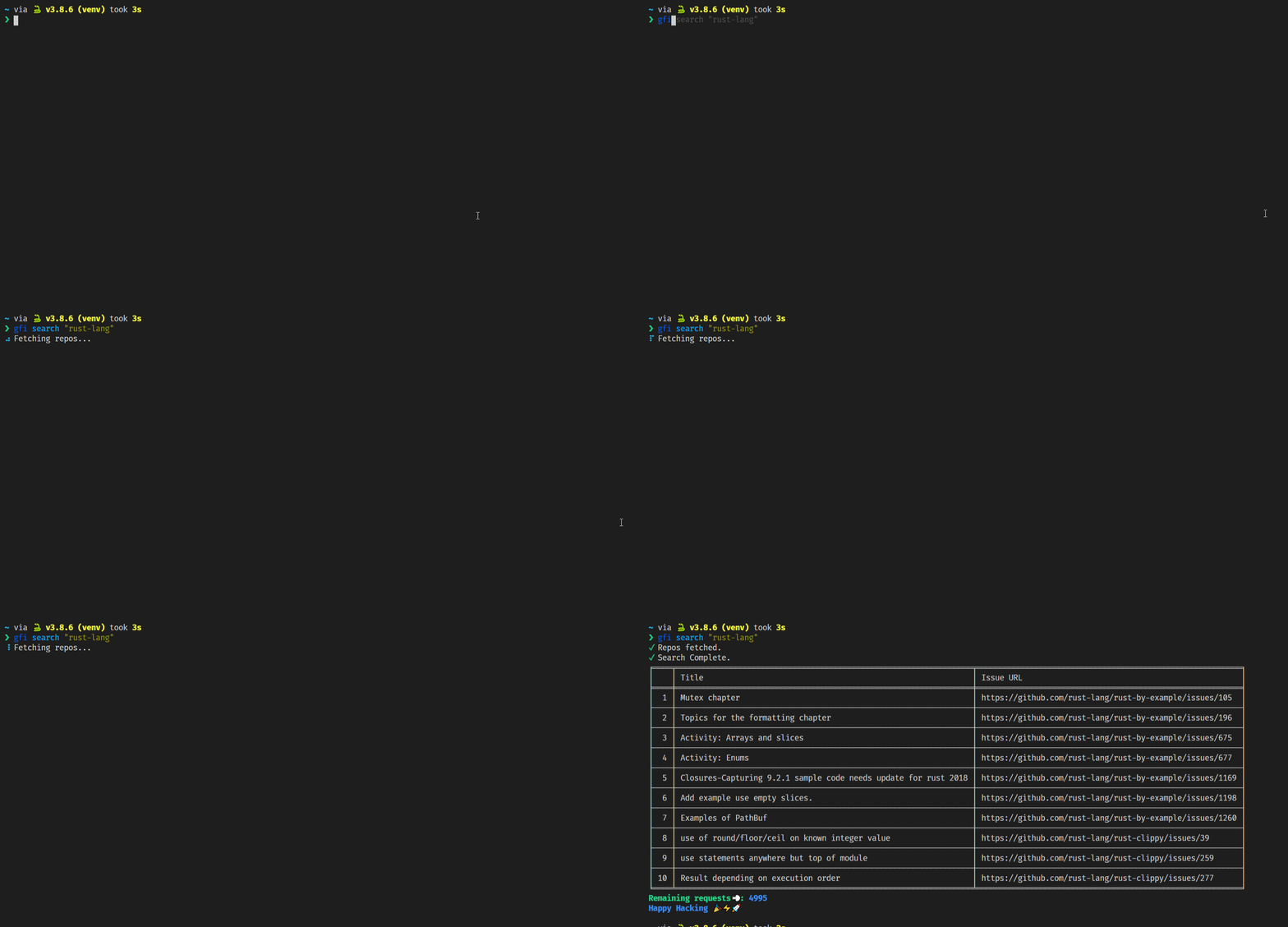
🏢 Query all repos in an organization
$ gfi search "rust-lang"
Demo
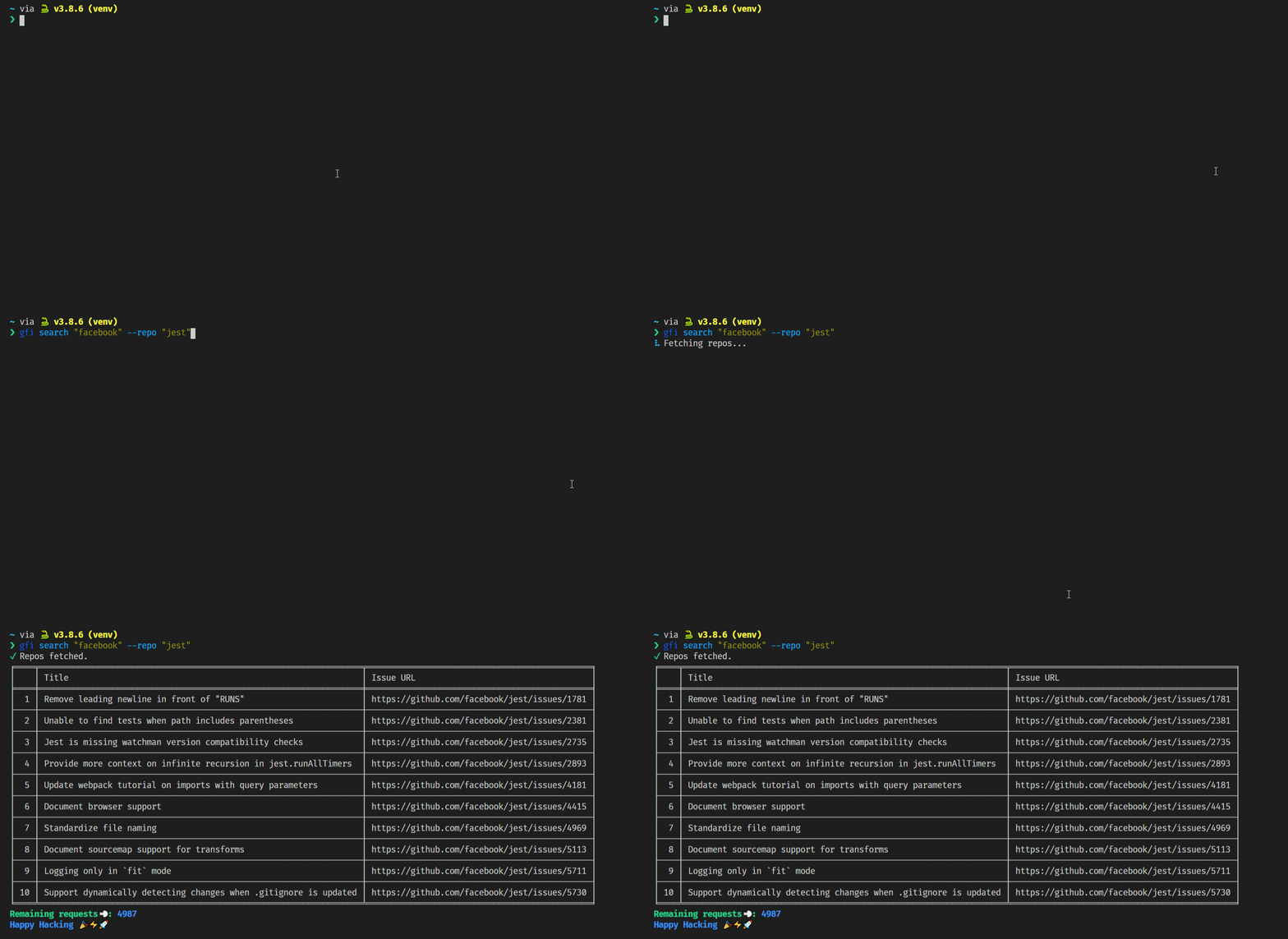
📦 Query a single repo in an organization
$ gfi search "facebook" --repo "jest"
Demo
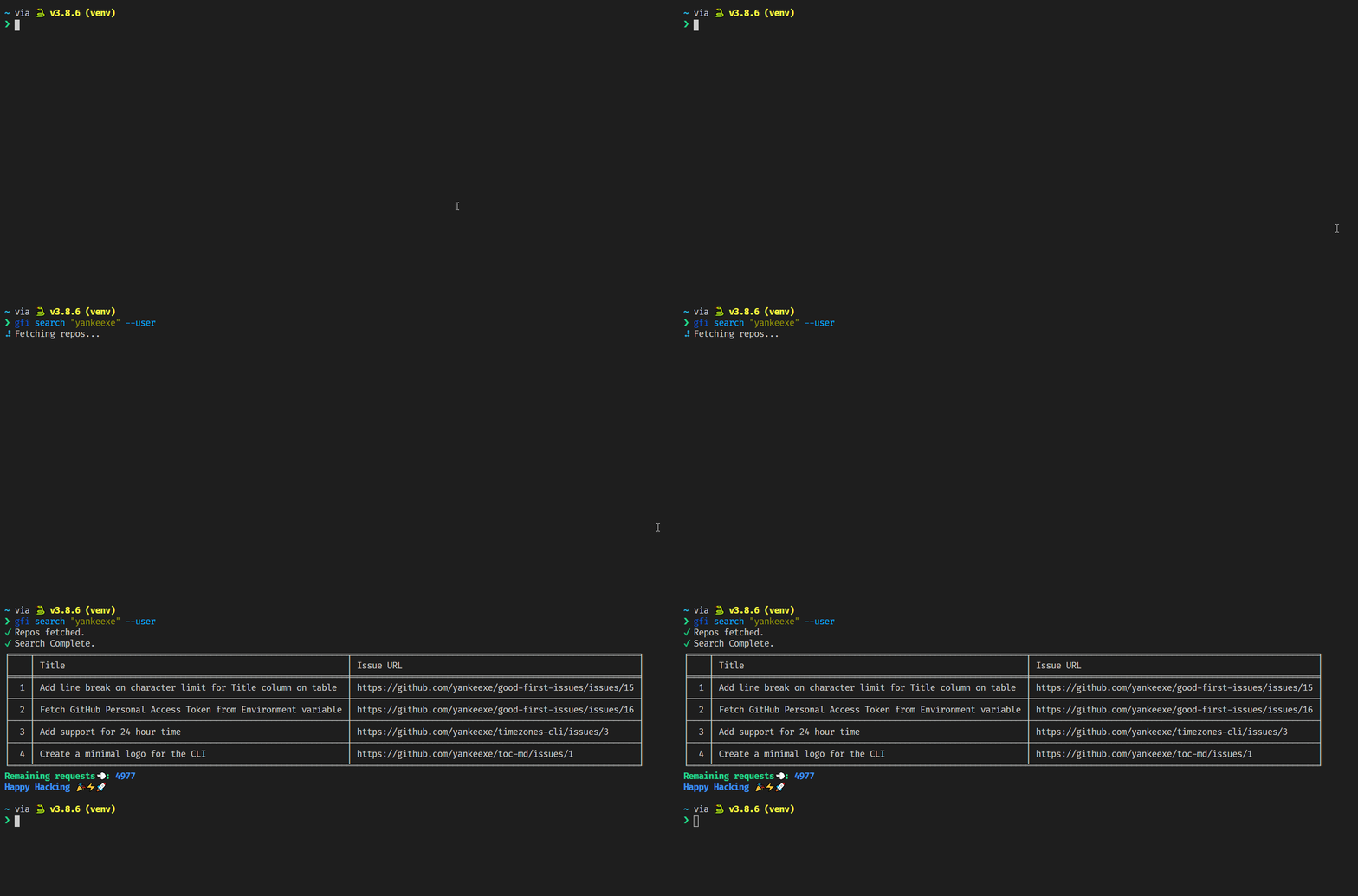
👨💻 Query all repos in a user profile
$ gfi search "yankeexe" --user
Demo
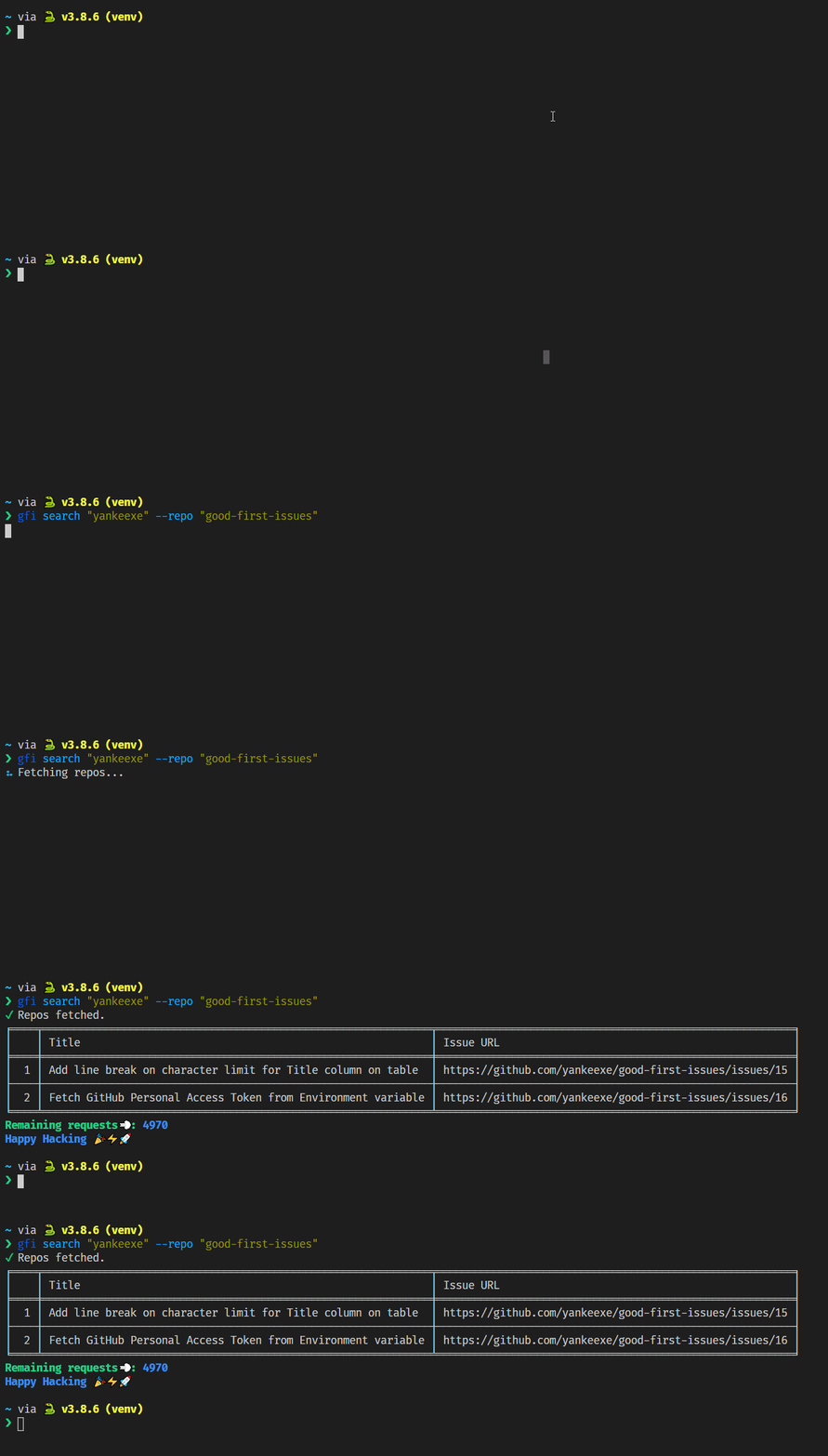
📦 Query a single repo in a user profile.
--user flag not required here.
$ gfi search "yankeexe" --repo "good-first-issues"
Demo
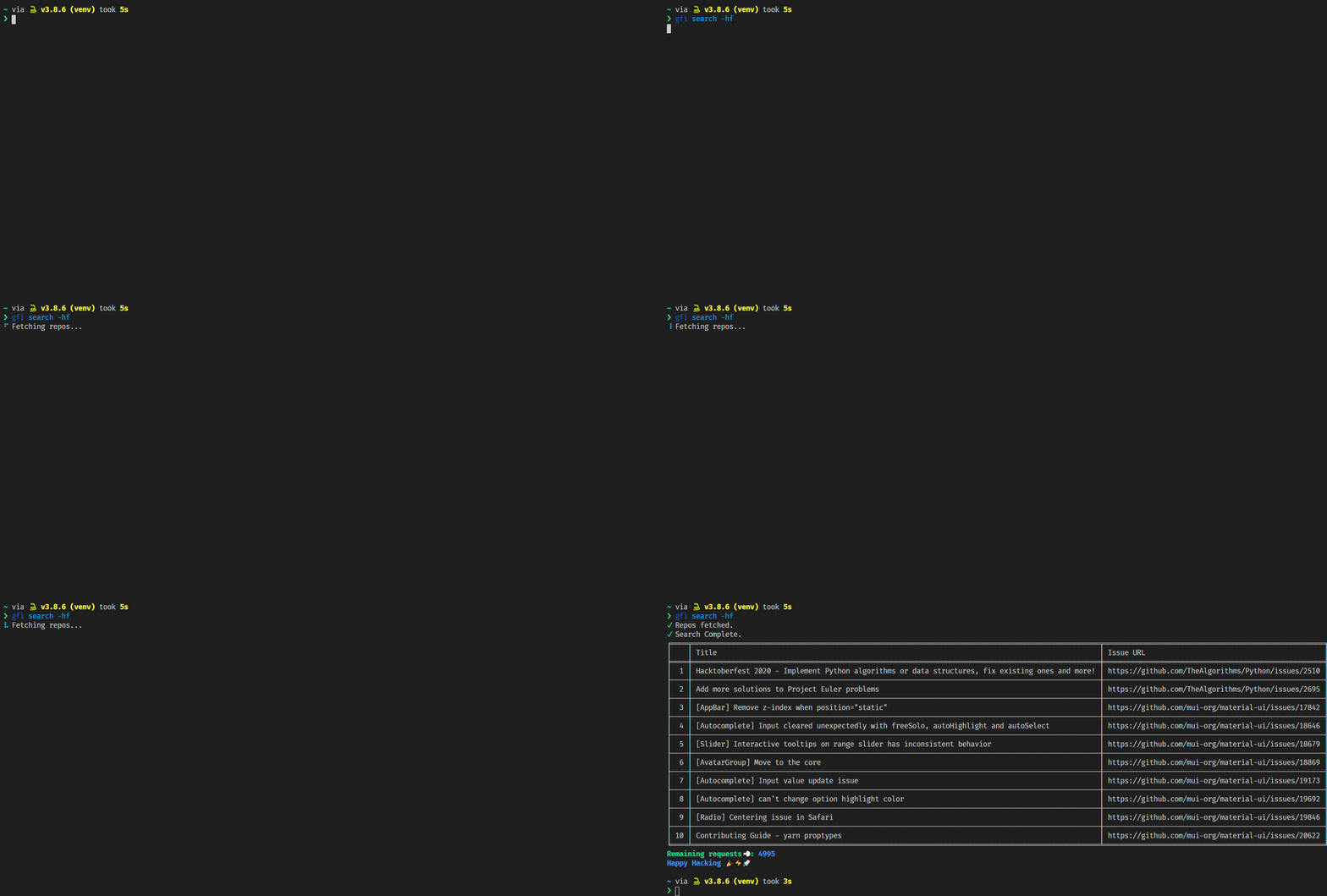
🐙 Query all repos with topic hacktoberfest
$ gfi search --hacktoberfest

$ gfi search -hf

$ gfi search -hf --period "30 days"

$ gfi search -hf --limit 10 --period "48 hours"
Demo
📏 Search for issues within a certain period
By default, no period is set and users are shown whatever data is fetched from the GitHub API.
To filter good first issues within a certain period, use the following commands:
# Query all organization repos
$ gfi search "rust-lang" -p "30 hours"

# Query a specific repo in an organization
$ gfi search "rust-lang" --repo "rust" -p "30 mins"

# Query repos with the topic hacktoberfest
$ gfi search -hf -p "100 days"

# Query all user repos
$ gfi search "yankeexe" --user -p "600 hrs"

# Query a specific repo of a user
$ gfi search "yankeexe" --user --repo "good-first-issues" -p "600 days"
# Example Usage:
--period 1 m,min,mins,minutes

--period 2 h,hr,hour,hours,hrs

--period 3 d,day,days
⚖️ Limit output
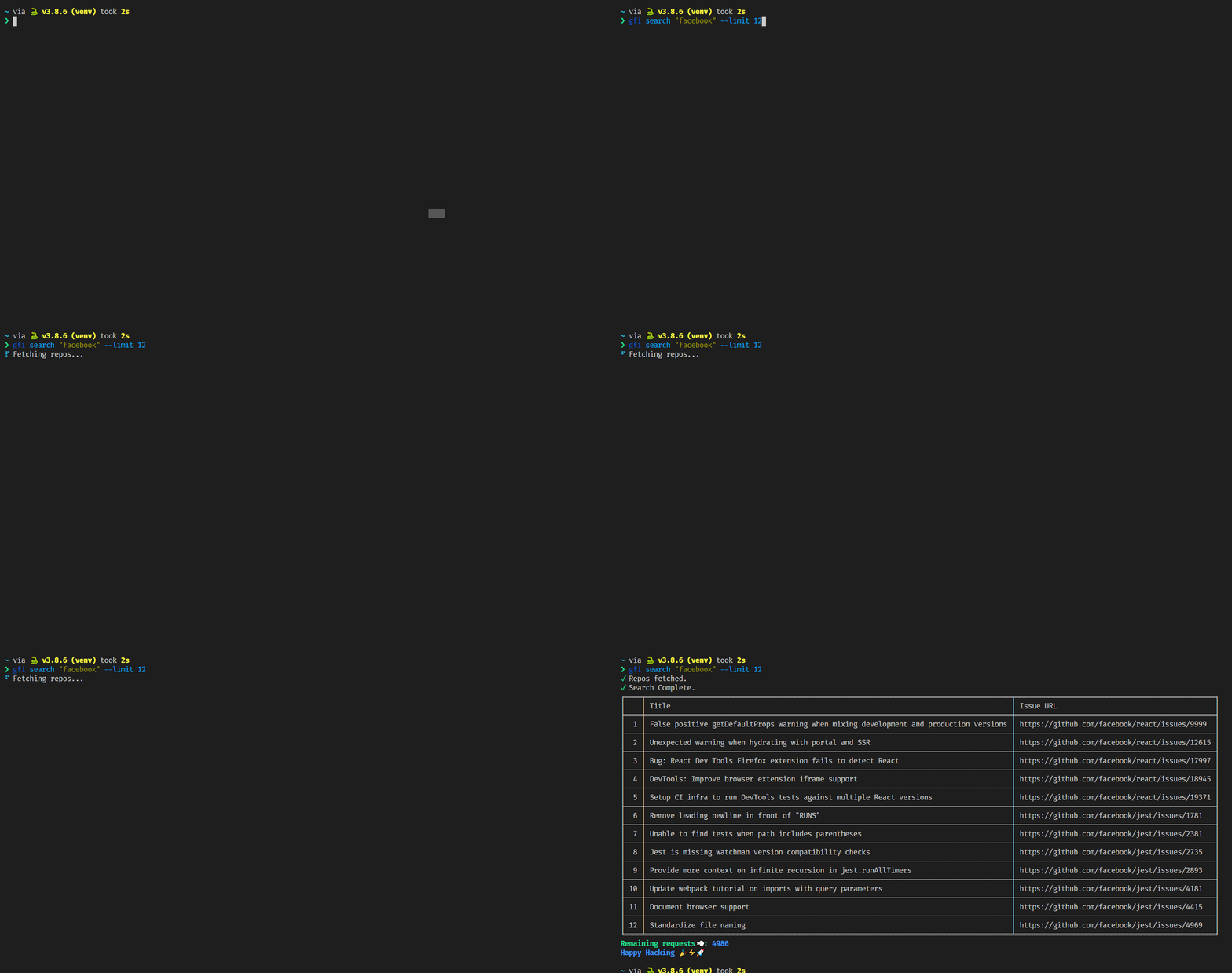
The output is limited to display 10 issues by default. Use --limit flag to set the number of issues for output or --all for no limits.
Limit the issues to 12
$ gfi search "facebook" --limit 12
Demo
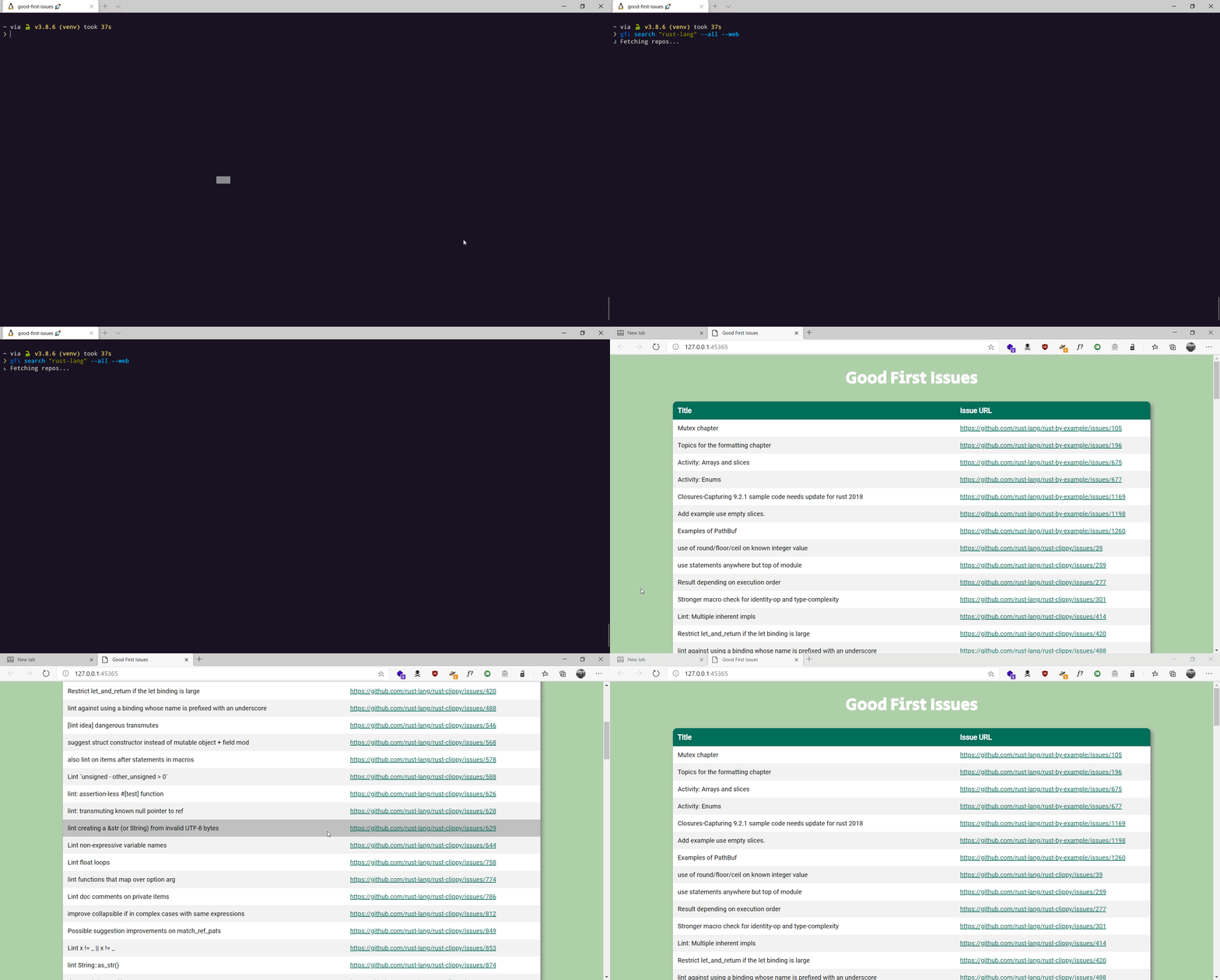
View all issues found.
$ gfi search "rust-lang" --all
🌐 View issues on browser
It's hard to navigate through all the issues when you have the --all flag enabled, you can view the issues on your browser with ease using the --web flag.
$ gfi search "facebook" --all --web
Demo
👀 Show the CLI version
$ gfi version
🔨 Contributing
For guidance on setting up a development environment and how to make a contribution to good-first-issues, see the contributing guidelines.
1 maintainer

Metadata
1 maintainer
Release files for good-first-issues 2.1.5
For a detailed explanation of source distributions (sdists) and built distributions (wheels), please see the package formats documentation.
Source distribution (sdist)
| File | Size | Uploaded | |
|---|---|---|---|
| good-first-issues-2.1.5.tar.gz | 14.2 kB | Details |
Built distribution (wheel)
| File | Interpreter | ABI | Platform | Reset |
|---|---|---|---|---|
| good_first_issues-2.1.5-py3-none-any.whl | Python 3 | none | any | Details |
Total release size: 28.9 kB
Release files / good-first-issues-2.1.5.tar.gz
| Download URL | good-first-issues-2.1.5.tar.gz |
|---|---|
| Size | 14.2 kB |
| Tags | Source |
|
SHA-256 checksum How to use checksums |
d90ec67ad24a29bf4e87946a344273e5937c6485929896528f88746739a5c035
|
|
BLAKE2b-256 checksum How to use checksums |
d9fbaabe409d2989ca623698352768108bae7797ecb29cf84da2584ae6939b08
|
| Upload date | |
|
Uploaded using Trusted Publishing? What is trusted publishing? |
Yes |
| Uploaded via |
twine/6.1.0 CPython/3.12.8
|
Provenance
Provenance describes where a file came from. On PyPI, provenance is shared via attestations, which provide a verifiable record of the build or publishing details. View details, limitations and caveats.


PyPI Publish Attestation
PyPI verified that this artifact, at this checksum, originated from the publisher listed below.
Signed by GitHub Actions, verified by PyPI on Feb 2, 2025.
Transparency logRelease files / good_first_issues-2.1.5-py3-none-any.whl
| Download URL | good_first_issues-2.1.5-py3-none-any.whl |
|---|---|
| Size | 14.7 kB |
| Tags | Python 3 |
|
SHA-256 checksum How to use checksums |
3a74693cc81de88840e6a96b969932502768a95d4b273b443d2ff4452f7dcecd
|
|
BLAKE2b-256 checksum How to use checksums |
89edd77448b7953e70077ffd042807bc2184d73018989eea3e9cc903ff16147b
|
| Upload date | |
|
Uploaded using Trusted Publishing? What is trusted publishing? |
Yes |
| Uploaded via |
twine/6.1.0 CPython/3.12.8
|
Provenance
Provenance describes where a file came from. On PyPI, provenance is shared via attestations, which provide a verifiable record of the build or publishing details. View details, limitations and caveats.
PyPI Publish Attestation
PyPI verified that this artifact, at this checksum, originated from the publisher listed below.
Signed by GitHub Actions, verified by PyPI on Feb 2, 2025.
Transparency log













