
keep-cli
Google Keep frontend for terminals.
keep-cli is not supported nor endorsed by Google.
This is alpha quality code - take care if using in production! Feel free to open an issue if you have questions, see any bugs or have a feature request. PRs are welcome too!
Installation
pip install google-keep-cli
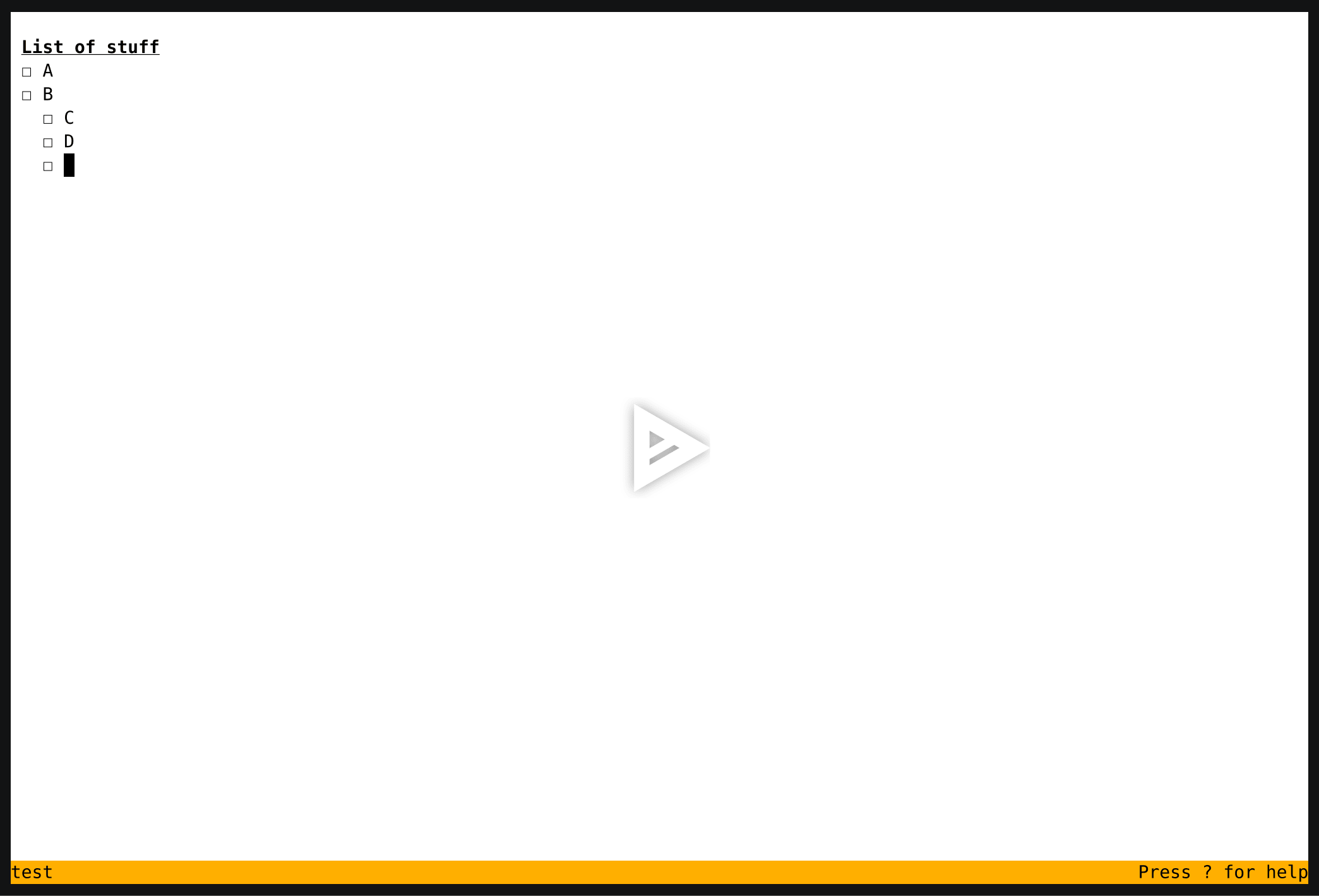
Screen cast (WIP)
Features
- Terminal based UI for Google Keep
- Subcommands for viewing and editing notes
- Import/Export notes from/to markdown
Config
Configuration is stored in the ~/.keep. A config file is automatically created if one doesn't already exist, but you can inspect config.example.yml for an example.
Usage
To get a list of commands:
$ keep -h
TUI mode
If you want to manage and view notes via the TUI interface:
$ keep tui
Press ? to see a list of keyboard shortcuts in this mode
Commands
find: Get the IDs of all notes that match the specified criteria
get: View data from a note
set: Update data from a note
sync: Manually trigger a sync (this is typically unnecessary)
import: Import markdown files into Keep
export: Export notes to markdown files
Note about performance
A sync is performed automatically prior to every command. This is useful for simple usage, as it ensures that the data is up to date, but can be slow if performing a large number of actions. To work around this, pass the --offline flag to operate on the local cache and then flush all changes with a manual sync.
Example:
$ keep sync
$ keep --offline set --note id1 --text One
$ keep --offline set --note id2 --text Two
$ keep --offline set --note id3 --text Three
$ keep sync
Todo
There are still many missing/incomplete features:
- Search
- Saving a search
- Views
- View management (Edit/Delete)
- Kanban view
- Scrolling support
- Editing
- Label management (Add/Remove)
- Color picker
1 maintainer

Release files for google-keep-cli 0.0.1
For a detailed explanation of source distributions (sdists) and built distributions (wheels), please see the package formats documentation.
Built distribution (wheel)
| File | Interpreter | ABI | Platform | Reset |
|---|---|---|---|---|
| google_keep_cli-0.0.1-py3-none-any.whl | Python 3 | none | any | Details |
Release files / google_keep_cli-0.0.1-py3-none-any.whl
| Download URL | google_keep_cli-0.0.1-py3-none-any.whl |
|---|---|
| Size | 20.4 kB |
| Tags | Python 3 |
|
SHA-256 checksum How to use checksums |
f6aeedb01359ff7155933f509bbf1e337ea90c39c65fc1762be5e098bb7c96ea
|
|
BLAKE2b-256 checksum How to use checksums |
eab268feb233abe0629f8619ef34280ac7dcf7018877cc89ad039947fe391f65
|
| Upload date | |
|
Uploaded using Trusted Publishing? What is trusted publishing? |
No |
| Uploaded via |
twine/4.0.2 CPython/3.10.6
|













