
GPT

Project description
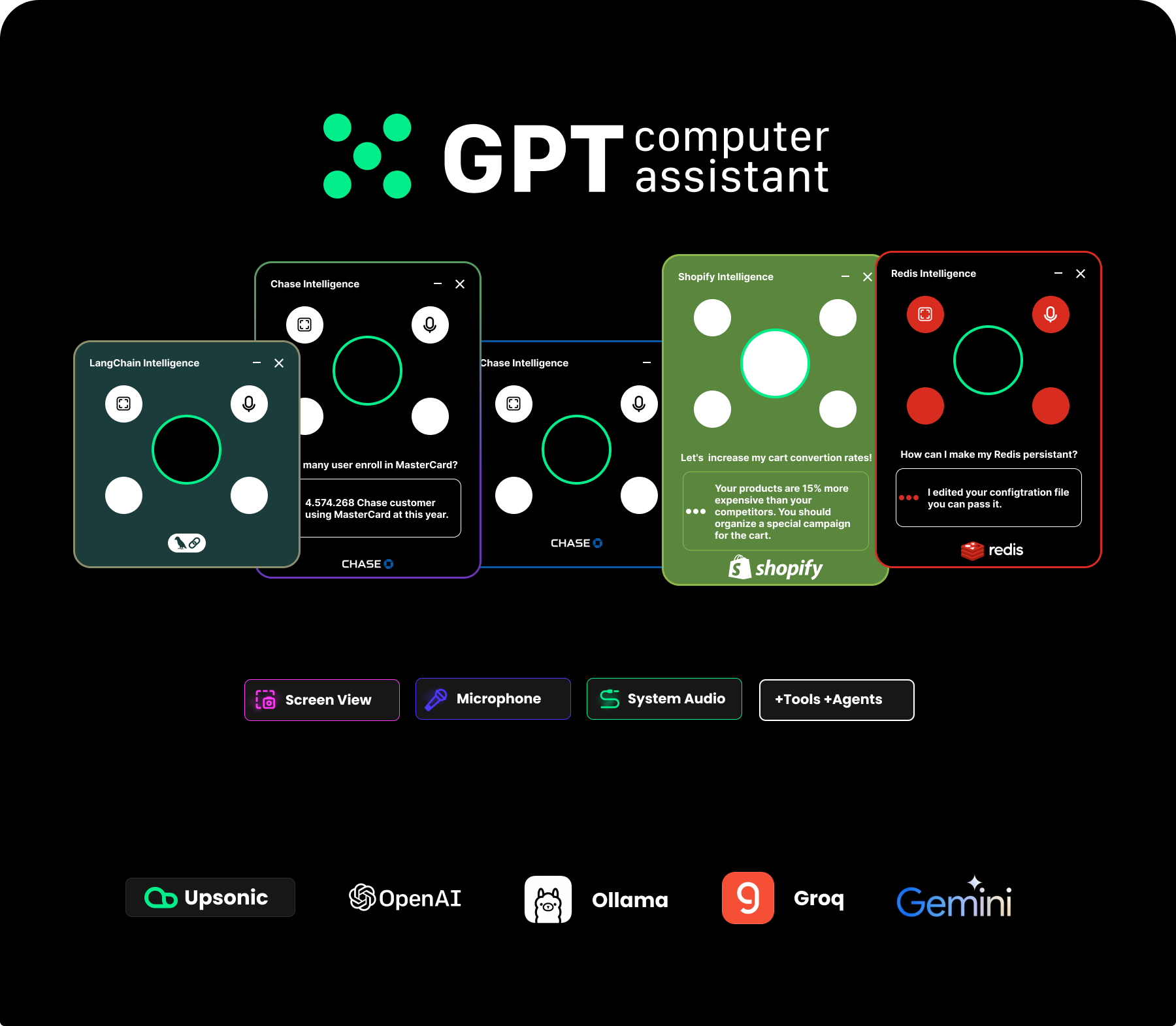




Intelligence development framework


GPT Computer Assistant(GCA)
Hi, this is an alternative work for providing ChatGPT MacOS app to Windows and Linux. In this way this is a fresh and stable work. You can easily install as Python library for this time but we will prepare a pipeline for providing native install scripts (.exe).
Powered by Upsonic Tiger 🐅 A function hub for llm agents.
1. Install and run
Python 3.10 or 3.11 is required
pip install 'gpt-computer-assistant[base]'
pip install 'gpt-computer-assistant[api]'
To run gpt-computer-assistant, simply type
computerassistant --api
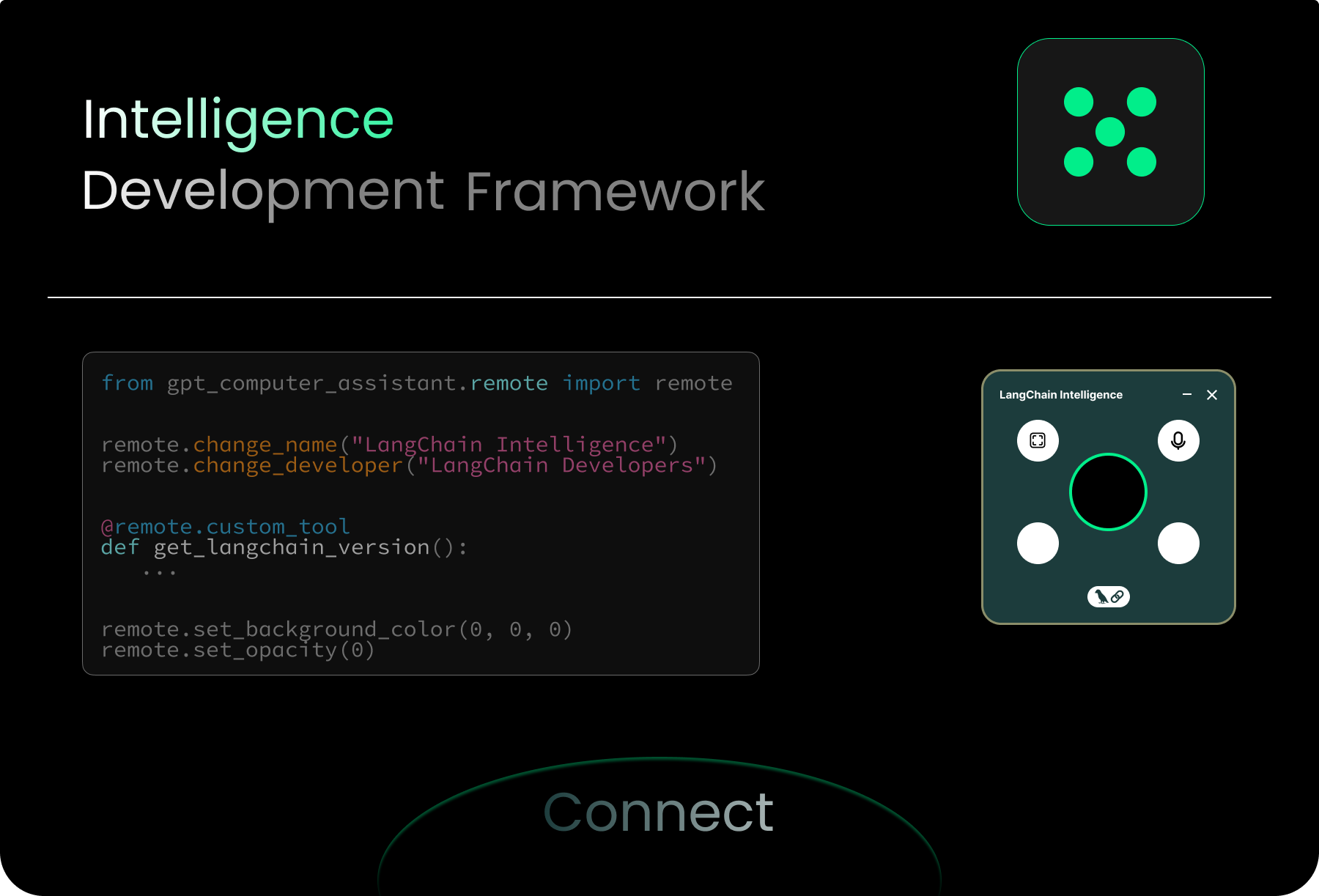
2. LLM Settings
from gpt_computer_assistant.remote import remote

remote.save_models("gpt-4o")
remote.save_openai_api_key("sk-**")

3. Characteristic API
# Name of the assitant:
remote.change_name("X Intelligence")

#Developer personna of the assistant:
remote.change_developer("X Company")

4. Connect Your Functions API
# Installing an library:
remote.install_library("numpy")


# Adding functianility as python functions:
@remote.custom_tool
def my_server_status() -> bool:
  """
  Check the server status.
  """
  return True
5. Interact with User API
remote.input
Talk with assistant, about user and computer. With this api you can create an consulting process.
`Hi, look to user window and return which app using now`

`Ask user to is user need any kind of supoprt`

`Extract the user redis config file.`
With this questions you will make a shortcut for your needs. You can collect informations from user computer or directly from user or user computer.
output = remote.input("Extract the user redis config file.", screen=False)
print(output)




Usage
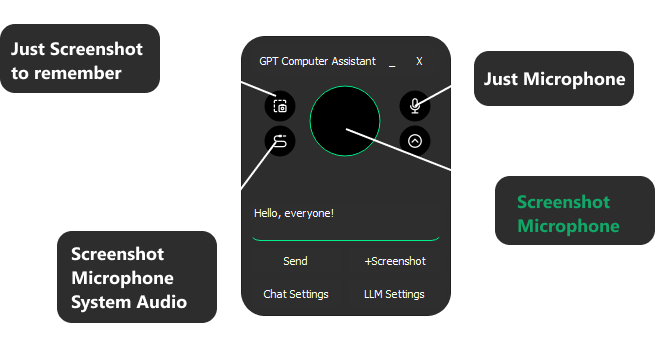
Use cases
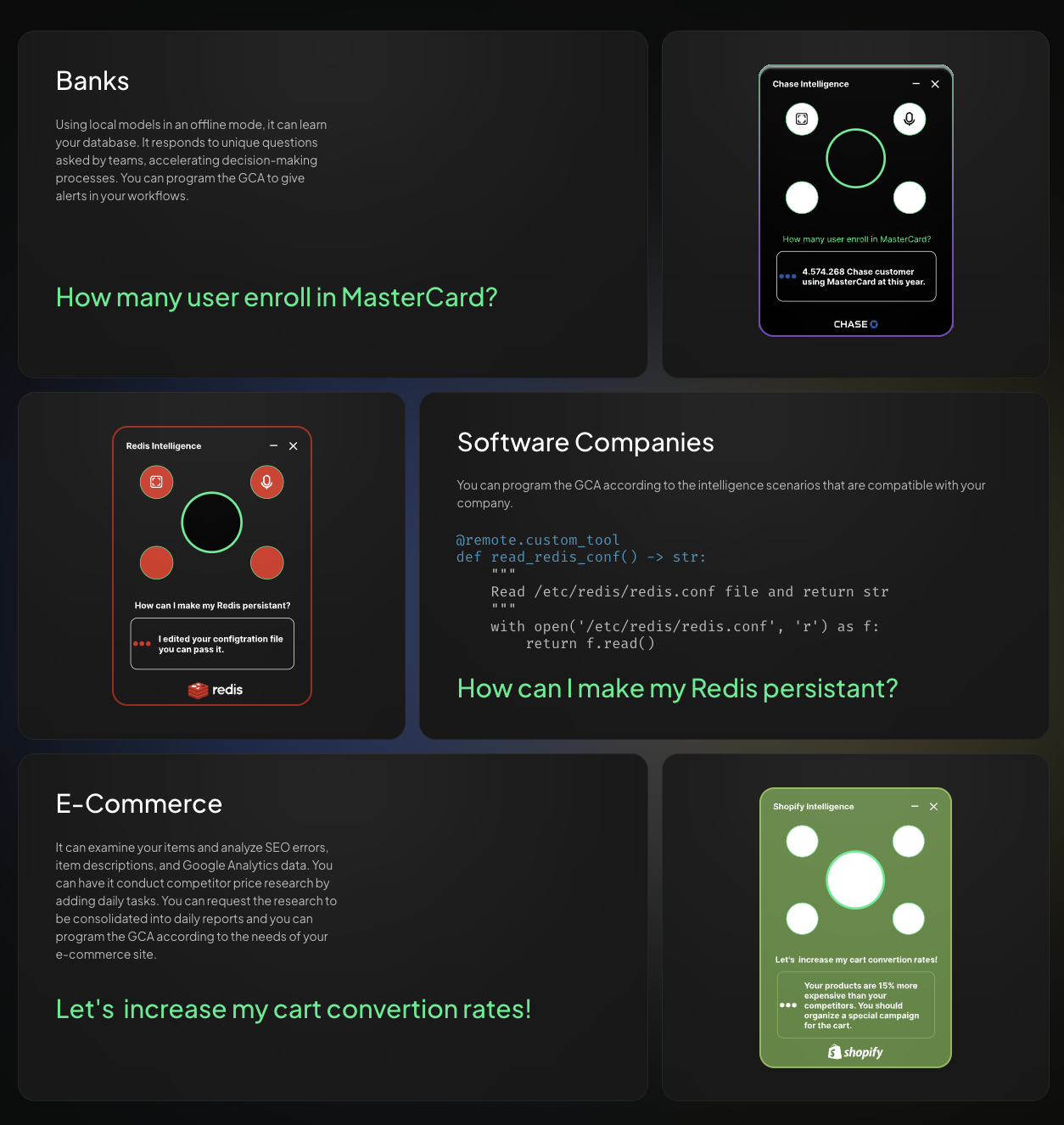
Roadmap
| Feature | Status | Target Release |
|---|---|---|
| Clear Chat History | Completed | Q2 2024 |
| Long Audios Support (Split 20mb) | Completed | Q2 2024 |
| Text Inputs | Completed | Q2 2024 |
| Just Text Mode (Mute Speech) | Completed | Q2 2024 |
| Added profiles (Different Chats) | Completed | Q2 2024 |
| More Feedback About Assistant Status | Completed | Q2 2024 |
| Local Model Vision and Text (With Ollama, and vision models) | Completed | Q2 2024 |
| Our Customizable Agent Infrastructure | Completed | Q2 2024 |
| Supporting Groq Models | Completed | Q2 2024 |
| Adding Custom Tools | Completed | Q2 2024 |
| Click on something on the screen (text and icon) | Completed | Q2 2024 |
| New UI | Completed | Q2 2024 |
| Native Applications, exe, dmg | Completed | Q3 2024 |
| Collaborated Speaking Different Voice Models on long responses. | Completed | Q2 2024 |
| Auto Stop Recording, when you complate talking | Completed | Q2 2024 |
| Wakeup Word | Completed | Q2 2024 |
| Continuously Conversations | Completed | Q2 2024 |
| Adding more capability on device | Completed | Q2 2024 |
| Local TTS | Completed | Q3 2024 |
| Local STT | Completed | Q3 2024 |
| Tray Menu | Completed | Q3 2024 |
| New Line (Shift + Enter) | Completed | Q4 2024 |
| Copy Pasting Text Compatibility | Completed | Q4 2024 |
| Global Hotkey | On the way | Q3 2024 |
| DeepFace Integration (Facial Recognition) | Planned | Q3 2024 |
Capabilities
At this time we have many infrastructure elements. We just aim to provide whole things that already in ChatGPT app.
| Capability | Status |
|---|---|
| Local LLM with Vision (Ollama) | OK |
| Local text-to-speech | OK |
| Local speech-to-text | OK |
| Screen Read | OK |
| Click to and Text or Icon in the screen | OK |
| Move to and Text or Icon in the screen | OK |
| Typing Something | OK |
| Pressing to Any Key | OK |
| Scrolling | OK |
| Microphone | OK |
| System Audio | OK |
| Memory | OK |
| Open and Close App | OK |
| Open a URL | OK |
| Clipboard | OK |
| Search Engines | OK |
| Writing and running Python | OK |
| Writing and running SH | OK |
| Using your Telegram Account | OK |
| Knowledge Management | OK |
| Add more tool | ? |
Predefined Agents
If you enable it your assistant will work with these teams:
| Team Name | Status |
|---|---|
| search_on_internet_and_report_team | OK |
| generate_code_with_aim_team_ | OK |
| Add your own one | ? |
Contributors

Release history Release notifications | RSS feed


Download files
Download the file for your platform. If you're not sure which to choose, learn more about installing packages.
Source Distribution
File details
Details for the file gpt_computer_assistant-0.23.2.tar.gz.
File metadata
- Download URL: gpt_computer_assistant-0.23.2.tar.gz
- Upload date:
- Size: 2.0 MB
- Tags: Source
- Uploaded using Trusted Publishing? No
- Uploaded via: twine/5.1.1 CPython/3.8.18
File hashes
| Algorithm | Hash digest | |
|---|---|---|
| SHA256 |
2ab3dfa34adf66869be6954f17f862ddbf8c8aaa18c1dffd7d3c3e69c745d716
|
|
| MD5 |
f191e00d3c374ca797214665c3038248
|
|
| BLAKE2b-256 |
af414ea7556ef2111285ddf099d741a347e5999cb4282df143f2d5ea444dae31
|






