
Easy-to-use Wrapper for the GPT-2 117M, 345M, and 774M Transformer Models

Project description
gpt2-client
Easy-to-use Wrapper for GPT-2 117M, 345M, and 774M Transformer Models



What is it • Installation • Getting Started
Made by Rishabh Anand • https://rish-16.github.io
What is it
GPT-2 is a Natural Language Processing model developed by OpenAI for text generation. It is the successor to the GPT (Generative Pre-trained Transformer) model trained on 40GB of text from the internet. It features a Transformer model that was brought to light by the Attention Is All You Need paper in 2017. The model has two versions - 117M and 345M - that differ based on the amount of training data fed to it and the number of parameters they contain.
The 345M model is currently the largest one available while the 1.5B model is being vetted for release with selected partners. Only recently has OpenAI decided to release its training weights as part of its Staged Release plan. There have been several implications and debates over their release plan regarding misuse.
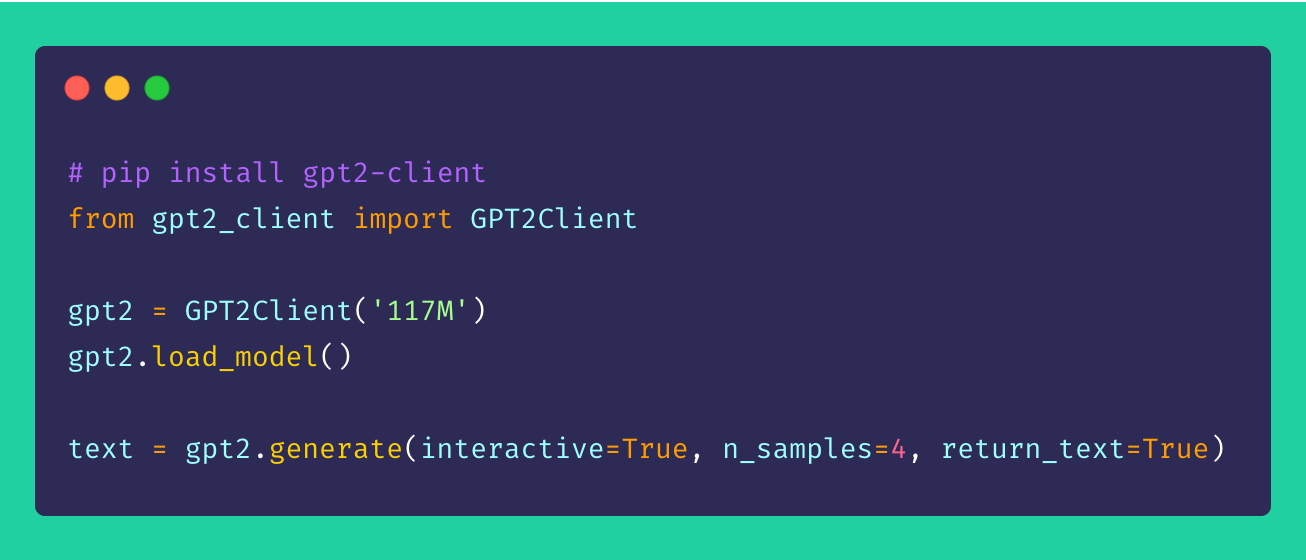
Finally, gpt2-client is a wrapper around the original gpt-2 repository that features the same functionality but with more accessiblity, comprehensibility, and utilty. You can play around both GPT-2 models with less than five lines of code.
Note: This client wrapper is in no way liable to any damage caused directly or indirectly. Any names, places, and objects referenced by the model are fictional and seek no resemblance to real life entities or organisations. Samples are unfiltered and may contain offensive content. User discretion advised.
Installation
Install client via pip. Ideally, gpt2-client is well supported for Python >= 3.5 and TensorFlow >= 1.X. Some libraries may need to be reinstalled or upgraded using the --upgrade flag via pip if Python 2.X is used.
pip install gpt2-client
Note:
gpt2-clientis not compatible with TensorFlow 2.0
Getting started
1. Download the model weights and checkpoints
from gpt2_client import GPT2Client

gpt2 = GPT2Client('117M', save_dir='models') # This could also be `345M` or `774M`. Rename `save_dir` to anything.
gpt2.load_model(force_download=False) # Use cached versions if available.
This creates a directory called models in the current working directory and downloads the weights, checkpoints, model JSON, and hyper-parameters required by the model. Once you have called the load_model() function, you need not call it again assuming that the files have finished downloading in the models directory.
Note: Set
force_download=Trueto overwrite the existing cached model weights and checkpoints
2. Start generating text!
from gpt2_client import GPT2Client

gpt2 = GPT2Client('117M') # This could also be `345M` or `774M`

gpt2.generate(interactive=True) # Asks user for prompt
gpt2.generate(n_samples=4) # Generates 4 pieces of text
text = gpt.generate(return_text=True) # Generates text and returns it in an array
gpt2.generate(interactive=True, n_samples=3) # A different prompt each time
You can see from the aforementioned sample that the generation options are highly flexible. You can mix and match based on what kind of text you need generated, be it multiple chunks or one at a time with prompts.
3. Generating text from batch of prompts
from gpt2_client import GPT2Client

gpt2 = GPT2Client('117M') # This could also be `345M` or `774M`

prompts = [
  "This is a prompt 1",
  "This is a prompt 2",
  "This is a prompt 3",
  "This is a prompt 4"
]

text = gpt2.generate_batch_from_prompts(prompts) # returns an array of generated text
4. Fine-tuning GPT-2 to custom datasets
from gpt2_client import GPT2Client

gpt2 = GPT2Client('117M') # This could also be `345M` or `774M`

my_corpus = './data/shakespeare.txt' # path to corpus
custom_text = gpt2.finetune(my_corpus, return_text=True) # Load your custom dataset
In order to fine-tune GPT-2 to your custom corpus or dataset, it's ideal to have a GPU or TPU at hand. Google Colab is one such tool you can make use of to re-train/fine-tune your custom model.
Contributing
Suggestions, improvements, and enhancements are always welcome! If you have any issues, please do raise one in the Issues section. If you have an improvement, do file an issue to discuss the suggestion before creating a PR.
All ideas – no matter how outrageous – welcome!
Licence
Release history Release notifications | RSS feed


Download files
Download the file for your platform. If you're not sure which to choose, learn more about installing packages.
Source Distributions
Built Distribution
Filter files by name, interpreter, ABI, and platform.
If you're not sure about the file name format, learn more about wheel file names.
Copy a direct link to the current filters
File details
Details for the file gpt2_client-2.0-py3-none-any.whl.
File metadata
- Download URL: gpt2_client-2.0-py3-none-any.whl
- Upload date:
- Size: 17.0 kB
- Tags: Python 3
- Uploaded using Trusted Publishing? No
- Uploaded via: twine/1.13.0 pkginfo/1.5.0.1 requests/2.22.0 setuptools/41.0.1 requests-toolbelt/0.9.1 tqdm/4.32.2 CPython/3.6.9
File hashes
| Algorithm | Hash digest | |
|---|---|---|
| SHA256 |
b2c2071c639f64d8d74a60bd84f23c0daa89f8484f916581dd457cacef4ad716
|
|
| MD5 |
fb4eac5289c26448993e7bf4ef3cce25
|
|
| BLAKE2b-256 |
44eb8b91b844e0f696cad14bb7a40ecdbce15226dc5ef4abd3aecb073a810829
|






