
CLI tool for GPU/Slurm job notifications with automatic log and artifact delivery

Project description
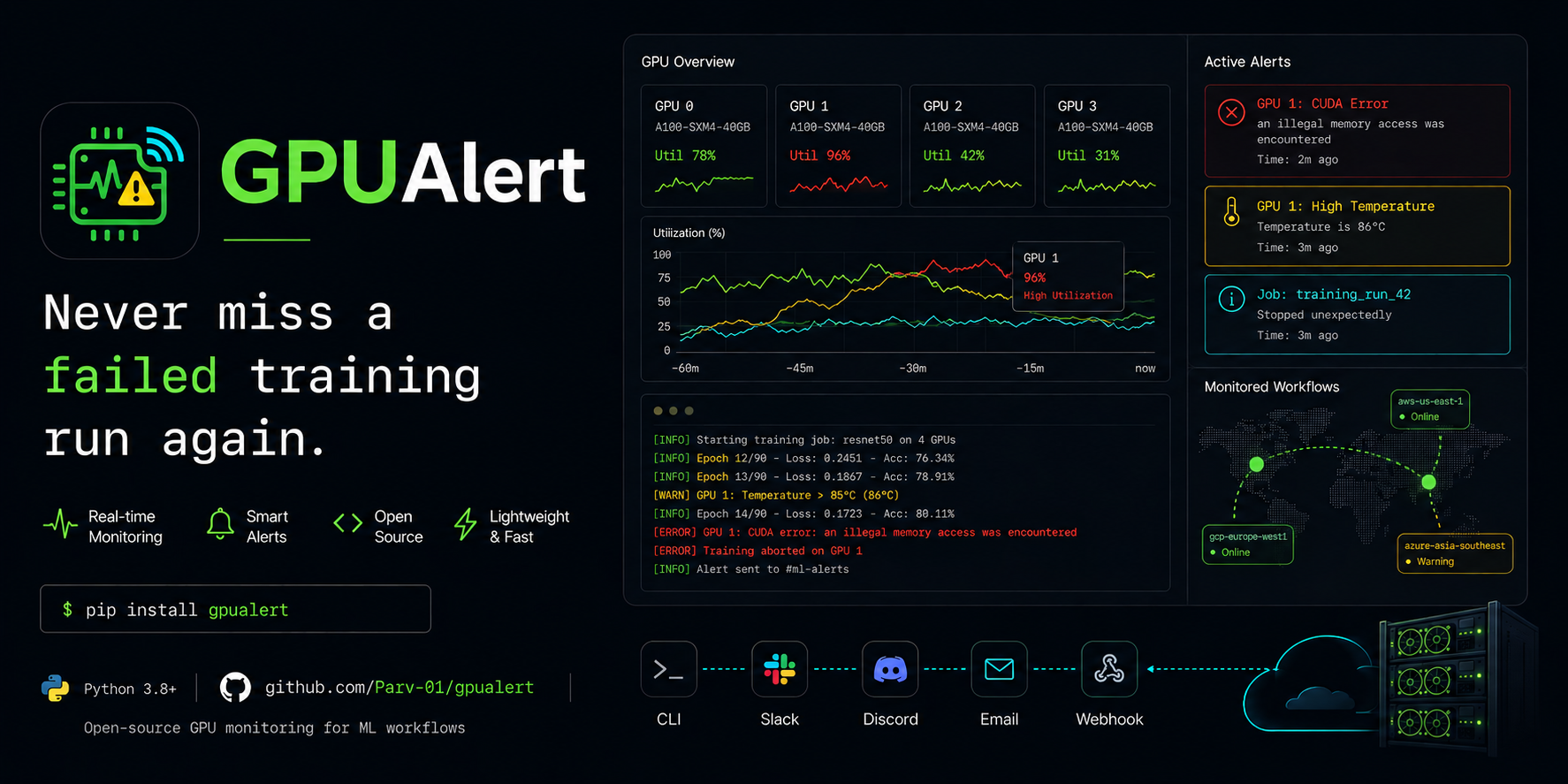




 GPUAlert
A CLI for long-running GPU and Slurm jobs that emails you when they finish - with the full stdout/stderr logs and any output artifacts attached.
pip install gpualert
gpualert config --init
gpualert run -- python train.py
Why
You've kicked off training, it'll take twelve hours, and you want to know whether it crashed at hour two or finished cleanly at hour eleven. SSH'ing back in to find out is a tax. GPUAlert wraps the job, writes structured logs to disk, classifies common failure modes (CUDA OOM, NCCL, NaN loss, OOMKiller, etc.), and emails you the result with logs attached.
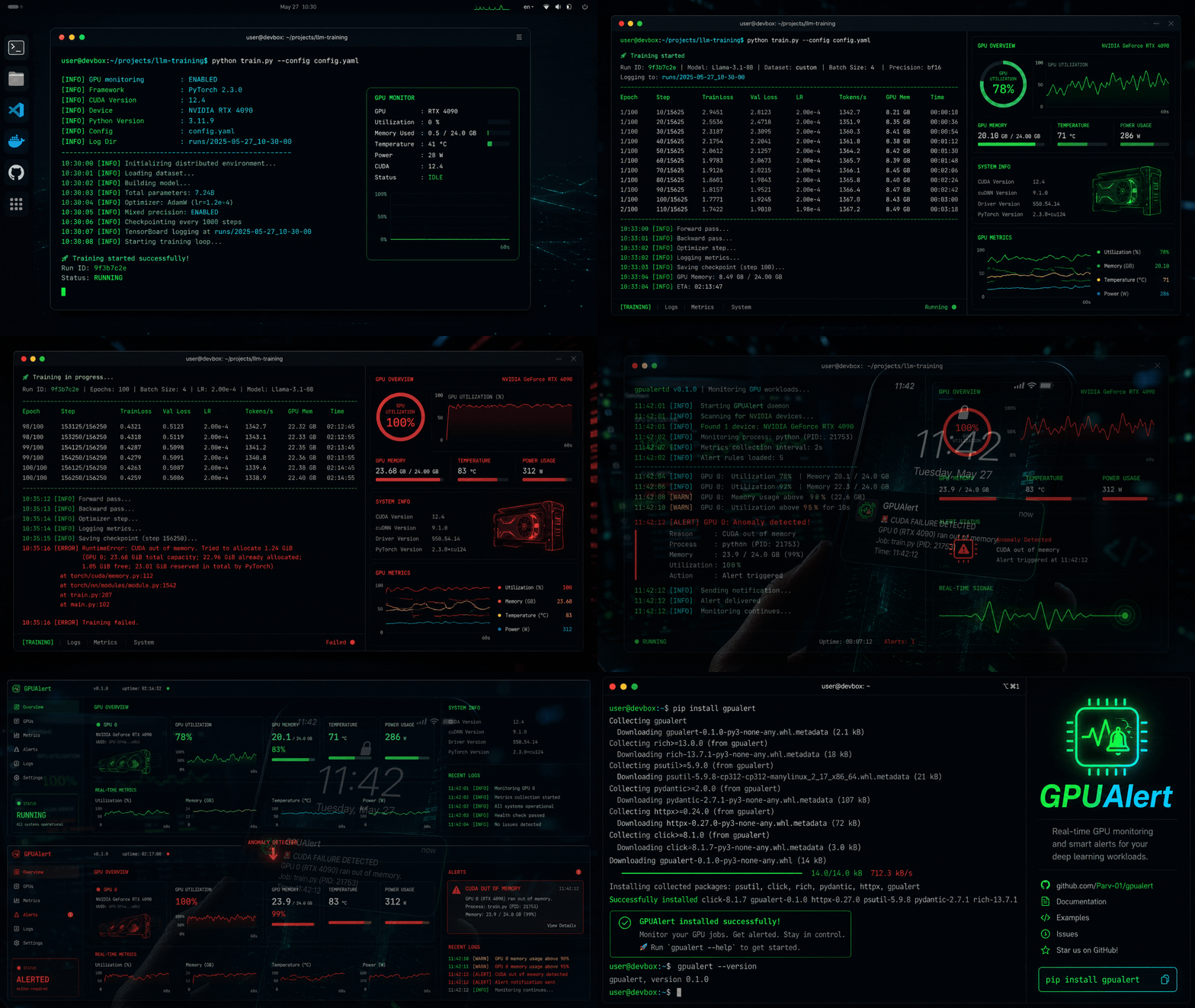
Features
- Wraps any command and emails on completion: success, failure, timeout, or Ctrl+C.
- Polls Slurm jobs via
sacctso you can monitor jobs you already submitted withsbatch. - Writes log files to disk before the process starts, so they exist even on segfault.
- Always attaches logs to failure emails. Non-negotiable.
- Auto-detects ML metrics in successful runs (
accuracy,loss,F1,mAP, ...) and surfaces them in the email body. - Scans the working directory for output artifacts after the job ends; budgets the email and zips the overflow.
--dry-runprints the email it would send without touching SMTP - useful for debugging.
Quick start
Install and configure:
pip install gpualert
gpualert config --init     # interactive SMTP wizard
gpualert test-email        # verify it actually works
For Gmail, generate an App Password at https://myaccount.google.com/apppasswords (requires 2FA on the account). Paste it at the password prompt.
Wrap a local job:
gpualert run -- python train.py --epochs 50
gpualert run --timeout 7200 -- bash train.sh
gpualert run --dry-run -- python smoke.py
Monitor a Slurm job you've already submitted:
gpualert slurm 12345
gpualert slurm 12345 --interval 30 --timeout 86400
List recent log directories:
gpualert logs --last 20
Configuration
Stored at ~/.gpualert/config.toml (mode 600), created on first run.
[smtp]
server = "smtp.gmail.com"
port = 587
use_tls = true
username = "you@gmail.com"
password = "your-app-password"

[email]
to_addresses = ["you@gmail.com"]
attach_logs_on_success = true

[artifacts]
patterns = ["*.csv", "*.png", "*.json", "*.log", "*.npz"]
max_single_file_mb = 25
max_total_mb = 45
Full reference: docs/configuration.md.
Documentation
- Getting Started
- CLI Reference
- Python API
- Configuration
- Architecture
- Runbook
- Contributing
- Releasing
- Local testing guide
Community
GPUAlert is built in the open. If you find it useful, run into a bug, or have an idea, here's how to get involved:
- Star the repo if you'd like more updates - it helps other ML researchers find the project.
- Questions, ideas, war stories? Open a thread in GitHub Discussions. Anything from "does this work with X scheduler" to "I wrote a notifier for Y" - happy to hear it.
- Bug reports go to
Issues. The template asks for
gpualert version, your OS, and the relevantcombined.loglines so triage is fast. - Feature requests also live in Issues. Tell me what's painful in your current workflow and what would make it less painful.
- Pull requests welcome. Contributing has the dev setup. Small fixes (typos, docs, error messages) - open a PR directly. Larger changes - open an issue first so we can agree on the shape before code happens.
Looking for collaborators on: a Slack / Discord / Telegram notifier backend, multi-job dashboards, and a Prometheus exporter for cluster-wide stats. If any of those scratch your itch, say so in a Discussion thread.
Requirements
- Python 3.10+
- Linux or macOS
- An SMTP account you can authenticate to
License
MIT. See LICENSE.
Release history Release notifications | RSS feed


Download files
Download the file for your platform. If you're not sure which to choose, learn more about installing packages.
Source Distribution
Built Distribution
Filter files by name, interpreter, ABI, and platform.
If you're not sure about the file name format, learn more about wheel file names.
Copy a direct link to the current filters
File details
Details for the file gpualert-0.1.1.tar.gz.
File metadata
- Download URL: gpualert-0.1.1.tar.gz
- Upload date:
- Size: 39.8 kB
- Tags: Source
- Uploaded using Trusted Publishing? No
- Uploaded via: twine/6.2.0 CPython/3.12.3
File hashes
| Algorithm | Hash digest | |
|---|---|---|
| SHA256 |
8d57e716d6a4ab2a689a30e3d7f9164f4879d628ae95c08f113f0cb27ff2adb9
|
|
| MD5 |
4de7dc9e8131f3cdd6cce22d168fe570
|
|
| BLAKE2b-256 |
b347cde3c28458a362d30b41690e9030fc6654a35490d2717b73486e3531bb3c
|
File details
Details for the file gpualert-0.1.1-py3-none-any.whl.
File metadata
- Download URL: gpualert-0.1.1-py3-none-any.whl
- Upload date:
- Size: 29.1 kB
- Tags: Python 3
- Uploaded using Trusted Publishing? No
- Uploaded via: twine/6.2.0 CPython/3.12.3
File hashes
| Algorithm | Hash digest | |
|---|---|---|
| SHA256 |
c37911c534aee4a7ca04cc6cb8e4e2b40768b1126cb9b9639c9d0a10f18a6ab5
|
|
| MD5 |
0ca14fd0f43047cbca8bc4fe41e8516b
|
|
| BLAKE2b-256 |
c7a888a04e44402a265204557c848f02907cb106262acb896550c71fcdfb9ee3
|






